



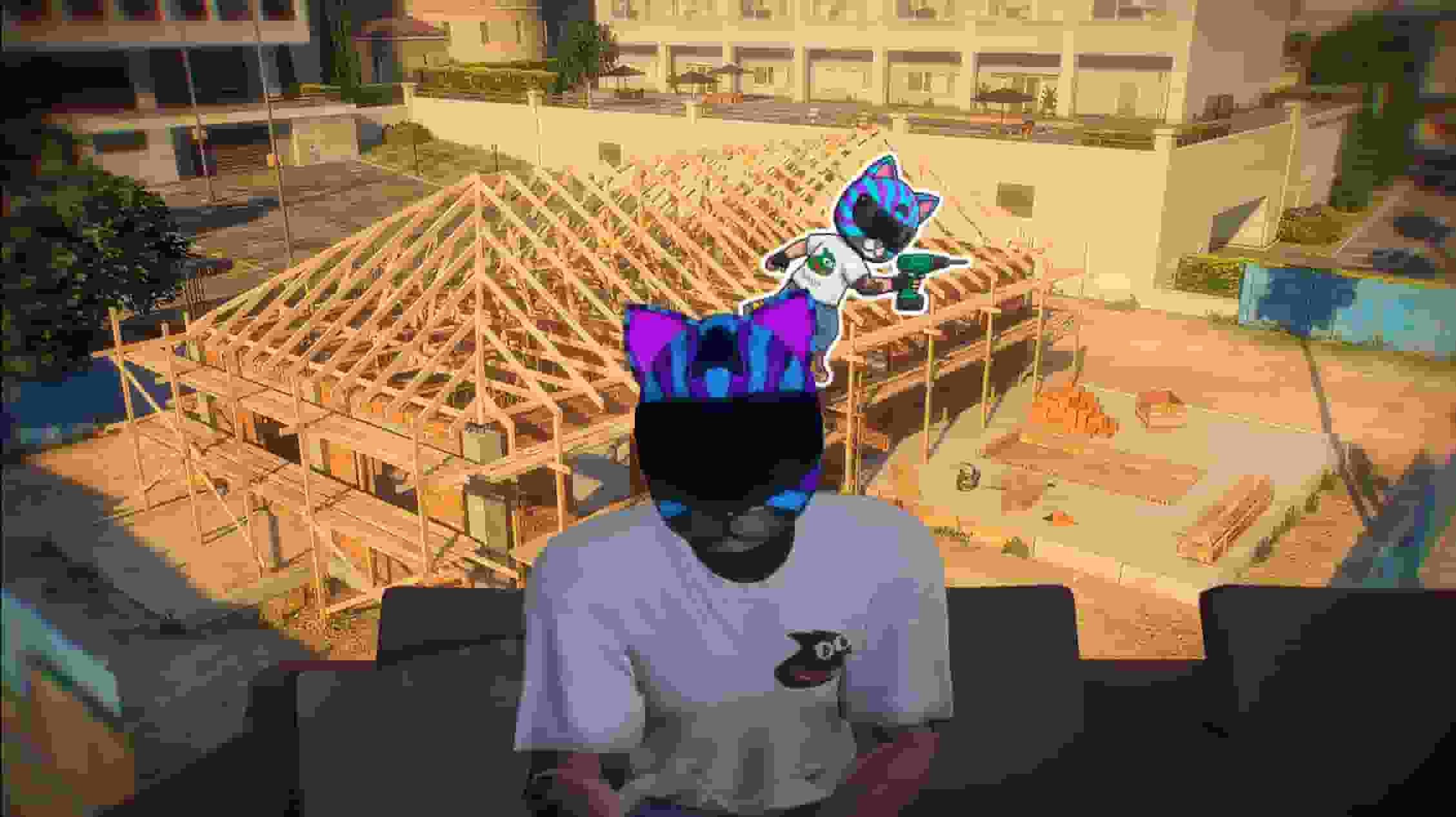
MLO Creator is a complete mapping studio inside FiveM. Open a sealed building with the Collision Cutter, build a brand-new interior behind its door with the MLO Creator, furnish it with working doors, props and lights in the MLO Editor, and dress the street outside with the YMAP Creator — all from the game, with a free camera and on-screen handles, without ever opening CodeWalker.
What separates it from every other mapping tool is the last step. Press Build and the script writes real game files — ydr, ybn, ytyp, ymap — into a resource of their own and loads them live for every player, with no server restart. Every project is saved in the database, every setting is changed from an in-game panel, and nothing GTA ships is ever modified: remove a map and the original world comes back.
Where to start#
Page | What it covers |
|---|---|
Requirements, the add_ace lines in server.cfg, the automatic database, admin access and updating safely. | |
The studio, live builds, and every tool step by step with its keys. | |
Frameworks, appearance scripts, the collision server, door locks, the furniture catalogue, fences and languages. | |
What it does#
Area | Details |
|---|---|
Collision Cutter | Look at a sealed door, click, build: its collision and model are gone and players walk through. Door-sized boxes and corner tracing for walls the game made in one piece. |
MLO Creator | Interiors from scratch on a grid: paint floors and the walls rise on their own. Doors, windows, stairs, several levels, round and curved walls, 100+ textures, mouldings, rooms, timecycles and automatic portals. |
MLO Editor | Furnish your own interiors or any MLO from a .ytyp: about 500 catalogue props, custom models, addon meshes, working doors for lock scripts, lights, per-room lighting and entity sets. |
YMAP Creator | The open world: props, fences drawn corner by corner, parked cars, timecycle zones, LOD hierarchies, occluders, distant lights and painted grass. Imports existing CodeWalker ymaps. |
Driving it from your own scripts? An admin menu can open the studio on a specific tool with one export, and a restart scheduler can wait for a running build with another. See Commands and Exports.