How Shells Work#
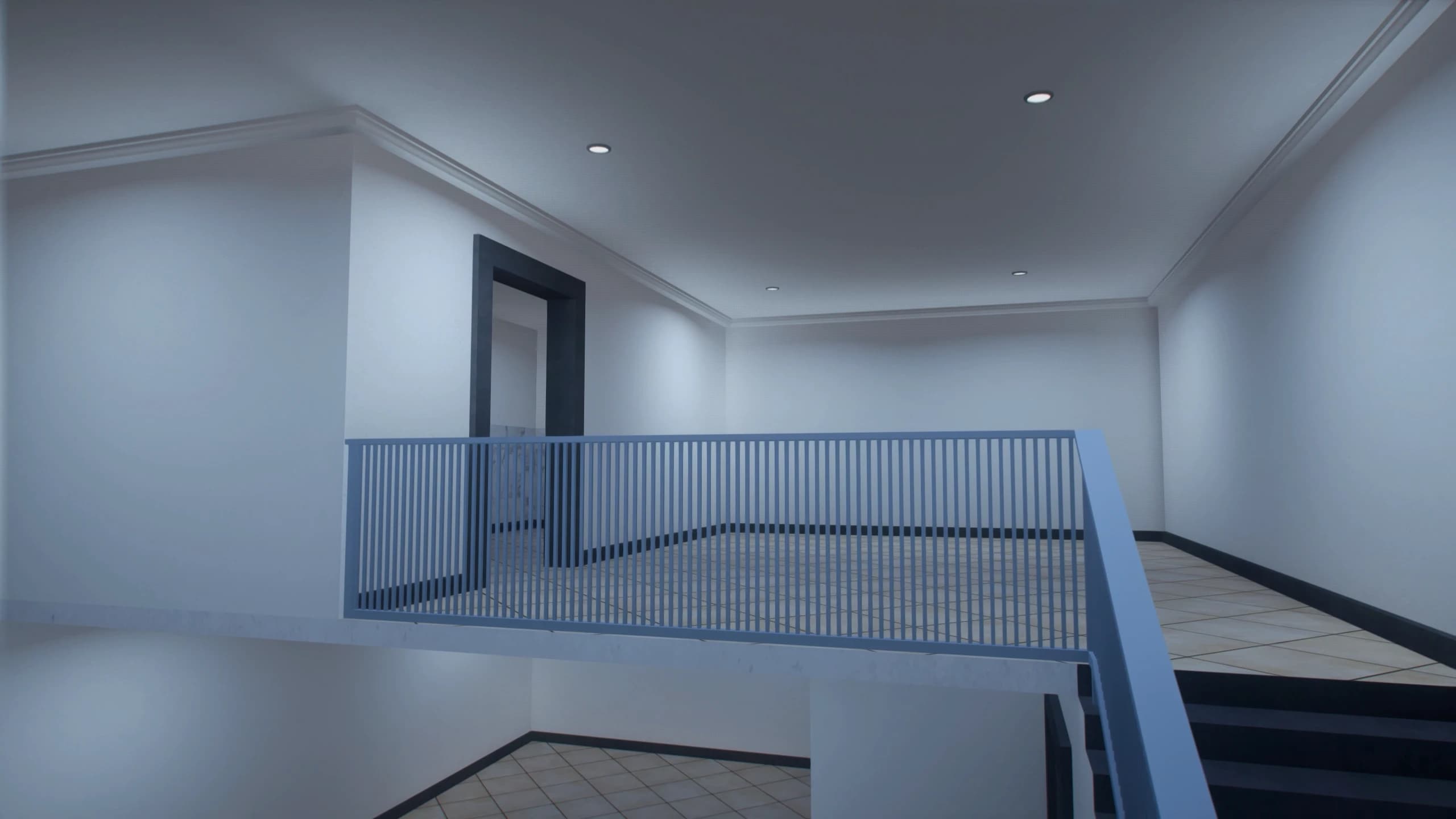
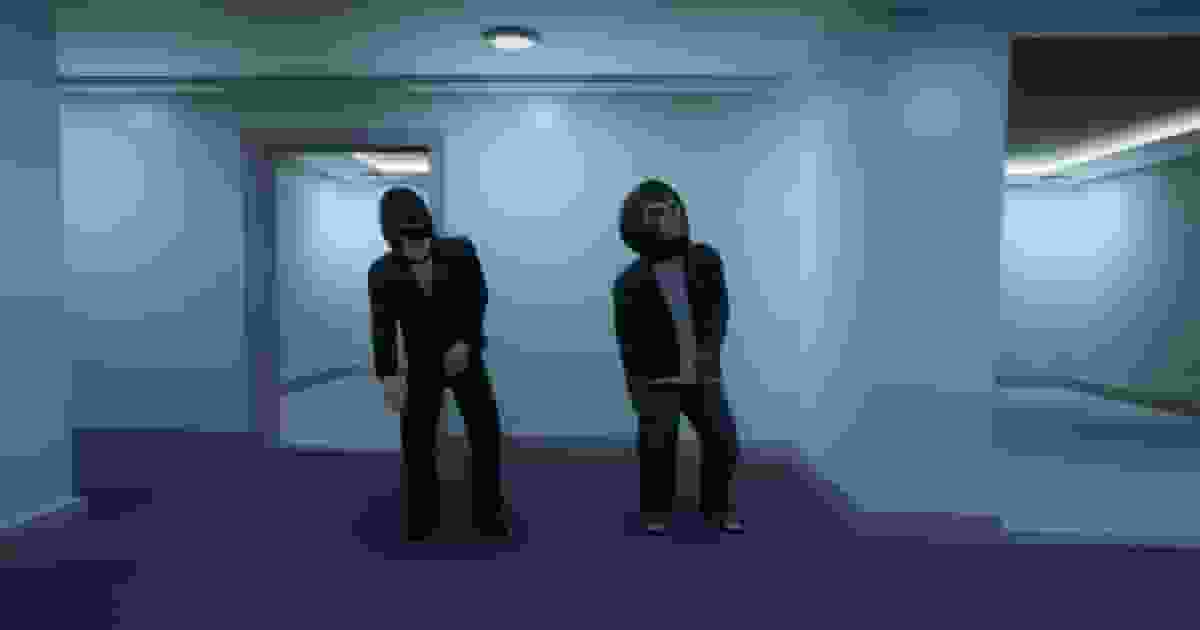
A shell is a complete building interior delivered as a single model. When a player enters a property, the housing script spawns the shell away from the map, usually high in the sky or far underground. It then moves the player to the shell's door, and walks them back out to the street when they leave.
Each visit gets its own copy of the shell, so one model can serve every property on your server. For the same reason, two houses that use the same shell never share furniture or storage.
The Shells#
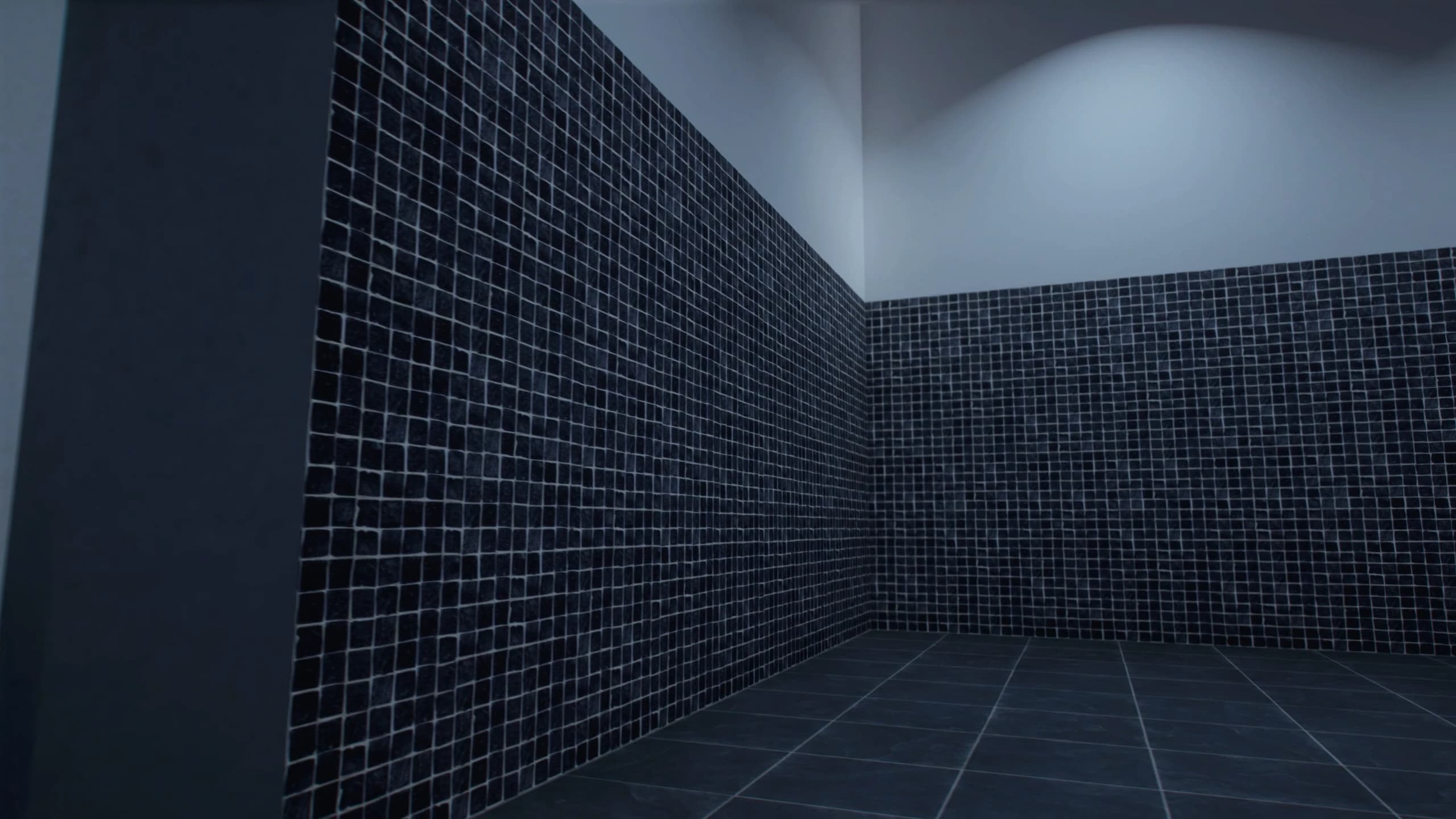
These are the five model names to put into your housing script. Type them exactly as shown, in lowercase with underscores:
Model | Size | Description |
|---|---|---|
| Medium | Standard medium interior. |
| Medium | Alternative medium interior. |
| Medium |
Choosing a Shell#
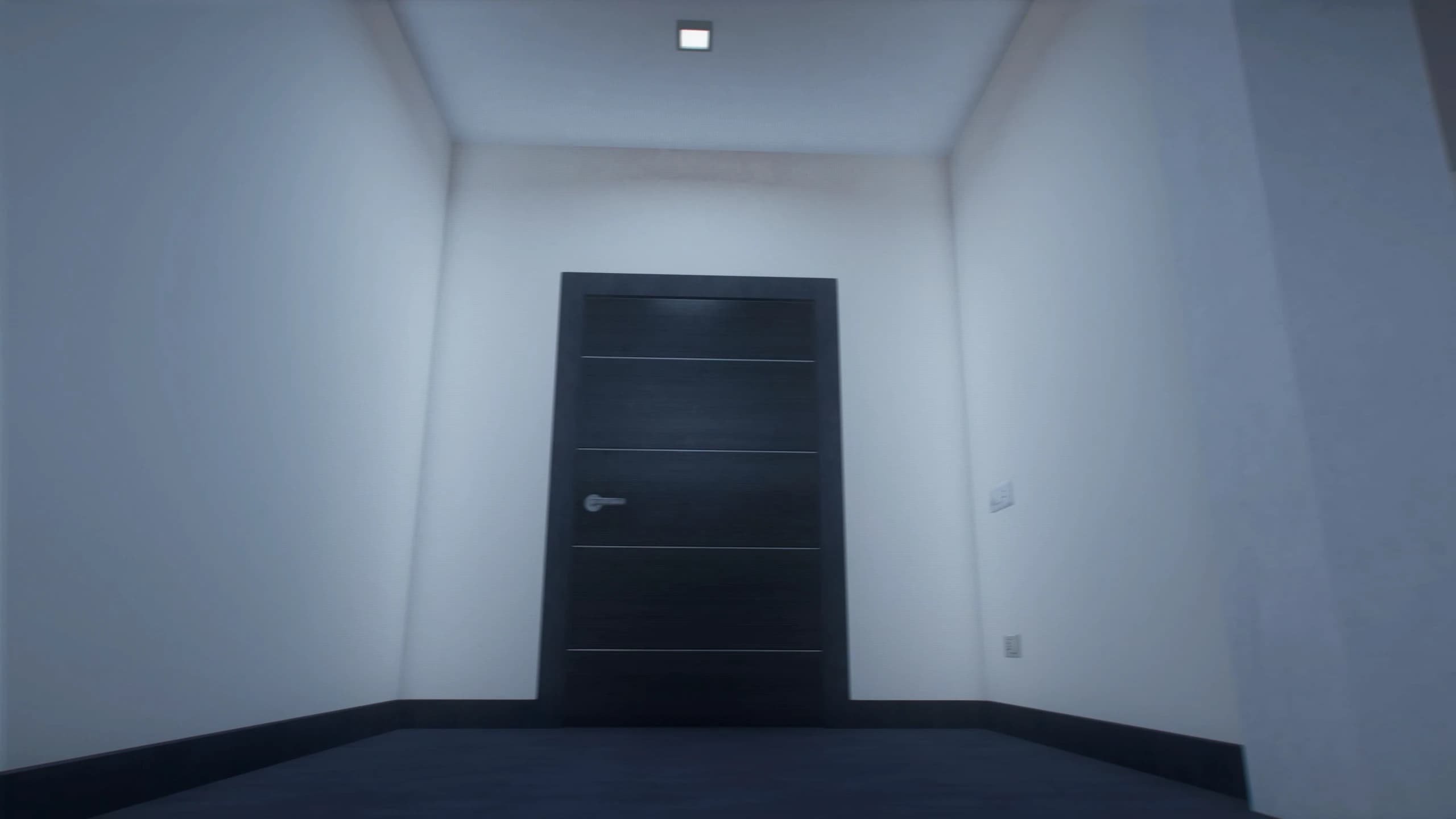
Size makes a natural price ladder for your housing market:
Small shells work as starter homes, studios, motel-style rooms and cheap rentals: the first place a new character can afford.
Medium shells work as standard apartments and family houses: the next step up once a player has some money.
Having three medium and two small layouts means neighbouring properties don't all look the same inside. Rotate the shells across a street or an apartment block to keep homes feeling different.
Download Size and Performance#
Each shell is one model of about 1.5 to 2 MB, and the whole pack is about 9 MB. Players download it once, the first time they join, and the game caches it after that. Shells only exist in the world while someone is inside, so they add nothing to your server's normal load.