Each adapter is an open file you can edit: custom/esx/, custom/qb/ and custom/qs/, each with a client.lua and a server.lua. Admin checks, logout, character creation and the SQL queries all live there.
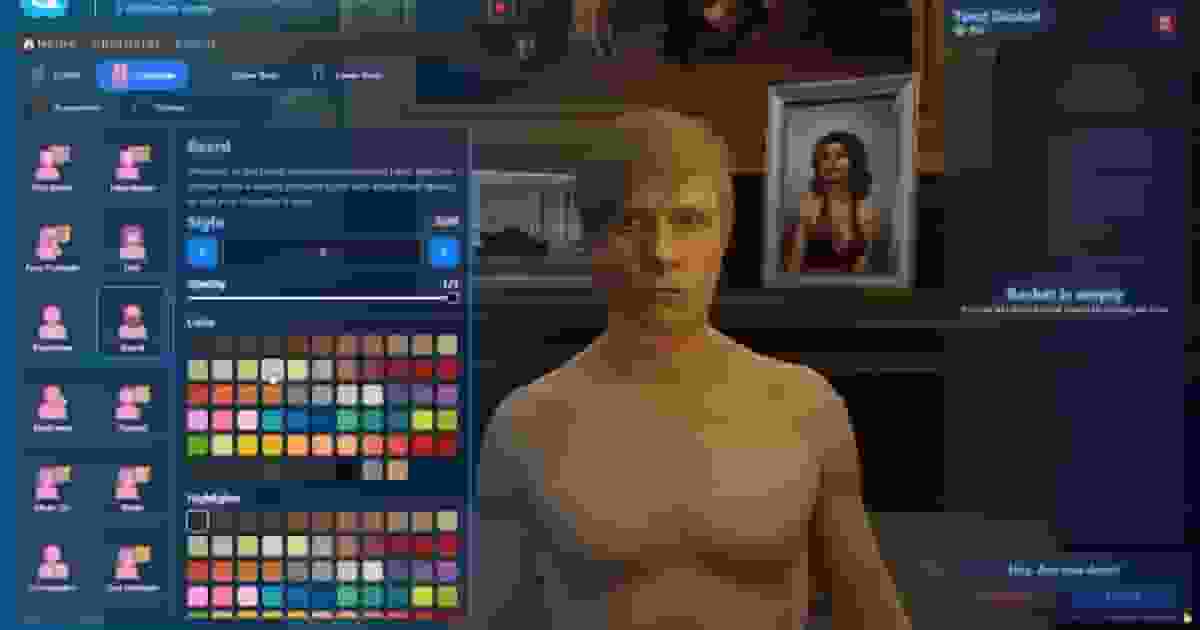
The appearance script dresses the characters in the selection room and opens its creator for new characters. Exactly one must be started — rcore_clothing is the only one allowed next to another, because it always wins.
With an apartment script started, a new character picks its first apartment straight from the spawn selector, and the apartment is created for it.
With qs-housing, every house the character owns appears in the spawn selector, and choosing one puts the player at the door. On QB, the old houselocations table of qb-houses is loaded too when it exists.
With qs-interface, a player joining for the first time configures their HUD before the selection room opens. The HUD is hidden while choosing a character and comes back on spawn. If qs-interface takes too long to start, or the player takes too long in the setup, the menu opens anyway after HudInterfaceWaitMs / HudConfigureTimeoutMs.
The selection room and the spawn selector set their own time and weather. qb-weathersync, cd_easytime, vSync and av_weather are paused while they are open and resumed on spawn. Another weather script can be added in client/custom/main.lua, inside WeatherSyncEvent:
41 translations are included: ar, bg, bn, ca, cs, da, de, el, en, es, et, fa, fi, fr, he, hi, hr, hu, id, it, ja, ko, lt, lv, ms, nl, no, pl, pt, ro, ru, sk, sl, sv, sw, th, tr, uk, ur, vi and zh. Choose one for every Quasar resource at once in server.cfg:
Texts are in locales/<code>.json. Any key missing from your language falls back to English, so a partial translation never shows blank text. To add a language, copy en.json to a new code and translate the values.