Quasar Store Logo

Sell Yachts via Tebex

Allows players to purchase yachts through Tebex as an external payment option, integrating real-money transactions directly into your server economy.

This section explains how the Tebex purchase flow works from the player’s perspective, where instead of directly buying the yacht in-game, they must first complete the payment on Tebex and then use the provided transaction ID (TBX ID) to redeem it. It ensures secure validation of purchases and connects real-money transactions with in-game rewards seamlessly.

1

Tebex Setup (Required)

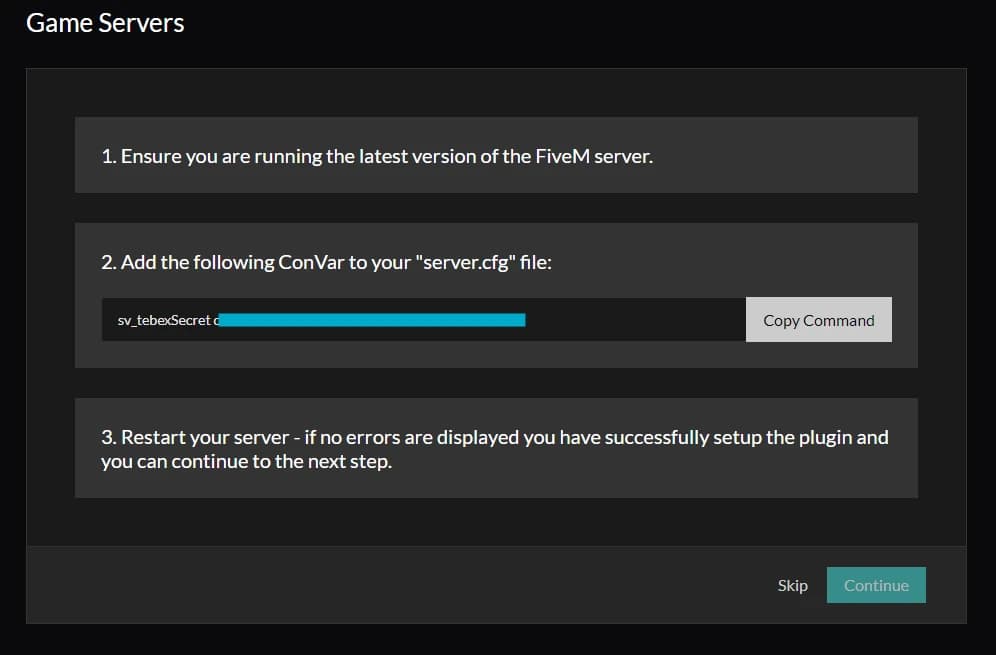
To get started, you must add your sv_tebexSecret convar in your server.cfg for the system to work properly.

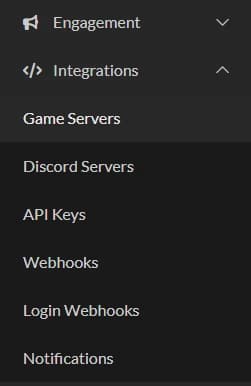
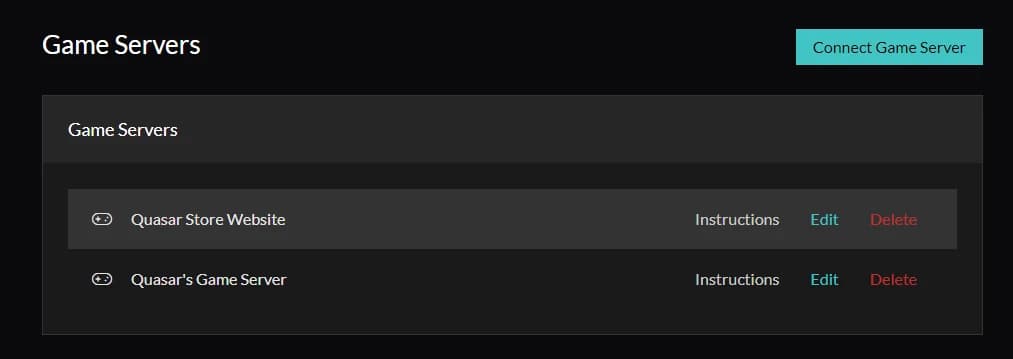
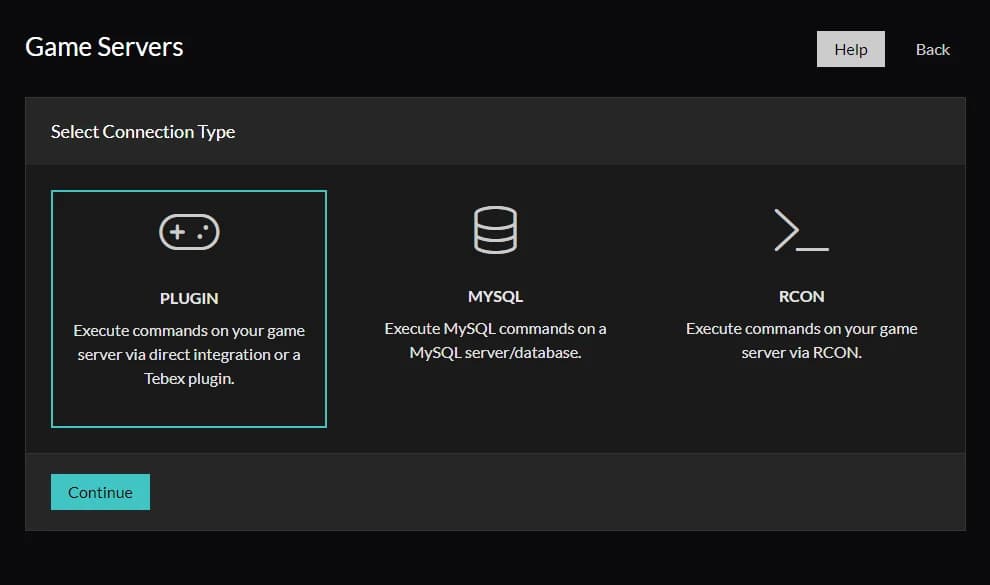
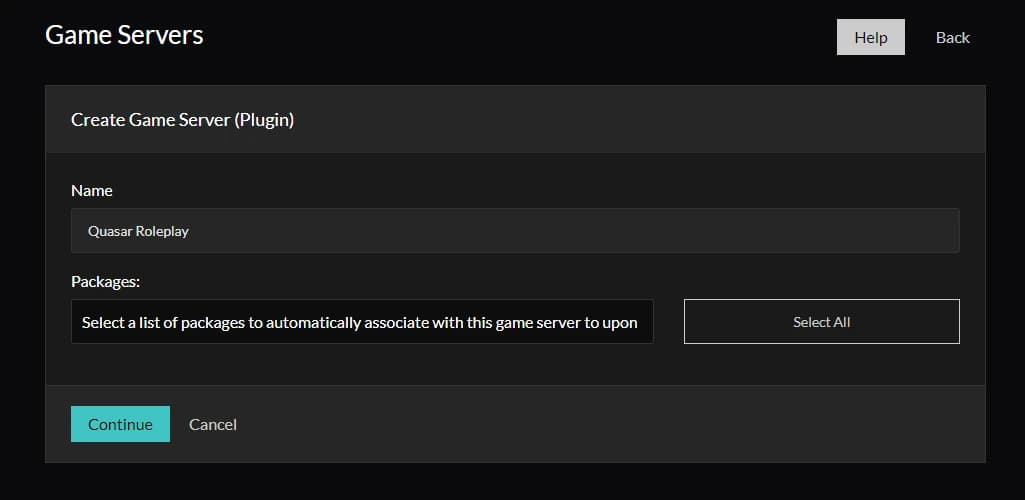
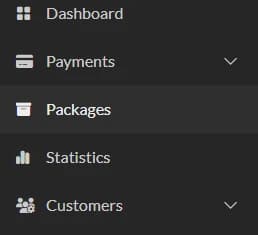
To obtain this, go to Tebex → Integrations (left sidebar), then select “Create Game Server”. From there, you will link your server and choose the products you want to sell as yachts.

fivem tebex yacht purchase system, fivem tebex integration guide, buy yachts fivem tebex, fivem monetization tebex yachts, fivem premium yacht script, tebex transaction id fivem, fivem yacht redemption system, fivem paid assets integration, fivem server monetization tebex, fivem yacht shop system

2

Enable Tebex Payment (qs-yacht)

Next step is to enable the Tebex payment configuration inside the config. Find the Config.TebexPayment section and configure it like this:

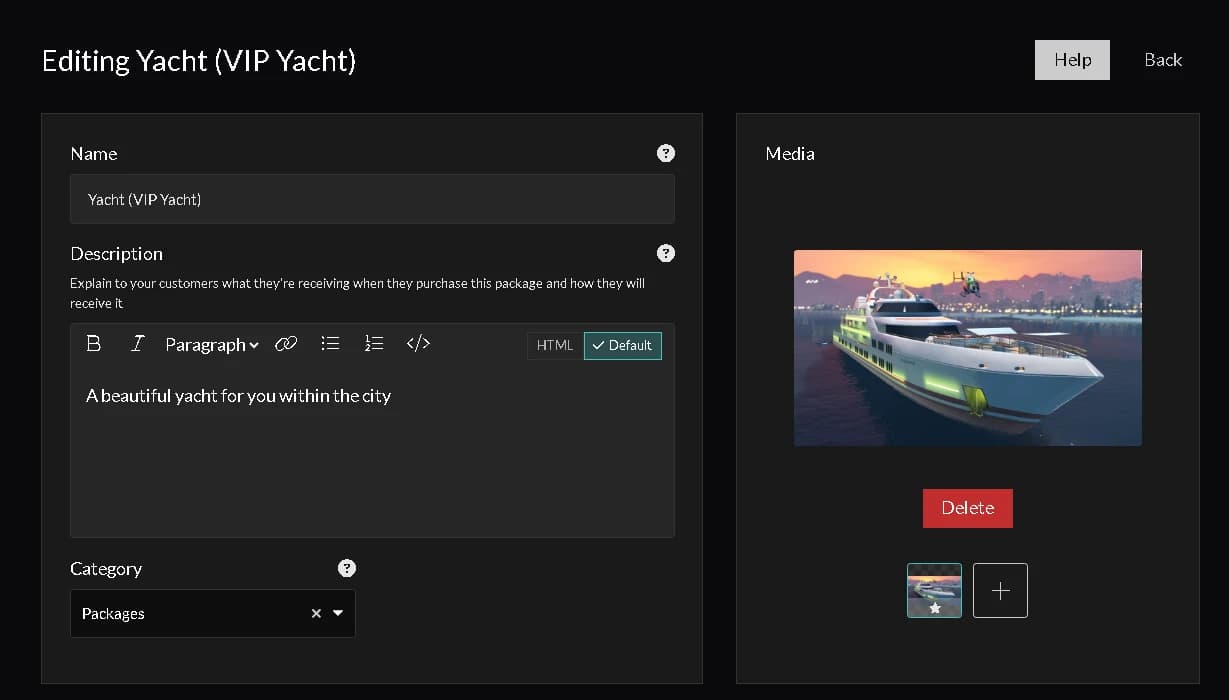
Config.TebexPayment = { enabled = true, packageName = 'Yacht (VIP Yacht)', -- leave empty to allow all packages enableBuyWithoutTebex = true, -- allow in-game money purchase without Tebex bypassMaxOwnedCount = true, -- allow buying even if max yachts reached -- If true, modifications are free after a Tebex purchase -- If false, base yacht is free but upgrades must be paid modificationsFreeWithTebex = true, -- Limit yachts per Tebex transaction ID maxYachtPerTransaction = 1 }

This configuration allows your server to handle yacht purchases through Tebex, while also giving you flexibility to combine it with in-game money if needed. It’s important that the packageName matches exactly the Tebex product name you created earlier, otherwise the purchase won’t be recognized correctly. Everything here depends on the sv_tebexSecret being properly configured, since that’s what links your server with Tebex and validates the transactions.

3

Redeem the Yacht Purchase

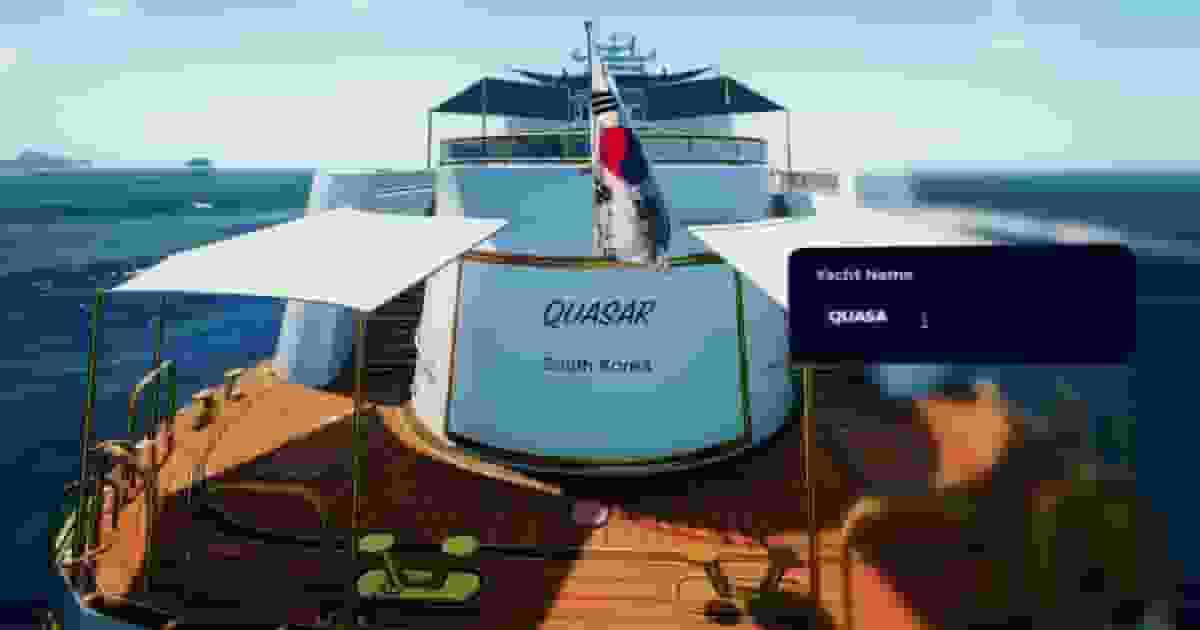
Once everything is configured, the yacht purchase interface will change and the player will be asked to enter a TBX-ID to complete the redemption. To get this ID, the customer simply needs to purchase the package selected in the first step through Tebex. After that, they can enter the transaction ID in-game and redeem their yacht without any additional setup.