


Commands#
Ping Pong registers one in-game command and two console commands for the leaderboard.
Command | Who | Description |
|---|---|---|
| Creator permission | Opens the Ping Pong Table Creator: place, rename, move, delete and teleport to tables. |
| Server console |

Documentation
Every Ping Pong command and key for FiveM: /pingpongcreator, the leaderboard console commands, match and creator controls, and the client events for other scripts.
Ping Pong registers one in-game command and two console commands for the leaderboard.
Command | Who | Description |
|---|---|---|
| Creator permission | Opens the Ping Pong Table Creator: place, rename, move, delete and teleport to tables. |
| Server console |
Deletes every row of the leaderboard: ratings, wins, losses and streaks. Cannot be undone.
| Server console | Adds a test row named |
Who may use /pingpongcreator is the ace in Config.Creator.permission — see Installation. The two console commands exist only while Config.Debug = true, answer only to the server console (txAdmin's Live Console included), and live in server/custom/debug.lua. To clear the leaderboard with debug off, empty the table from your database manager:
DELETE FROM qs_pingpong_leaderboard;The leaderboard keeps a cached copy, so restart qs-pingpong afterwards or it shows the old list until the next duel is rated.
Key | Does |
|---|---|
| Within 2.5 m of a table: opens the menu — Play vs Bot, Play vs Player and Leaderboard. Not used when |
| In the match settings, the player list, the invitation and the leaderboard. Cancel or the close button backs out. |
Key | Does |
|---|---|
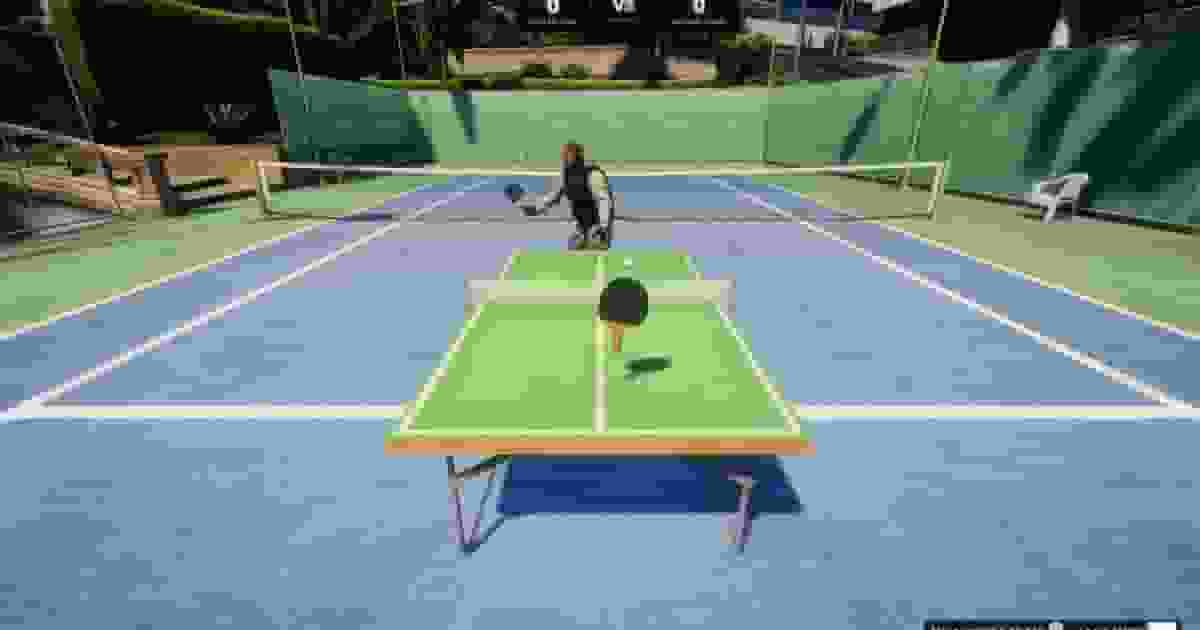
| Moves the racket over your half. A forward flick as you meet the ball hits harder; a sideways sweep steers it. |
| Leave the match, after a confirmation. |
Every other control is disabled for the length of the match. Spectators keep all of theirs.
Key | Does |
|---|---|
| Aim the camera at the spot, up to 50 m away. |
| Confirm. Only while the aim is on a surface. |
| Rotate, for as long as the key is held. |
| Raise (up) or lower (down) by |
| Cancel and go back to the creator. |
Control | Does |
|---|---|
+ | New table. |
Search box | Filters the list by name. |
A table in the list | Opens it for editing. Its teleport button takes you to it, after a confirmation. |
Select / Reposition | Enters the placing mode above. |
| Closes the creator. |
The interact and leave keys are FiveM control IDs in Config.Keys:
Config.Keys = {
    interact = 38,  -- E: open the table menu
    leave = 177,    -- Backspace: leave a match
}
The prompt and the help texts are written in the translations, so after changing a key update menu.title ([E] - Ping Pong) and the controls entries of your locale file. The placing keys are fixed.
Ping Pong has no exports. Two client events let another resource open its screens — from an arcade menu, a phone app or a command:
Event | Side | Does |
|---|---|---|
| Client | Opens the leaderboard for this player, anywhere. |
| Client | Starts a quick match against the bot — Classic to 3, normal speed, Normal bot, no bet — on the registered table nearest to |
-- client, from any resource
TriggerEvent('pingpong:client:showLeaderboard')

-- a quick bot match at the table the player is standing at
TriggerEvent('pingpong:client:interactTable', PlayerPedId(), true)
entity only gives a position: the table prop itself, or the player's own ped when they are standing beside it. Use true as the second argument — challenges between players go through the table menu.
Function | Side | Decides |
|---|---|---|
| Server | Stakes, wins and pots. |
| Server | Names on screen, and who each leaderboard row belongs to. |
| Client | Messages, the table prompt and the sounds. |
Examples for each are in Integrations.