


Quasar Store Logo

Replace DrawText3D

This guide explains how to replace the traditional DrawText3D system used in many FiveM scripts with Quasar Text UI. The goal is simple: keep your scripts compatible while improving performance, visuals, and usability. Instead of rewriting every script, you only need to replace the original DrawText3D function. Once this is done, all existing DrawText3D calls will automatically use Quasar Text UI, giving you a cleaner and optimized 3D text system.

What Is This System For?

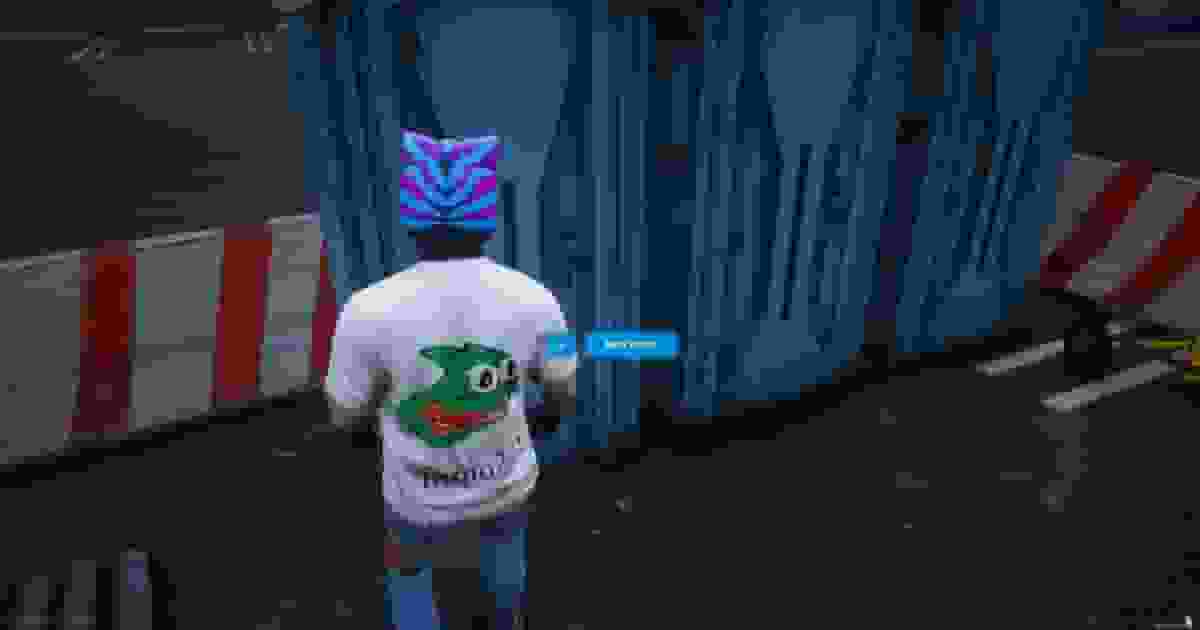
Many scripts use a function called DrawText3D to display text in the world, such as interaction prompts. Examples:

[E] Sit
[E] Open Door
[E] Talk to NPC

The problem is that the default DrawText3D system is old, heavy, and visually limited. Quasar Text UI replaces it with a modern system that is:

More optimized
Cleaner visually
Fully customizable
Easier to control

The replacement keeps the same function name, so your scripts continue working without rewriting them.

1

Add The Replacement Function

Add the following function to your client-side script.

This will override the old DrawText3D system and redirect it to Quasar Text UI.

local texts = {} function DrawText3D(x, y, z, text, id, key) local _id = id if not texts[_id] then CreateThread(function() texts[_id] = 5 while texts[_id] > 0 do texts[_id] = texts[_id] - 1 Wait(0) end texts[_id] = nil exports['qs-textui']:DeleteDrawText3D(id) end) TriggerEvent('textui:DrawText3D', x, y, z, text, id, key) end texts[_id] = 5 end

Once this function exists in your script, every DrawText3D call will automatically use Quasar Text UI.

2

Ensure Compatibility (Optional)

If you want your script to work even without qs-textui installed, use this version instead.

It will automatically switch between Quasar Text UI and the default DrawText3D.

local texts = {} if GetResourceState('qs-textui') == 'started' then function DrawText3D(x, y, z, text, id, key) local _id = id if not texts[_id] then CreateThread(function() texts[_id] = 5 while texts[_id] > 0 do texts[_id] = texts[_id] - 1 Wait(0) end texts[_id] = nil exports['qs-textui']:DeleteDrawText3D(id) end) TriggerEvent('textui:DrawText3D', x, y, z, text, id, key) end texts[_id] = 5 end else function DrawText3D(x, y, z, text) SetTextScale(0.35, 0.35) SetTextFont(4) SetTextProportional(1) SetTextColour(255, 255, 255, 215) SetTextEntry('STRING') SetTextCentre(true) AddTextComponentString(text) SetDrawOrigin(x, y, z, 0) DrawText(0.0, 0.0) local factor = text:len() / 370 DrawRect(0.0, 0.0 + 0.0125, 0.017 + factor, 0.03, 0, 0, 0, 75) ClearDrawOrigin() end end

This ensures your script never breaks, even if the resource is missing.

3

Update Your DrawText3D Calls

Old scripts usually call DrawText3D like this:

DrawText3D(x, y, z, "Add your text here")

With Quasar Text UI you should use:

DrawText3D(x, y, z, "Add your text here", "unique_id", "E")