


Basic Item Structure
Every item is defined using a set of core properties that determine how it behaves in the inventory. These include the item identifier, the name shown to players, its weight, type (item or weapon), image, and whether it can stack or be used. You can also define if the inventory should close when the item is used and add a short description. These fields form the base configuration that every item should have before adding advanced behavior.
Durability and Item Decay
Some items can wear out after repeated use. This behavior is controlled through the decay and delete properties. The decay value determines how fast the item deteriorates, while the delete property decides if the item should be removed once its durability reaches zero.
World Objects and Throwable Items
Items can also have a physical object assigned so they appear in the world when dropped or thrown. This is defined using the object property, which links the item to a GTA prop model. If an item has an object assigned, it can usually be thrown unless the throw behavior is disabled.
Item Rarity
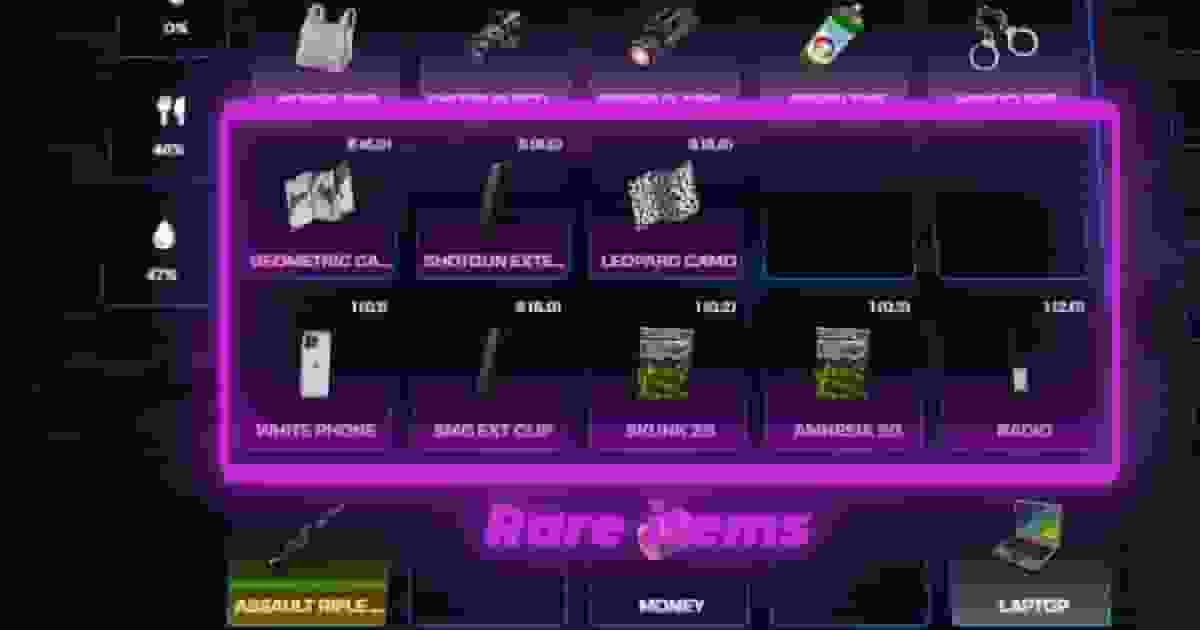
Items can be visually categorized using a rarity system. The rare field only affects how the item appears in the inventory by changing its color. This is useful for highlighting valuable items such as rare loot or special equipment.
Job Restrictions
You can restrict items so that only certain jobs can use them. This is configured using the job field, which accepts one or multiple job names. It is commonly used for police equipment, medical tools, or job-exclusive gear.
Item Exports and Custom Logic
Items can trigger custom client logic when used by linking them to an export. This allows developers to attach their own scripts or features to the item usage system.
Internal export example:
Consumable Items (Food and Drinks)
Consumables are items that affect player needs such as hunger or thirst. They can include animations, props, usage duration, and movement restrictions during consumption.
You can attach more than one prop to an item during its animation. This is useful for more complex actions such as eating with utensils or holding multiple objects.
Preventing Items From Being Thrown
If an item has a prop but should not be throwable, you can disable that behavior using disableThrow.
Usage Location Restrictions
Items can be restricted to specific sections of the inventory using useableIn. This ensures certain items only work from the hotbar, wallet, or main inventory.
Object Rotation
Dropped items can be visually adjusted using objectRotation. This ensures the prop appears correctly aligned when placed in the world.
Level Restrictions
Items can also require a minimum player level before they can be used. This is defined using the level property and is commonly used for powerful weapons or advanced gear.
