Quasar Store Logo

Crime System User Guide

Complete guide explaining how to use a FiveM gang and crime system, including how to create organizations, manage territories, start missions, control illegal activities, and configure progression systems for ESX, QBCore and Qbox roleplay servers.

Creating A Criminal Organization

To create a new organization, open the Crime Creator interface using the command /crimecreator. In the first tab you will configure the gang’s basic settings, including its colors, territory area, and base location. Inside this territory you can place a house that members will use as their headquarters, allowing them to decorate the interior and optionally add a garage. You can also choose whether the organization’s location should display a public map blip visible to all players.
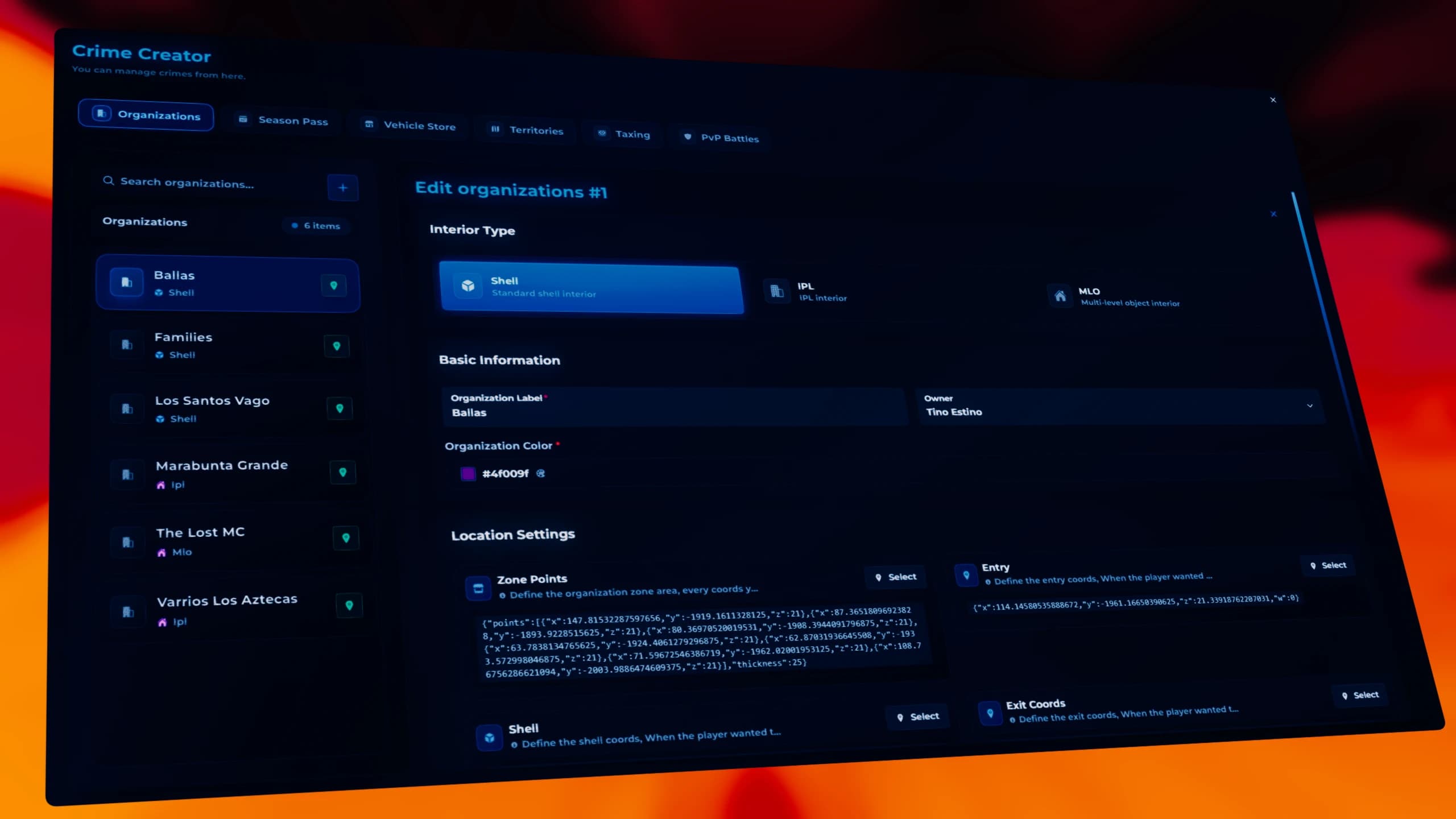
FiveM gang creation interface showing crime organization setup, territory configuration, gang colors, base location and headquarters setup using a FiveM crime system for ESX QBCore Qbox roleplay servers.


Gang Season Pass System

Gang members start with nothing: no vehicles, no money, and no resources. To help them progress, the system includes a customizable Season Pass. Through the /crimecreator panel you can create progression rewards with two options: a free pass and a paid pass using in-game money. As players stay active on the server and complete activities, they can unlock rewards such as vehicles, money, or experience, encouraging progression and long-term gang activity.
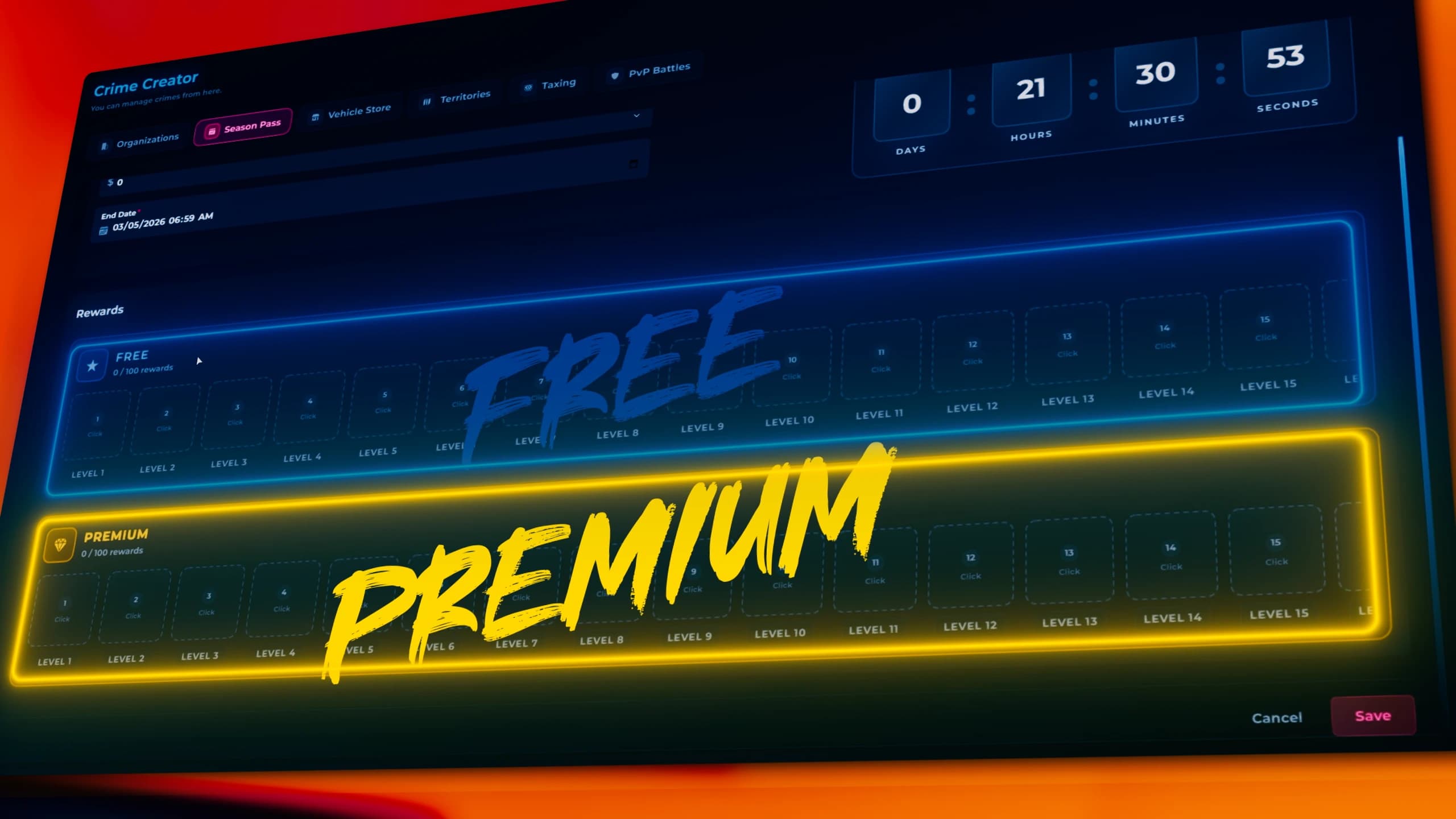
FiveM gang season pass system interface showing reward tiers, gang progression, vehicles, money and XP rewards for ESX QBCore Qbox roleplay servers using an advanced FiveM crime progression system.


Gang Vehicle Shop

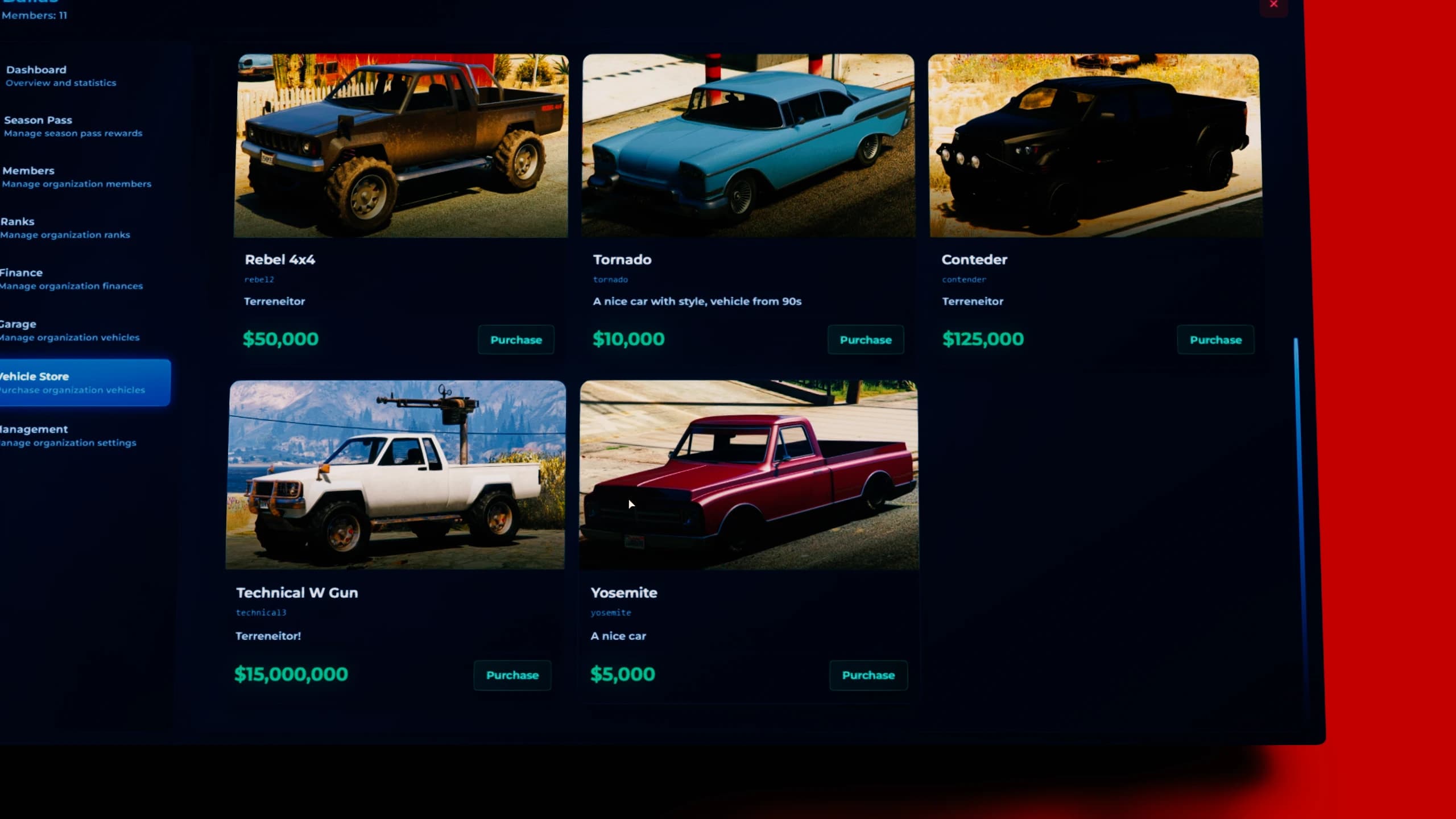
Every gang leader can access the vehicle shop using the tablet item, allowing organizations to purchase exclusive vehicles for their operations. To configure which vehicles appear in this shop, open the /crimecreator panel where you can assign vehicles to gangs. Vehicles can be added to the vehicle shop, mission rewards, or the season pass system. You can also create limited-time vehicles or limited stock offers, making certain gangs more recognizable and rewarding those who obtain rare vehicles.

FiveM gang vehicle shop interface accessed through tablet showing mafia vehicle store, gang cars for sale, limited stock vehicles and crime organization transport system for ESX QBCore Qbox roleplay servers.


Conquerable Territories

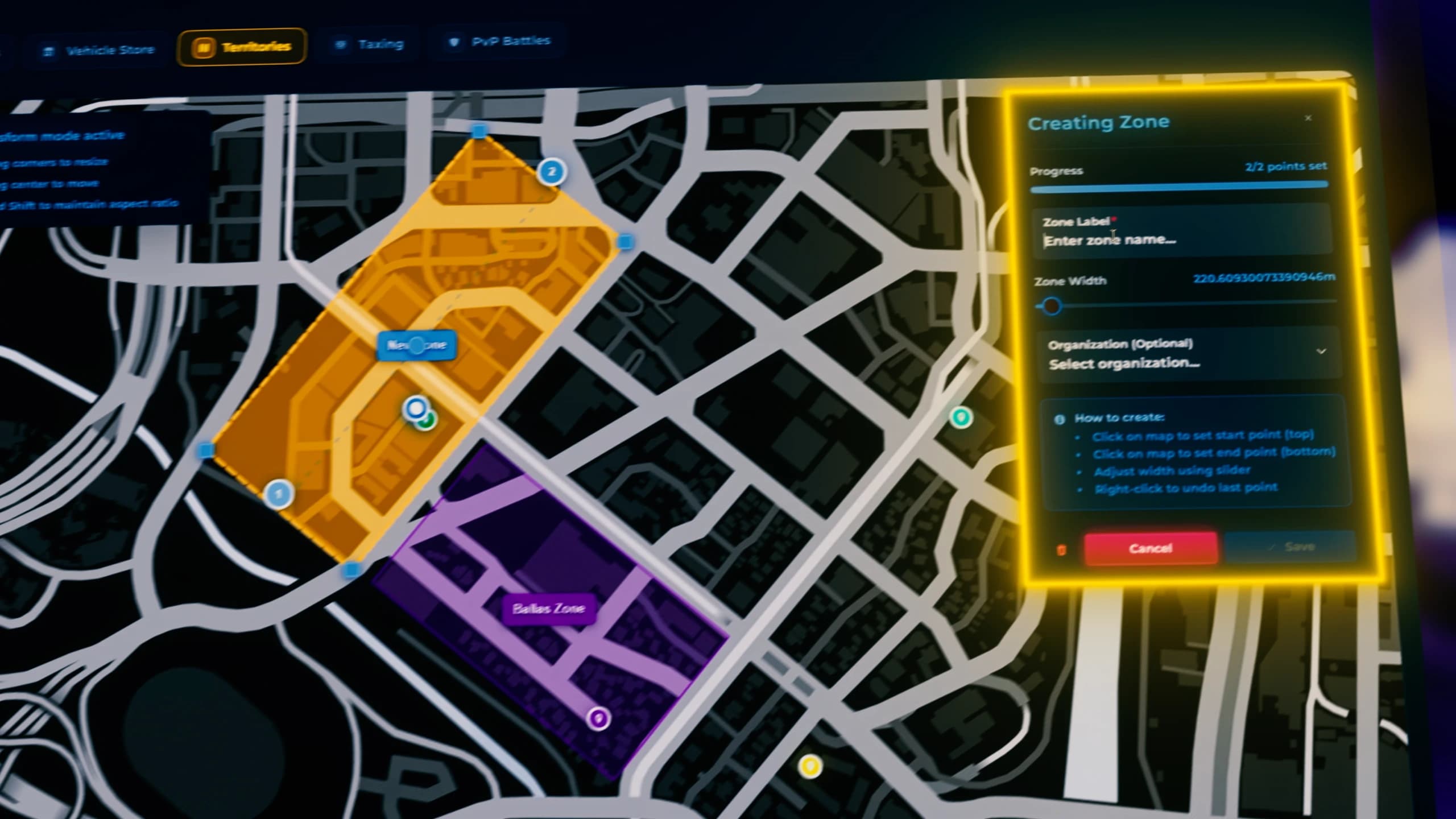
Inside the /crimecreator menu you can also create conquerable territories directly in-game using the built-in editor included with the script. Each zone can be assigned to a specific gang or left as a free territory ready to be claimed. Later, gang leaders can use their tablet item to choose which territory they want to declare war on, creating a dynamic conquest system driven entirely by player decisions.

FiveM conquerable territory editor showing gang war zone creation, mafia territory control, free conquest areas and in-game crime map management for ESX QBCore Qbox roleplay servers.


PvP Battle Zones

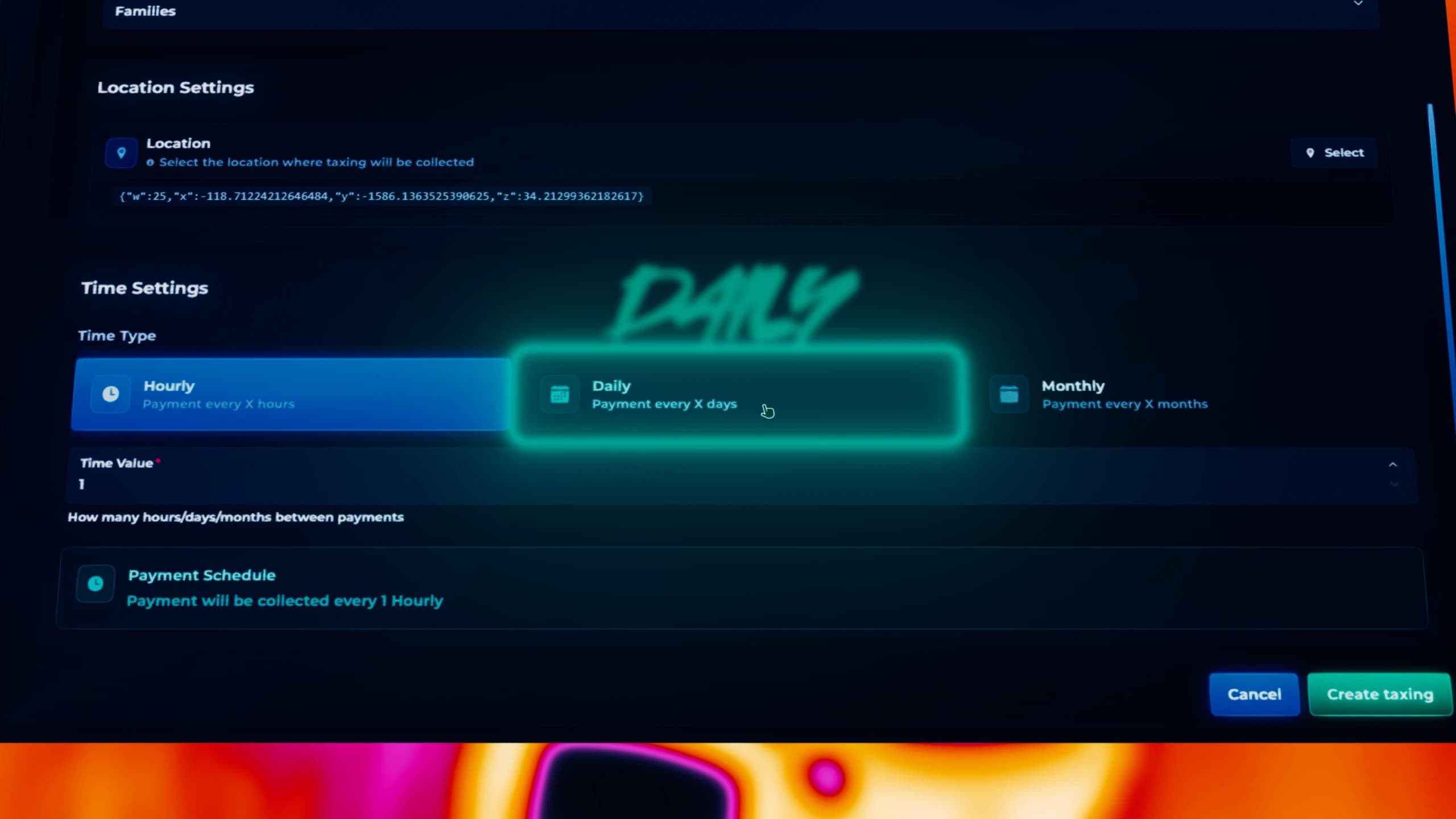
As an administrator you can create PvP battle zones across the map using the /crimecreator command. These zones can start combat events with time limits or repeat automatically every few hours. You can allow random gangs to participate or select specific gangs, such as Ballas vs Vagos, creating organized gang battles and dynamic conflicts around the city.

FiveM PvP battle zone system showing gang wars, timed combat areas, Ballas vs Vagos fights and crime PvP events for ESX QBCore Qbox roleplay servers using an advanced gang warfare system.


Gang Radial Menu (F4)

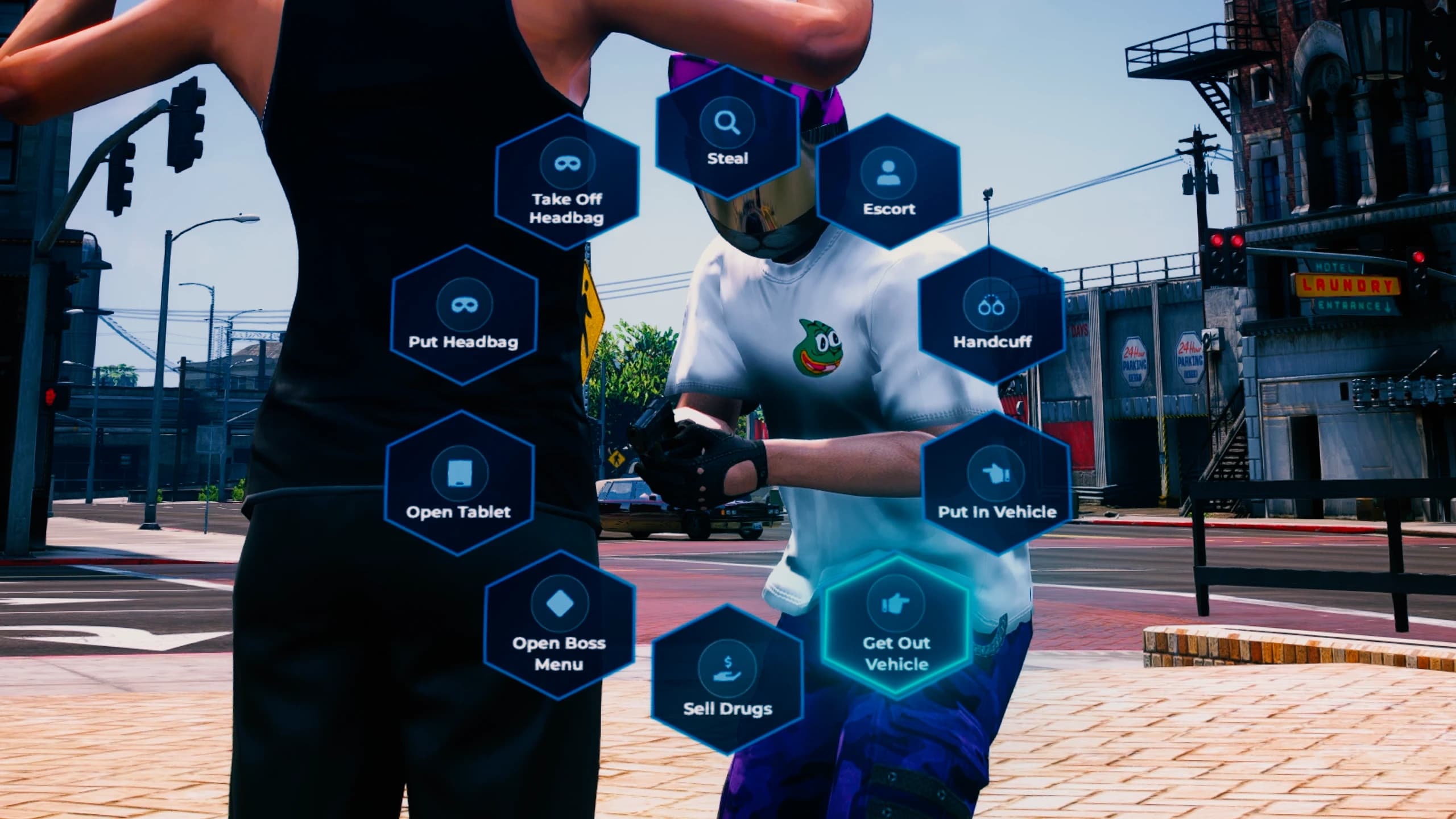
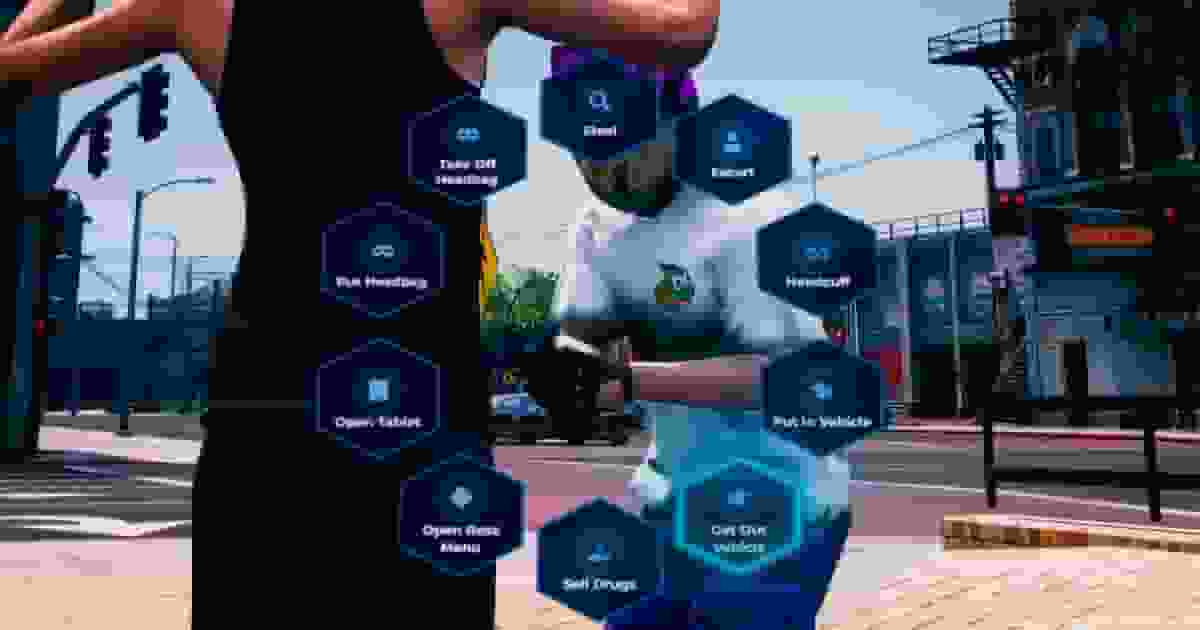
Players who belong to an organization will have access to a gang radial menu through the F4 menu. From here they can quickly access all gang-related actions and features available to members. Opening this menu reveals the main gang interactions and management options. If the player also has the tablet item, even more advanced gang features and systems become available.

FiveM gang radial menu interface opened with F4 showing gang actions, organization management options and criminal interaction system for ESX QBCore Qbox roleplay servers.


Gang Boss Management Menu

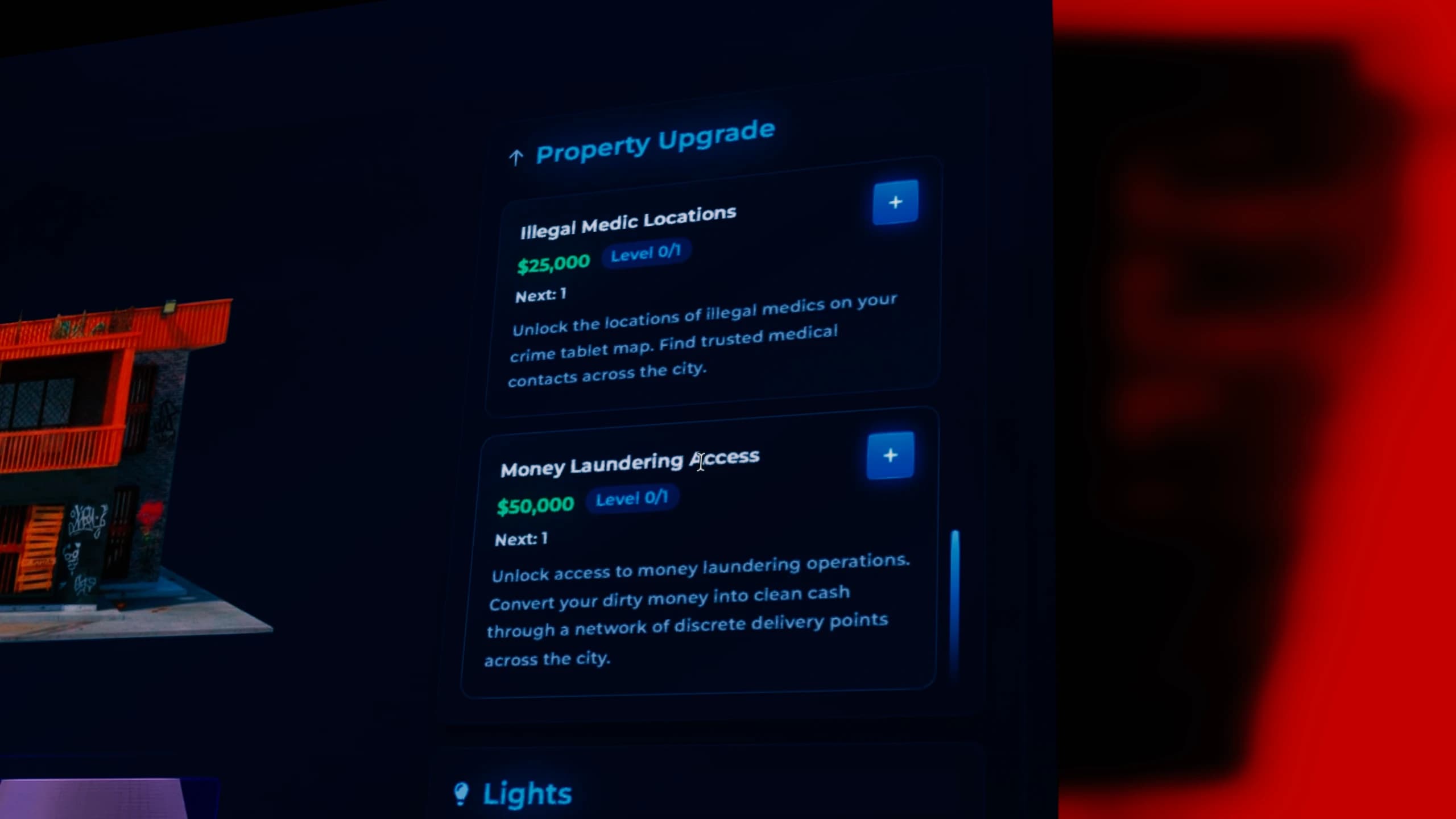
The Boss Menu is where gang leaders manage and grow their organization. From this panel the boss can control ranks, configure member permissions, and purchase vehicles for the gang. The most important section is the Management button, which opens the gang headquarters management system using the familiar qs-housing interface.

However, unlike a normal house, this system introduces real progression upgrades. Improvements are not instant: they work in upgrade levels such as 1/5, 2/5, 3/5, and so on. For example, the stash system can be upgraded multiple times to increase storage capacity, and the base itself can unlock new features like additional vehicle slots and other gang infrastructure improvements.

FiveM gang boss management menu showing organization rank control, gang permissions, vehicle purchases and headquarters upgrade system with stash levels and vehicle slots for ESX QBCore Qbox roleplay servers.


This means gangs must actively complete missions and progress through the system to strengthen their base and unlock better resources over time.