



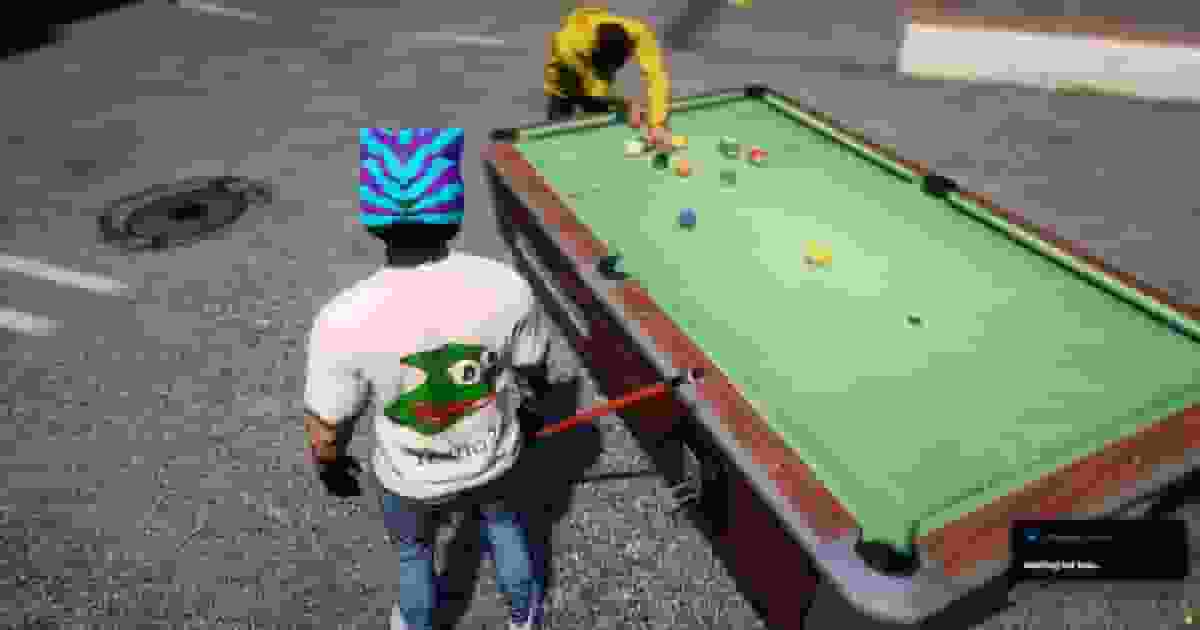
Pool Table Does Not Show an Interaction Prompt#
If a pool table has no interaction prompt, it has not been registered by the resource.
Register the table using /poolcreator, add it manually through the configuration, or enable automatic table detection. Also verify that you are within the configured interaction distance.
Pool Tables Disappear After Restart#
Only tables created with /poolcreator are saved to the database.
If your tables disappear after restarting the server, verify that the SQL file has been imported correctly and that oxmysql is connected successfully.
Pool Table Creator Does Not Open#
If /poolcreator reports a permission error, verify that your administrator account has the required ACE permission configured in server.cfg.
Remember that permission checks are performed on the server, so simply reconnecting your client will not resolve the issue.
Debug Commands Do Nothing#
Debug and calibration commands are only available when Config.Debug is enabled.
Enable debug mode, restart the resource, complete the required calibration, and disable debug mode again before running your production server.
Balls Float or Sink Into the Table#
If the balls appear above or below the cloth surface, the table calibration is incorrect.
Use the available calibration commands to adjust the table surface until the balls rest naturally on the playing area.
Balls Do Not Fall Into the Pockets#
If balls bounce away from pockets or never fall in, the pocket size or collision settings require calibration.
Adjust the pocket configuration using the built-in calibration tools until the table behaves correctly.
Money or Bets Are Not Working#
Player payments depend on the detected framework. On standalone servers, money functions are disabled by default.
Verify that your economy integration is configured correctly and that the selected payment method matches your framework.
Players Cannot See Pool Shots#
Quasar Billiards requires OneSync for multiplayer synchronization.
Also verify that players remain within the configured streaming distance so cue animations, balls, and gameplay remain synchronized.
Cue or Player Animations Look Incorrect#
If the cue appears misplaced or player animations look incorrect, use the available calibration commands to adjust player stance, hand positions, cue placement, and cue rotation until everything aligns correctly.