



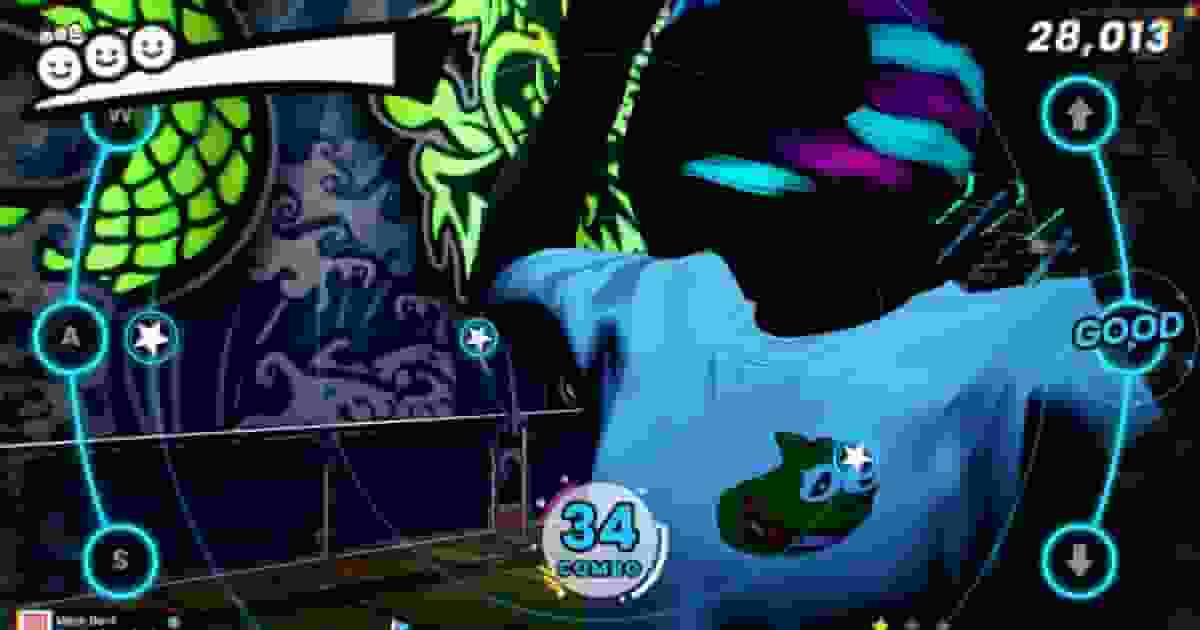
Song Does Not Appear in the Dance Machine#
If a song is missing from the in-game dance machine, it most likely hasn't been generated yet. Open the /dancemusic panel, select the song, and generate its beatmap. Songs only become available after the generation process has been completed successfully.
Song Does Not Appear in the Music Manager#
New songs are only detected when the resource starts. After adding audio files to the songs folder, restart qs-dancemachine and verify that the filename uses only supported characters.
Dance Machine Is Invisible#
Ensure that dancemachine-assets is installed and started before qs-dancemachine. Also verify that Config.MachineModel is configured correctly and matches the included arcade model.
Permission Error When Opening /dancemusic or /dancecreator#
If administrators receive a permission error, make sure the required ACE permission has been added in server.cfg, or verify the permission configured in Config.Creator.permission and Config.Music.permission.
Music Does Not Play#
Verify that the audio file is located inside the songs directory, uses a supported format (.mp3, .ogg, or .wav), and has been properly loaded by the resource.
Notes Are Out of Sync#
If the notes feel early or late compared to the music, adjust Config.Gameplay.audioOffsetMs until the gameplay matches your server's audio latency.
Songs Cannot Be Scanned Automatically#
Some hosting providers do not allow automatic directory scanning. If this happens, use the offline song generator or import your songs using the tools provided with the resource.