


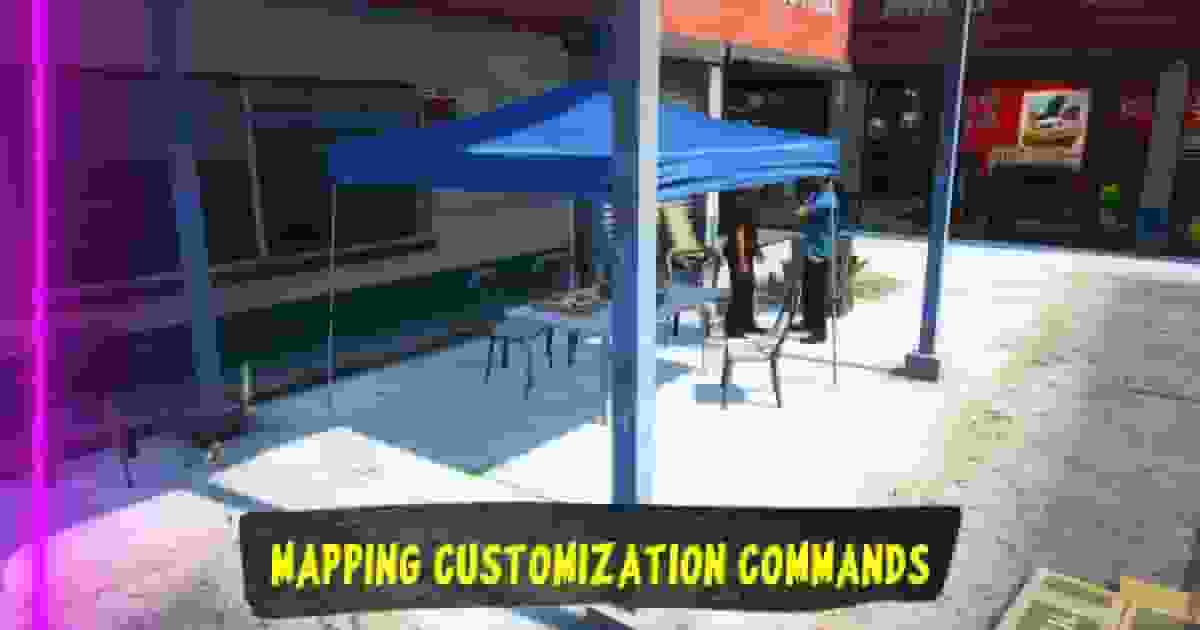
Mechanic Map Command#
Quasar Downtown Mechanic includes an administrator command that allows you to change the active workshop layout instantly.
Use:
/mechanicmap [0-2]This command controls which optional map layers are loaded without requiring a server restart or resource restart.
Available Map States#
Default Workshop#
/mechanicmap 0Loads the main mechanic workshop without additional event decorations.
This mode includes the base MLO, custom props, garage doors, and all essential workshop assets.
Event Layer#
/mechanicmap 1Enables the event decoration layer.
This mode adds the additional event-related objects while keeping the main mechanic workshop active.
Event + Food Layer#
/mechanicmap 2Enables both optional layers:
Event decoration.
Food area.
The food layer requires the event layer to be active and cannot be loaded separately.
Real-Time Map Switching#
The map can be changed while players are online.
When an administrator changes the map state, the resource will:
Update the current workshop layout.
Save the selected state.
Synchronize the change with all connected players.
No restart or reconnection is required.
Map State Persistence#
The selected map state is stored automatically inside:
map_state.jsonExample:
{
"activeMap": 2
}After a server restart, the resource will automatically restore the last active workshop configuration.


