Integrations — Ping Pong | Quasar Store | Quasar Store
Documentation
Integrations
Connect FiveM Ping Pong to your server: ESX, QBCore and Qbox detection, betting with the bank or your own currency, ox_target, notifications, table models and 41 languages.
Ping Pong talks to the rest of your server through a few small, open files: custom/<framework>/server.lua for money, names and identifiers, custom/<framework>/client.lua for the player's data, and client/custom/ for notifications, the 3D prompt, sounds and ox_target. All of them are outside the escrow and are yours to change.
Layer
Supported
Without it
Framework
es_extended · qb-core · qbx_core
Runs standalone: bets move no money, names come from FiveM and players are kept by license.
Target
ox_target, with Config.UseTarget = true
The [E] - Ping Pong prompt.
Notifications
qs-interface
ox_lib notifications.
3D prompt
qs-textui
Built-in 3D text on a dark box.
Every optional integration degrades silently. A missing resource makes its part fall back to the built-in behaviour, with no error and nothing to configure.
Stakes are cash by default. To use the bank — or something else entirely, like casino chips or a VIP coin — change the three money functions in your framework's server file. For example, ESX with the bank account:
Change all three together.getMoney is asked before every stake, removeMoney takes it, and addMoney pays wins and pots. If one of them still uses cash, stakes leave one account and wins land in another. They only ever run on the server.
With Config.UseTarget = true, the [E] prompt is switched off and every table model in Config.TableSkins — with and without its net — gets three options on the target eye, within Config.InteractDistance: Play vs Player, Play vs Bot and Leaderboard. They are added in client/custom/target.lua once the first table has loaded, and ox_target must start before Ping Pong. Only ox_target is supported.
Three functions in client/custom/main.lua decide how Ping Pong looks and sounds next to the rest of your server:
Function
What it does
Default
Notification(msg, type)
Every message a player sees. type is info, success, error or warning.
qs-interface if it is started, otherwise ox_lib with the title Ping Pong.
DrawText3D(x, y, z, text)
The [E] - Ping Pong prompt over the nearest table.
qs-textui if it was started before Ping Pong, otherwise built-in 3D text.
PlayGameSound(key, coords)
The hit, win and lose sounds of Config.Sounds. Hits play at the ball, so players nearby hear them too.
GTA V's own sounds.
To use another notification system, change the body of Notification:
lua
-- client/custom/main.luafunctionNotification(msg, type)
exports['okokNotify']:Alert('Ping Pong', msg, 3000, typeor'info')
end
The shipped qs-interface branch handles info, success and error. Add a warning case to it if you want Your opponent has left the match. to show there as well.
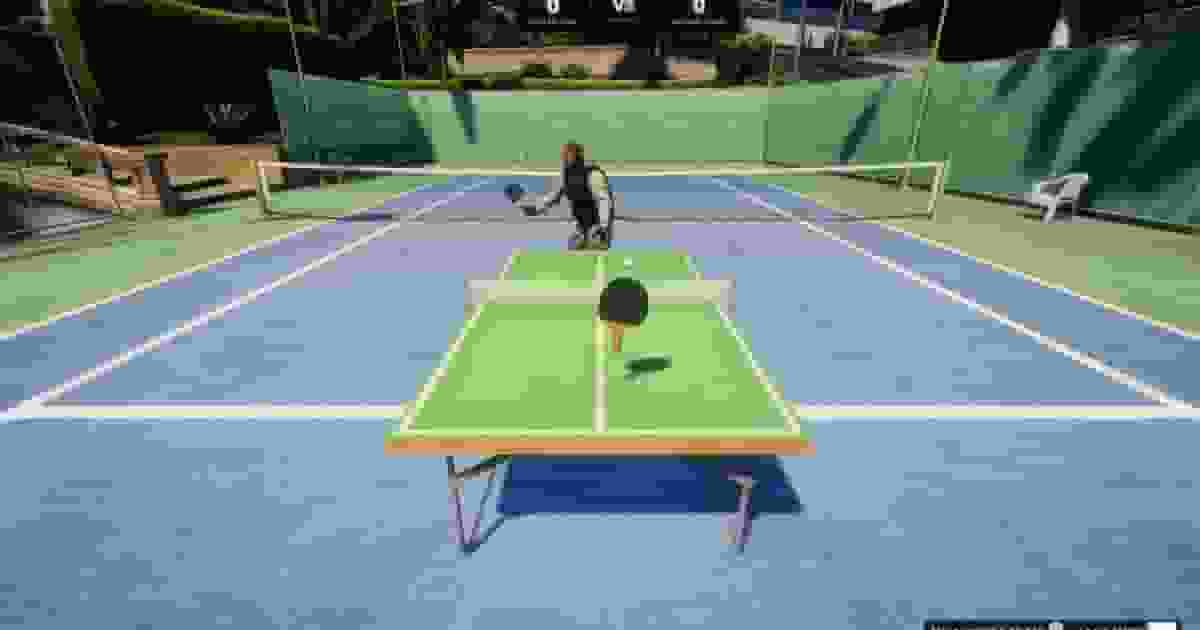
Config.TableSkins lists the table models Ping Pong knows, each with and without its net, and gives each one a label. The creator places Config.Creator.model — prop_table_tennis, the blue table. To place another one, set it there and keep it in Config.TableSkins so it gets its label and its ox_target options.
lua
Config.TableSkins = {
    { net = 'prop_table_tennis',   nonet = 'prop_table_tennis_nonet',   label = 'Blue' },
    { net = 'prop_table_tennis_b', nonet = 'prop_table_tennis_b_nonet', label = 'Green' },
    -- ...
}

Config.Creator = {
    permission  = 'command.pingpongcreator',
    model       = `prop_table_tennis_b`, -- the green table
    rotateSpeed = 80.0,
    heightStep  = 0.05,
}
The players' racket is the first entry of Config.RacketSkins; the bot holds prop_table_ten_bat. Rackets held by a character sit on the bone and offsets in Config.Racket, and the ball is prop_ping_pong (Config.Ball.model).
41 translations ship in locales/: Arabic (ar), Bulgarian (bg), Bengali (bn), Catalan (ca), Czech (cs), Danish (da), German (de), Greek (el), English (en), Spanish (es), Estonian (et), Persian (fa), Finnish (fi), French (fr), Hebrew (he), Hindi (hi), Croatian (hr), Hungarian (hu), Indonesian (id), Italian (it), Japanese (ja), Korean (ko), Lithuanian (lt), Latvian (lv), Malay (ms), Dutch (nl), Norwegian (no), Polish (pl), Portuguese (pt), Romanian (ro), Russian (ru), Slovak (sk), Slovenian (sl), Swedish (sv), Swahili (sw), Thai (th), Turkish (tr), Ukrainian (uk), Urdu (ur), Vietnamese (vi) and Chinese (zh). Pick one in config/main.lua:
lua
Config.Locale = 'es'
One file translates the notifications and the whole interface, the creator included. A key missing from a translation is filled in from English, with a Missing locale key warning in the console; an unknown code falls back to English entirely. To add a language, copy en.json, translate the values — never the keys — save it under the new code and set Config.Locale to it.