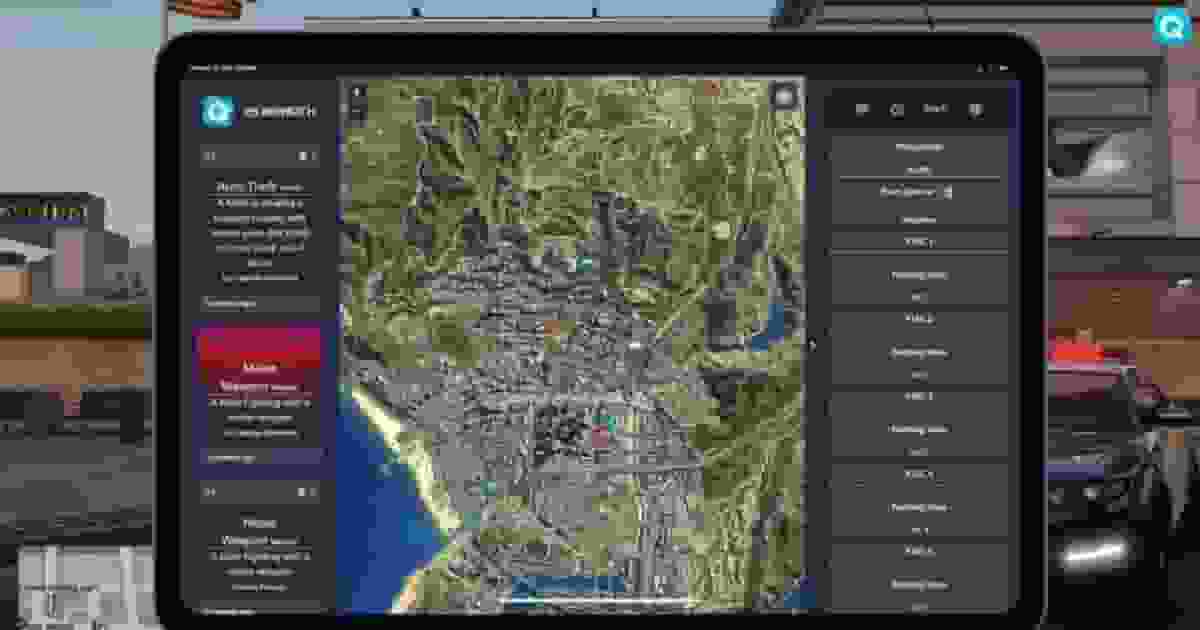
This section lists all available commands, exports, and events included in the script. You’ll find client-side, server-side, and shared functions designed to help developers integrate, extend, or interact with the system easily within their own scripts or frameworks.
This section lists all available commands included in the script. Each command is designed to simplify administration, player interaction, or debugging tasks. You’ll find detailed descriptions, usage examples, and permission requirements to help you manage and customize your server efficiently.
Command
Description
/police [message]
Sends a dispatch call to the police (similar to /enterno)
/ambulance [message]
Same thing but for medics.
/mechanic [message]
Same thing but for mechanics.
/panic [message]
Panic call sent by a police officer to all other police officers.
This section provides all available client exports for the script. These functions allow you to interact directly with the system from the client side, enabling custom features, UI interactions, and integrations with other resources. Each export includes a short description and usage example for easy implementation.
GetPlayerInfo
lua
local playerInfo = exports['qs-dispatch']:GetPlayerInfo()
if playerInfo thenprint("Player coordinates: " .. tostring(playerInfo.coords))
print("Nearby street: " .. playerInfo.street_1)
print("Player vehicle: " .. (playerInfo.vehicle_label or"None"))
elseprint("Failed to retrieve player info.")
end-- Example returned data
{
ped = 123,
coords = vector3(200.12, -150.34, 50.08),
street_1 = "Great Ocean Hwy",
street_2 = "Joshua Rd",
sex = "Male",
vehicle = "vehicle_01",
vehicle_label = "Sultan RS",
vehicle_colour = "Red",
vehicle_plate = "AB123CD",
speed = 120
}
The GetPlayerInfo export retrieves detailed information about the current player and returns a table with multiple useful fields. It can be used in both client and server logic to obtain real-time data such as the player’s ped identifier, current coordinates, nearby street names, gender, and vehicle information if the player is inside a vehicle. When the player is driving, the export also includes details like vehicle label, color, plate, and current speed in km/h. This allows scripts to dynamically access contextual player data for systems like dispatch alerts, logs, or gameplay mechanics that depend on location or vehicle status.
The getSSURL export captures a screenshot of the local player on the client and returns the image URL through a callback. The function runs asynchronously and provides a string containing the uploaded screenshot link, which can be used for systems such as evidence collection, logging systems, or sending images to servers and external services. If the screenshot cannot be captured or uploaded, the returned value will be nil, allowing the script to handle cases where the image is unavailable.
ToggleDuty
lua
-- Enable or disable dispatch and MDT access
exports['qs-dispatch']:ToggleDuty(true) -- Set duty on
exports['qs-dispatch']:ToggleDuty(false) -- Set duty off-- Check if the player is currently on dutylocal isOnDuty = exports['qs-dispatch']:GetIsOnDuty()
if isOnDuty thenprint("Player is on duty.")
elseprint("Player is off duty.")
end
The duty system controls whether a player has access to the dispatch and MDT features. Using the ToggleDuty export you can enable or disable a player's duty status dynamically, which determines if they are allowed to interact with systems such as dispatch alerts or the MDT interface. The GetIsOnDuty export allows scripts to check the player's current duty state and returns a boolean value indicating whether the player is on duty or off duty. This system is commonly used to ensure that only active job members, such as police or emergency services, can access dispatch-related functionality while they are officially on duty.
Default Exports
lua
-- Example usage of a predefined dispatch event
exports['qs-dispatch']:Shooting()

-- Other available dispatch exports
exports['qs-dispatch']:VehicleShooting()
exports['qs-dispatch']:OfficerDown()

-- Robbery related
exports['qs-dispatch']:StoreRobbery()
exports['qs-dispatch']:FleecaBankRobbery()
exports['qs-dispatch']:PaletoBankRobbery()
exports['qs-dispatch']:PacificBankRobbery()
exports['qs-dispatch']:VangelicoRobbery()
exports['qs-dispatch']:HouseRobbery()
exports['qs-dispatch']:ArtGalleryRobbery()
exports['qs-dispatch']:HumaneRobbery()
exports['qs-dispatch']:TrainRobbery()
exports['qs-dispatch']:VanRobbery()
exports['qs-dispatch']:UndergroundRobbery()
exports['qs-dispatch']:DrugBoatRobbery()
exports['qs-dispatch']:UnionRobbery()
exports['qs-dispatch']:YachtHeist()

-- Crime and suspicious activity
exports['qs-dispatch']:DrugSale()
exports['qs-dispatch']:SuspiciousActivity()
exports['qs-dispatch']:CarJacking()
exports['qs-dispatch']:VehicleTheft()
exports['qs-dispatch']:CarBoosting()
exports['qs-dispatch']:IllegalRacing()
exports['qs-dispatch']:Kidnapping()

-- Misc events
exports['qs-dispatch']:PrisonBreak()
exports['qs-dispatch']:IllegalFishing()
exports['qs-dispatch']:ArmsDeal()
exports['qs-dispatch']:CyberAttack()
Quasar Dispatch includes multiple predefined exports that allow scripts to trigger dispatch alerts for different situations automatically. By calling one of these exports, the system creates a dispatch event that notifies the configured jobs, typically police or emergency services. These events cover many common roleplay scenarios such as shootings, vehicle crimes, robberies, suspicious activity, prison escapes, and other illegal actions. Each export represents a specific type of alert, allowing servers to integrate dispatch notifications easily into their scripts without needing to manually build the entire dispatch data structure.
This section provides all available server exports for the script. These functions allow developers to interact with the system from the server side, manage data, trigger actions, and integrate with other resources. Each export includes a clear description and a practical example to simplify its implementation.
The GetPlayerInfo export retrieves detailed information about a specific player using their player ID. The function works asynchronously and returns the player data through a callback, providing access to useful contextual information such as the player’s coordinates, nearby streets, gender, and vehicle information if the player is inside a vehicle. This export is especially useful for server-side systems that need to access real-time player data, such as dispatch alerts, logging systems, crime reports, or other gameplay mechanics that depend on a player’s current location and status.
The GetSSURL export allows you to capture a screenshot of a specific player by providing their player ID. The function works asynchronously and returns the result through a callback, giving a URL string that points to the captured screenshot. This image link can be used in systems such as dispatch alerts, evidence systems, logs, or moderation tools where visual confirmation of player activity is useful. If the screenshot cannot be captured or uploaded, the returned value will be nil, allowing the script to handle cases where the image is unavailable.