Garage Decoration Mode#
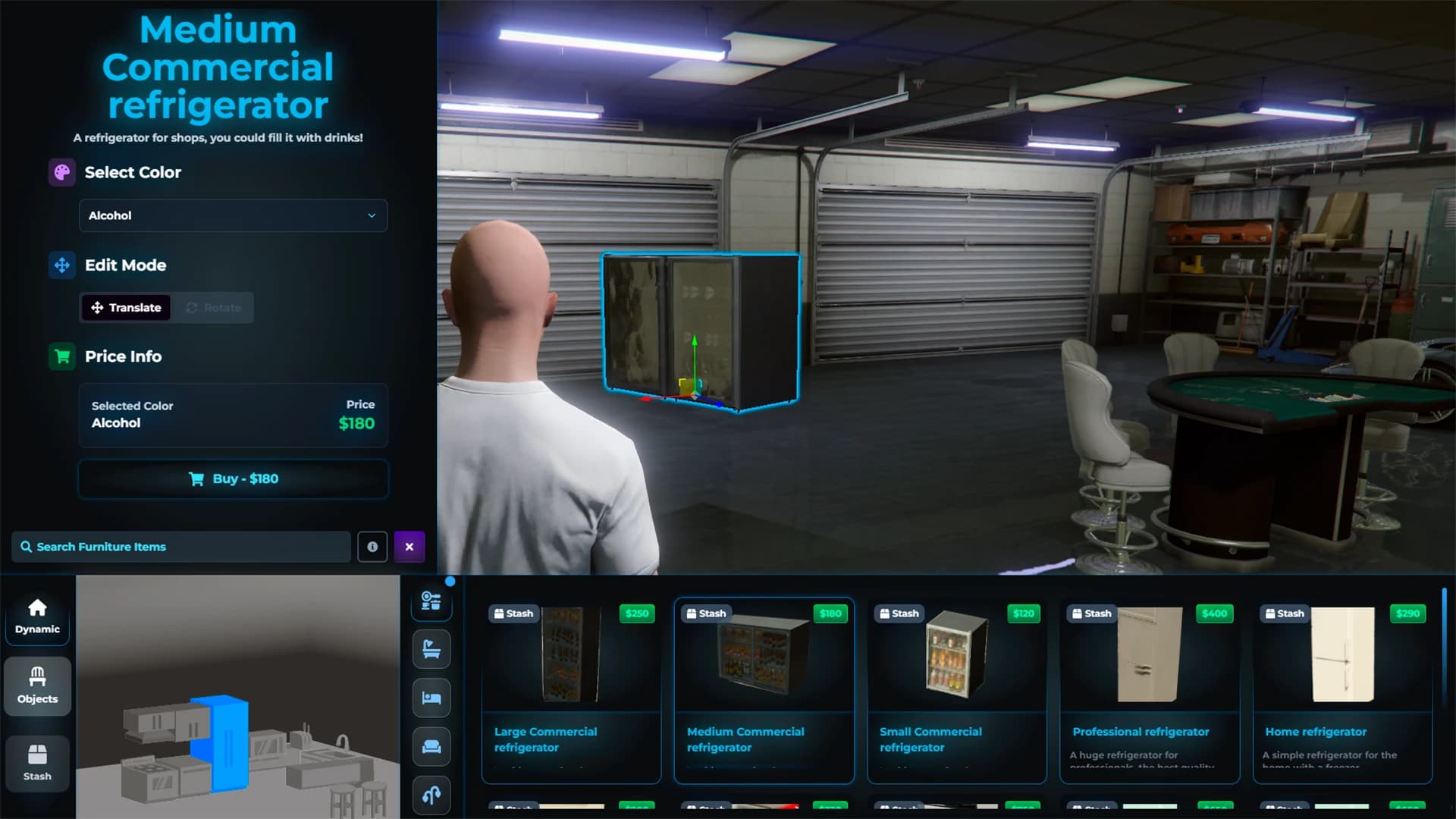
This command opens the interface where you can:
Place existing furniture.
Move and rotate items with precision.
Remove or reorganize your layout at any time.
Everything is saved automatically according to your framework integration.
Create New Furniture In-Game#
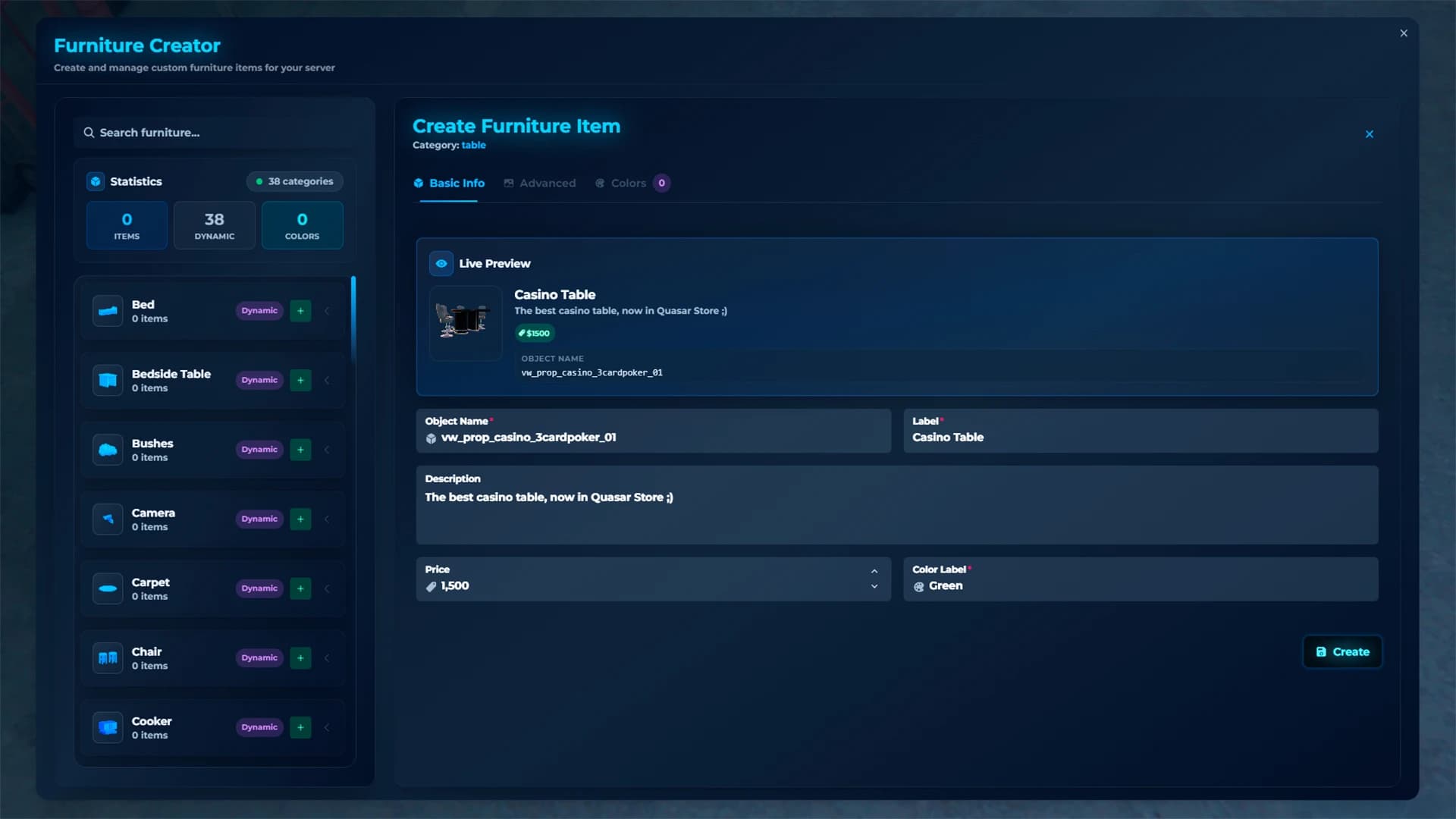
With this command you can:
Create new furniture directly in-game.
If you enter your FiveManage.com token, the system will take the picture automatically.
Customize the prop in-game (photo, name, category, etc.)
Add new furniture to your decoration catalog without leaving the server.