



Calibration Commands Do Nothing#
The calibration commands (/chessdebug, /chesschairs, /chesspeds, and /chessknights) are only available when Config.Debug is enabled. Set it to true, restart the resource, and remember to disable it again on production servers.
These commands also require the appropriate ACE permission:
add_ace group.admin command.chesscreator allowThe same permission is required to access /chesscreator.
Chess Table Does Not Appear#
If the chess table or interaction prompt is missing, verify that the streamed assets have loaded correctly and that the resource started without errors.
Tables placed through a YMAP or map editor are automatically detected when a player gets close to them, so they will not appear until someone enters the configured streaming distance.
Also verify that Config.InteractDistance and Config.StreamDistance are configured appropriately.
Chess Pieces Are Misaligned#
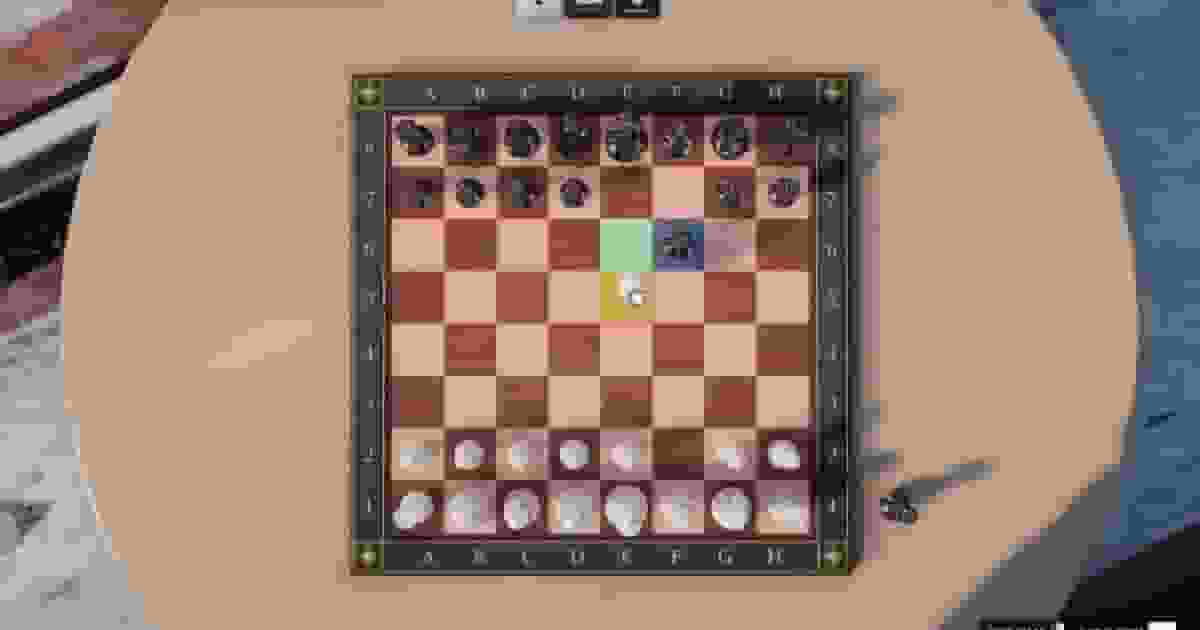
If chess pieces appear floating, clipped into the board, or not centered on the squares, use the /chessdebug calibration tool to adjust the board offsets.
If only the knights are incorrectly positioned or rotated, use /chessknights to calibrate the knight models separately.
Players Do Not Sit Correctly#
If players sit above the chair, inside it, or fail to sit at all, adjust the chair calibration using /chesschairs and fine-tune the player position with /chesspeds.
If the console reports a missing animation dictionary, replace the configured sitting animation with another supported animation.
Chess Tables Disappear After Restart#
Custom tables are stored in the qs_chess_tables database table.
If they disappear after restarting the server, verify that the SQL file has been imported correctly and that oxmysql is connected to your database.
Money or Bets Are Not Working#
Player payments depend on the detected framework. On standalone servers no money is removed.
Betting is only available during player-versus-player matches and uses the configured payment method defined in Config.Betting.paymentMethod.
Nearby Players Do Not Appear#
Only players located within the configured Config.NearbyPlayerRadius are displayed as available opponents.
Players already participating in another chess match are automatically hidden until their current game ends.
AI Causes Performance Issues#
The chess engine runs entirely on the server. Higher AI difficulties analyze significantly more positions, which can increase CPU usage if multiple AI matches are running simultaneously.
Reduce the configured search depth or node limit if your server hosts many active chess games.
Notifications Do Not Appear#
Quasar Chess automatically uses qs-interface and qs-textui when available, otherwise it falls back to ox_lib notifications and the default interaction text.
If you use your own notification system, you can customize the integration inside the framework files without modifying the core resource.