



Commands#
This section lists all available commands included in the script. Each command is designed to simplify administration, player interaction, or debugging tasks. You’ll find detailed descriptions, usage examples, and permission requirements to help you manage and customize your server efficiently.
Command | Description |
| Defines interaction points inside the van, such as stash, wardrobe, or charger. |
| Command or configuration for customizing the van's appearance or decorations. |
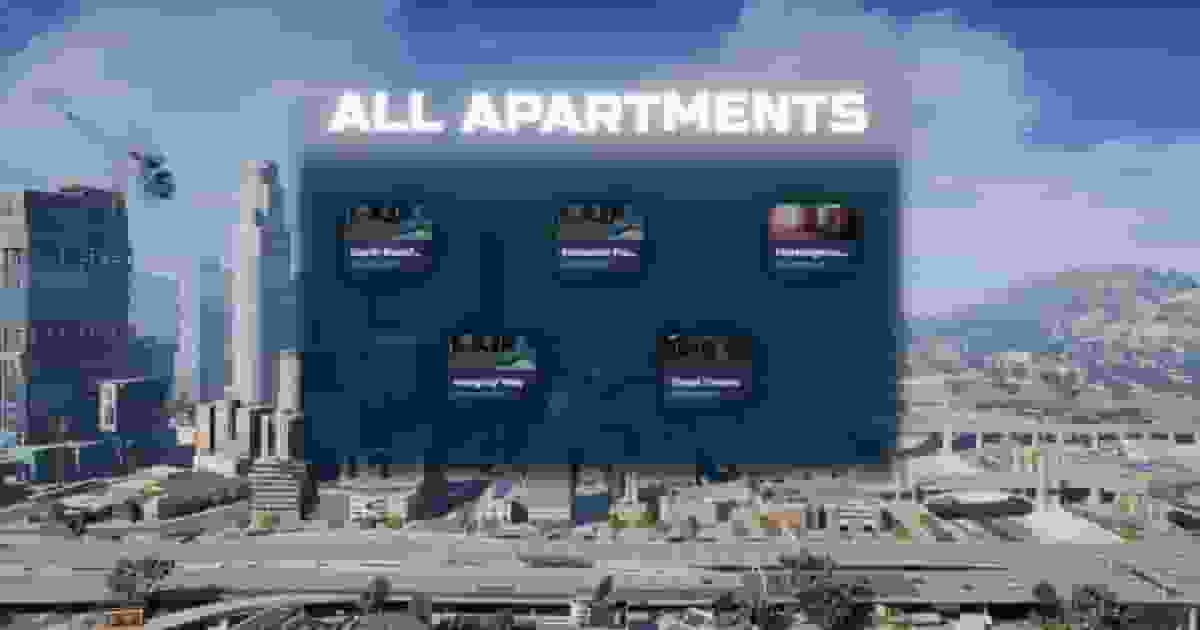
| Select your first apartment. |
Client Exports#
This section provides all available client exports for the script. These functions allow you to interact directly with the system from the client side, enabling custom features, UI interactions, and integrations with other resources. Each export includes a short description and usage example for easy implementation.
inDecorate
local inDecorate = exports['qs-housing']:inDecorate()
print("Is the player in decoration mode? " .. tostring(inDecorate))
The export returns a boolean value (true or false) indicating whether the player is actively in decoration mode. Use this export to implement custom logic, such as preventing movement, disabling certain menus, or modifying gameplay mechanics during decoration mode.
InApartment
The InApartment export allows you to check if a player is currently inside an apartment. This is useful for managing or restricting specific actions while the player is inside their apartment.
local inApartment = exports['qs-housing']:InApartment()
print("Is the player inside an apartment? " .. tostring(inApartment))
This will return a boolean value (true or false) indicating whether the player is currently inside an apartment. You can then use this information to implement custom logic, such as restricting jobs, disabling certain actions, or triggering events only when the player is in their apartment.
GetApartments
The GetApartments export allows you to retrieve the full list of configured apartments programmatically. This can be useful for displaying available apartments, handling property data, or integrating with other systems.
local apartments = exports['qs-apartments']:GetApartments()
if apartments then
    print("Apartments retrieved successfully!")
    for name, data in pairs(apartments) do
        print("Apartment Name: " .. name)
        print("Location: " .. data.label)
        print("Price: $" .. data.price)
    end
else
    print("No apartments found.")
end