



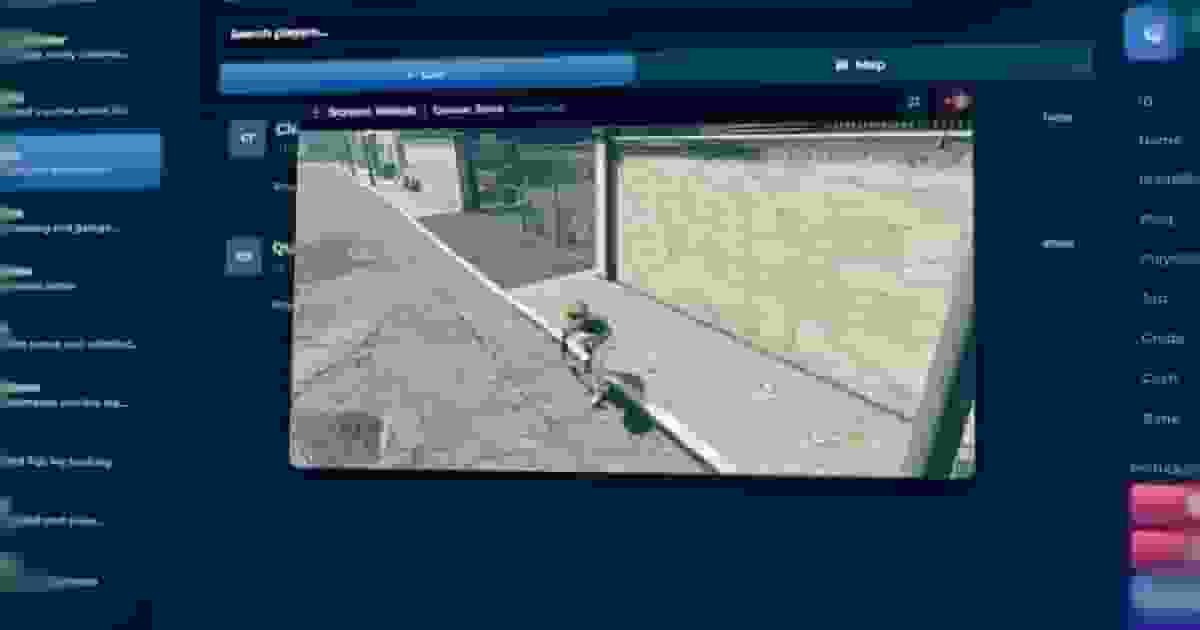
Admin Menu is a complete FiveM admin panel for ESX, QBCore and Qbox. Your staff moderate players, answer reports, ban cheaters for good, watch screens live and run the server — resources, console, files, queue, weather — from one in-game window, each seeing only what their role allows.
What sets it apart is that staff are accounts, not groups. Every moderator signs in with their own username and password, is approved by someone above them, and holds a role built from more than 80 permissions you tick in the panel. Every action they take is logged, every hour they spend on duty is counted, and nobody can act on someone ranked above them.
Where to start#
Page | What it covers |
|---|---|
Requirements, download, load order, the database, resource permissions and creating the first OWNER account. | |
Every page of the panel: roles and permissions, players, Live View, the Control Center, Fast Actions, vehicles, bans, reports, logs, the server tools and admin tags. | |
Frameworks, inventories, keys, weather, medical and voice, Discord logs, TURN for Screen Watch, your duty system and languages. | |
What it does#
Area | Details |
|---|---|
Staff accounts | Username and password per staff member, approval before access, roles with priorities, more than 80 permissions ticked in the panel, and duty-time tracking for every admin. |
Players | A list and a live map of everyone online. Warn, kick, ban, freeze, spectate, teleport, revive, heal, give items, money, jobs and peds, open inventories. |
Live View | Watch any player's screen in a floating window, or many at once on a grid, and listen to their voice. |
Bans | Every identifier plus hardware tokens, so a new Rockstar account on the same PC stays banned. Offline bans, appeal link, full history. |
Running an anticheat? Ban through Admin Menu with one export, and the ban lands in the same list, logs and Discord channel as one placed by your staff. See Commands and Exports.