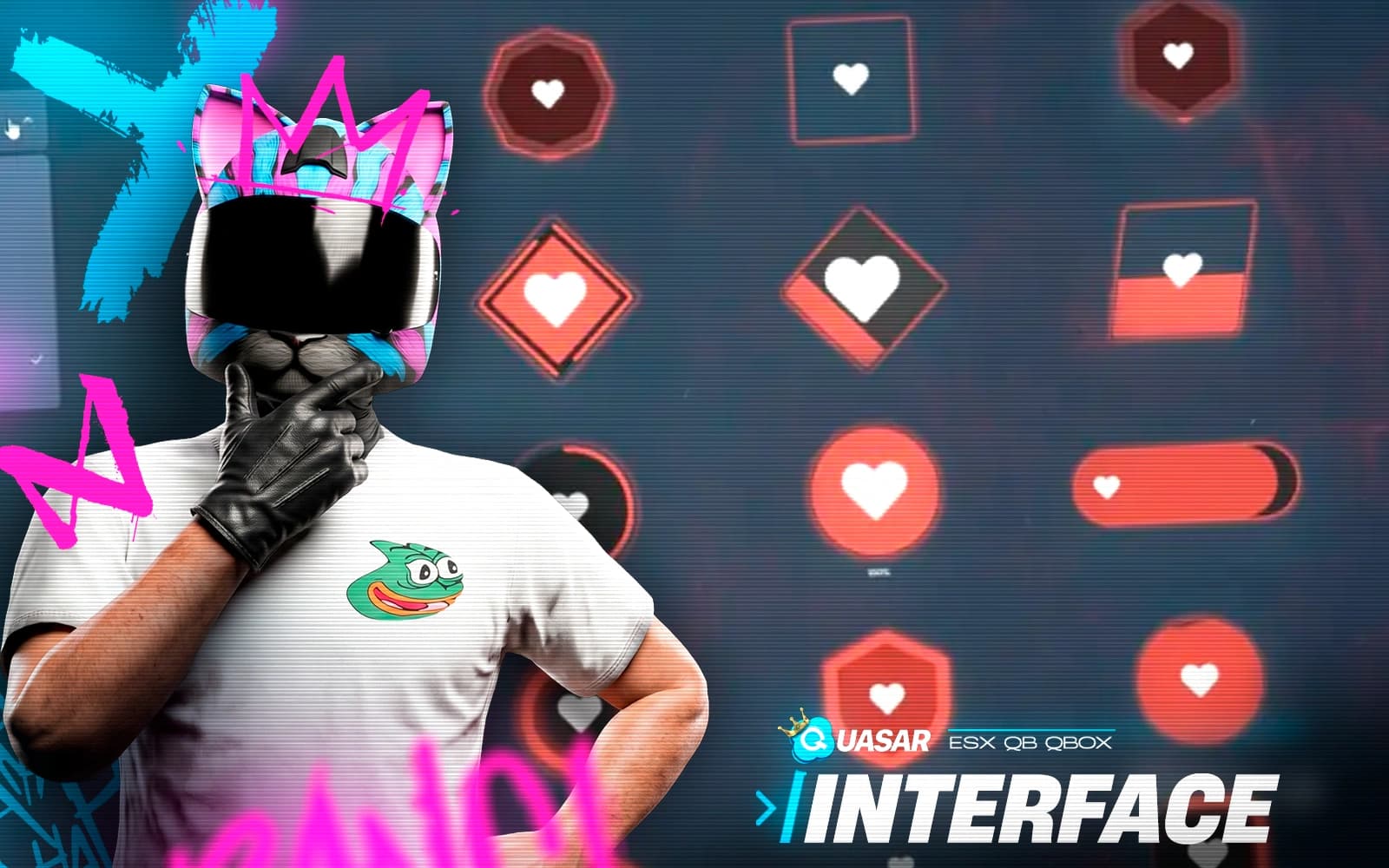
Customize Your HUD
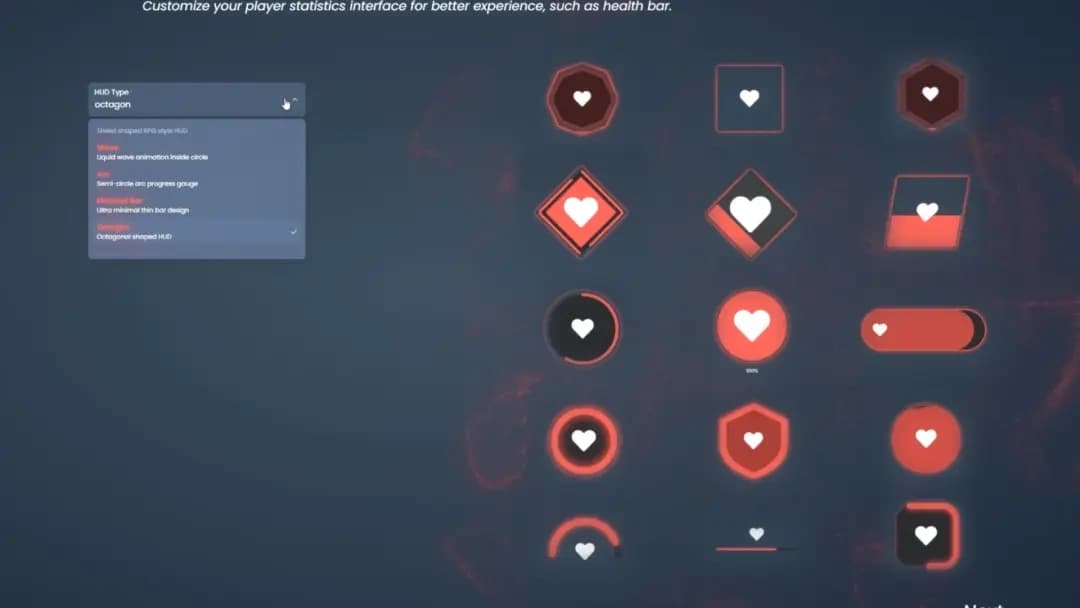
Choose from multiple HUD styles and configure essential information such as player ID, job, and gameplay data with a clean and modern interface.

Interface
A powerful HUD and interface system designed to give servers full control over their user interface. Customize layout, colors, position, chat style, and visual elements directly in-game while adapting the interface to your server’s roleplay style and branding.
Overview
Quick Installation
Deploy Quasar Interface 2.0 with a simple setup process and seamless compatibility for ESX, QBCore, QB, and QBox servers through our detailed documentation.
Download the latest version of Quasar Interface 2.0 from your Quasar Store account and upload the resource to your server's resources folder.
Configure your framework, HUD styles, notifications, chat settings, progress bars, vehicle HUD, and interface options to match your server identity.
Start the resource, verify all dependencies, and ensure the HUD, chat system, notifications, and interface components are working correctly.
Open the in-game editor and customize layouts, colors, positions, HUD elements, chat features, and visual components to create a unique experience for your players.
Complete Customization
Create a unique player experience with a fully customizable HUD, chat, notifications, and interface system designed to match your FiveM server identity.
Choose from multiple HUD styles and configure essential information such as player ID, job, and gameplay data with a clean and modern interface.
Create a unique chat experience with custom commands, /me and /do bubbles, VIP badges, moderation tools, and real-time configuration options.
Adjust notifications, progress bars, vehicle HUDs, colors, positions, and layouts directly in-game without touching any external files.
Track stress, stamina, underwater breath, and important gameplay information through dynamic interface systems that keep players connected to the world.
Complete Interface Control
Take full control over your server interface with powerful customization tools designed to create a unique and immersive FiveM experience.

Complete Customization
Take full control of your FiveM server interface with a complete system for customizing HUD, notifications, chat, progress bars, and UI components. Create a unique visual identity while keeping every important gameplay element organized, accessible, and immersive.
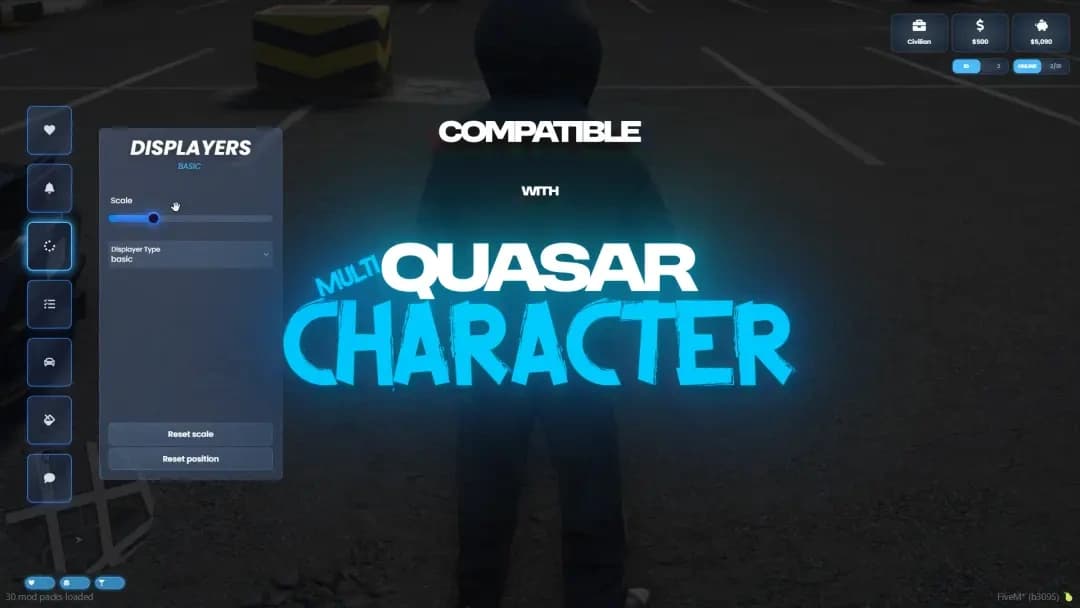
Character Experience
Connect Quasar Interface 2.0 with qs-multicharacter for a personalized experience from the moment players enter the server. Each character automatically loads its interface settings, ensuring a smooth and consistent gameplay experience.
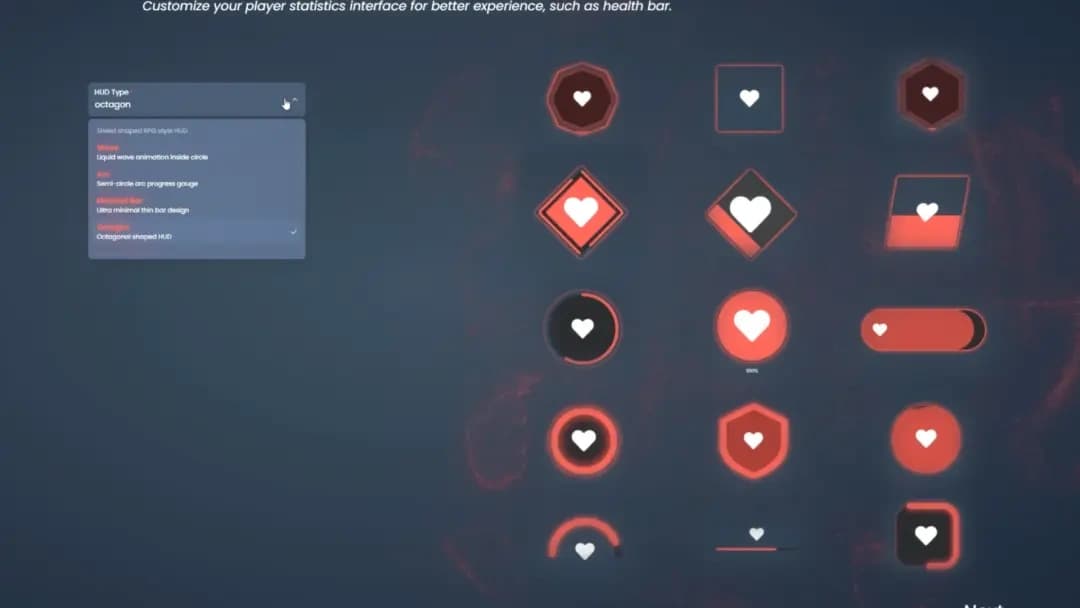
Advanced HUD System
Choose from more than 10 unique HUD styles and display essential gameplay information such as player ID, job, and important data with a clean and immersive interface designed to match your server identity.
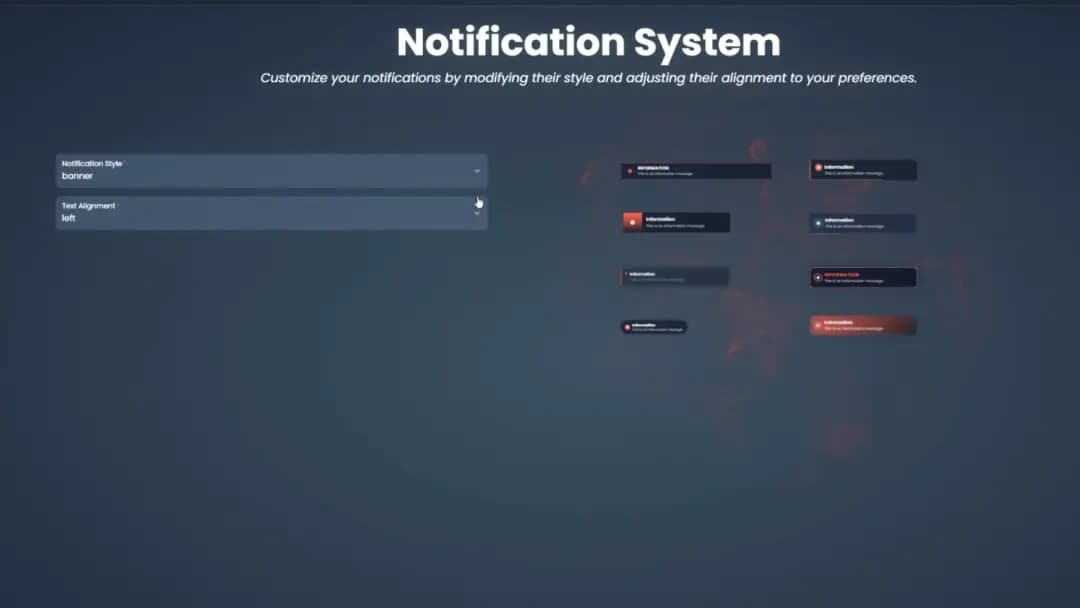
Dynamic Notifications
Customize your server notifications with more than five unique styles designed to match your branding and gameplay flow. Deliver clear, immersive, and visually polished messages fully integrated into the Quasar Interface experience.
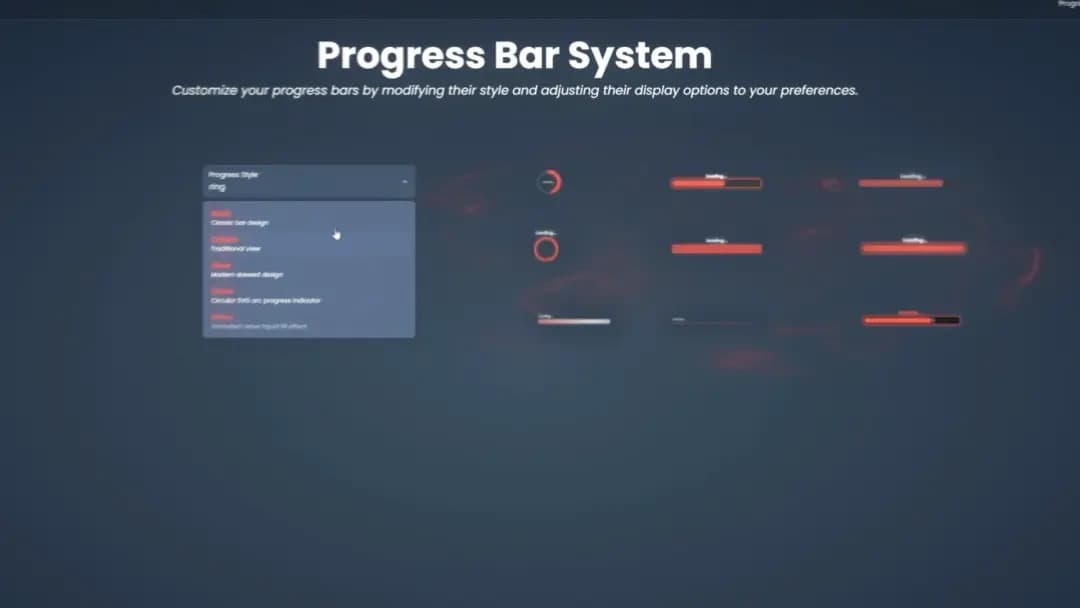
Interactive Feedback
Customize your progress bars with more than nine unique visual styles designed for every gameplay action. From crafting and interactions to complex tasks, provide players with clear feedback through a modern and immersive interface system.
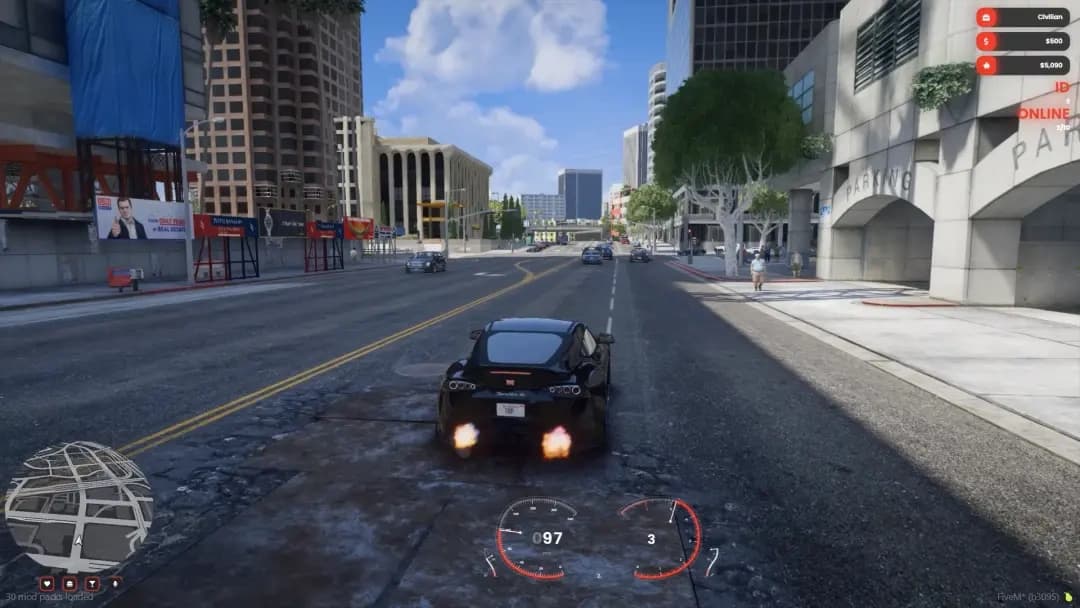
Vehicle Interface
Choose from more than five unique car HUD styles designed to display speed, fuel, and driving information with clarity. Customize your vehicle interface to match your server identity while maintaining a clean and immersive driving experience.
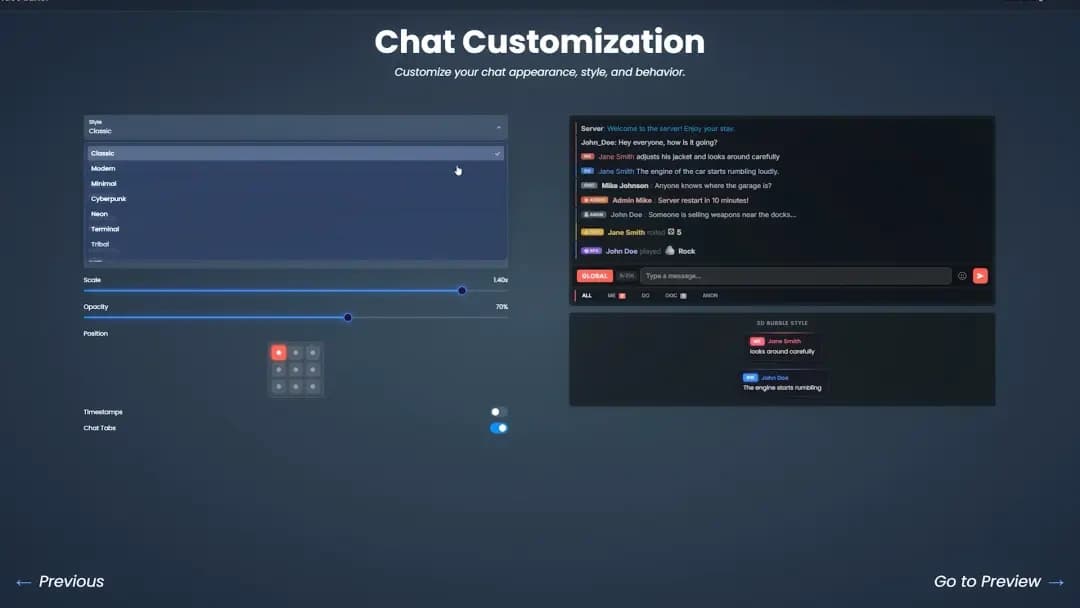
Roleplay Communication
Create a fully customized chat system designed for immersive FiveM roleplay. Configure commands, add /me and /do bubbles, customize message appearance, and adapt every detail to match your server's communication style.
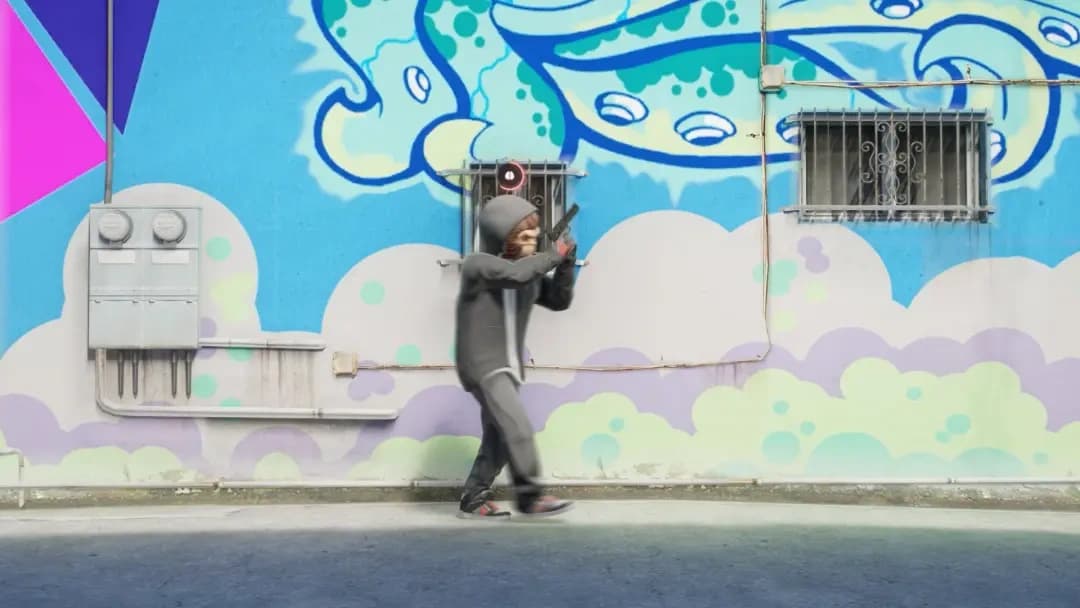
Player Immersion
Add a realistic stress mechanic that reacts to player actions and events across your server. Track tension levels, create deeper roleplay scenarios, and encourage balanced gameplay through an immersive interface system.
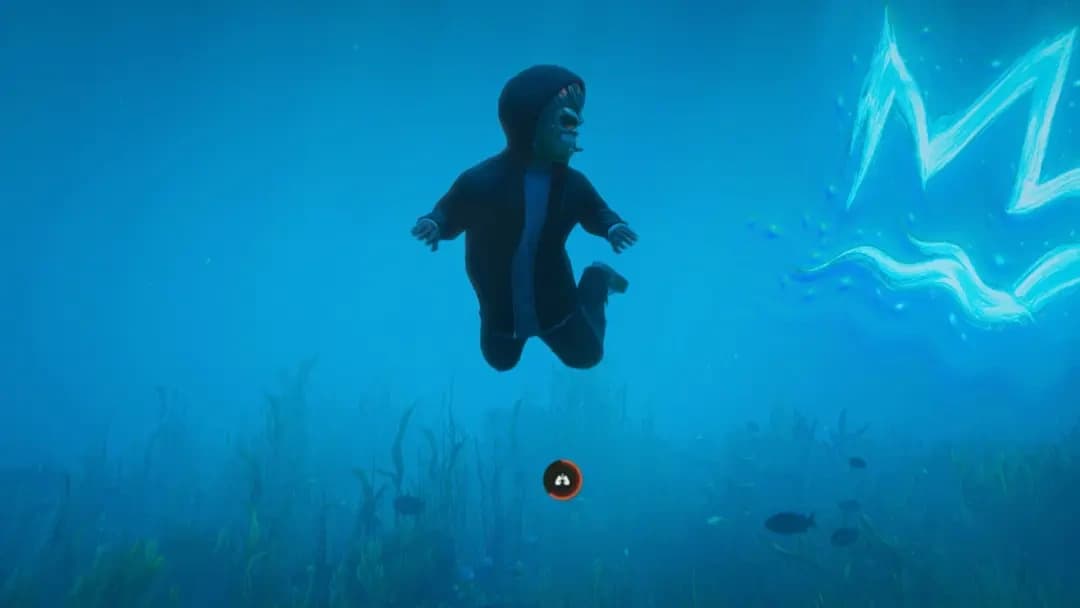
Survival Interface
Keep track of your underwater breath directly through the interface with a clear and immersive indicator. Improve diving experiences by giving players essential information while exploring underwater environments.
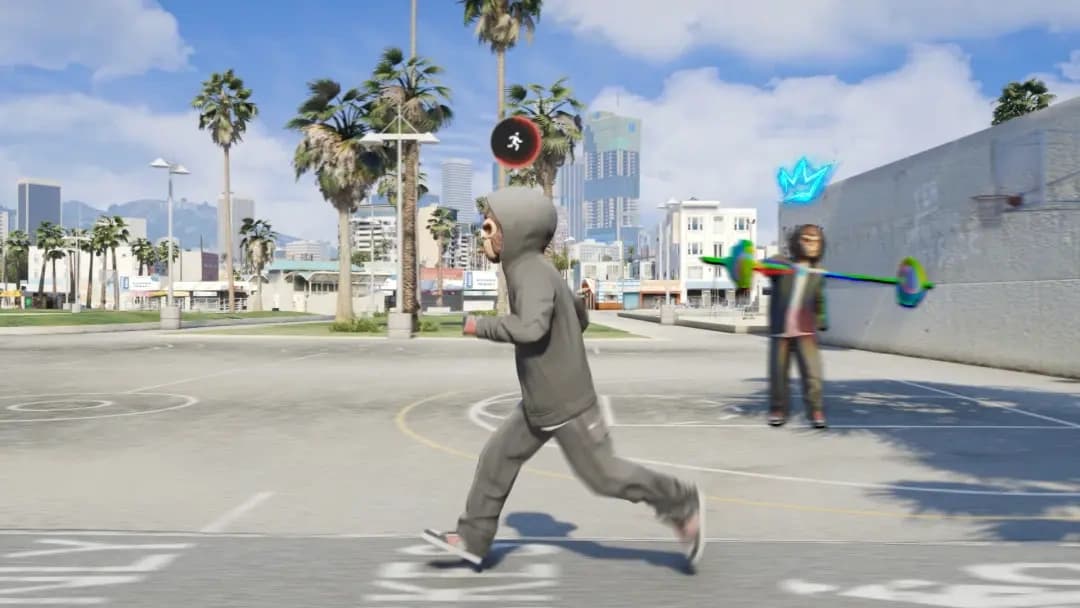
Physical Performance
Monitor player stamina and physical effort through a dynamic interface system. Running, actions, and gameplay activities affect endurance levels, providing clear visual feedback and creating a more immersive experience.
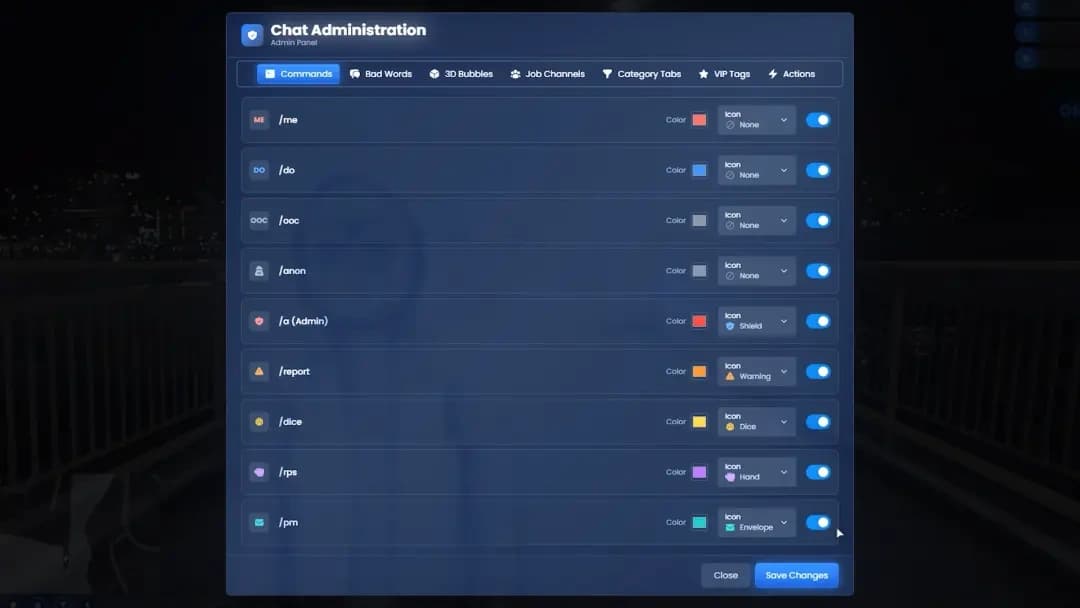
Server Management
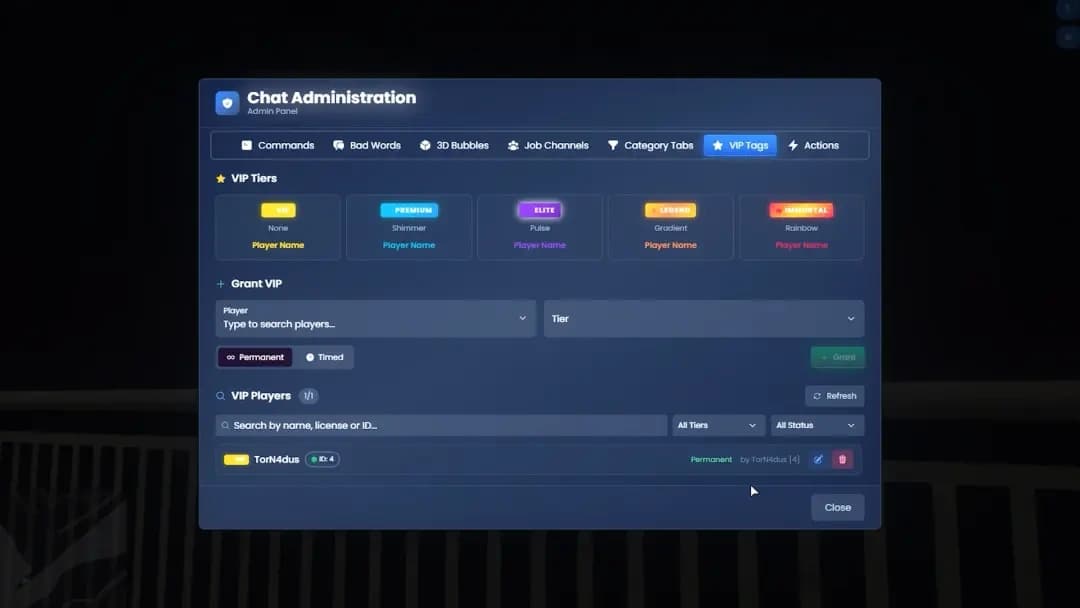
Give administrators complete control over chat moderation with forbidden words, job-based commands, and customizable rules. Maintain a healthy communication environment while managing every interaction through a powerful interface system.
Community Recognition
Highlight your VIP members with exclusive chat badges displayed next to their names. Give supporters special recognition and create a more engaging community experience inside your FiveM server.
Social Interaction
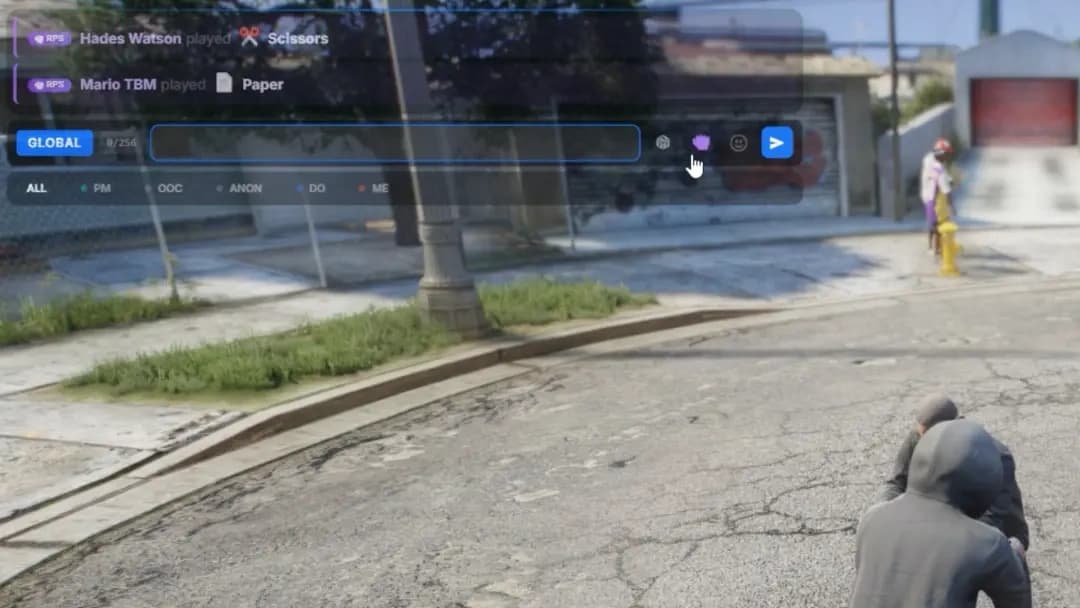
Bring players together with built-in social mini games like rock-paper-scissors and dice. Create casual interactions, friendly challenges, and quick roleplay moments that add more life to your FiveM community.
Everything You Need to Know
Find answers to the most common questions about Quasar Interface 2.0, including HUD customization, chat systems, notifications, compatibility, and advanced interface features.
Recommended
Combine Quasar Interface 2.0 with other Quasar resources to create a complete FiveM ecosystem with immersive gameplay systems, advanced management tools, and seamless integrations.
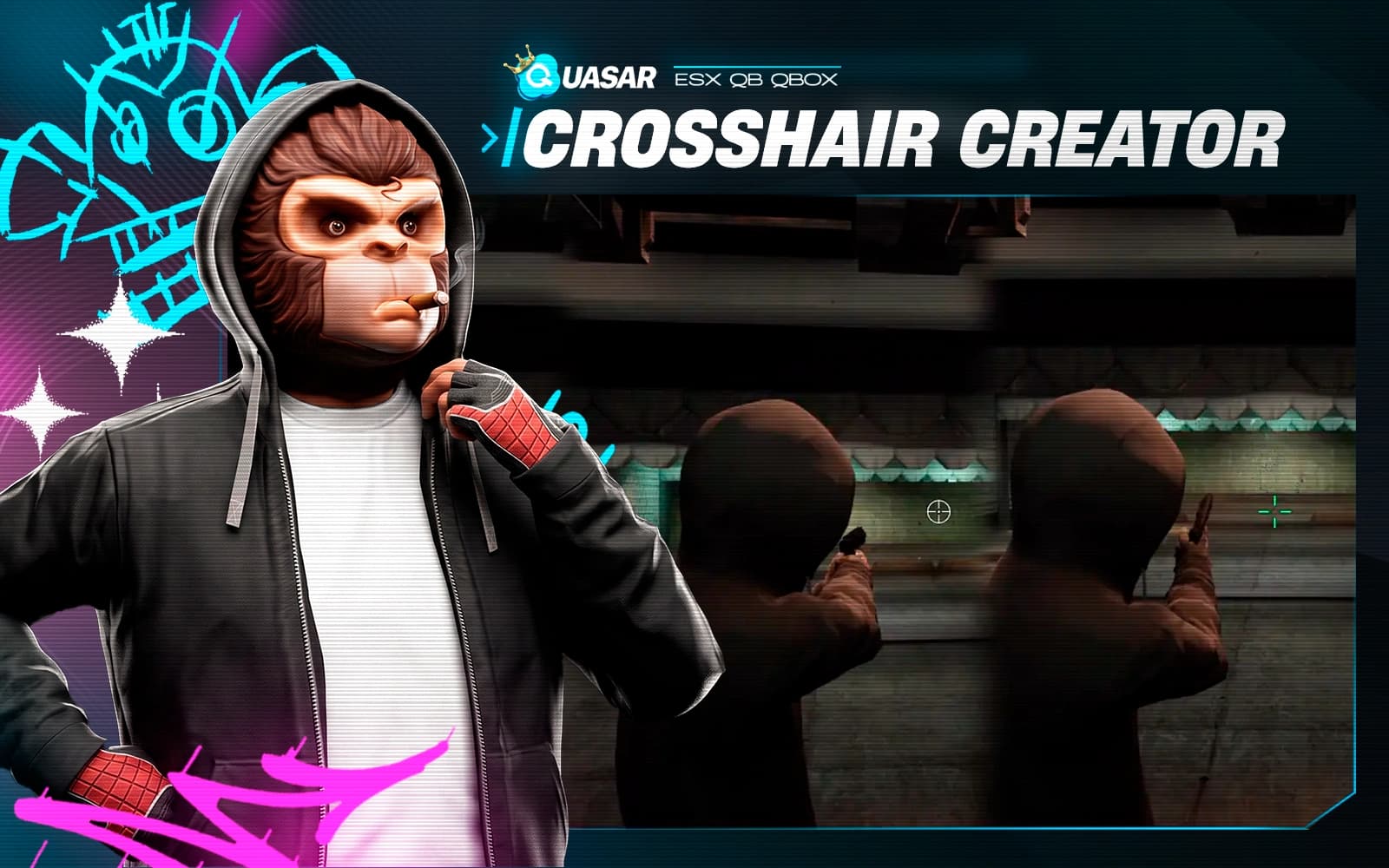
The ultimate FiveM crosshair creator with thousands of designs, advanced customization tools, weapon-specific profiles, community sharing, and dynamic combat effects.
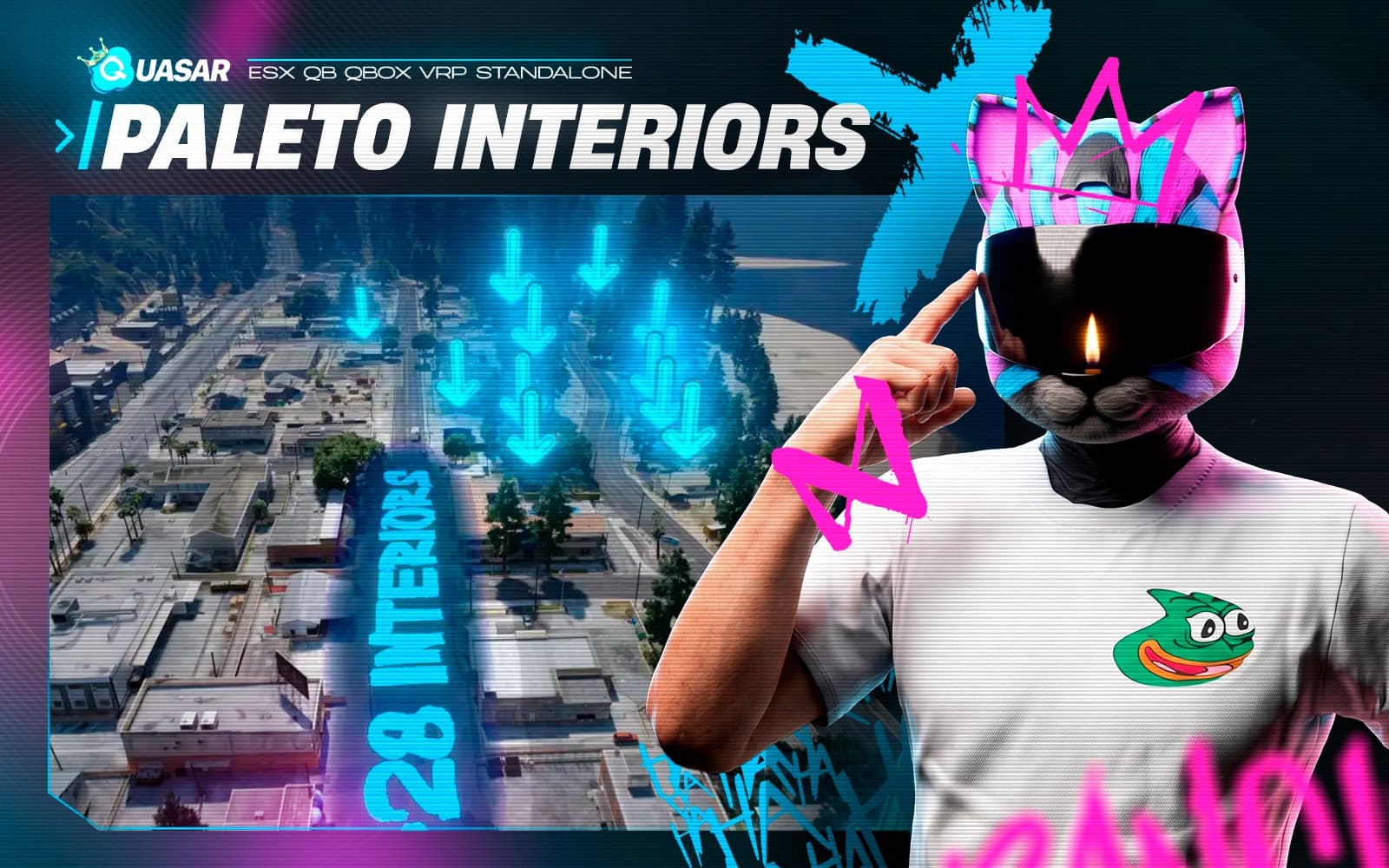
A massive housing MLO pack featuring 28 empty house interiors across Paleto Bay. Fully prepared for decoration systems, housing roleplay, rentals, and immersive residential gameplay.
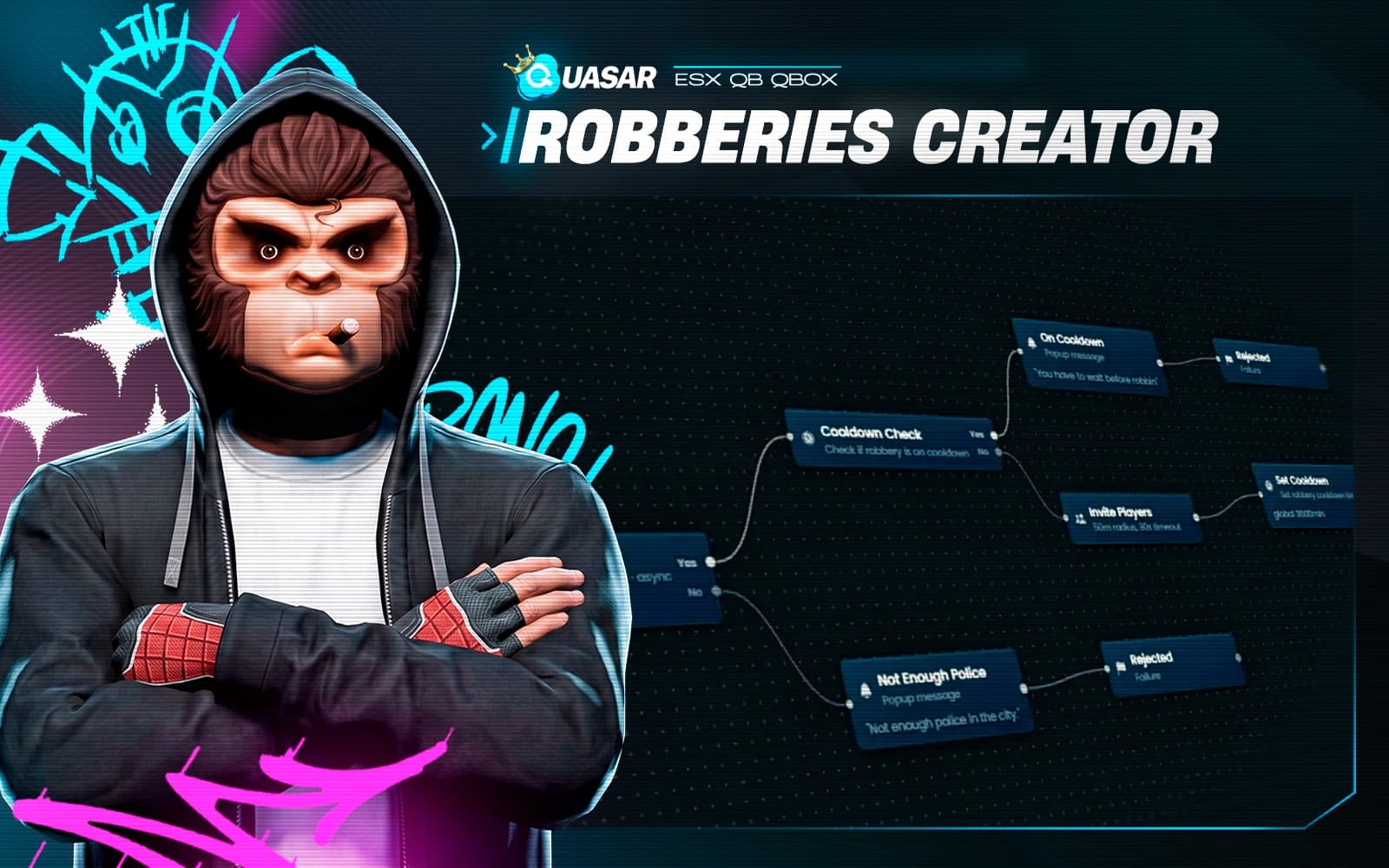
Quasar Robberies Creator is a powerful FiveM robbery framework that lets you create custom heists, missions, and criminal events with a visual editor—no coding required. Design objectives, NPCs, rewards, cutscenes, hacking, dynamic events, and gameplay flows for immersive roleplay. Fully compatible with ESX, QBCore, and Qbox.
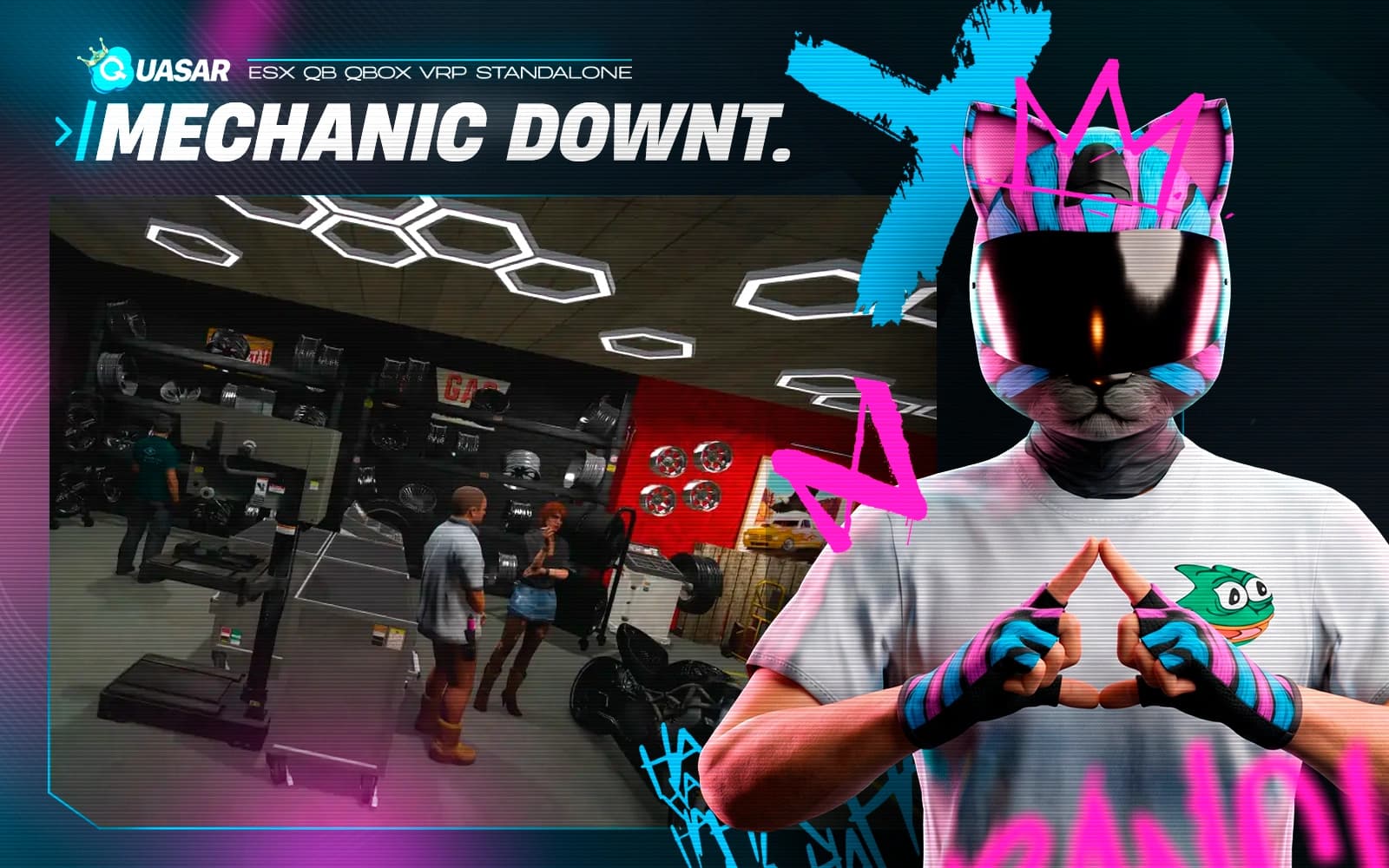
Mechanic Downtown is a premium FiveM Mechanic MLO featuring dynamic workshop layouts that change with commands. Compatible with QBCore, ESX, QBox & Standalone. Perfect for realistic garages, repair shops and immersive roleplay.
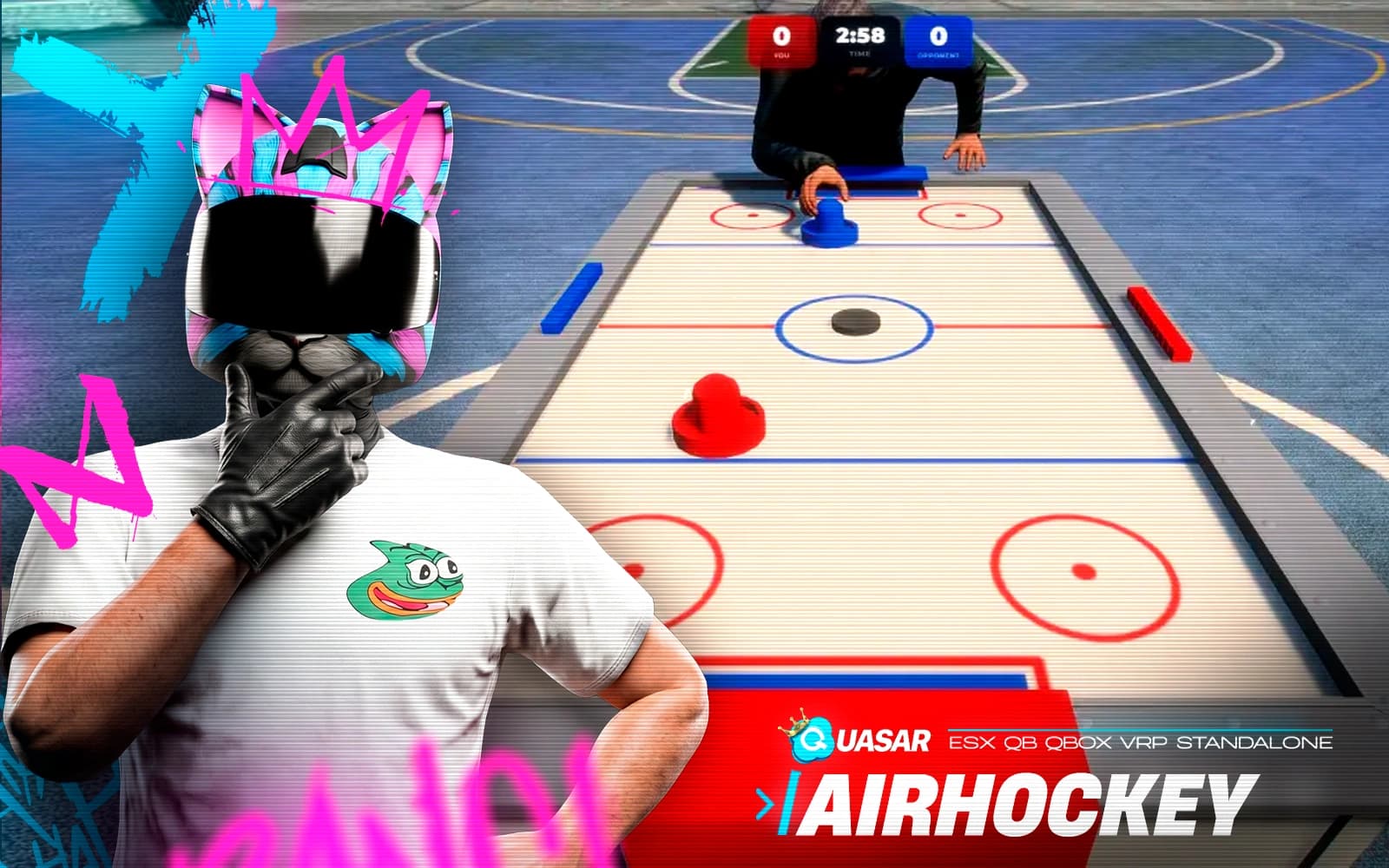
Quasar Air Hockey is a realistic FiveM arcade game with AI, multiplayer, betting, and authentic puck physics. Compatible with QBCore, ESX, QBox & Standalone.
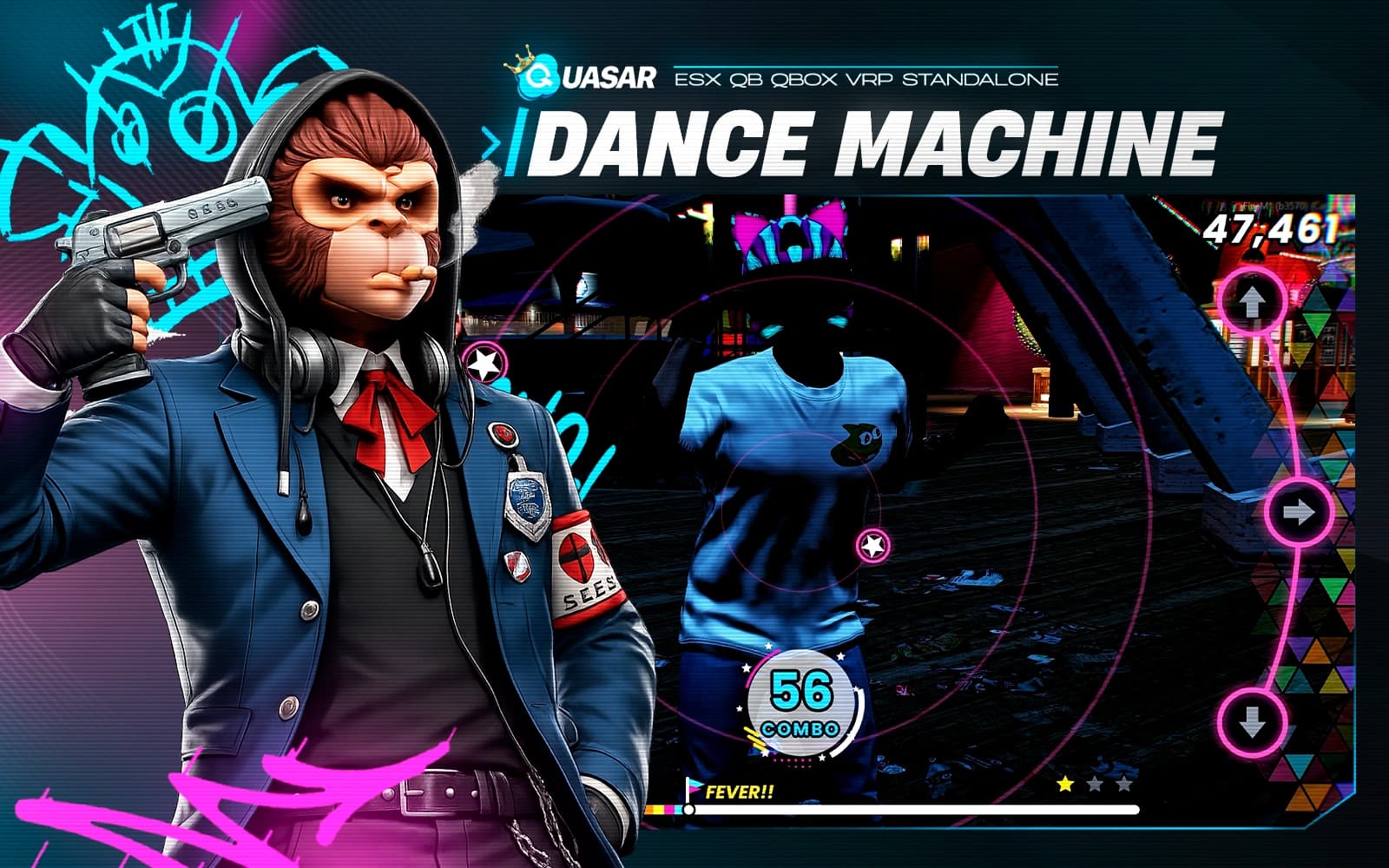
Quasar Dance Machine is the ultimate FiveM Dance Script featuring Solo, Duo & Versus modes, arcade rhythm gameplay, synchronized animations, competitive scoring, and full support for QBCore, ESX, QBox & Standalone. The best FiveM rhythm minigame.
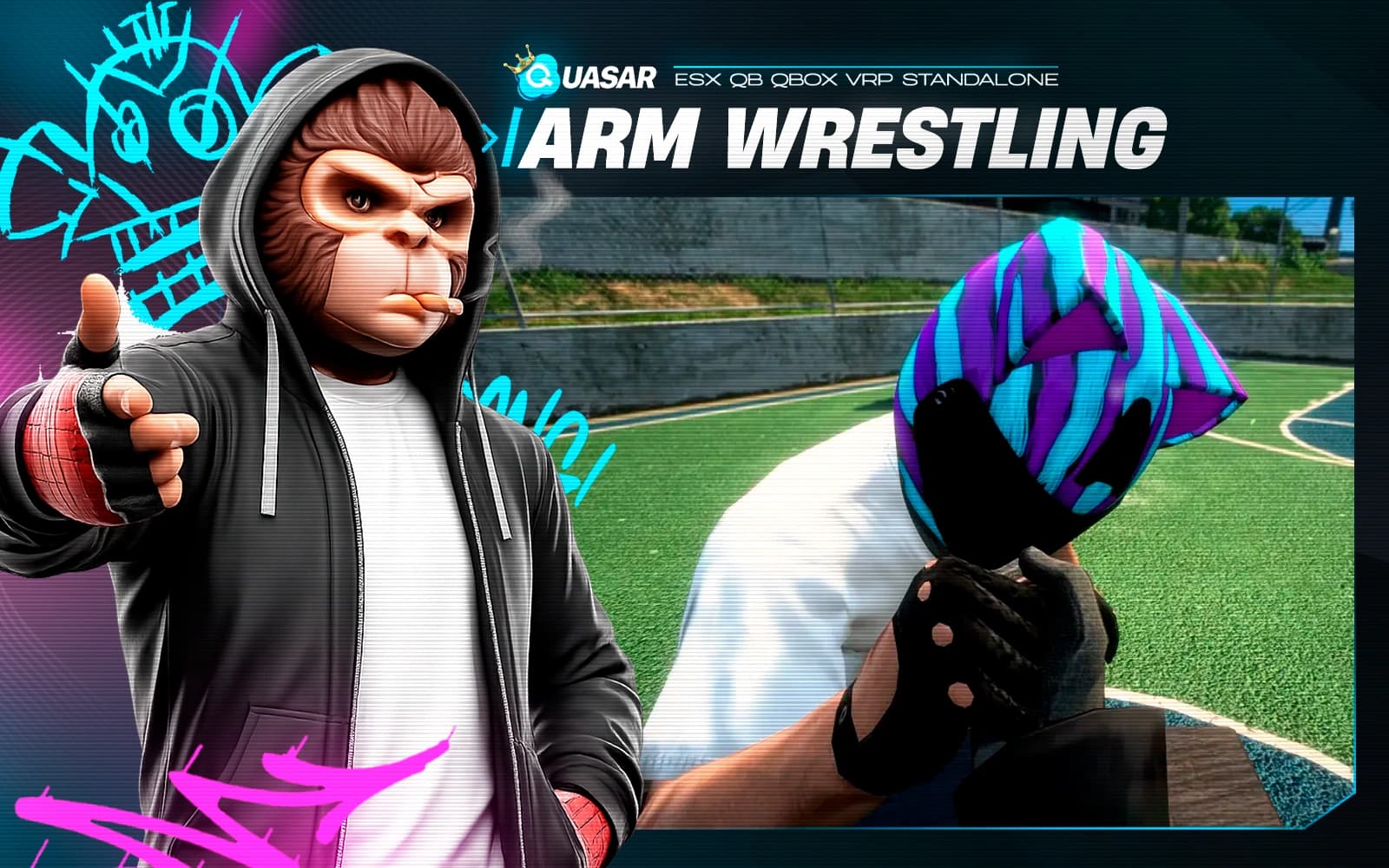
Quasar Arm Wrestling brings realistic arm wrestling to FiveM ESX, QBCore, QB, QBox, and Standalone servers. Play against AI or friends, create unlimited tables, enable betting, and enjoy immersive multiplayer strength competitions anywhere.
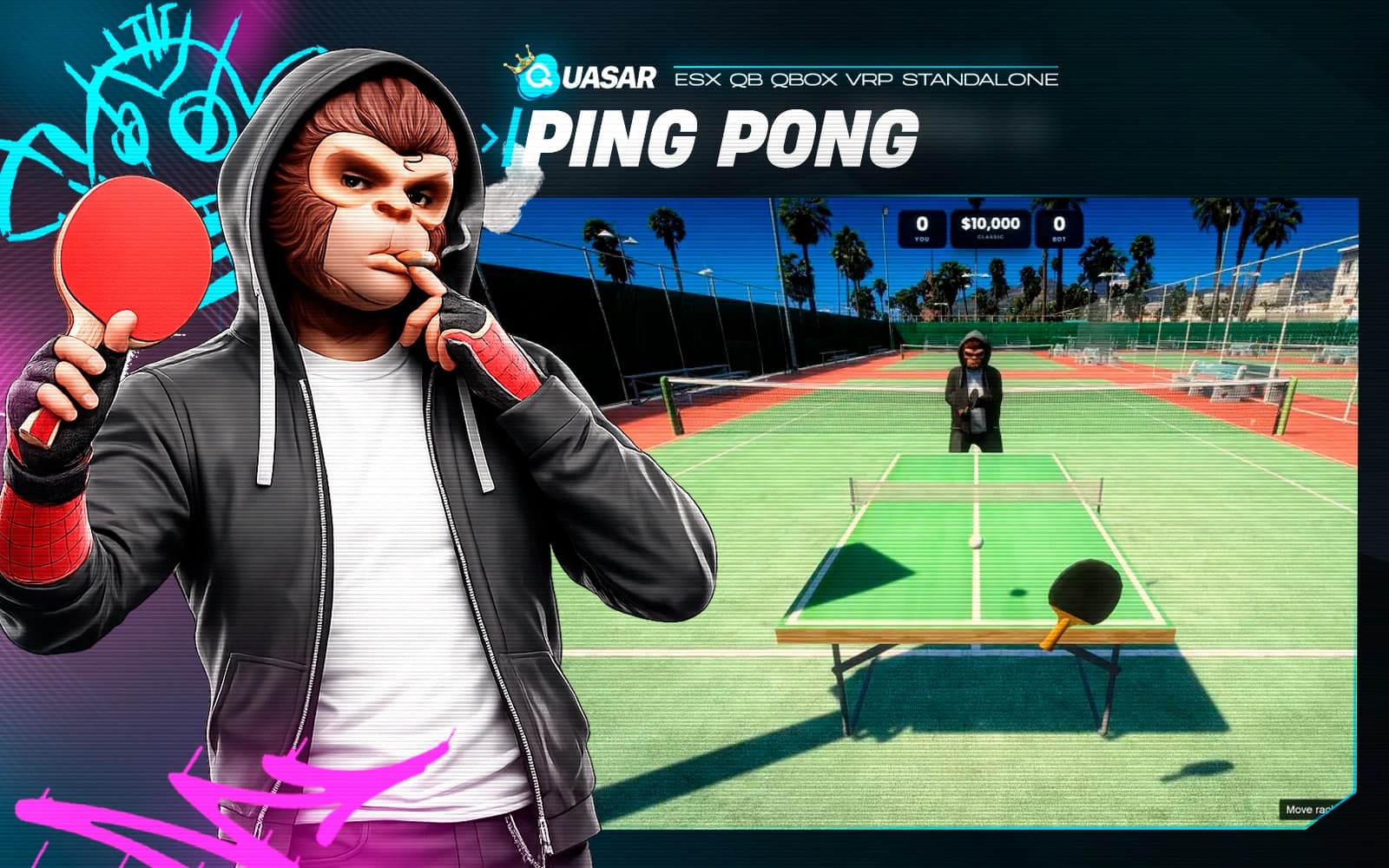
Quasar Table Tennis brings realistic Ping Pong to FiveM ESX, QBCore, QB, QBox, and Standalone servers. Play against AI or friends with realistic physics, synchronized multiplayer, premium animations, and immersive gameplay.
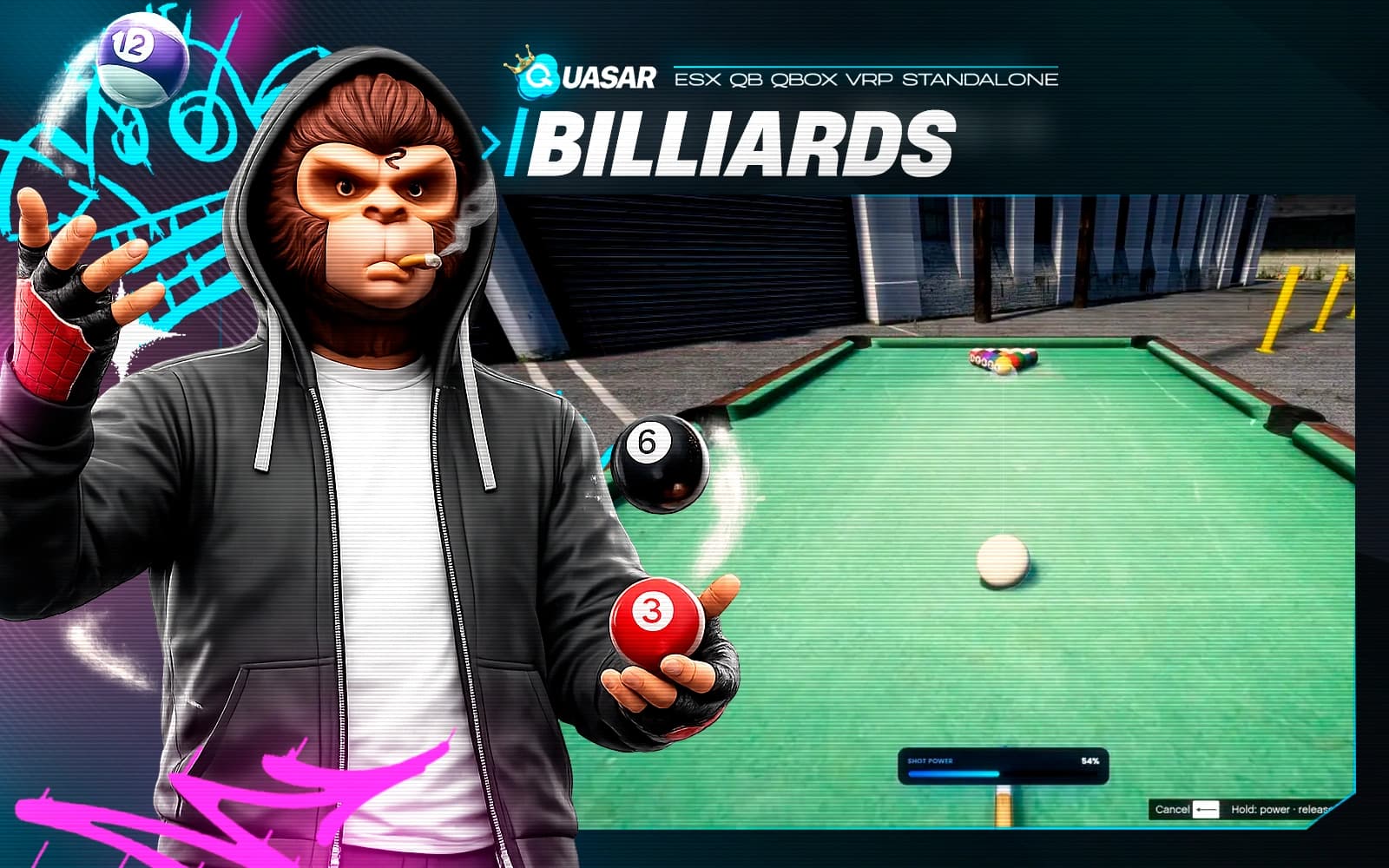
Quasar Pool & Billiards brings realistic pool to FiveM ESX, QBCore, QB, QBox, and Standalone servers. Play against AI or friends with realistic physics, synchronized multiplayer, immersive cue mechanics, and premium custom tables.
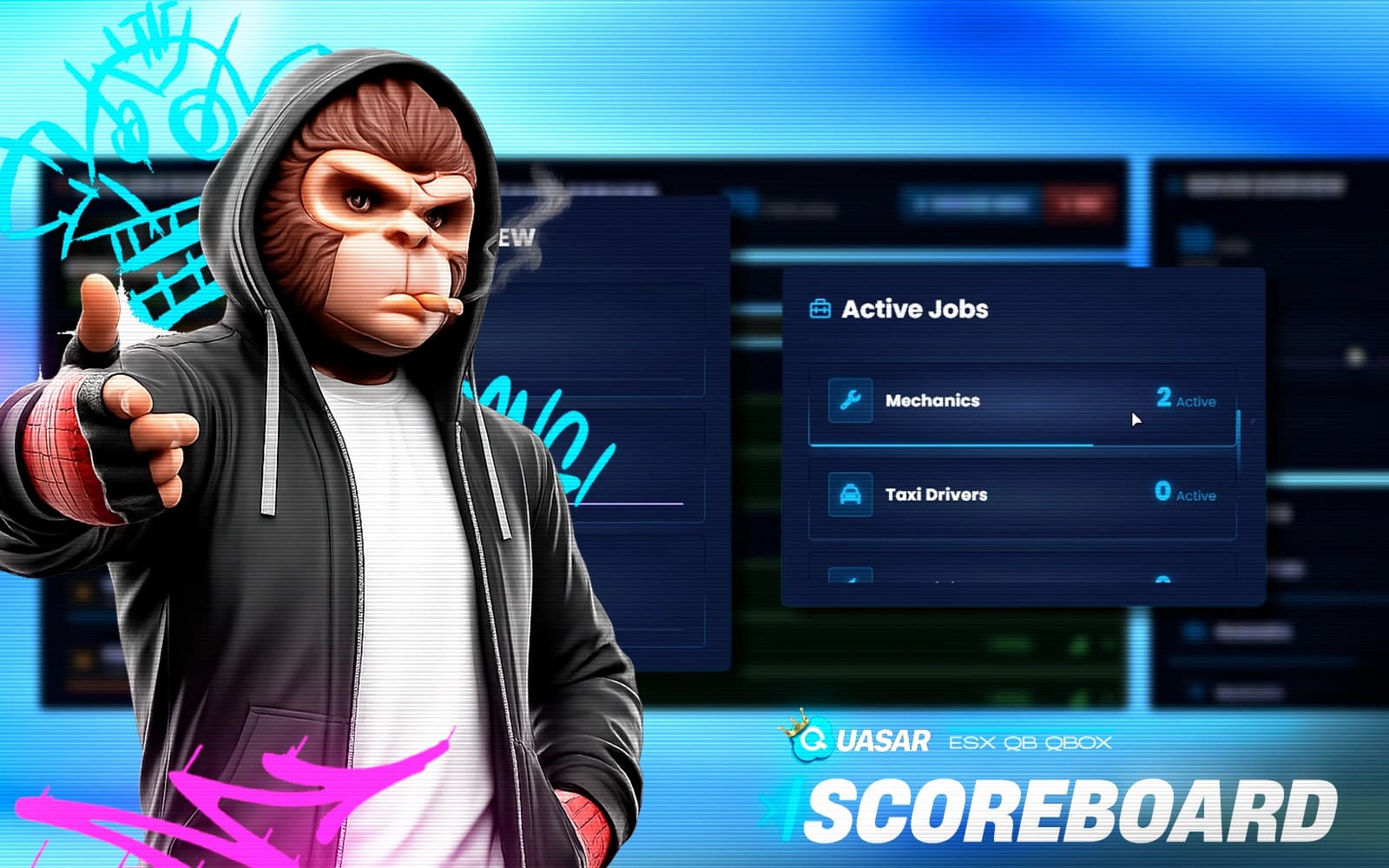
A modern scoreboard that displays real-time server info such as player count, jobs, uptime, and active roles. With smooth animations, configurable columns, and a clean responsive UI, it adapts to any style. Fully optimized and compatible with all major frameworks, it keeps players informed with professional visuals and top performance.
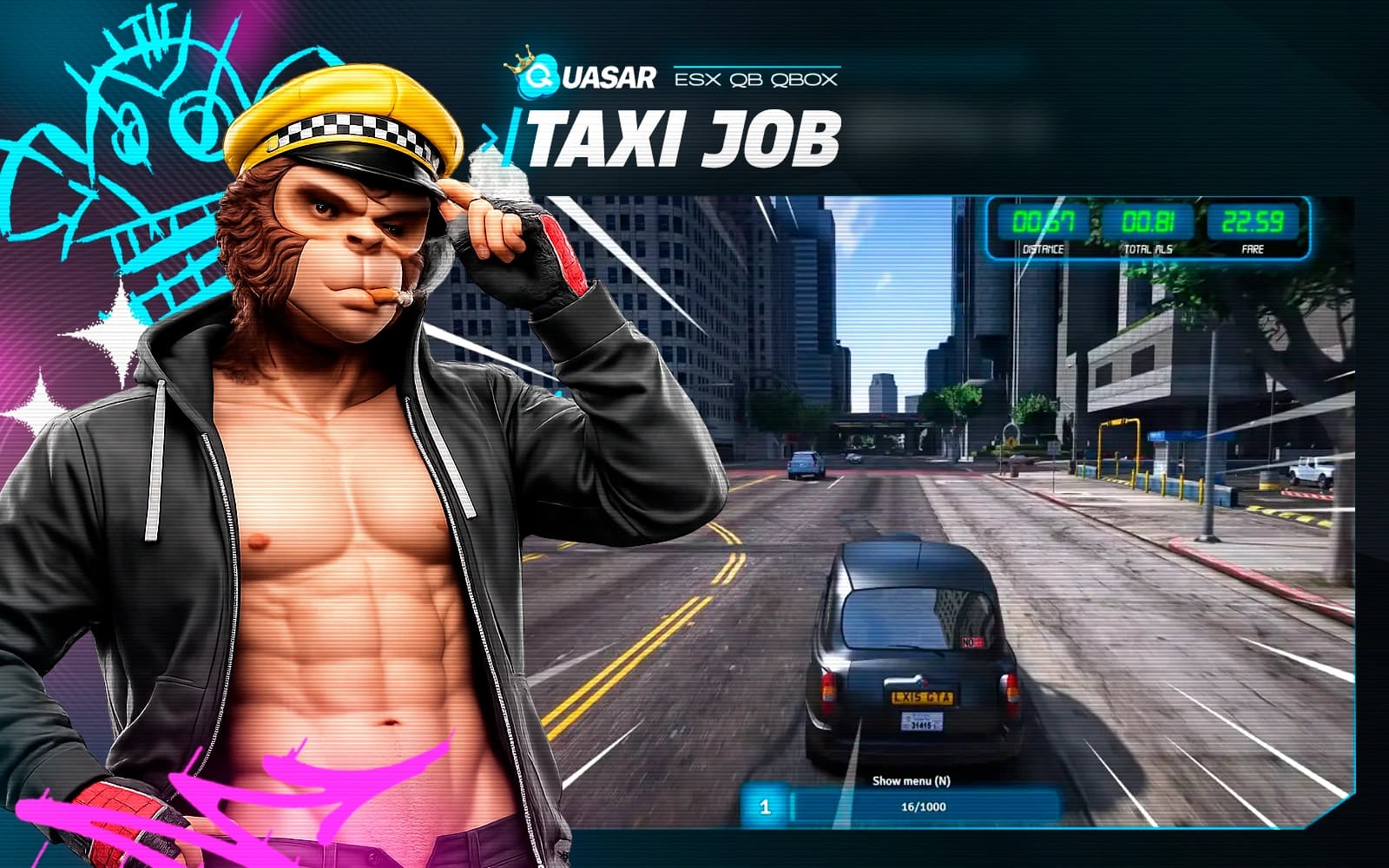
A complete taxi system featuring NPC and player fares, a functional taximeter, GPS routing, animations, and optional illegal ride missions. Players earn tips, level up, and unlock routes or bonuses as they progress. Designed for both legitimate taxi RP and underground smuggling jobs, it adds depth and variety to any server.
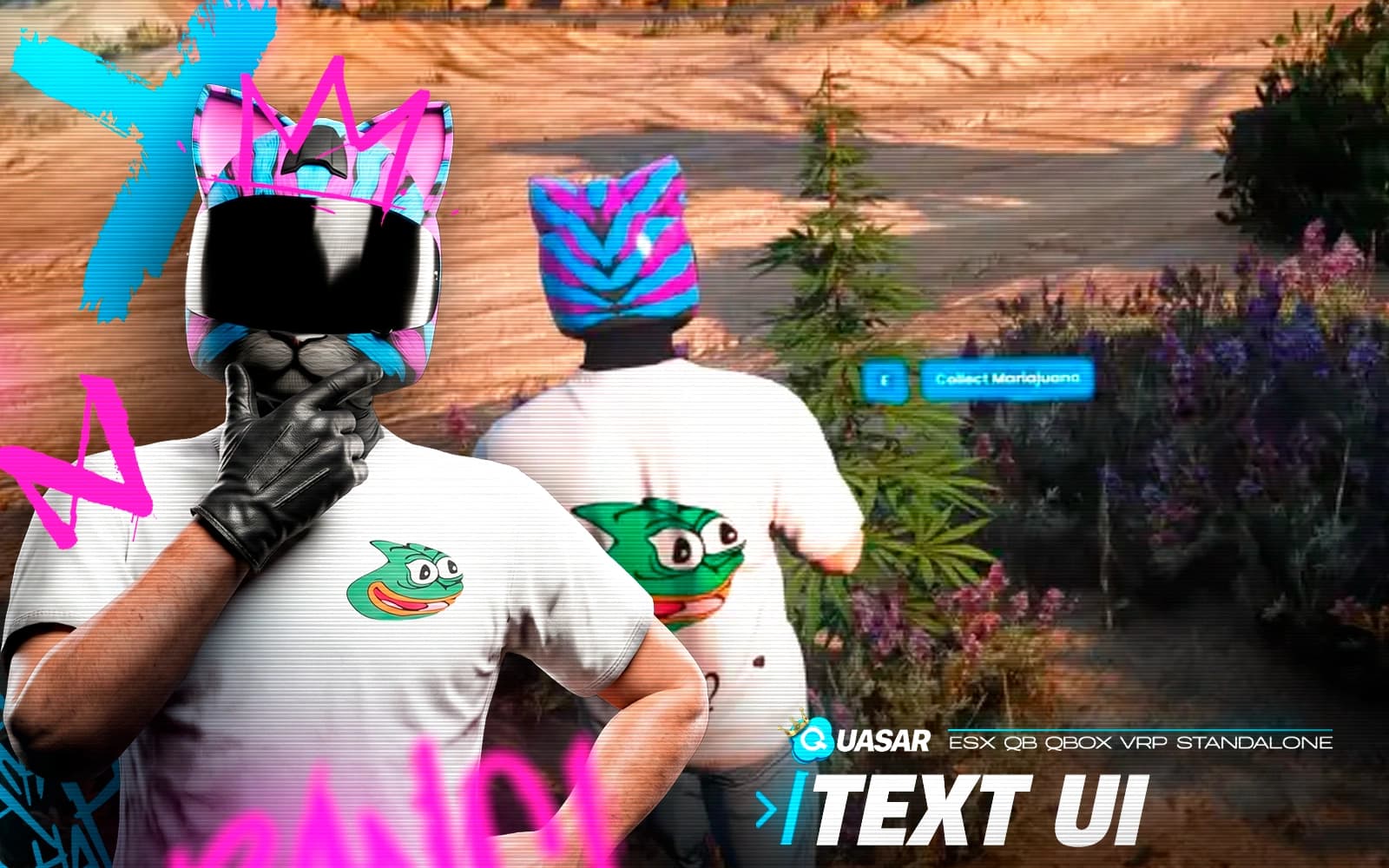
A next-gen replacement for DrawText3D, offering ultra-optimized 3D text with zero FPS loss. Fully customizable with colors, fonts, sizes, and animations, it’s ideal for prompts, NPC labels, and clean on-screen messages. Lightweight, easy to use, and fully compatible with ESX and QB, it delivers professional, efficient text displays.
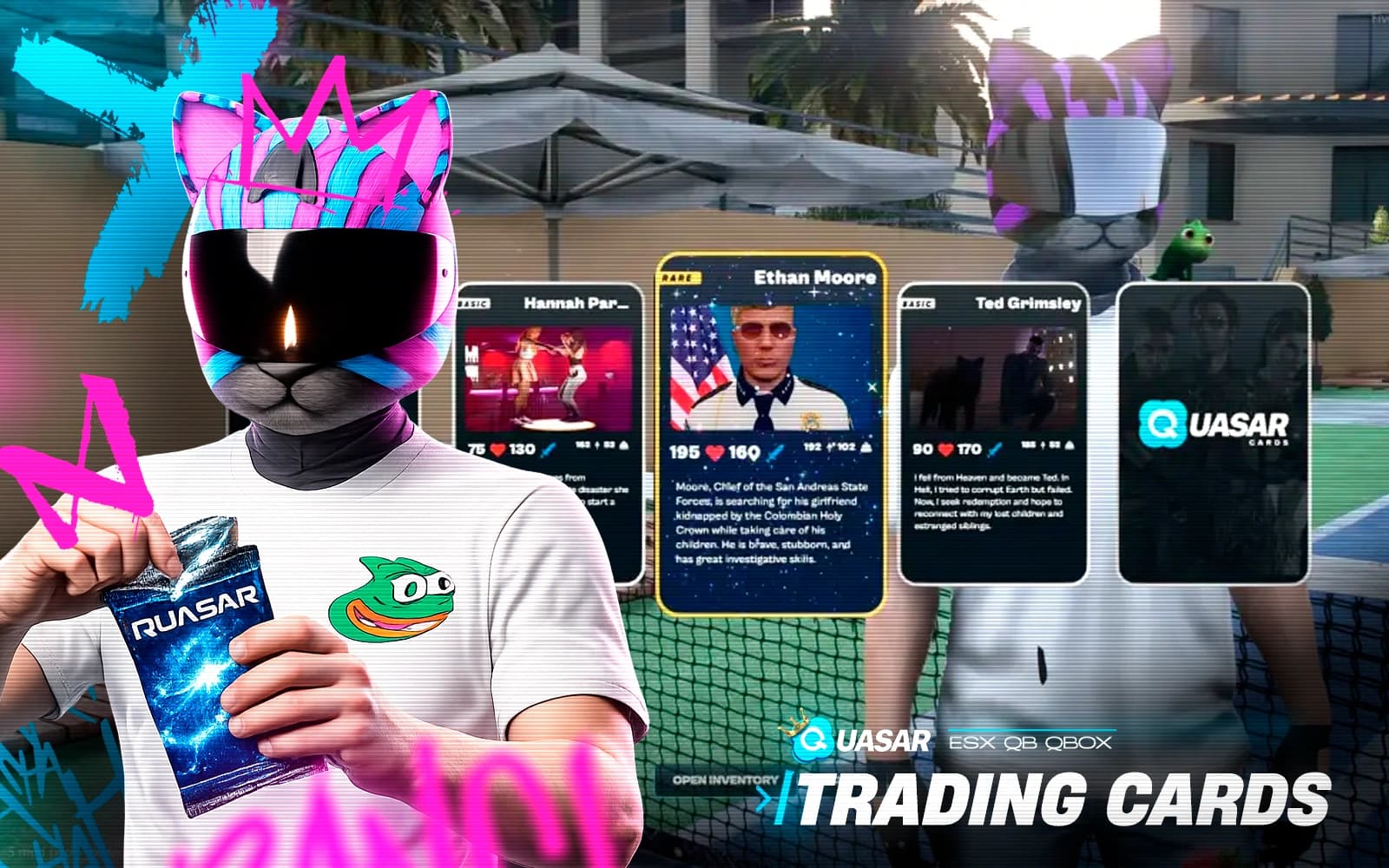
A collectible card system featuring Basic, Rare, and Legendary cards. Players open animated packs, trade cards with others, and complete collections to earn rewards. Fully customizable with unique themes, expansions, and drop rates, it integrates with ESX, QB, and inventories to create a fun economy of collecting, trading, and bragging rights.
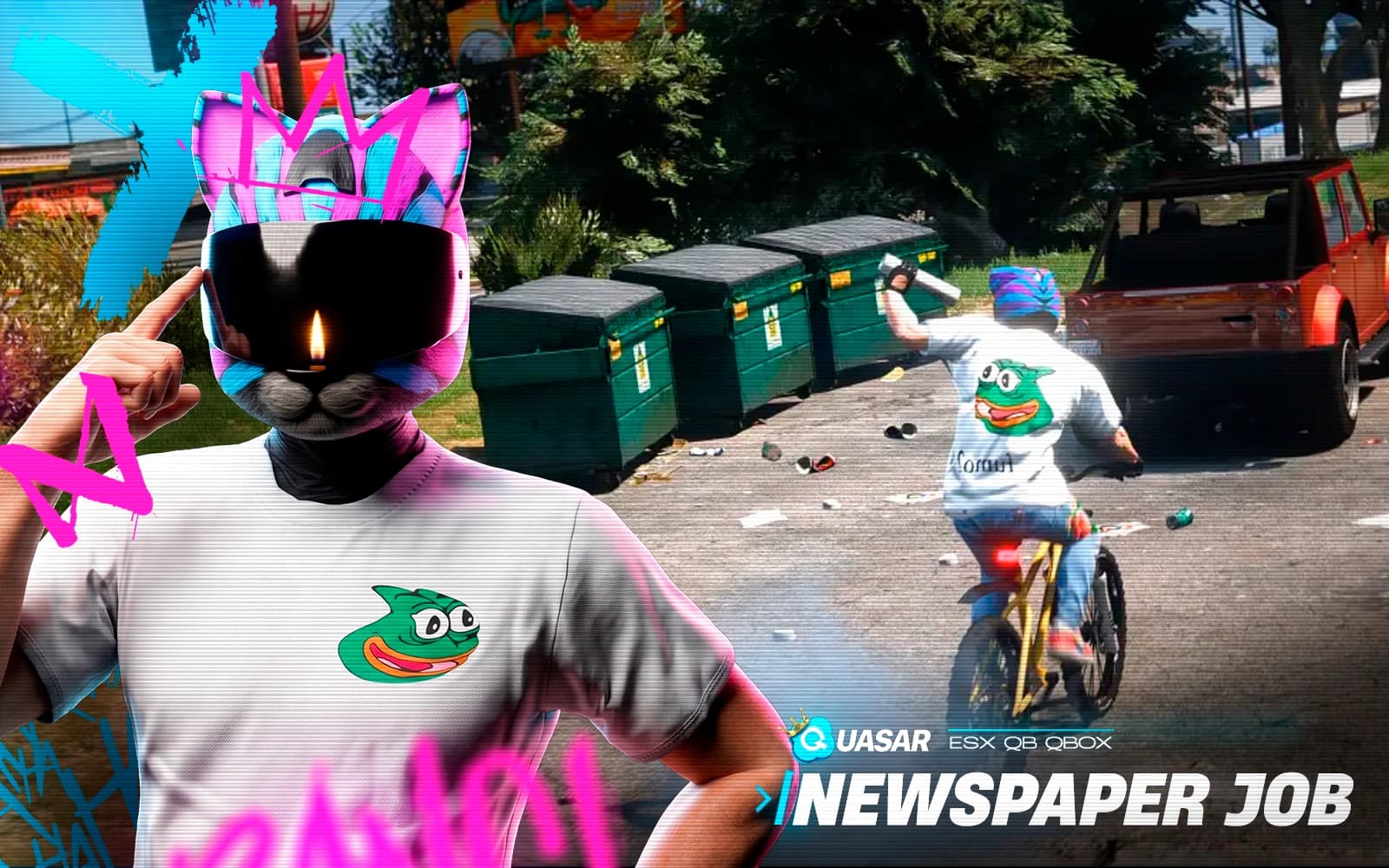
A nostalgic delivery job where players ride bicycles, throw newspapers with skill-based mechanics, and complete routes across dynamic delivery zones. With leveling, rewards, rankings, animations, and inventory integration, it blends old-school charm with modern progression for a fun, community-driven experience.
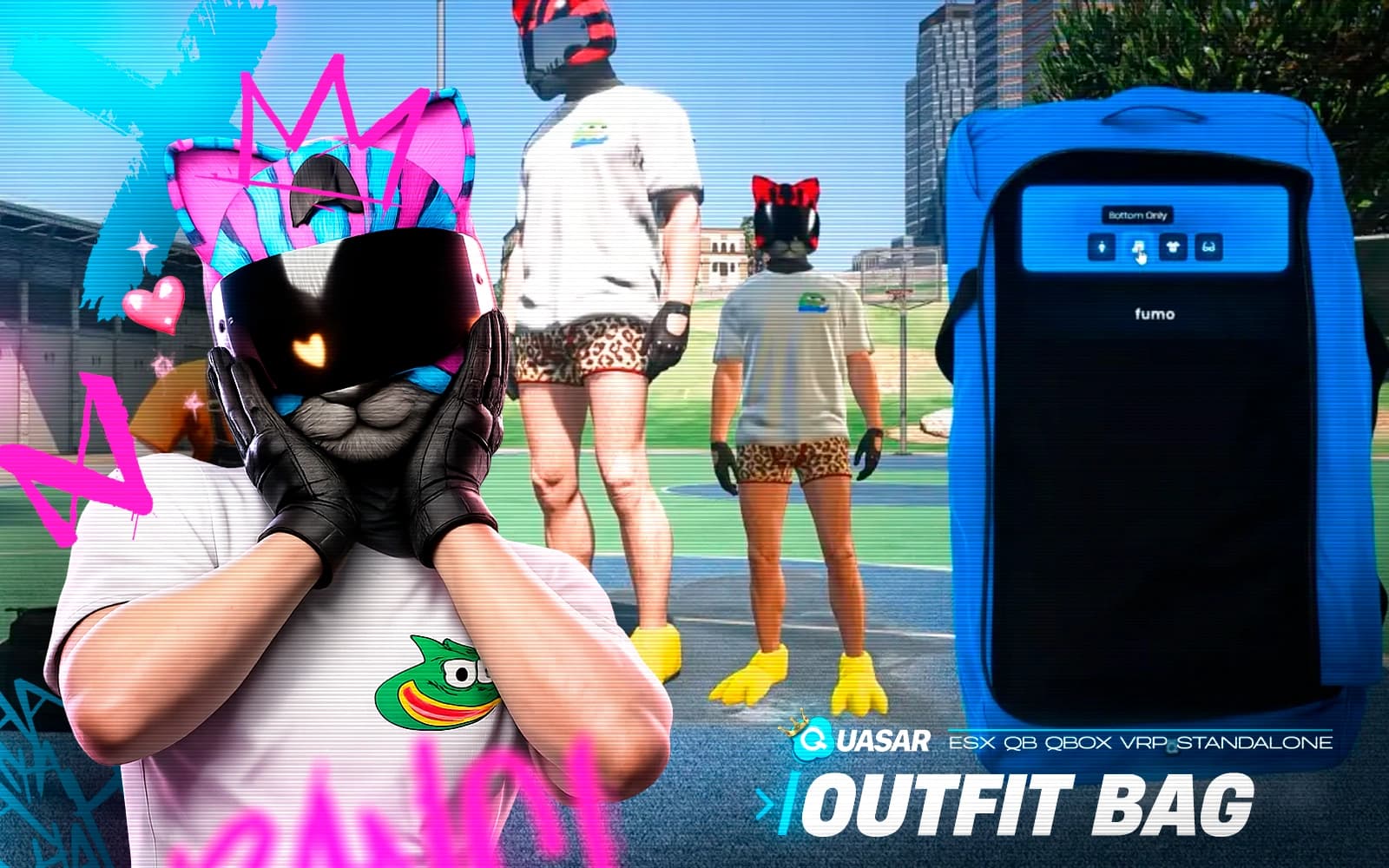
A portable wardrobe system where players save, carry, and swap outfits anywhere through a physical bag item. With access controls for personal or shared use, organized outfit naming, instant equipping, and full compatibility with multiple frameworks, it offers a stylish and immersive way to manage clothing on the go.
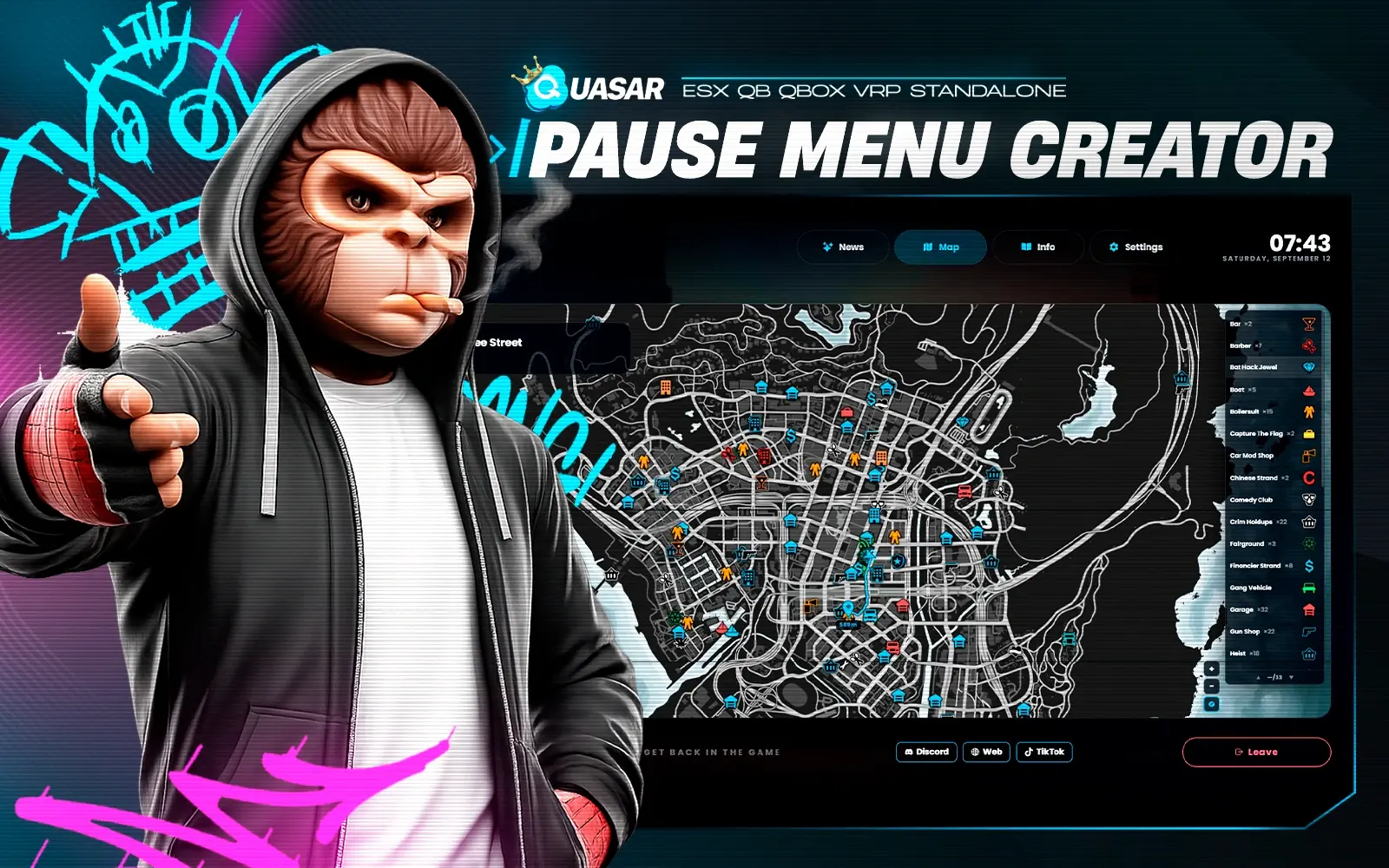
A modern pause menu replacement that displays real-time stats like money, job, ping, and server uptime. With a live map, social links, and full branding options, it offers a stylish, lightweight, and responsive hub. Works with ESX, QB, or standalone and supports controllers for seamless, immersive navigation.
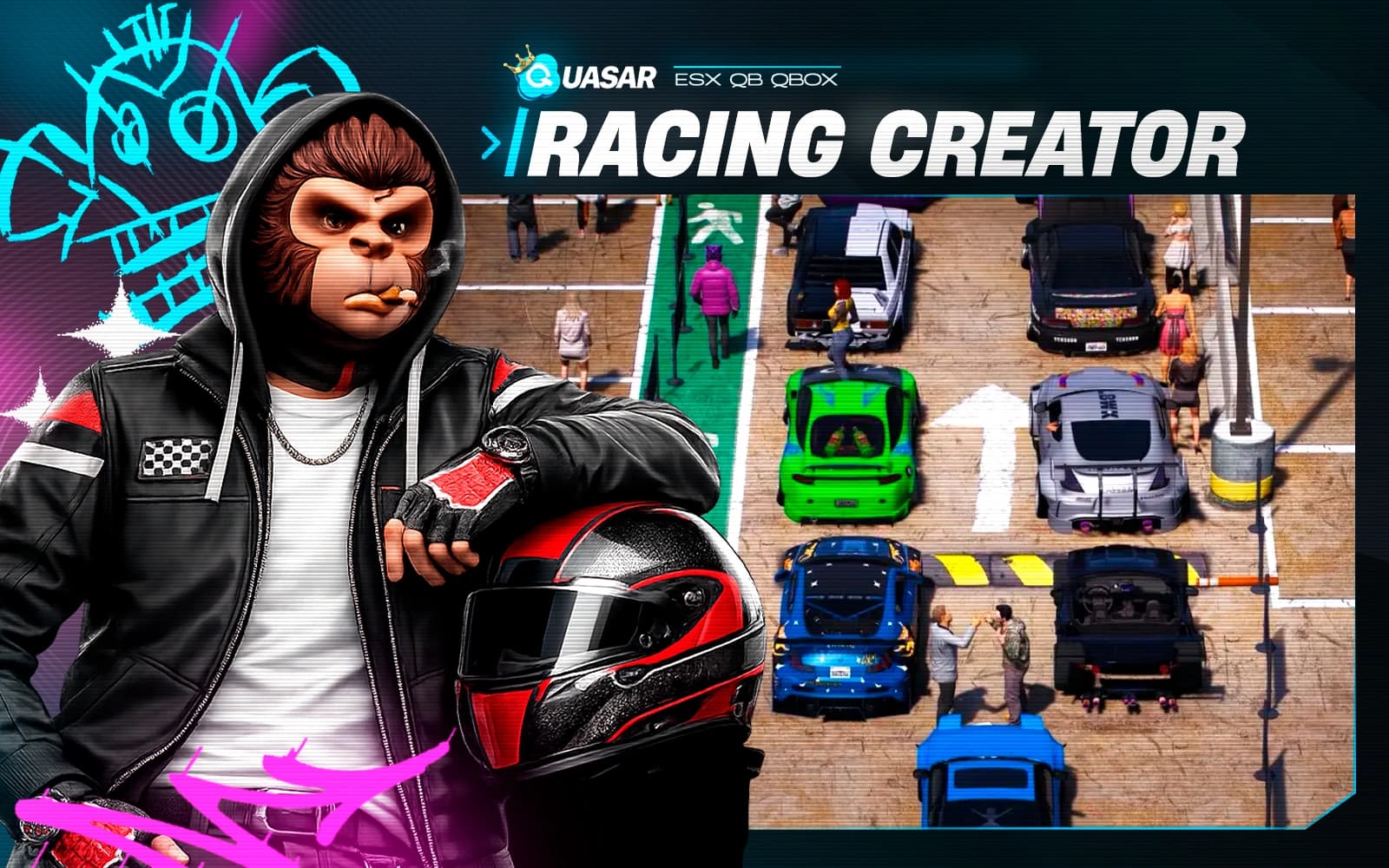
A high-speed racing system featuring a full in-game race creator with checkpoints, cinematic intros, countdowns, ghost racing, and live leaderboards. Tracks can be built anywhere, with vehicle restrictions and winner rewards in money, items, or points. It delivers fast, competitive, and immersive racing for any FiveM server.
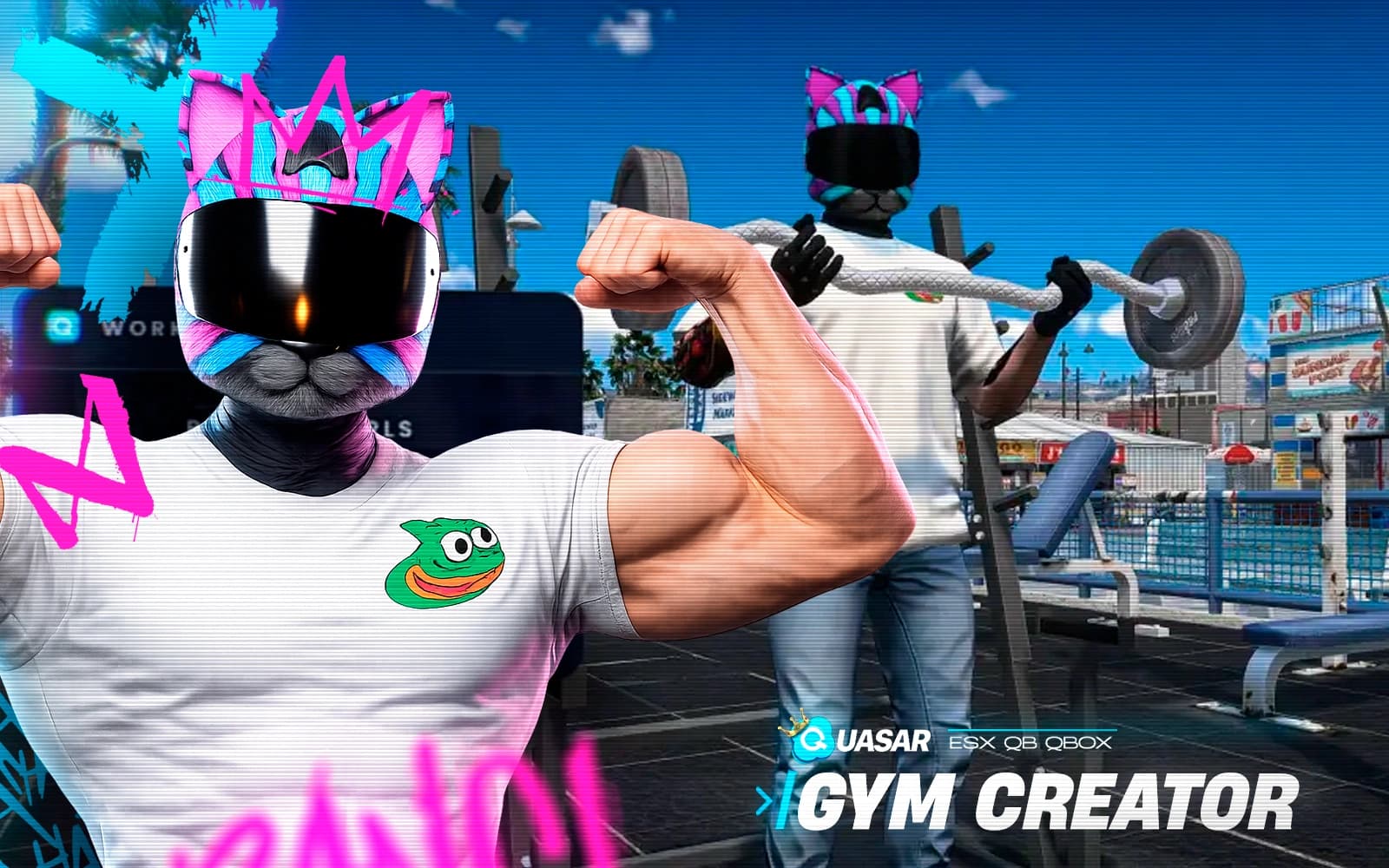
An immersive gym system featuring interactive minigames, polished animations, and stat-based progression for stamina and strength. With memberships, NPC reception, daily stat decay, and item-dependent workouts through inventory integration, it creates a realistic fitness loop perfect for long-term RP progression.
Need a hand
Our team answers setup, framework compatibility and integration questions before and after purchase.