Quasar Store Logo

DevelopmentNewsReleasesScriptsUpdates

Quasar Interface 2.0: The Next Generation HUD & Interface System for FiveM

Quasar Interface 2.0 is a complete FiveM HUD and UI system featuring a customizable welcome screen, advanced chat with VIP badges, stress and breathing mechanics, player interface customization, mini-games and full compatibility with ESX, QB / QBCore and QBox servers.

I

ImNotQuasar

March 8, 20268 min read
8 min read
72 views
24 comments
28 reactions
Quasar Interface 2.0: The Next Generation HUD & Interface System for FiveM

For years, many FiveM roleplay servers have relied on fragmented UI systems: one script for the HUD, another for notifications, another for chat, and separate tools for progress bars, vehicle HUDs and interface settings.

Quasar Interface 2.0 changes that completely.

This new version is a complete redesign of the original Quasar Interface, one of the most loved interface systems in the FiveM community. It transforms the way players experience your server by combining HUD, chat, notifications, UI customization and gameplay systems into a single optimized interface.

Fully compatible with ESX, QB / QBCore, QBox and Standalone servers, Quasar Interface 2.0 is designed to deliver a clean, modern and immersive UI experience that makes your server feel like a completely new game.


The “Welcome Screen” – A New Concept in FiveM Interfaces

IntroInterface.00_00_14_18.Imagen fija006.png

IntroInterface.00_00_16_19.Imagen fija007.png


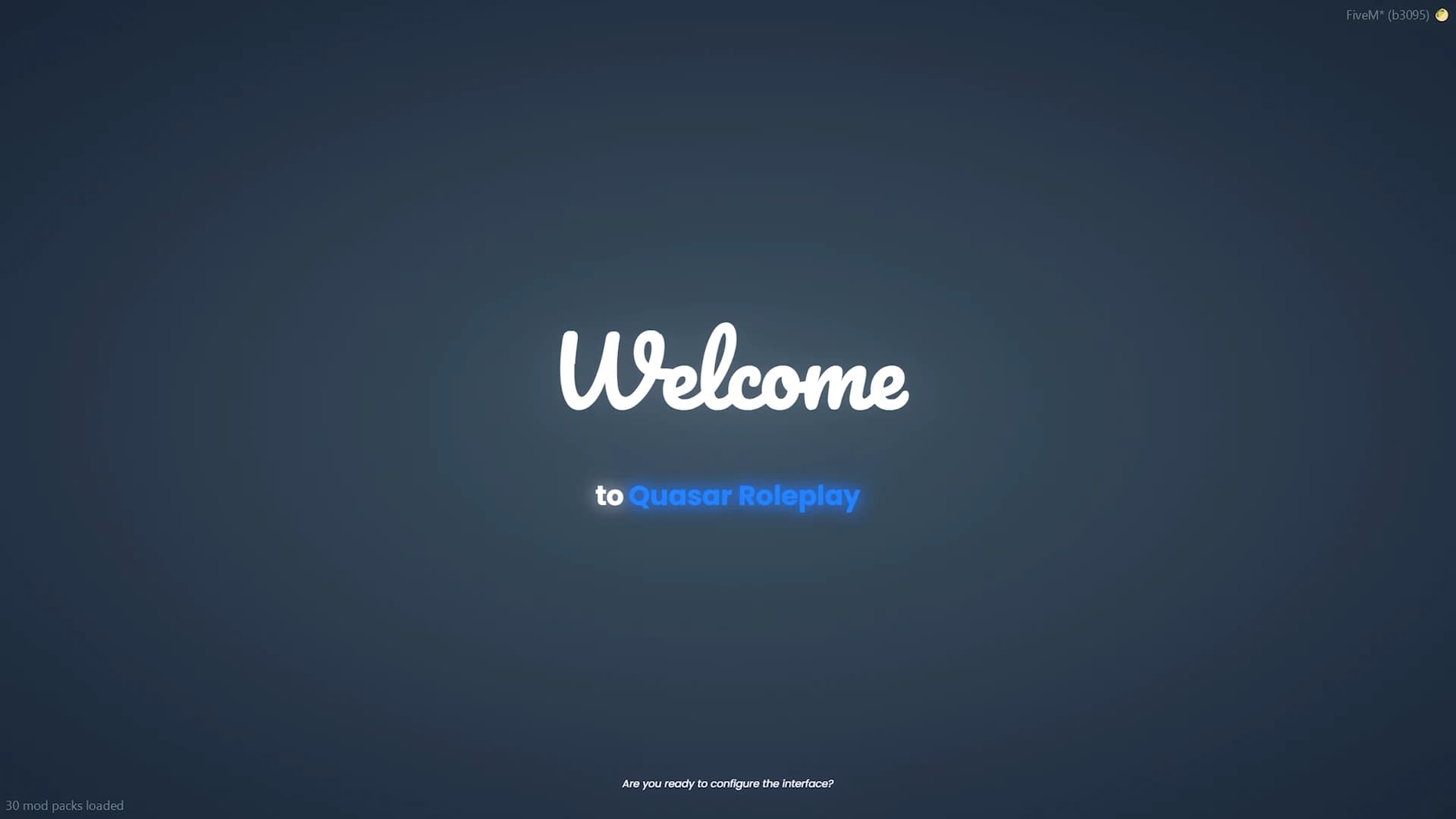
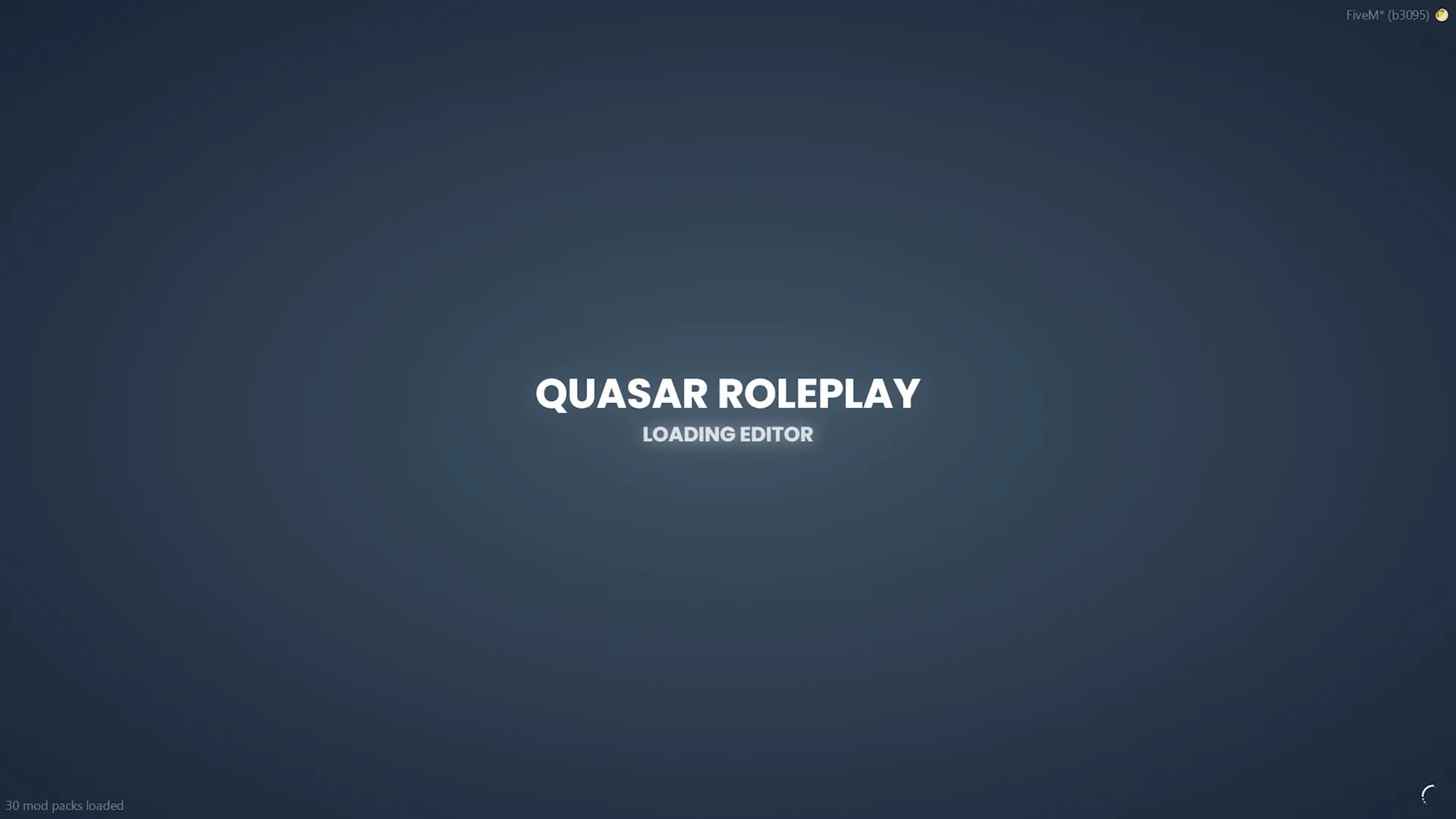
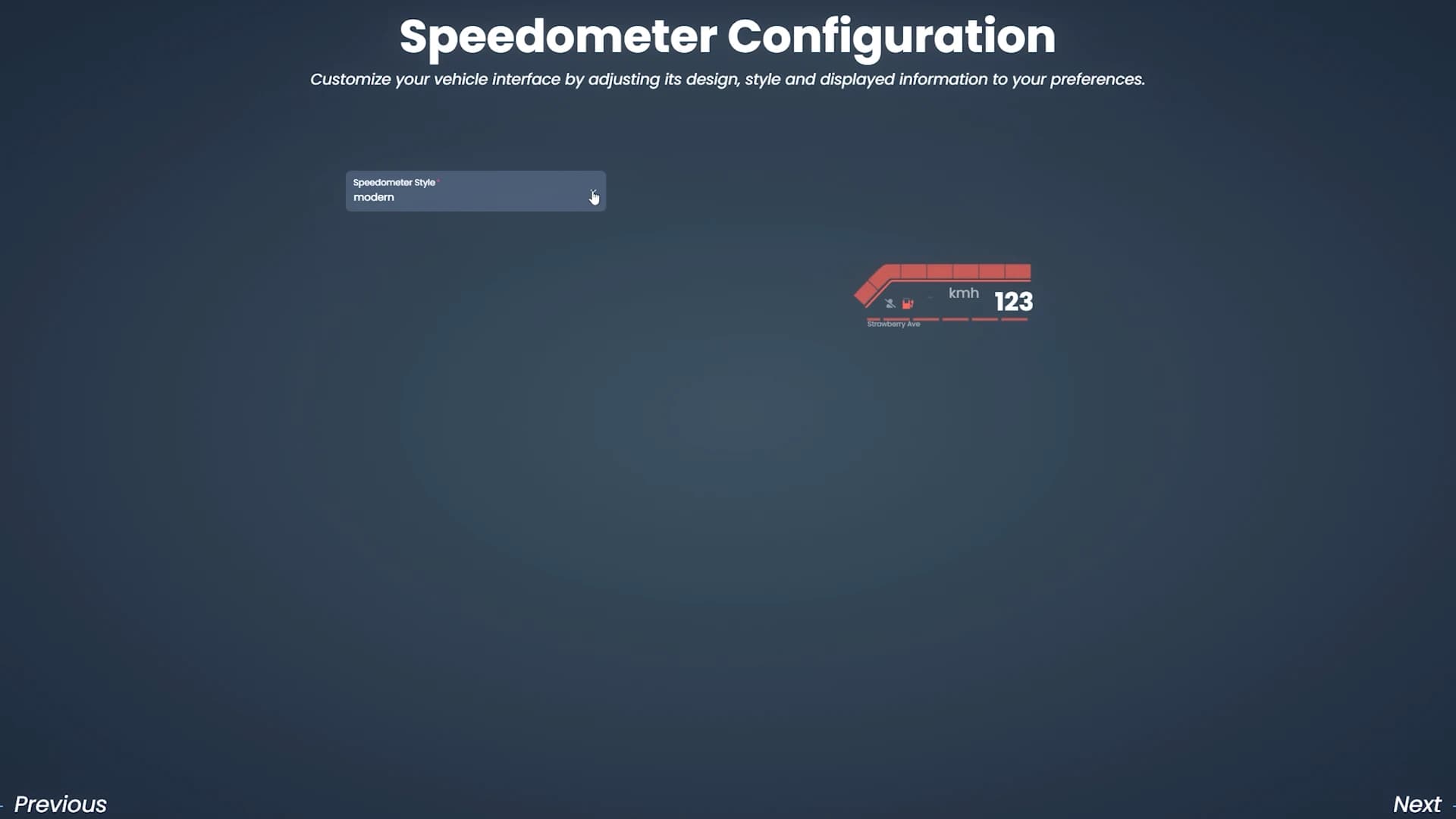
One of the most innovative features of Quasar Interface 2.0 is the brand-new Welcome Screen, a concept created and patented by Quasar Store.

Instead of loading directly into the typical FiveM bridge screen or default interface, players are greeted with a fully customizable interface entry point.

Server owners can configure:

HUD layout
Notifications
Progress bars
Vehicle HUD (CarHUD)
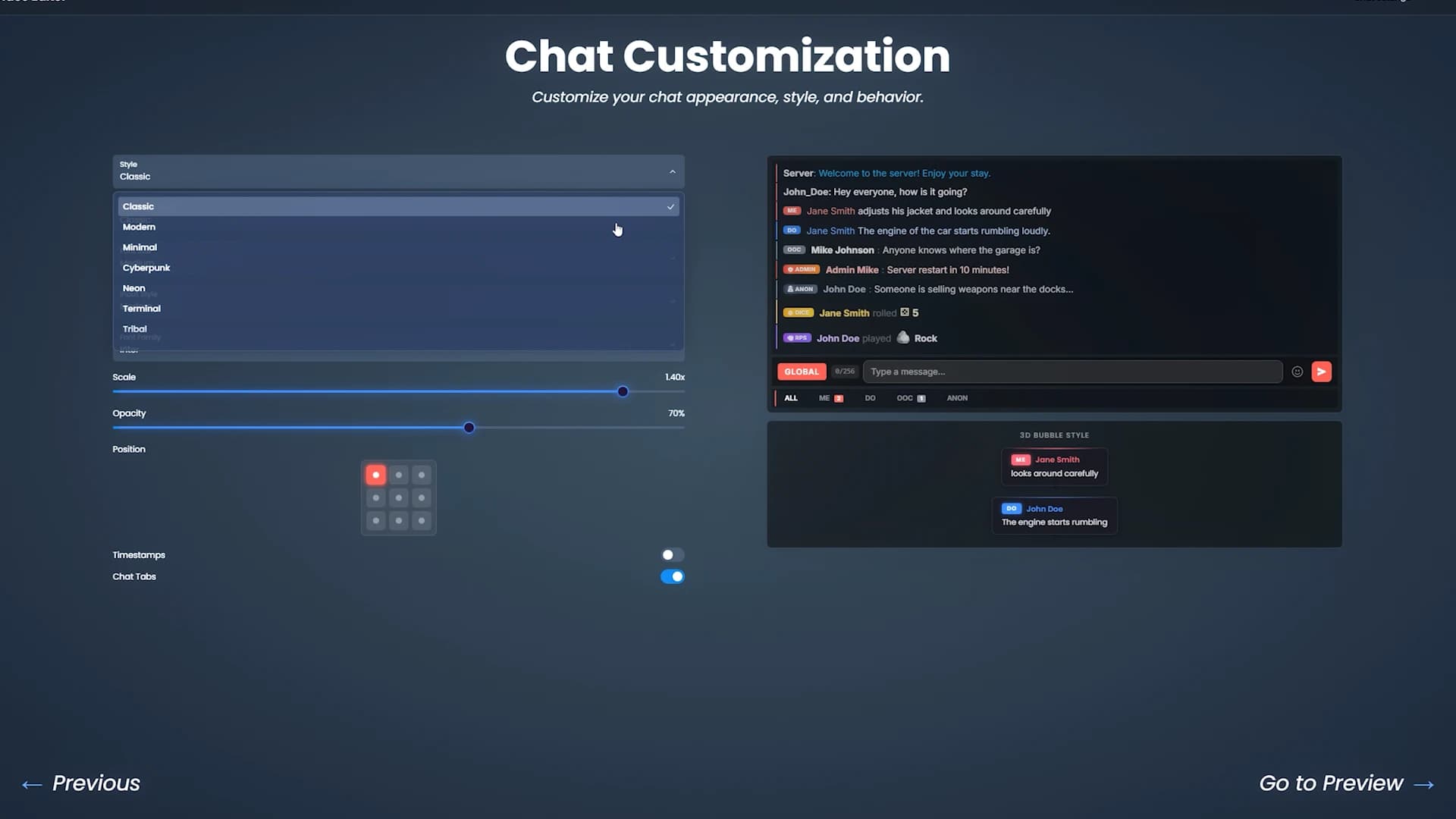
Chat interface

This welcome system becomes the first visual identity of your server, giving players a polished and professional introduction before they even start playing.


A Fully Customizable HUD for Every Player

IntroInterface.00_00_24_03.Imagen fija008.png

IntroInterface.00_00_33_03.Imagen fija009.png

IntroInterface.00_00_45_23.Imagen fija012.png

IntroInterface.00_00_50_21.Imagen fija013.png

IntroInterface.00_00_58_23.Imagen fija015.png

IntroInterface.00_01_04_19.Imagen fija017.png

IntroInterface.00_01_11_05.Imagen fija018.png


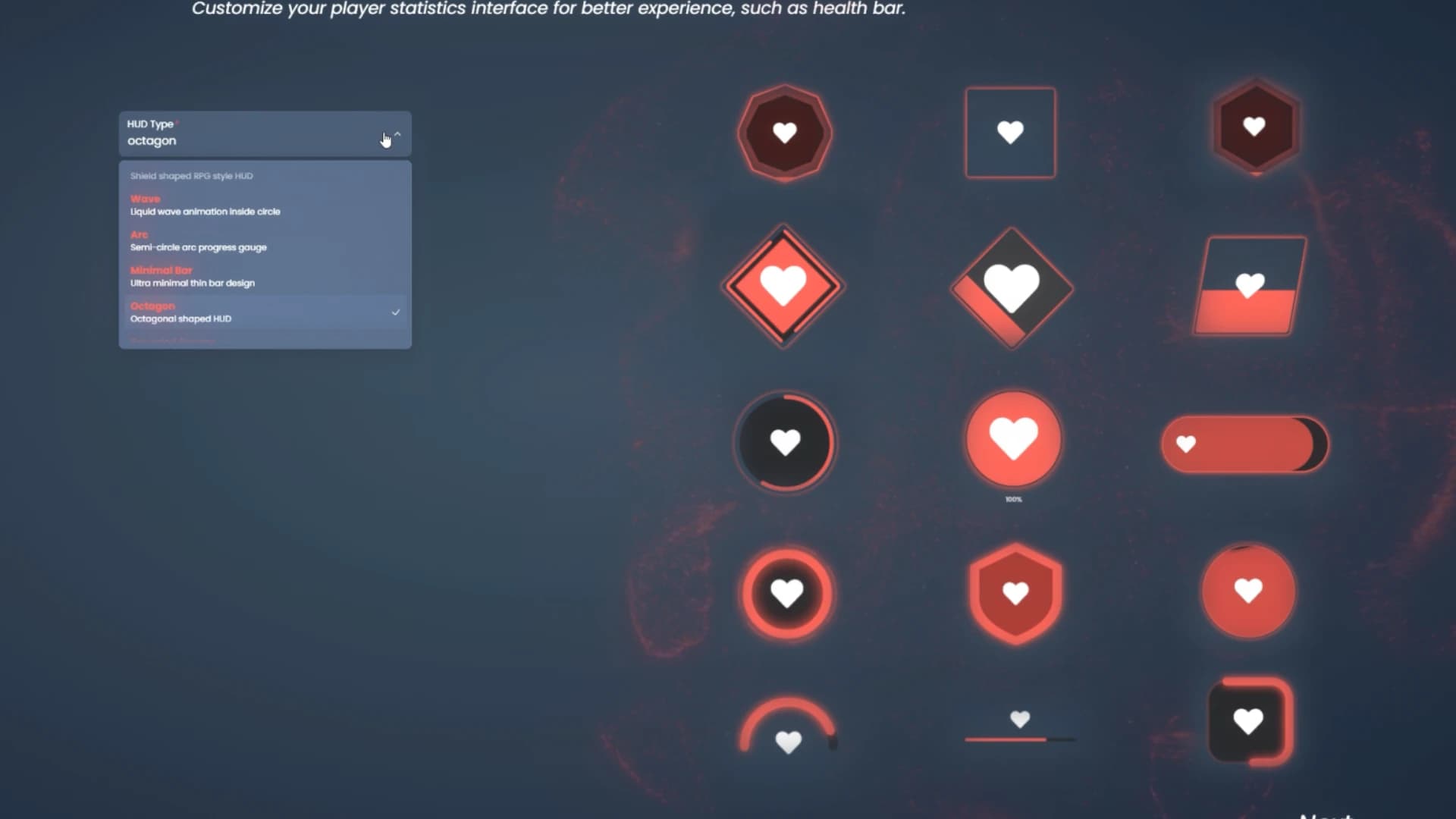
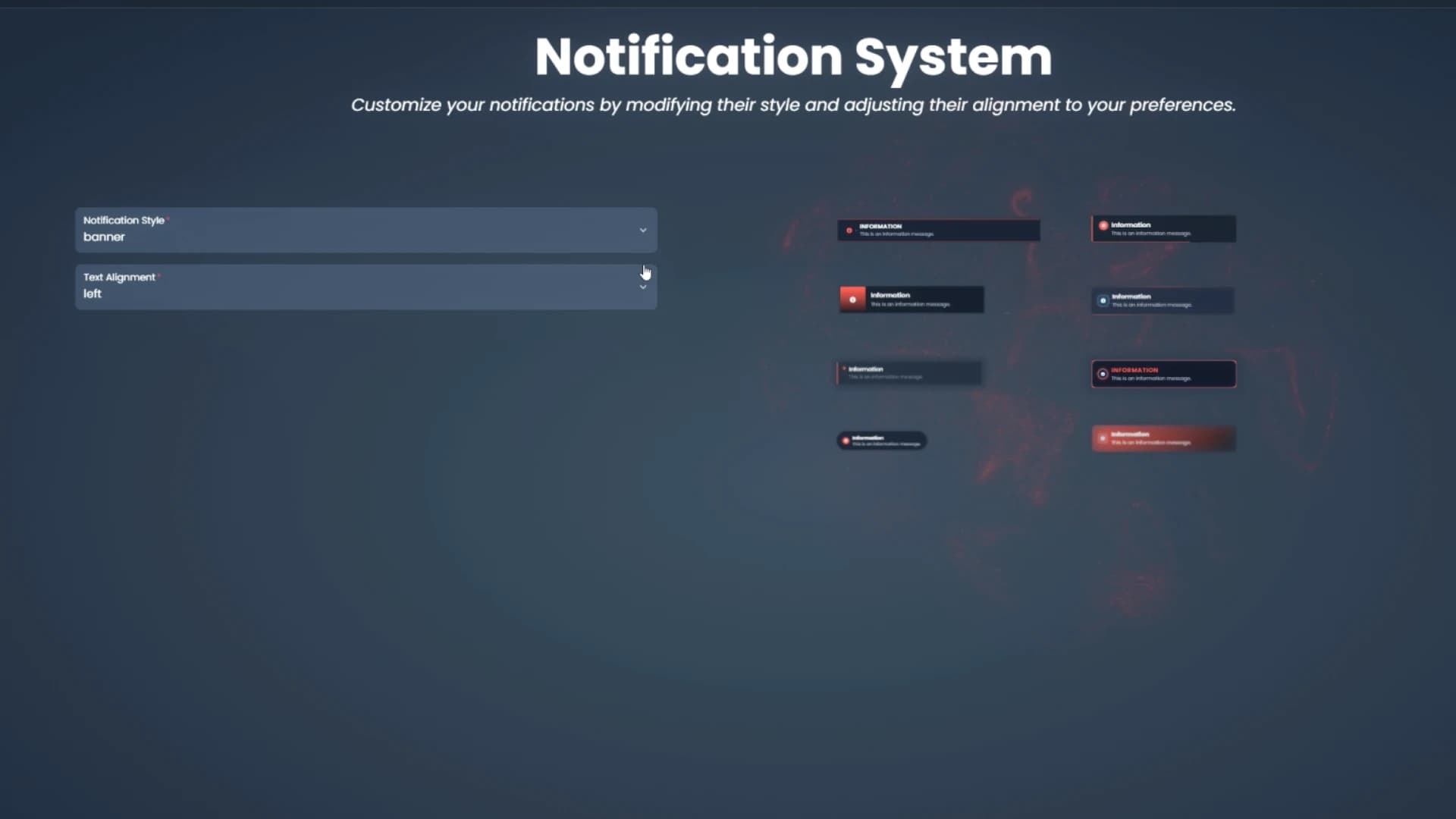
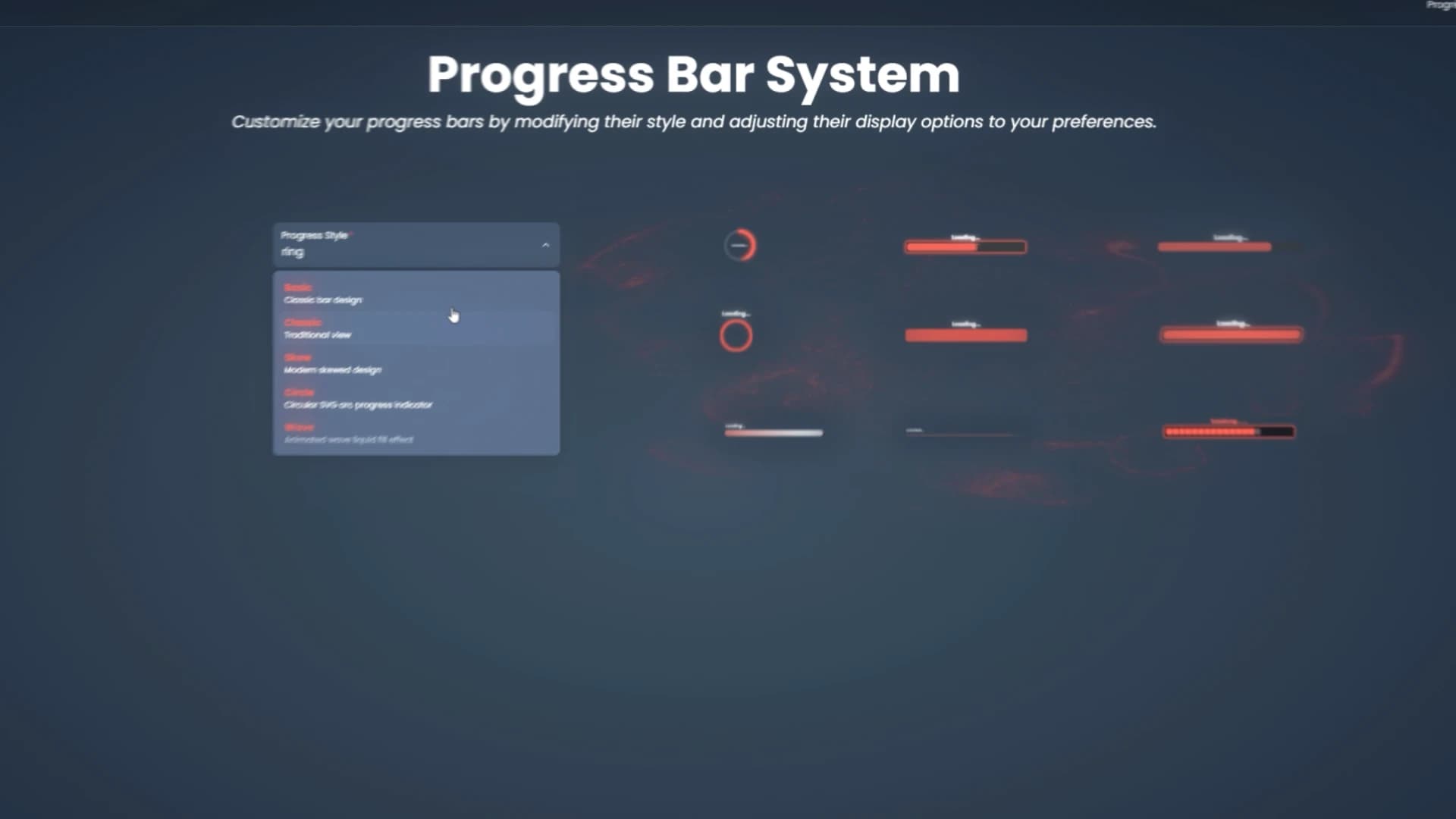
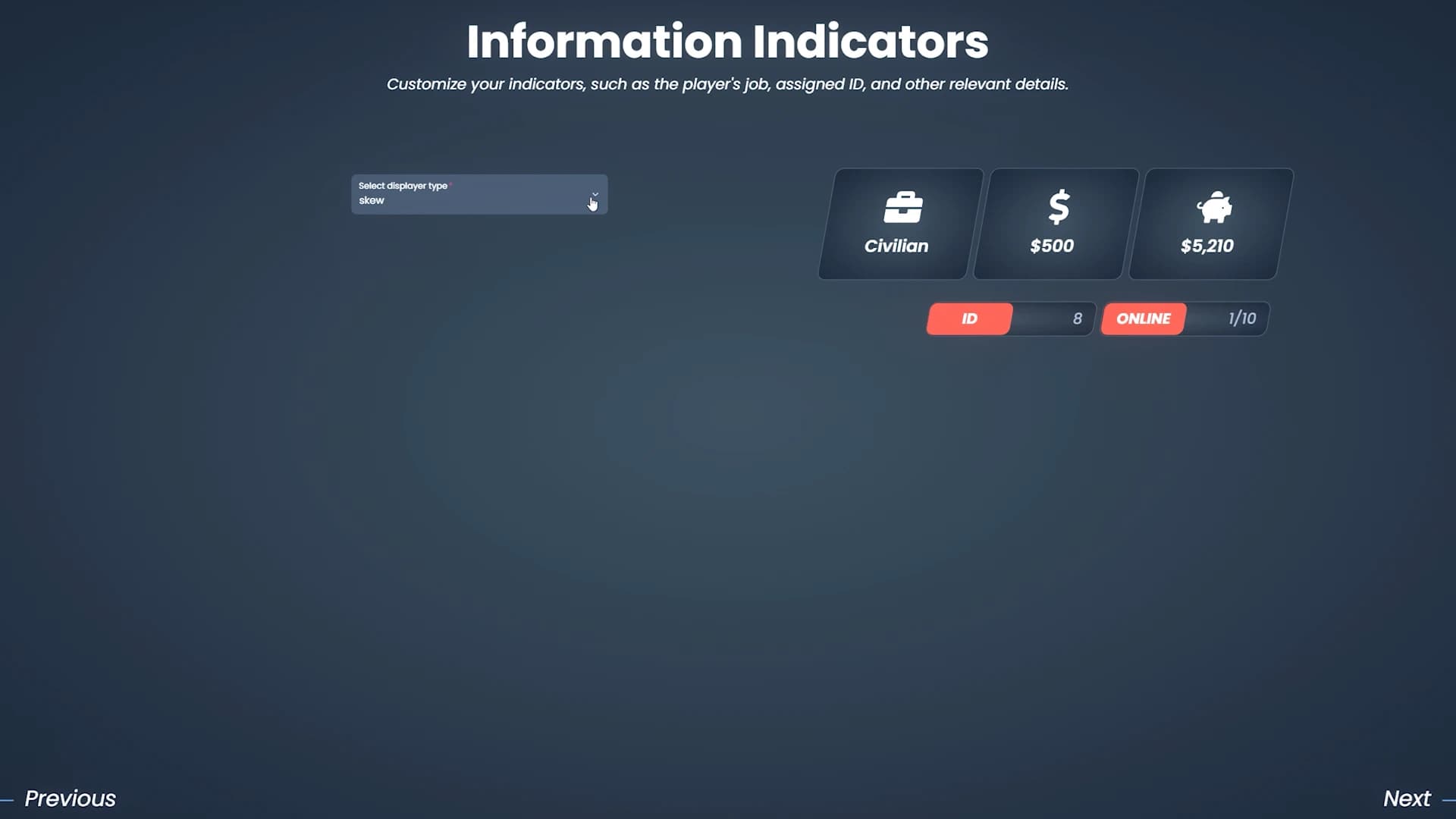
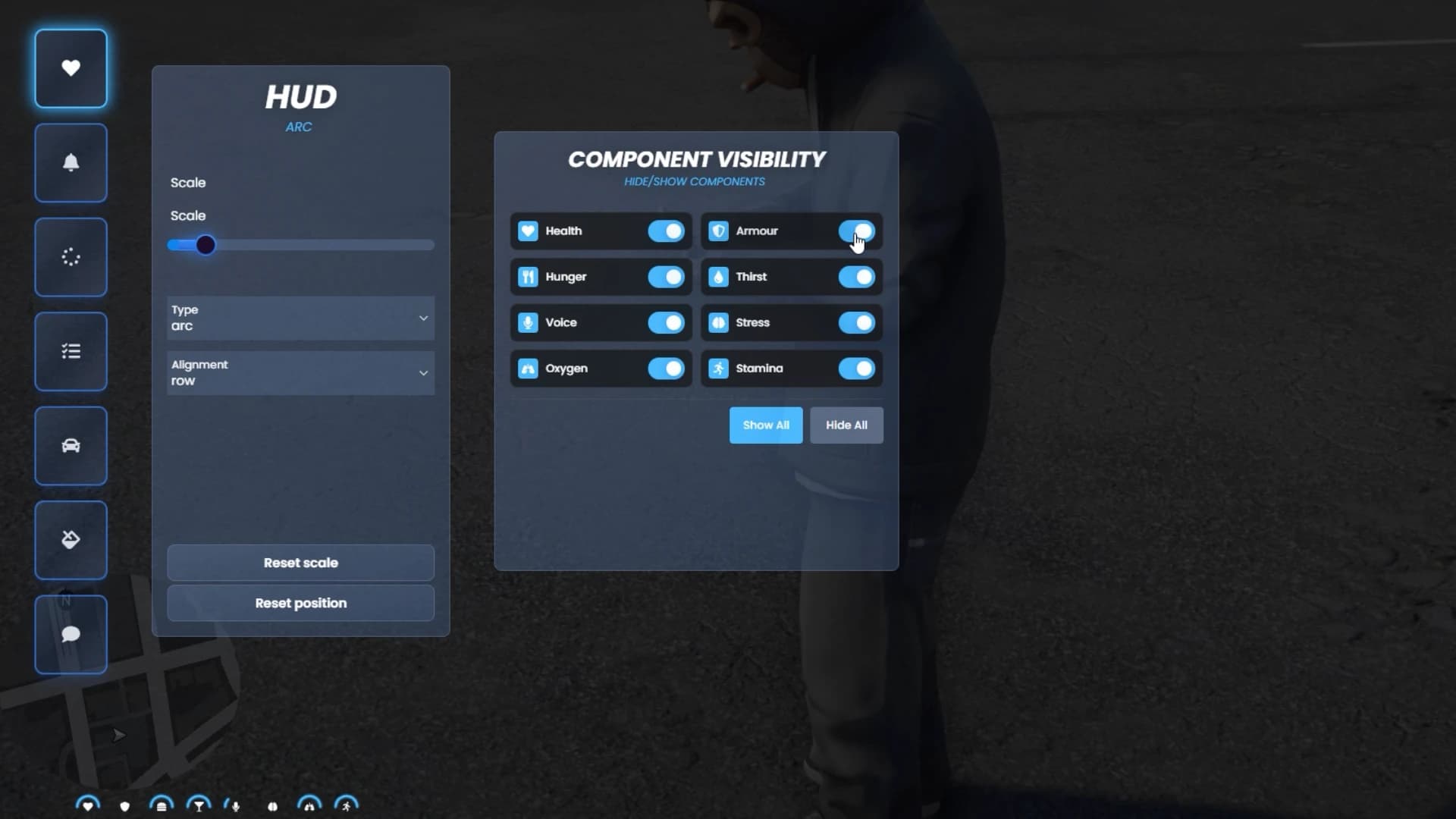
Inside the game, Quasar Interface 2.0 provides a powerful interface configurator that allows players to build their own UI.

Players can customize:

HUD layout and elements
Notification style
Progress bar position
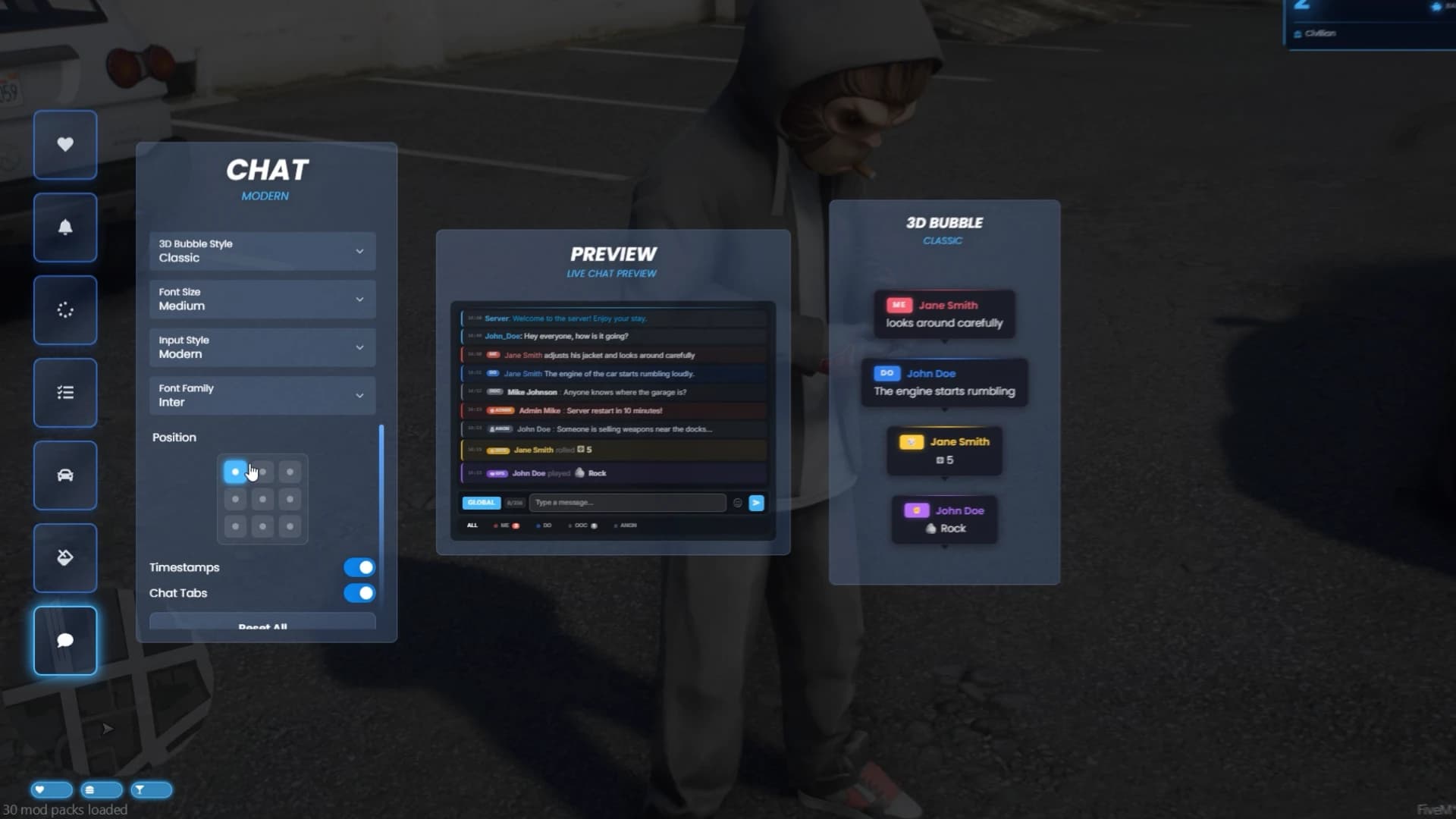
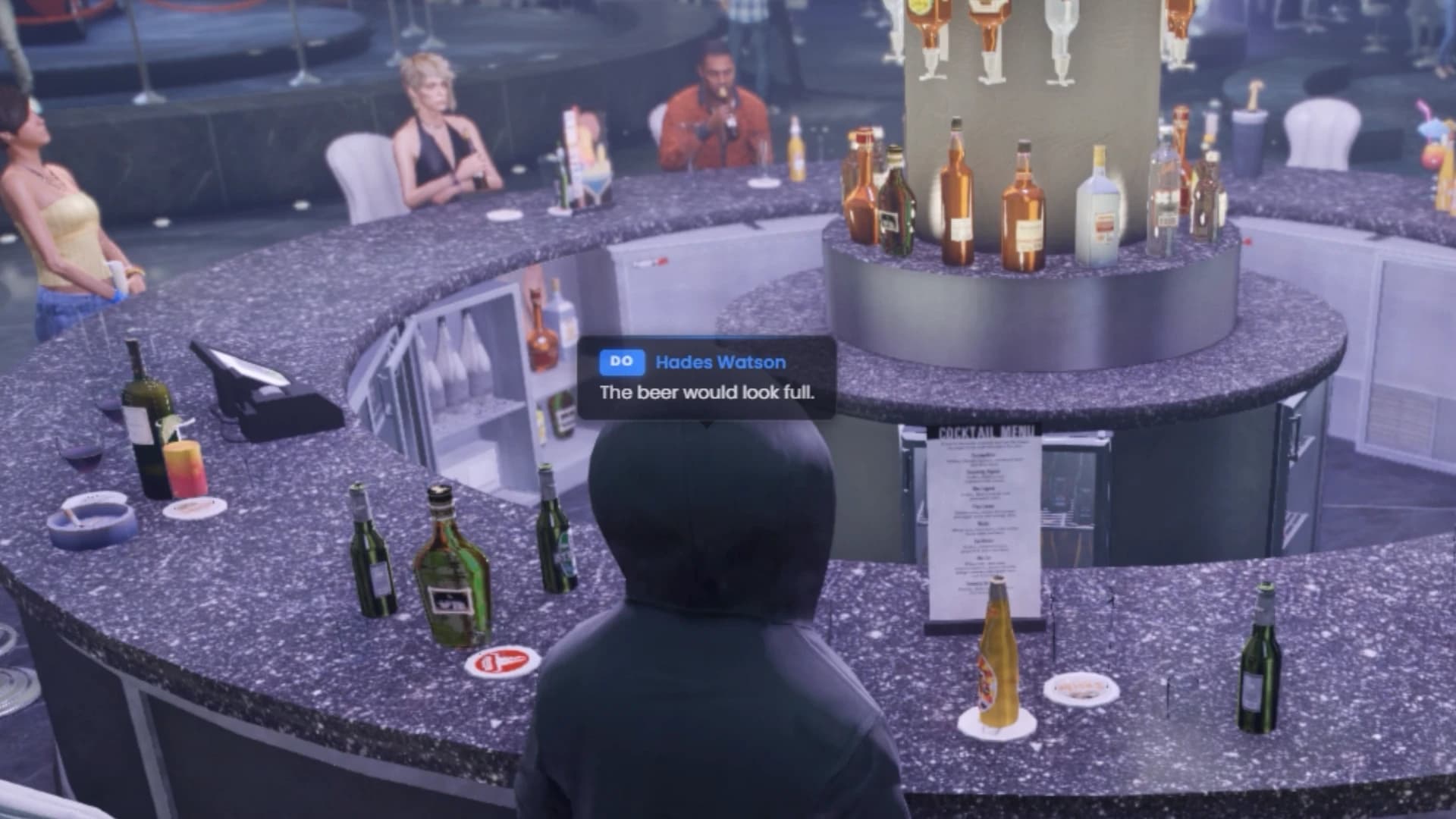
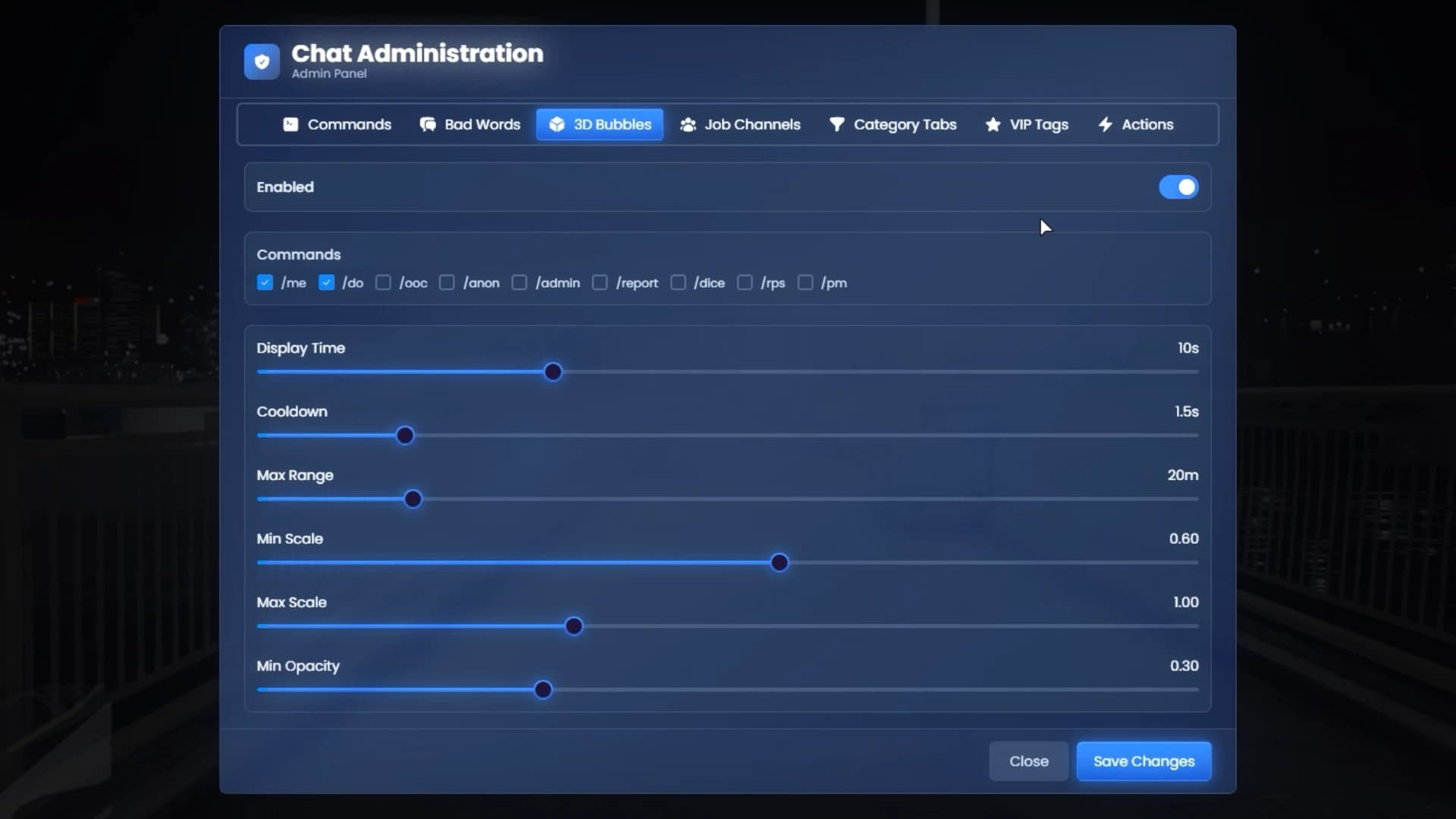
Floating text such as /me and /do messages

This level of control ensures every player can create an interface that fits their playstyle, improving comfort and immersion across long gameplay sessions.


A Powerful Chat System Designed for Roleplay Servers

IntroInterface.00_01_29_15.Imagen fija020.png

IntroInterface.00_02_19_23.Imagen fija030.png

IntroInterface.00_02_26_14.Imagen fija031.png

IntroInterface.00_02_35_06.Imagen fija032.png

IntroInterface.00_02_52_09.Imagen fija036.png

IntroInterface.00_02_57_04.Imagen fija037.png

IntroInterface.00_03_15_00.Imagen fija038.png


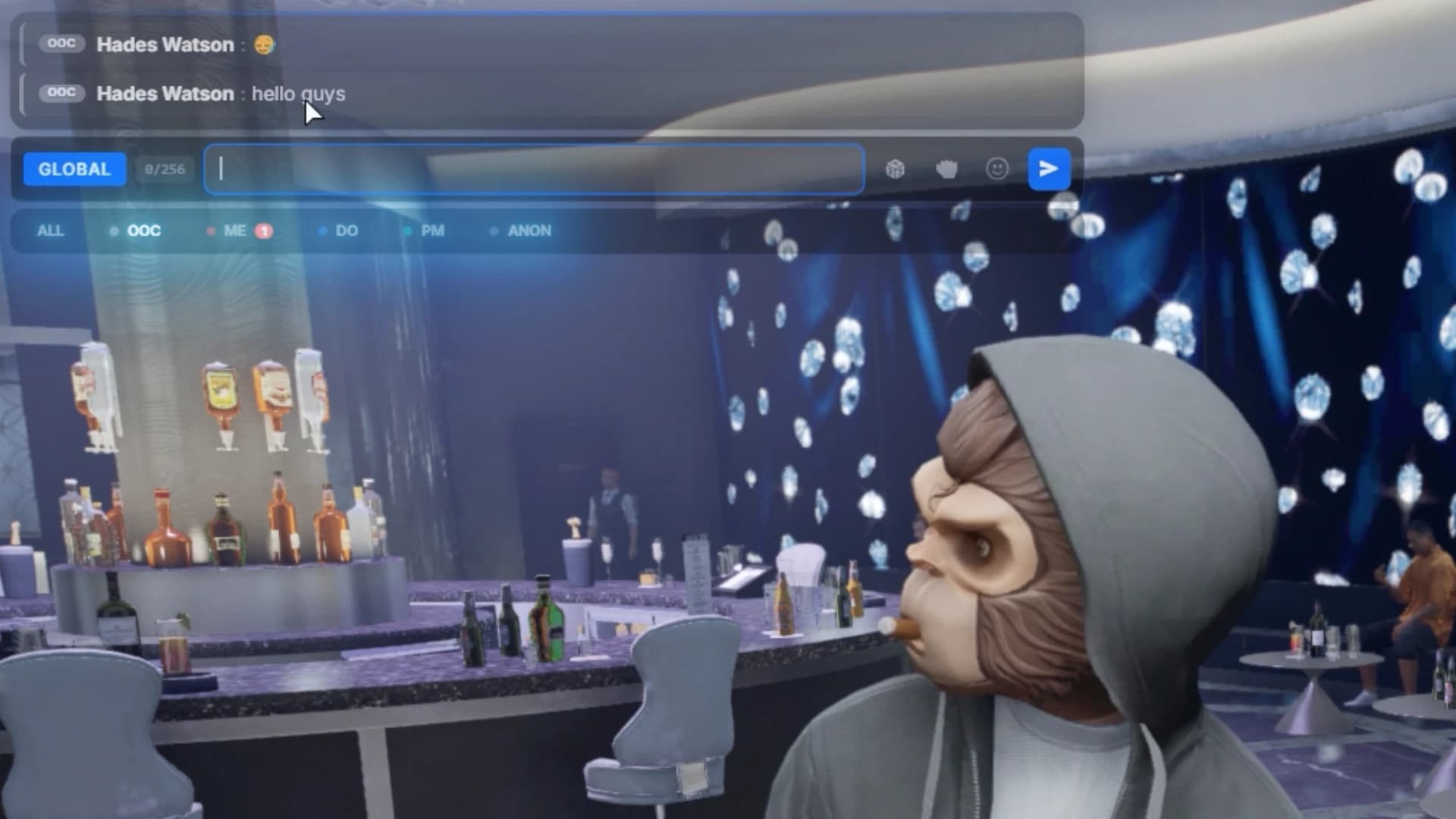
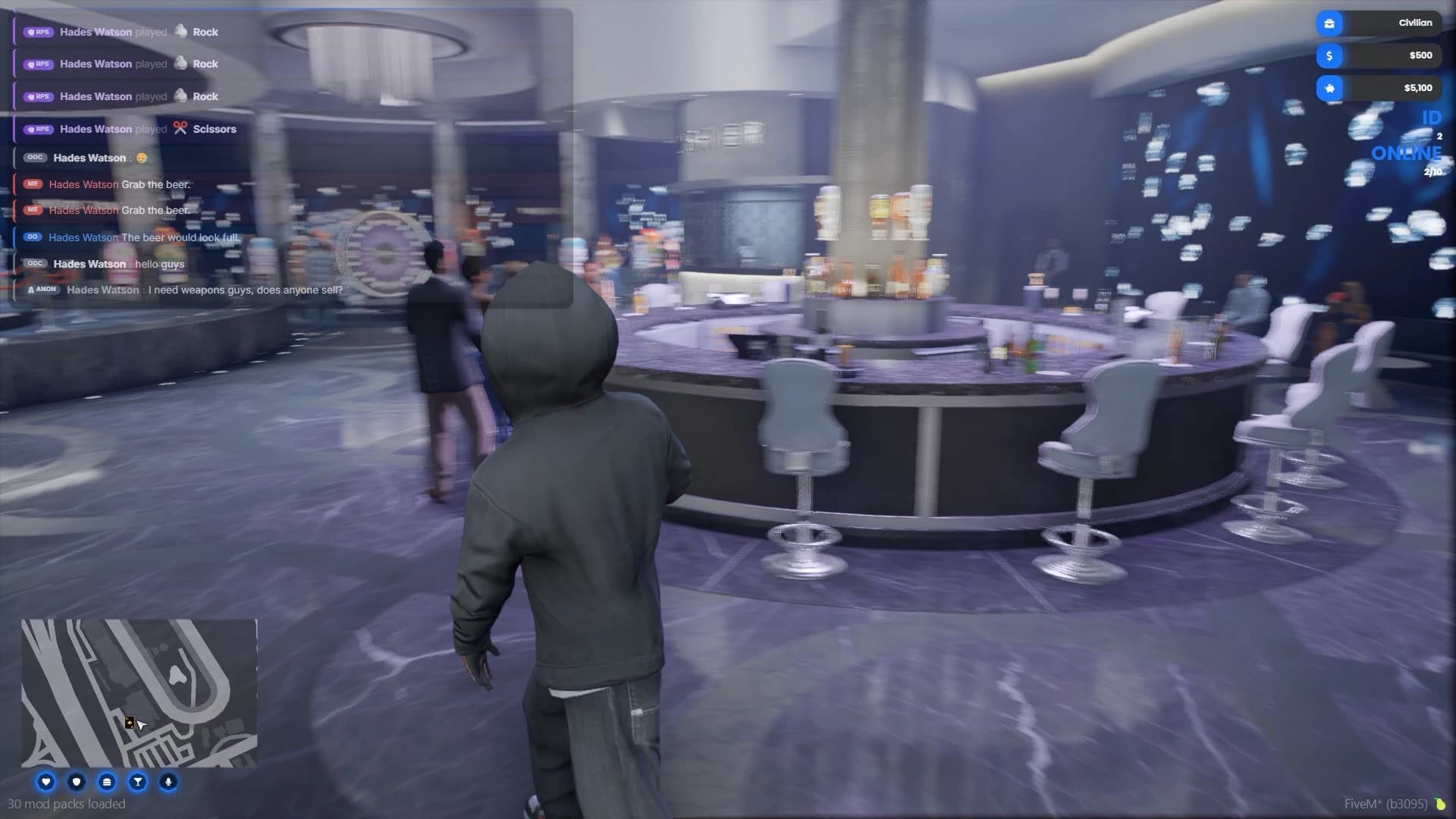
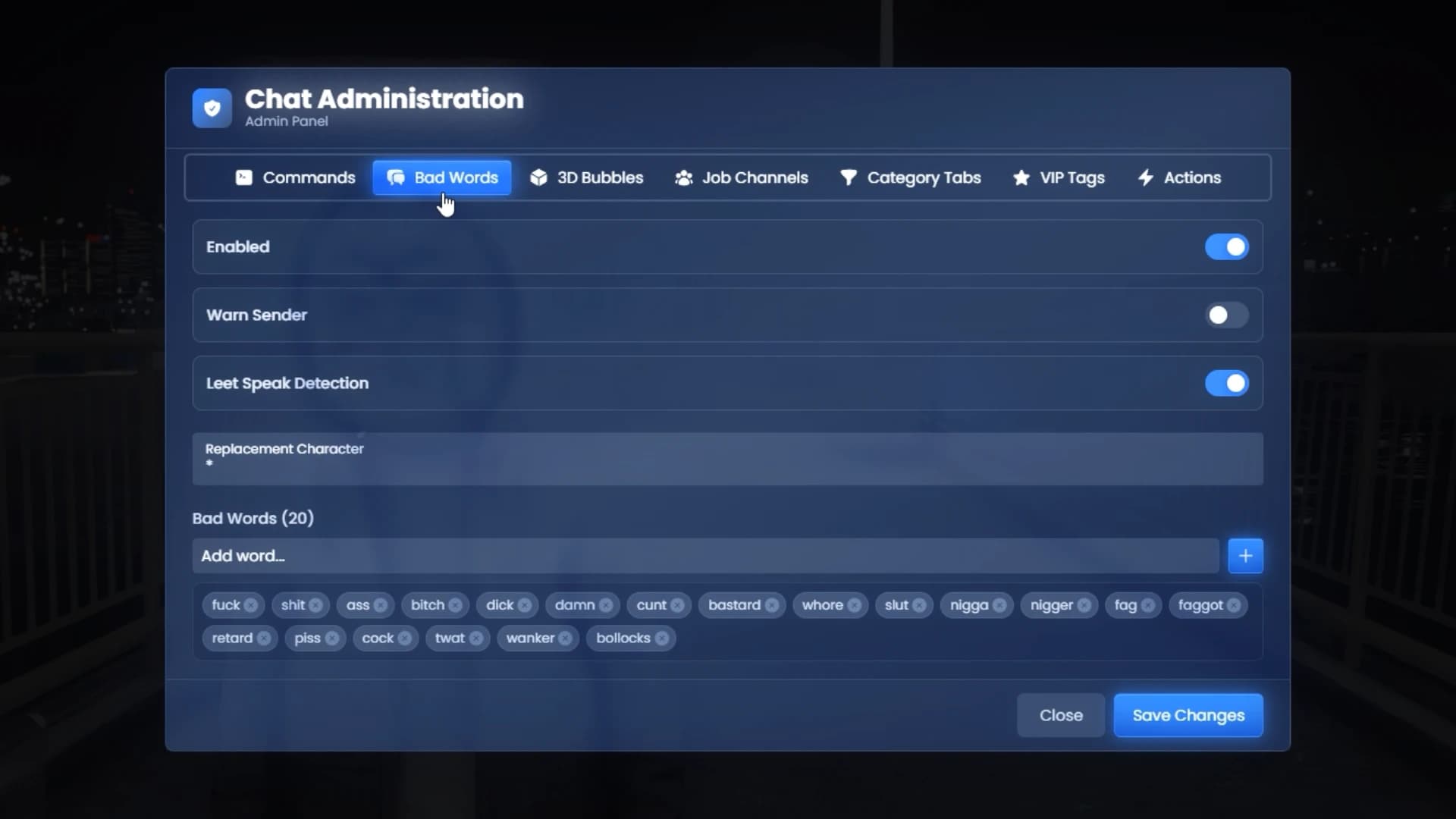
The chat system in Quasar Interface 2.0 goes far beyond basic messaging.

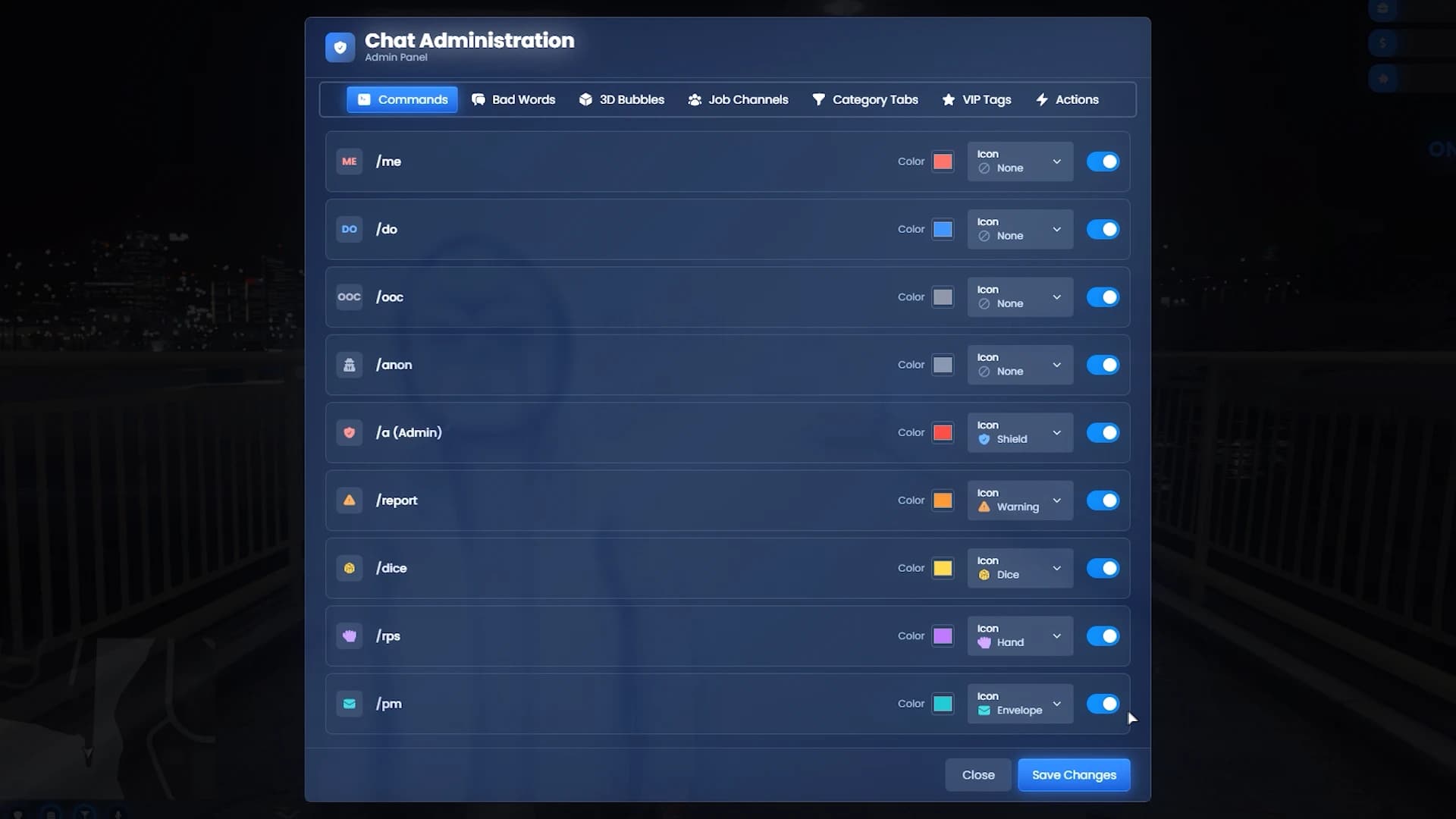
Administrators can fully configure the chat using dedicated commands and tools:

Word blacklist filters
Custom floating text messages
Job-based chat commands
Special roleplay message types

For communities that rely heavily on text roleplay, this system ensures communication remains clean, immersive and controlled.


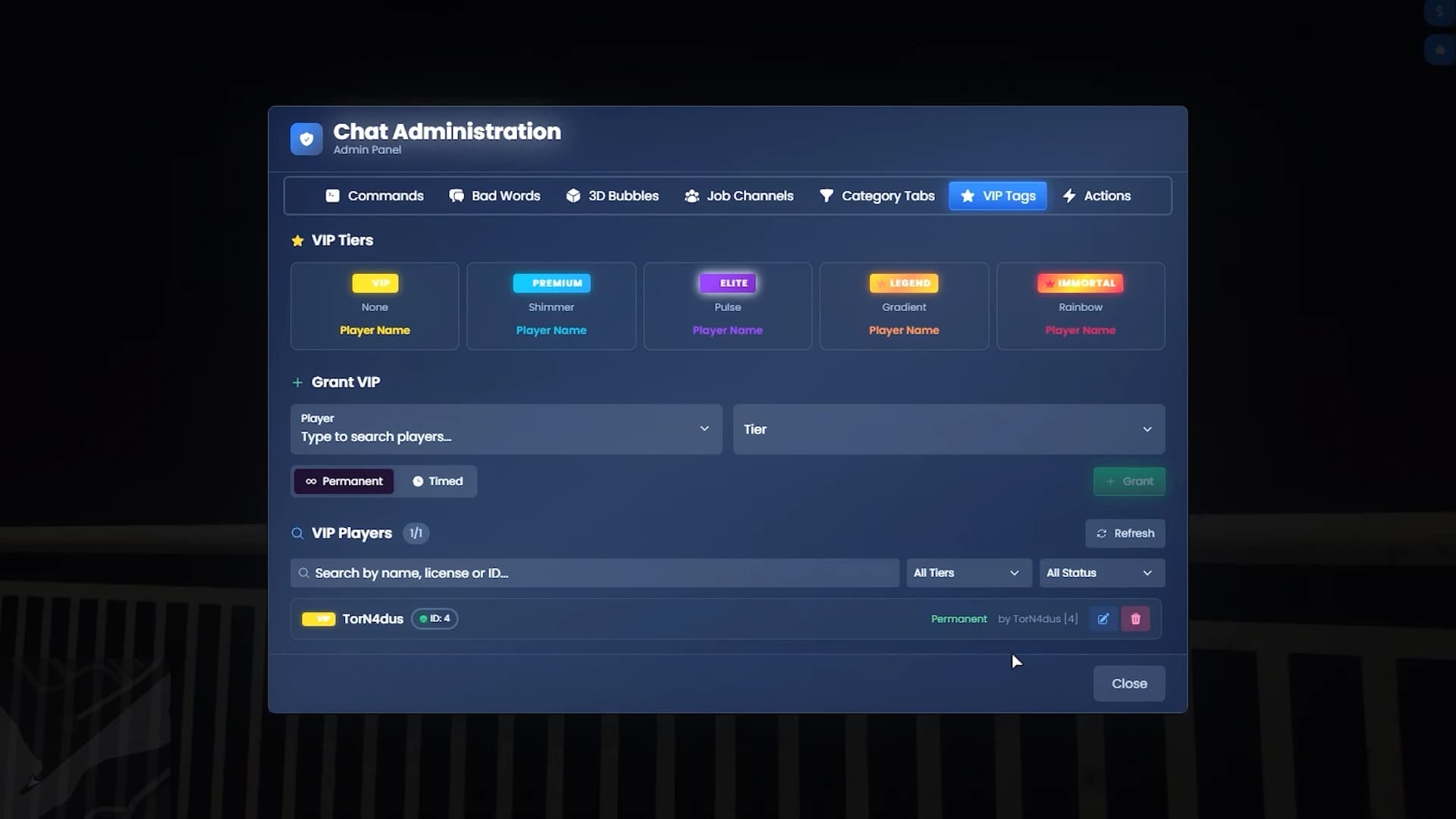
Premium Chat Badges for VIP Members

IntroInterface.00_03_43_06.Imagen fija042.png


Servers using Tebex memberships or VIP tiers can give players premium chat badges.

VIP members can receive:

Permanent badges
Time-limited badges
Special visual tags in chat

This feature integrates perfectly with FiveM monetization systems, allowing servers to reward supporters while keeping the experience immersive.


Realistic Stress System

IntroInterface.00_01_45_05.Imagen fija023.png

IntroInterface.00_01_57_20.Imagen fija024.png


Quasar Interface 2.0 also introduces a complete stress system.

Stress increases when players:

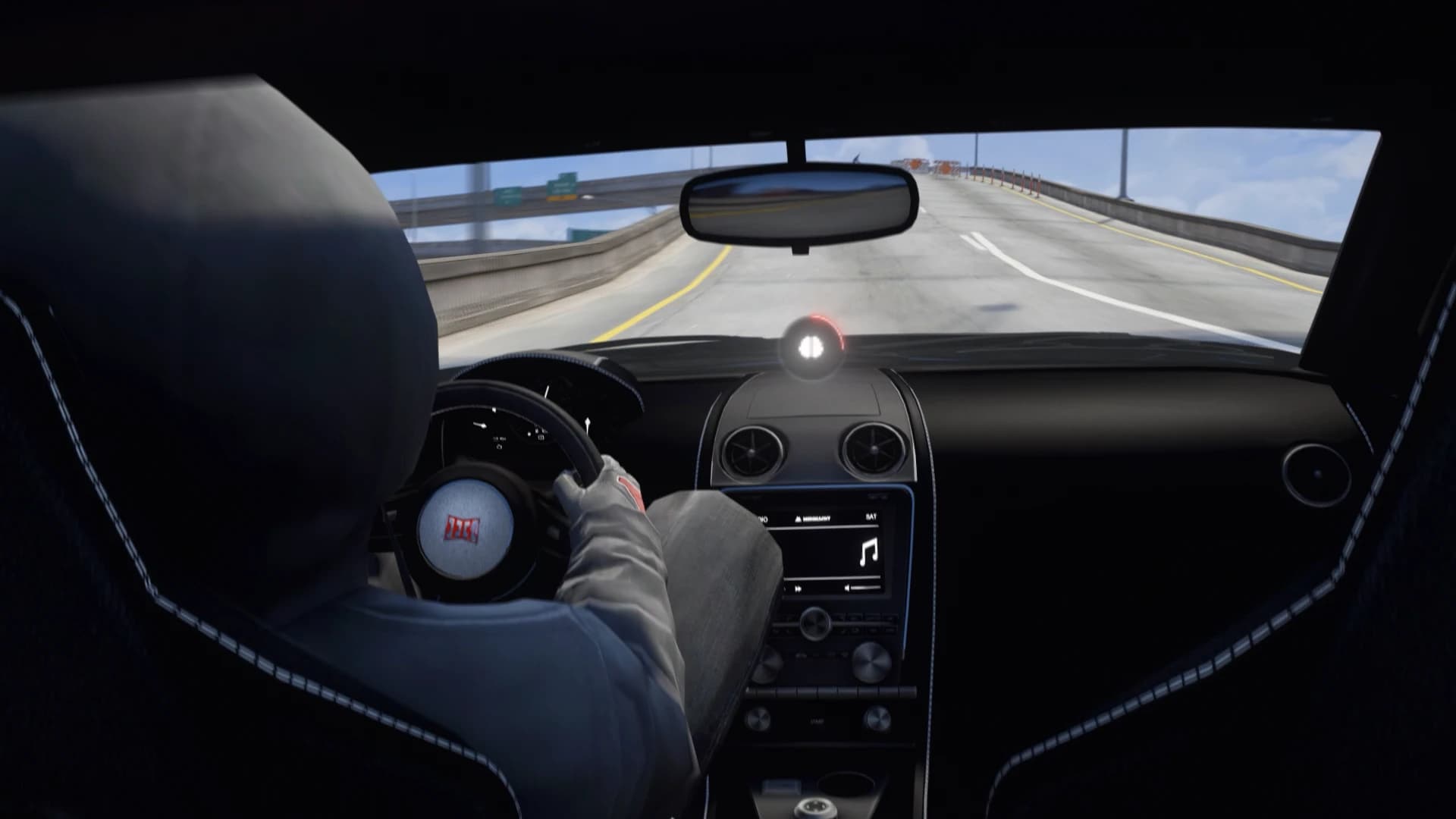
Drive recklessly
Take damage
Fire weapons repeatedly

This mechanic adds a layer of realism and risk to gameplay, encouraging players to manage their actions more carefully.


Breathing System for Running and Diving

IntroInterface.00_02_02_00.Imagen fija025.png

IntroInterface.00_02_06_19.Imagen fija027.png


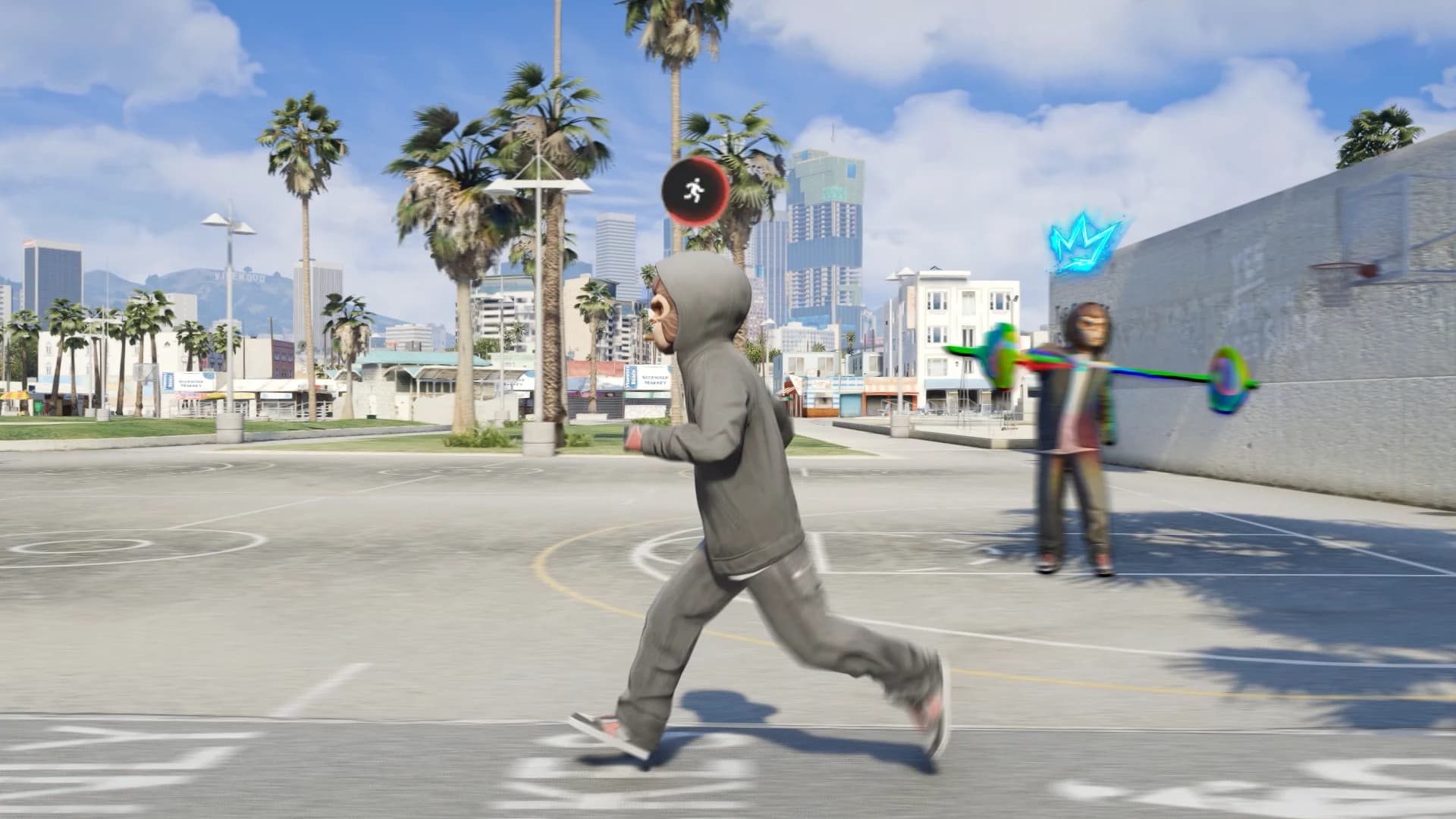
To further improve immersion, the interface includes a breathing and stamina system.

Players experience realistic breathing feedback when:

Sprinting for long periods
Swimming or diving underwater

These subtle mechanics make physical activity feel more natural within the roleplay environment.


Built-in Mini Games for Player Interaction

IntroInterface.00_02_42_00.Imagen fija034.png

IntroInterface.00_02_46_00.Imagen fija035.png


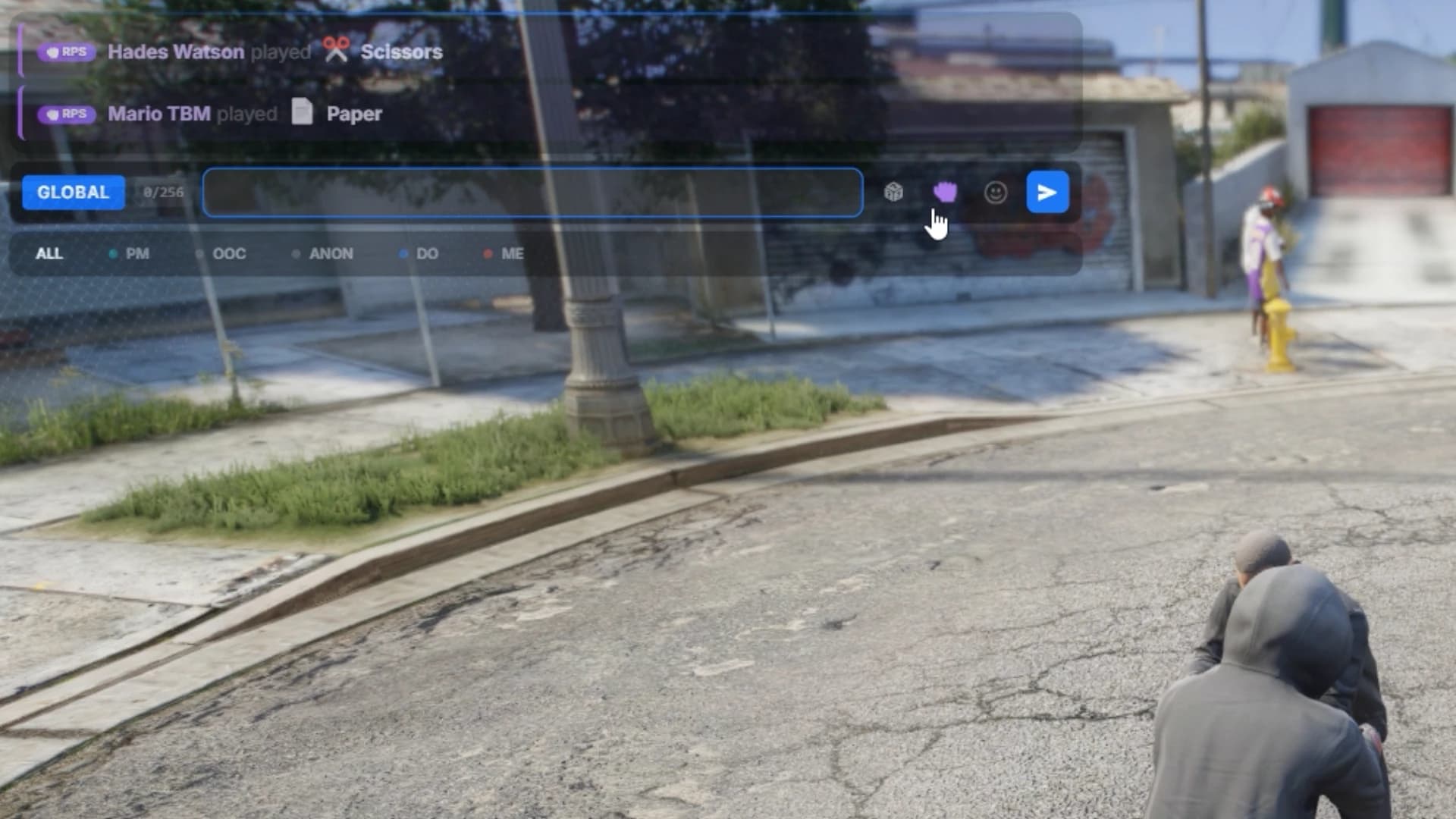
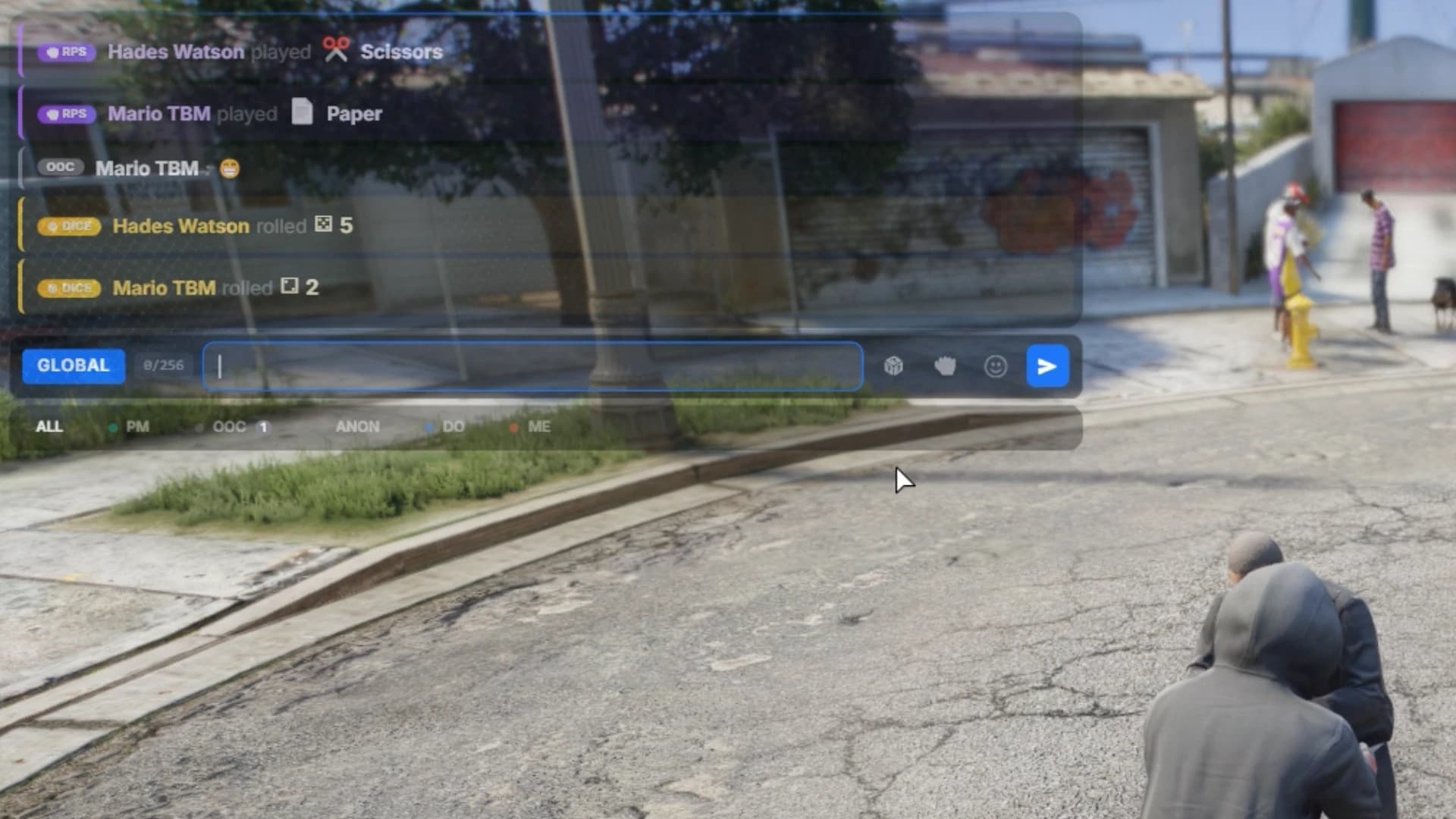
Quasar Interface 2.0 also includes small interactive mini-games that players can use for roleplay or entertainment.

Available games include:

Rock, Paper, Scissors
Dice rolls

These mini-games are perfect for:

Settling bets
Deciding loot distribution
Roleplay interactions between players


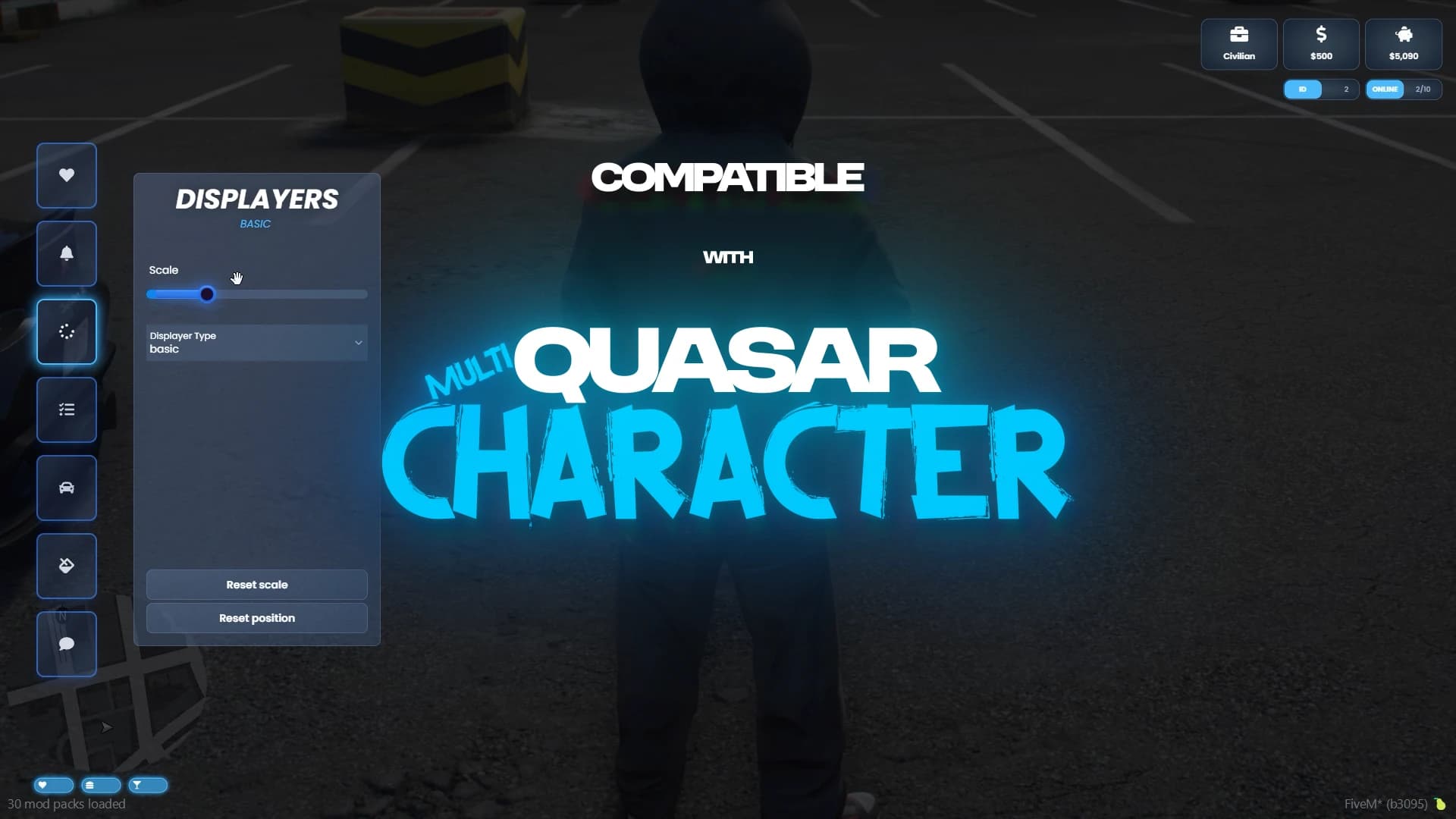
Seamless Integration with Quasar Multicharacter

IntroInterface.00_01_19_10.Imagen fija019.png


Quasar Interface 2.0 is designed to work perfectly with Quasar Multicharacter 2.0.

When combined, the systems remove the traditional FiveM bridge screens and interface interruptions, creating a smooth and cinematic experience that feels like a completely new game.

Players transition naturally from:

Multicharacter selection
Server intro
Gameplay HUD

Without visual breaks or immersion loss.


Final Thoughts – A Complete Interface Ecosystem


Quasar Interface 2.0 is more than just a HUD.

It’s a complete UI ecosystem for FiveM roleplay servers, combining:

HUD systems
Chat systems
Notifications
Stress mechanics
Player customization
Minigames
Server identity

For servers using ESX, QB, QBCore, QBox or Standalone frameworks, this system delivers one of the most advanced interface solutions available for FiveM.

28 reactions

Comments (0)

Loading...

Related Articles

Continue reading similar content

Subscribe to our newsletter

Get the latest posts and updates delivered directly to your inbox. No spam, ever.

Join 1,000+ subscribers • Unsubscribe at any time