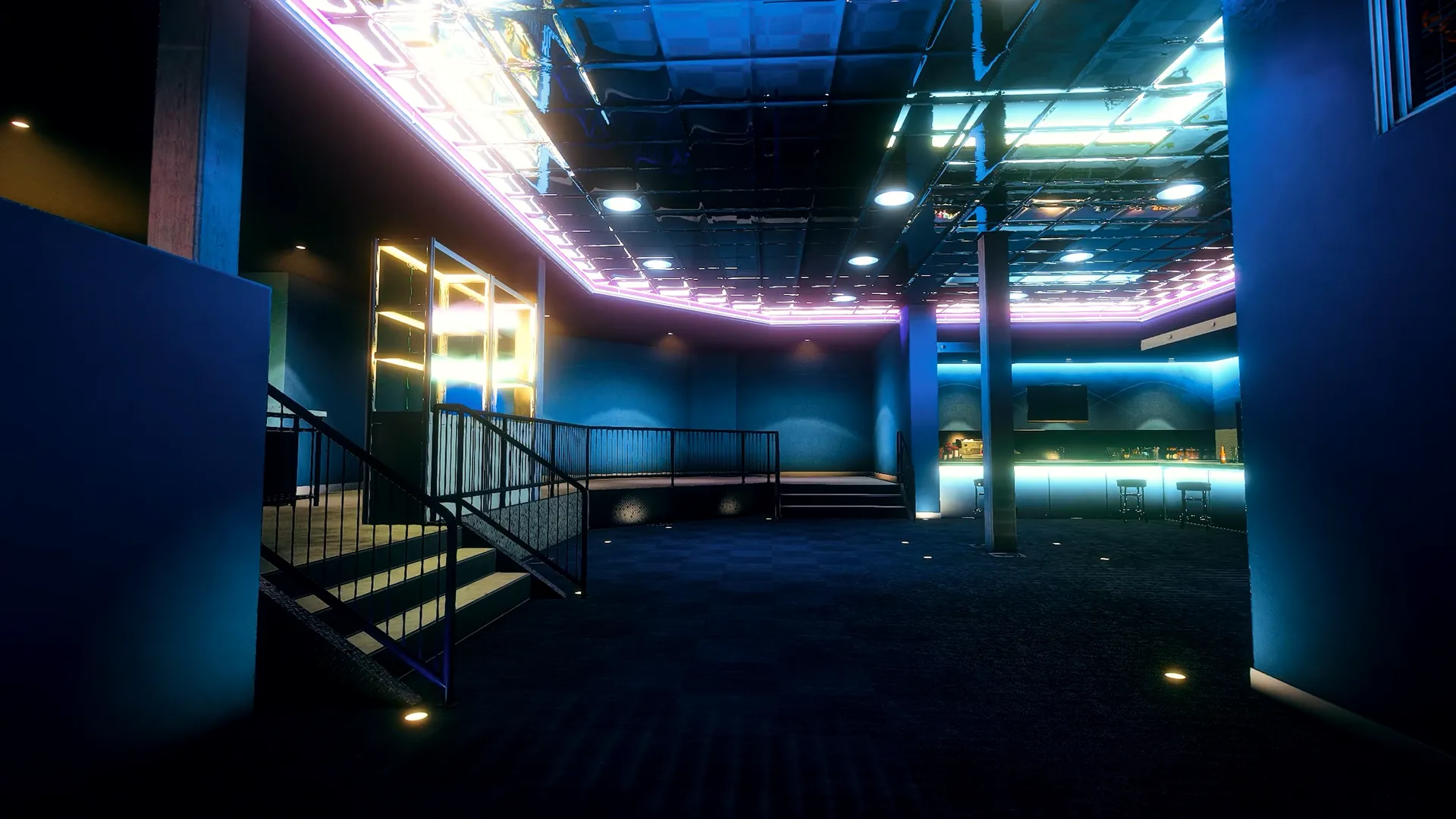

Admin Menu
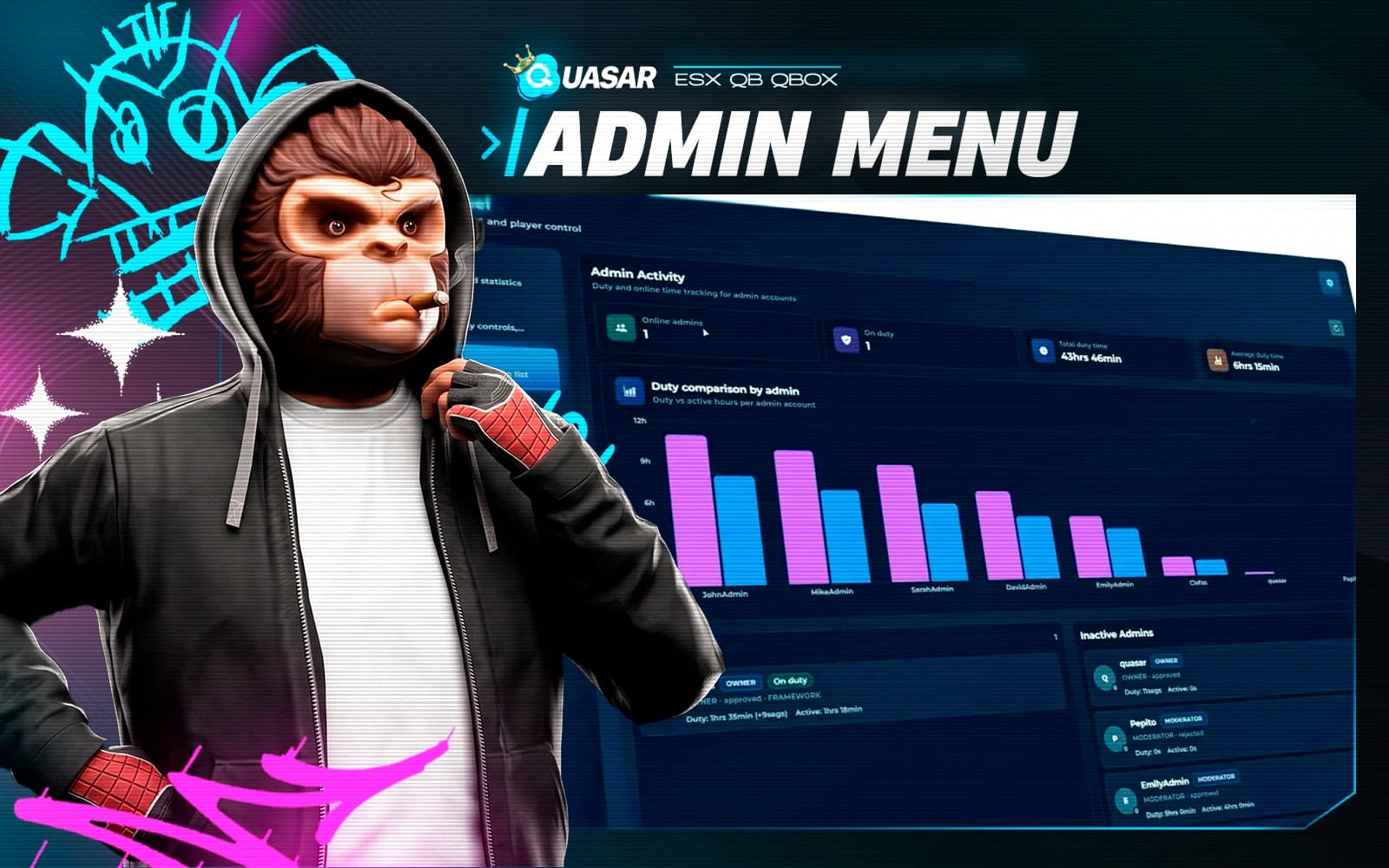
Run your FiveM server from one dashboard: moderation tools, staff roles, report tickets, live console, resource control, audit logs and an in-game code editor.
- ESX
- QBCore
- Qbox

Run your FiveM server from one dashboard: moderation tools, staff roles, report tickets, live console, resource control, audit logs and an in-game code editor.
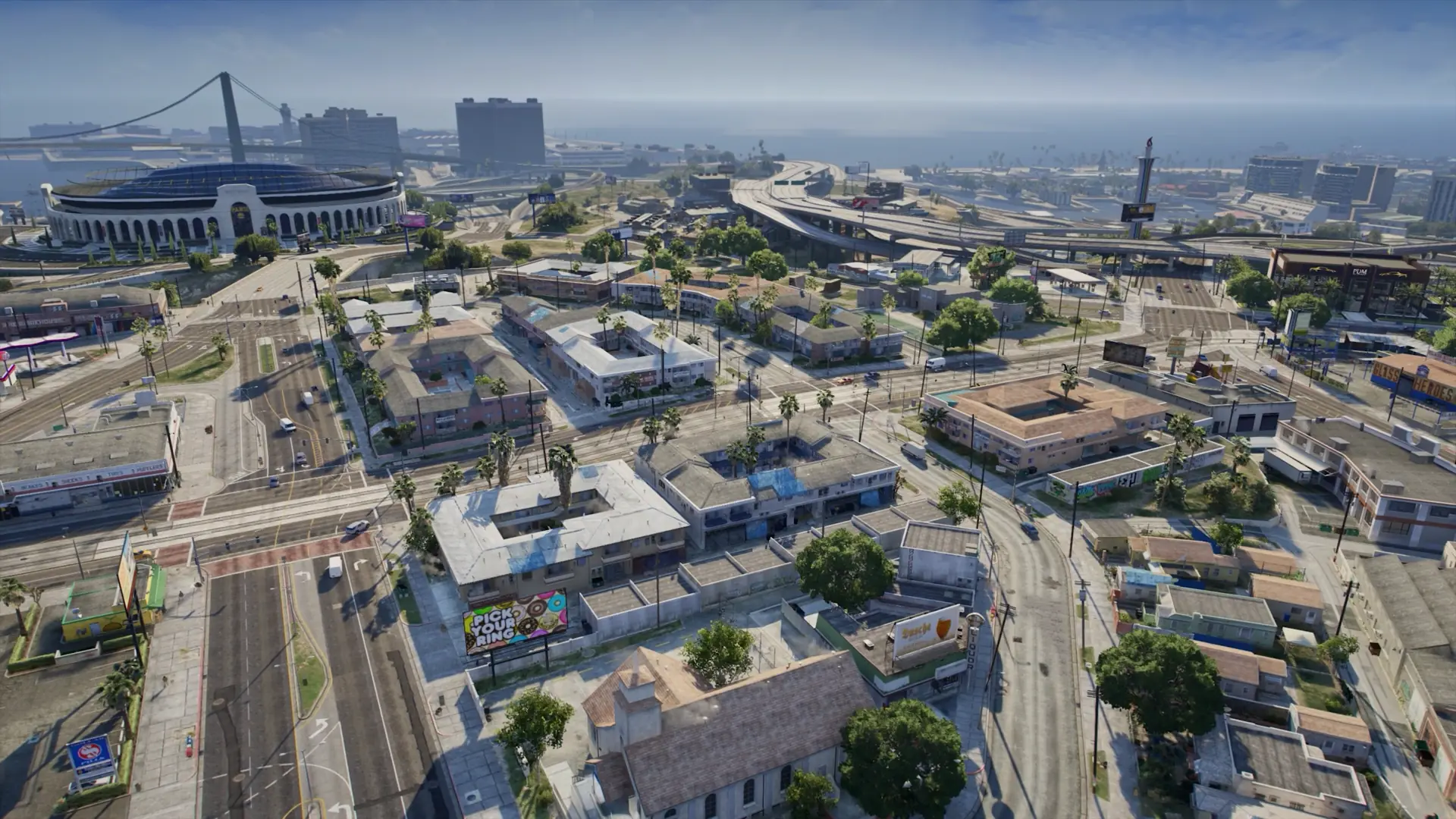
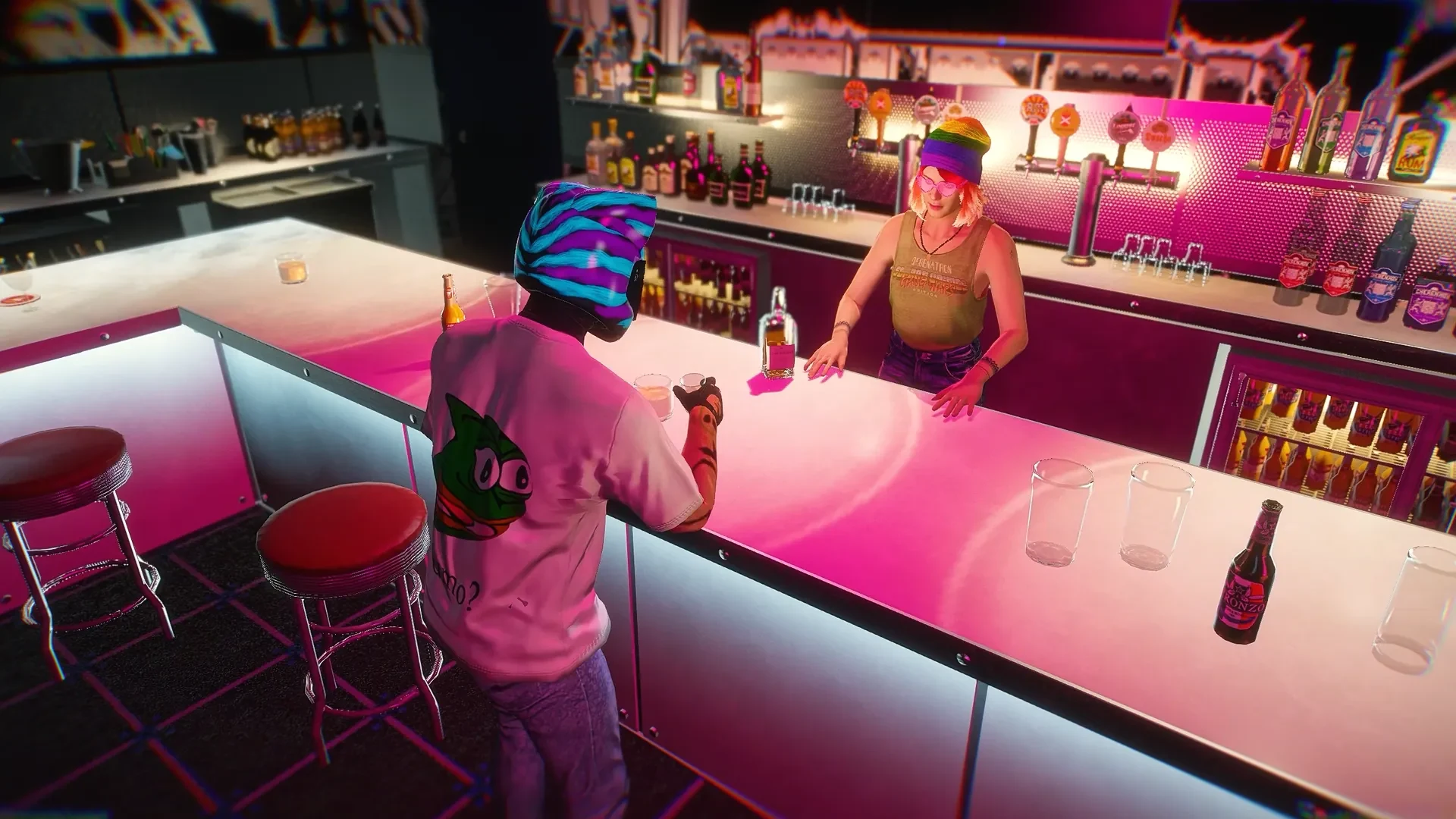
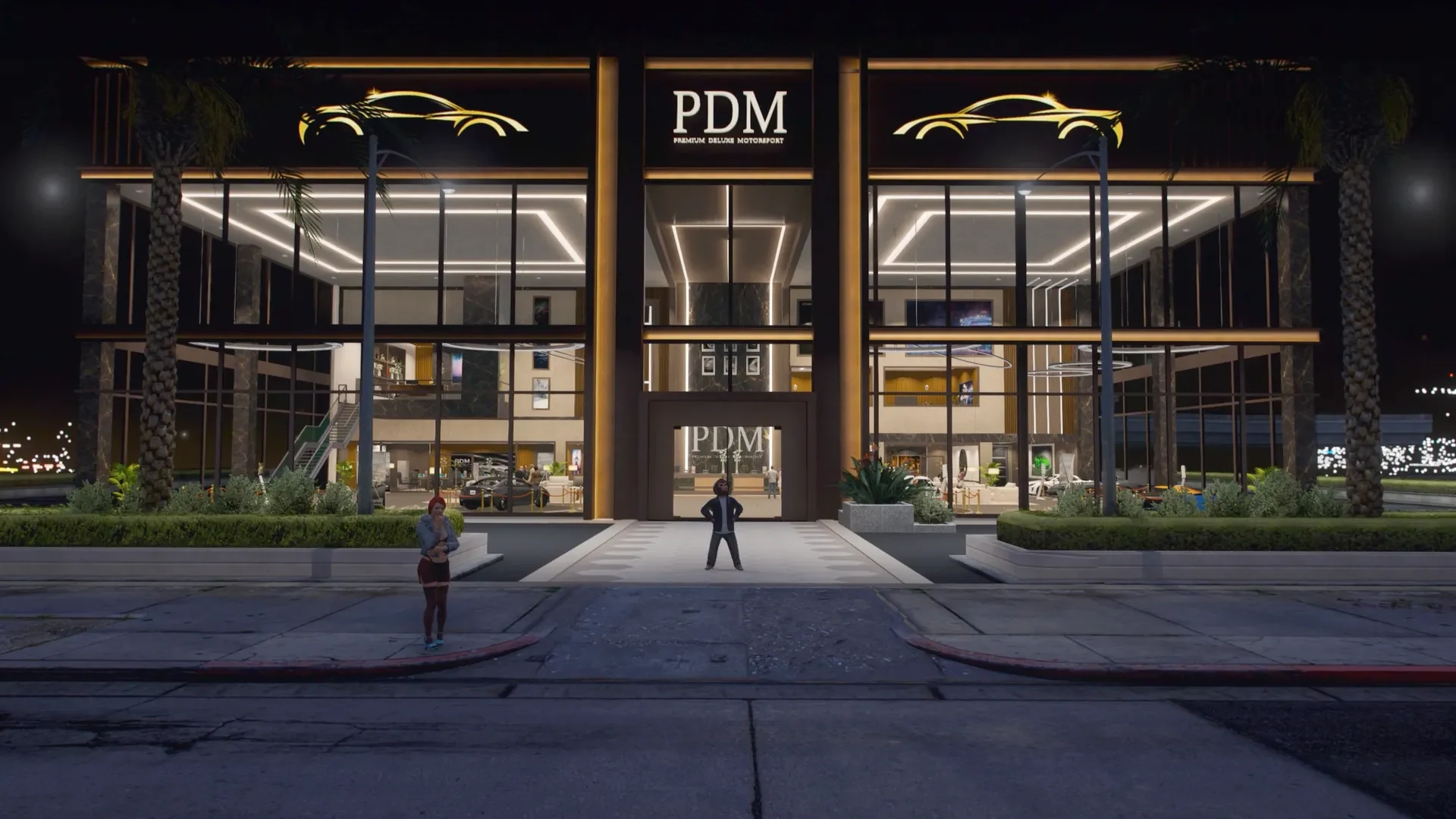
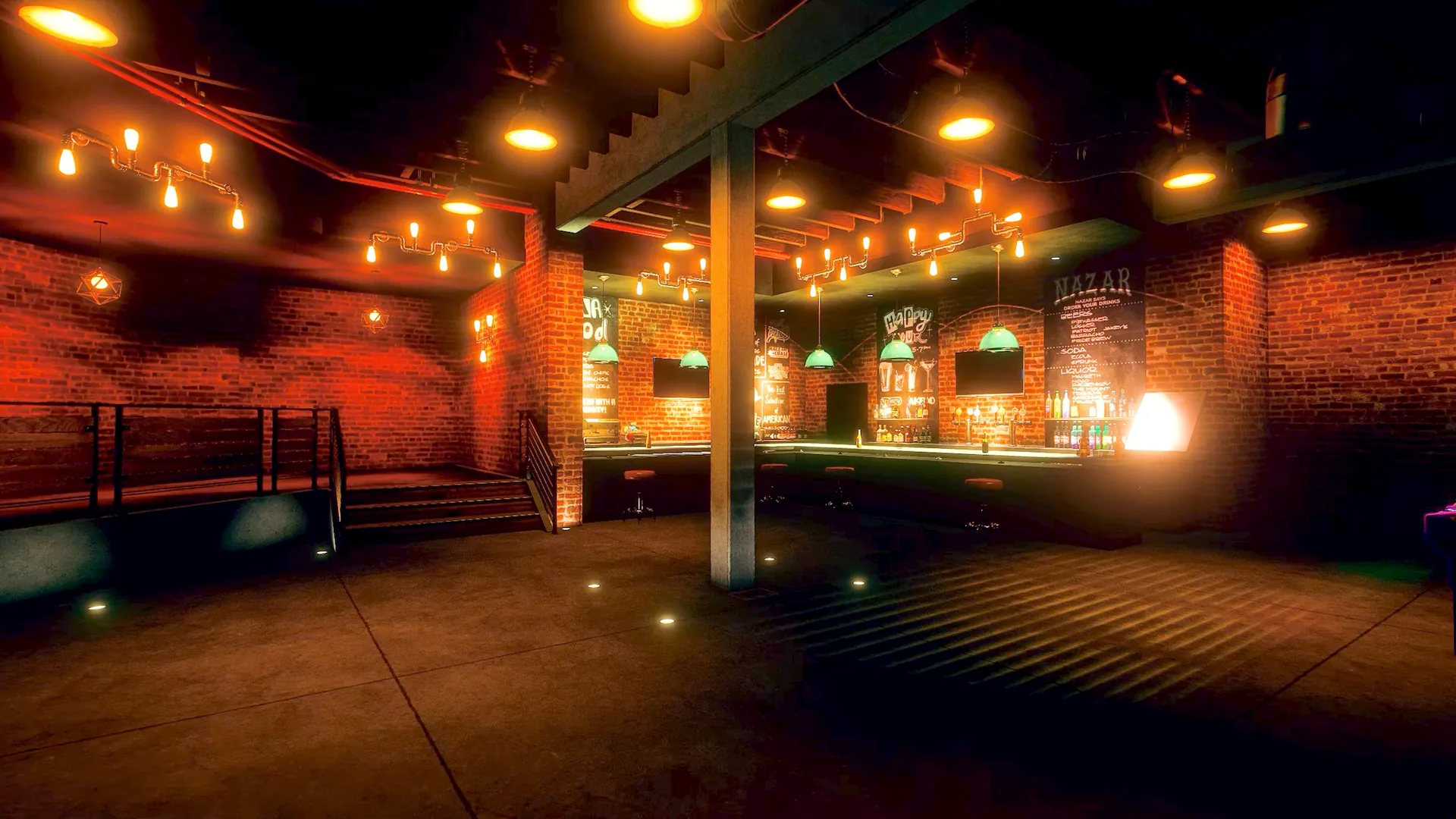
[02] Media · 48 screenshots · 01 video
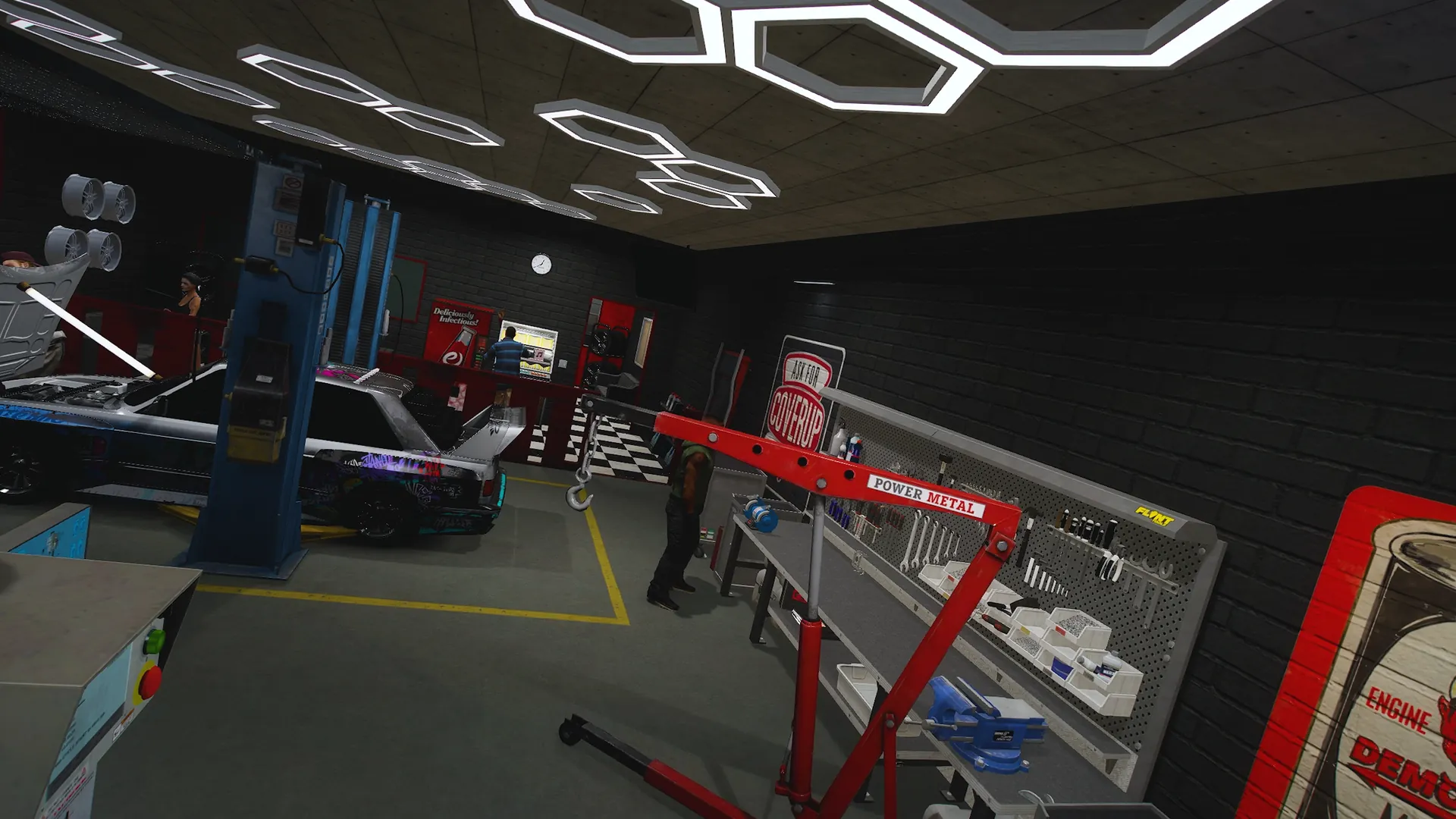
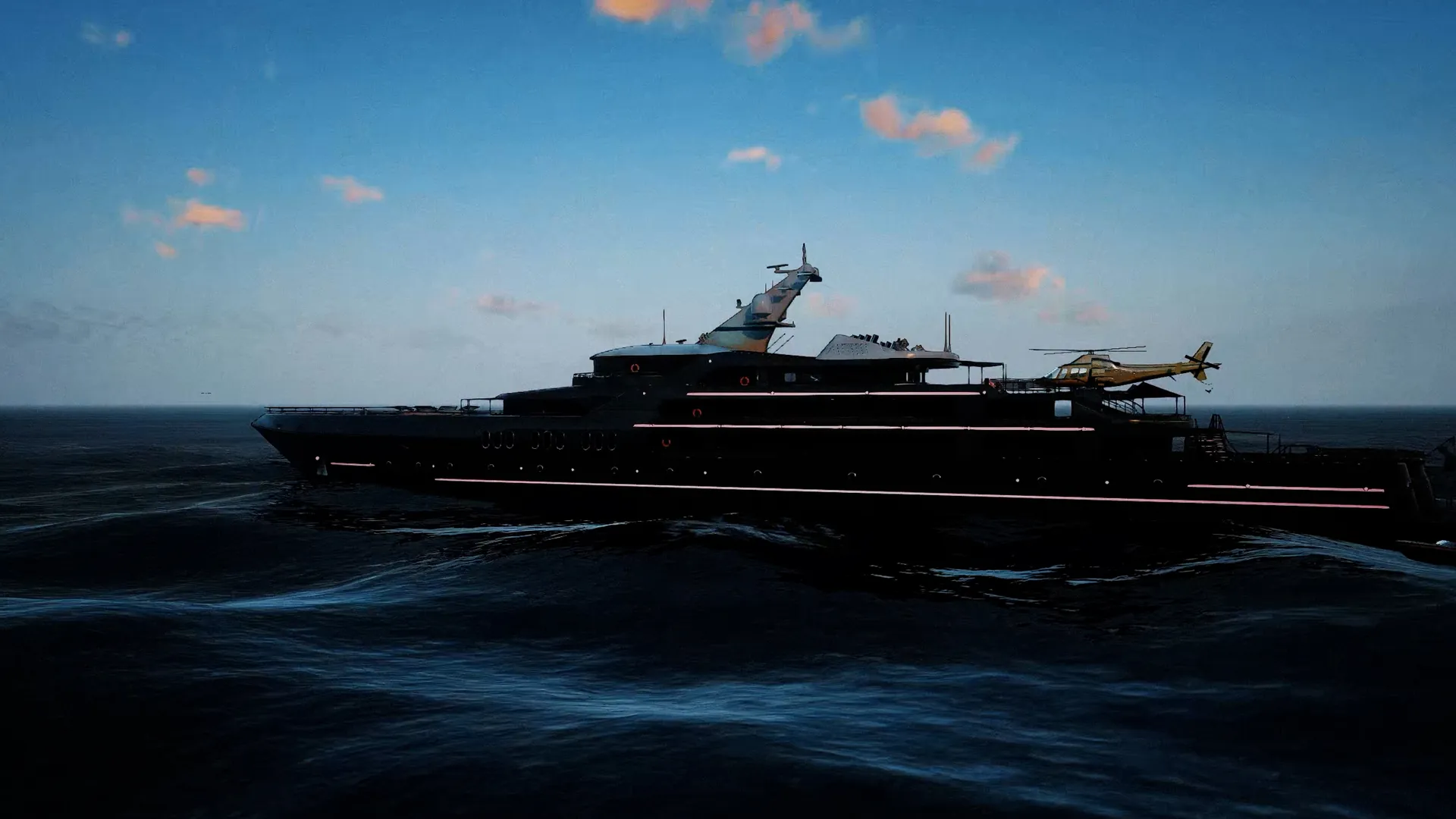
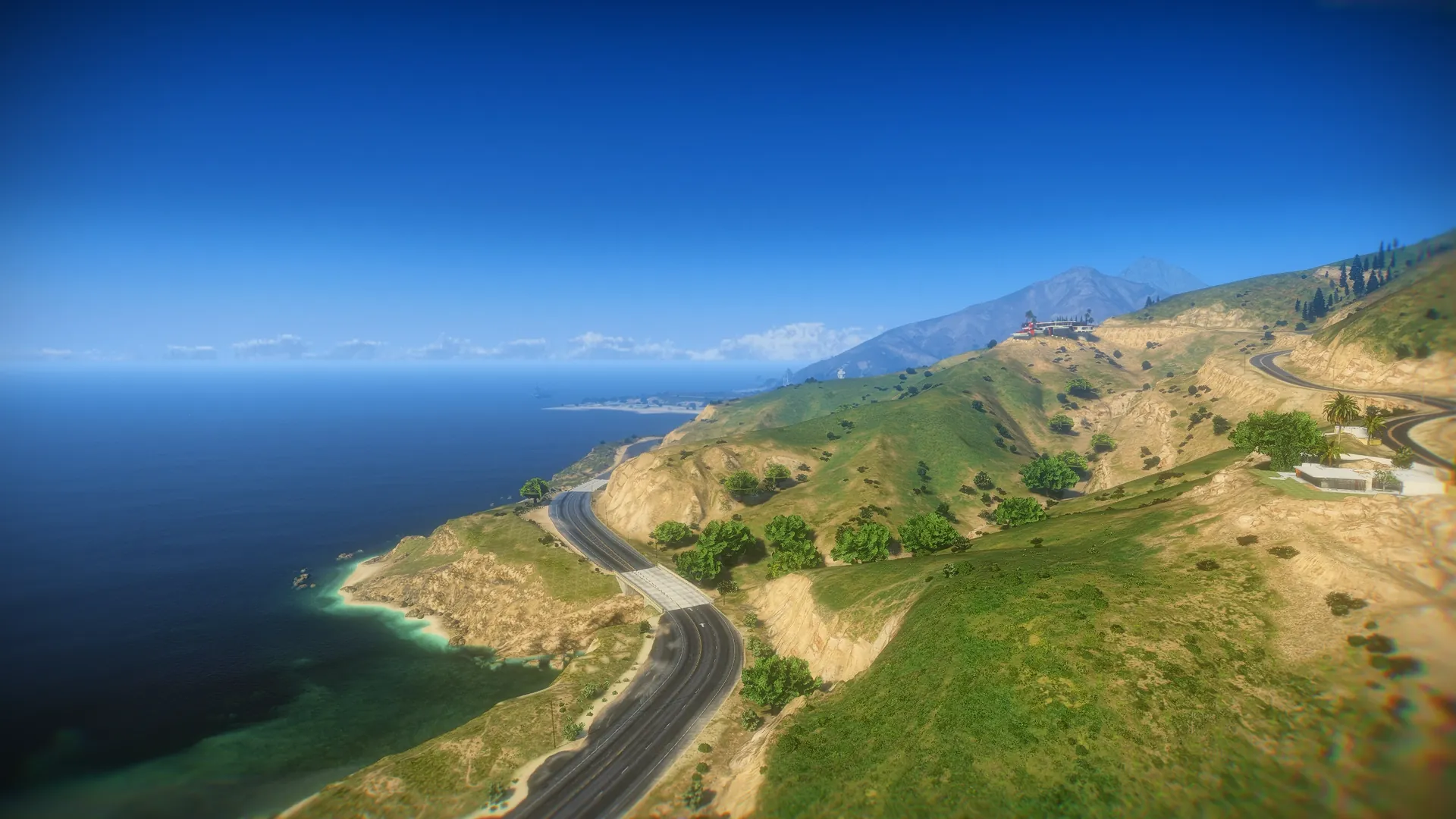
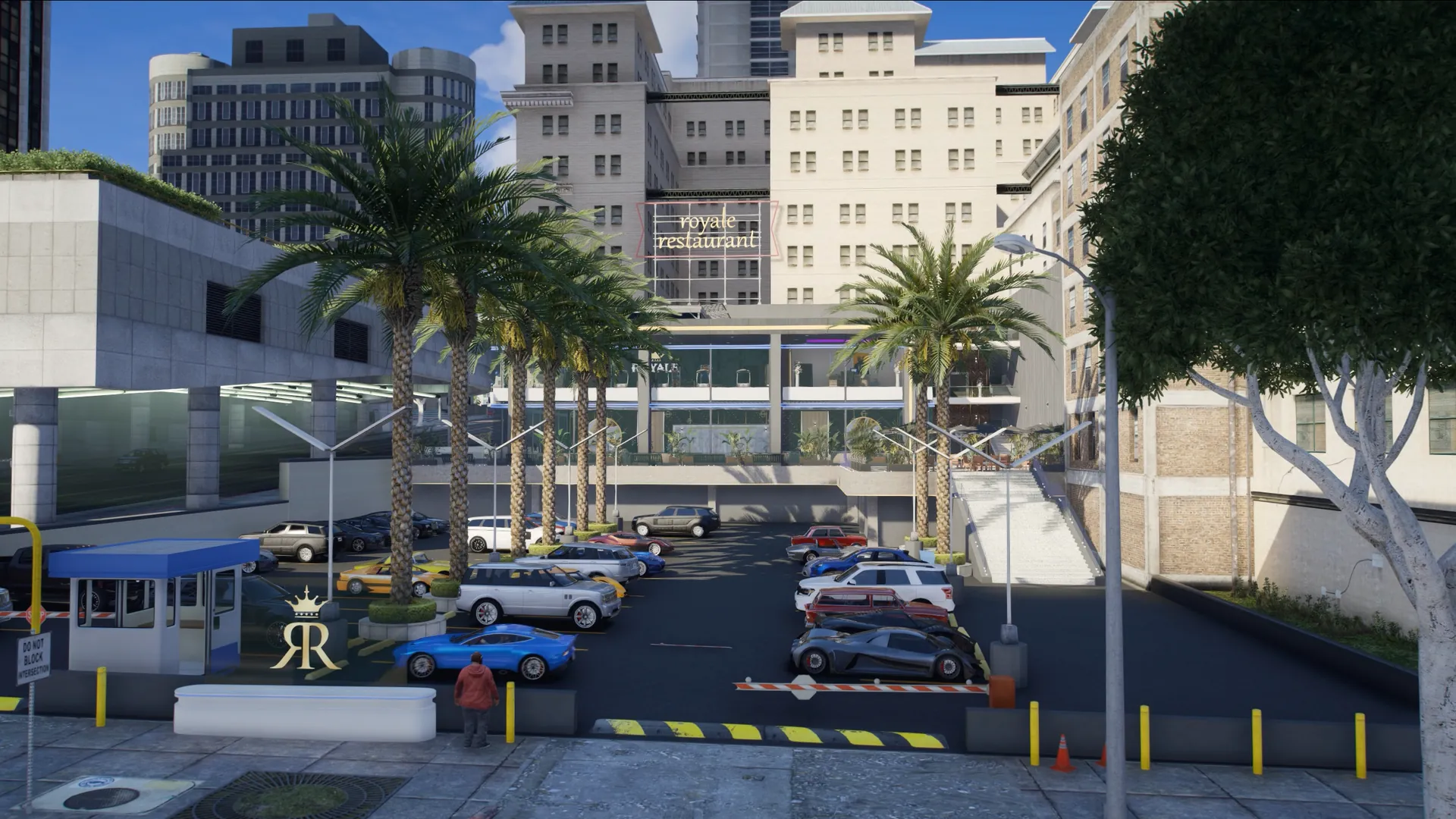
Real in-game captures of Admin Menu. Click to zoom, use ← → or swipe to browse.
Buy[03] The details
Install it in a few steps with the documentation. Works with ESX, QBCore and QBox.

[05] Everything Under Control
Players, resources, console and reports, managed from one dashboard.
Watch every player live, teleport, and inspect inventories, vehicles, jobs and accounts.
Edit Lua, JavaScript, HTML, CSS and config files in game, with no external editor.
Logs, commands, filters and resource control in real time, right in game.
Instant report alerts that staff assign, track and resolve without leaving the game.
Players, staff, permissions, reports, vehicles, resources, logs and performance, all managed from one dashboard.

Create unlimited staff roles with their own permissions. Bans, kicks, teleports, spectates and permission changes are all logged, so you always know which staff member did what.

Kick, ban, warn, freeze, revive, heal, teleport or jail players, inspect inventories and manage money. Customizable quick actions keep the common tools one key away.

Spawn, repair, delete, modify or inspect any vehicle, and check its owner, properties and state.

Change weather and time in a few clicks and control NPC population and density for events or daily play.

Start, stop and restart scripts from the admin panel while tracking their status and performance.

Watch incoming connections live, assign priority levels, manage the waiting list and view player info.

A built-in code editor to write and edit Lua from the admin panel, so quick fixes and tests happen without leaving the game.

Follow logs, errors, warnings and resource output live from the dashboard and catch issues as they happen.

Receive, assign, prioritize and resolve reports as tickets, with response times, staff actions and full history.

[16] In game · 12 shots
More views of the panel and its tools.
[17] Video · 01 videos
Watch the Admin Menu in game.
01/01
[18] FAQ
Compatibility, permissions, moderation and updates.
Yes. It supports ESX, QBCore, QBox and Standalone servers.
Yes. Create unlimited staff roles and choose exactly which features each one can use.
Yes. Kick, ban, warn, jail, freeze, revive, heal, teleport, spectate, inspect inventories, manage money and control vehicles.
Yes. The dashboard shows live server status, console output, resources, analytics, audit logs, the queue and player activity.
Yes. A built-in code editor, resource controls and the live console make it useful for developers too.
As tickets: staff receive, assign, prioritize and resolve them, with response times and full history.
Yes. Your purchase includes free updates with new features, optimizations and fixes.
[19] Reviews · Rated 5.0 / 5
Every server owner needs this script, i use it a lot, if your server has more then one DEV, one can edit scripts on the VPS and one can use this adminmenu to edit scripts, i do that a lot. that's one of the best things it has
This is easily the best admin menu out there. The features are endless and everything is linked to it. The live views of players is a great feature!
[20] More Scripts
More from the scripts catalogue.
 01 Featured
 02
 03
 04
 05
 06
 07
 08
 09
01/01
[21] Need a hand

Our team answers setup, framework compatibility and integration questions before and after purchase.