Interface + Chat
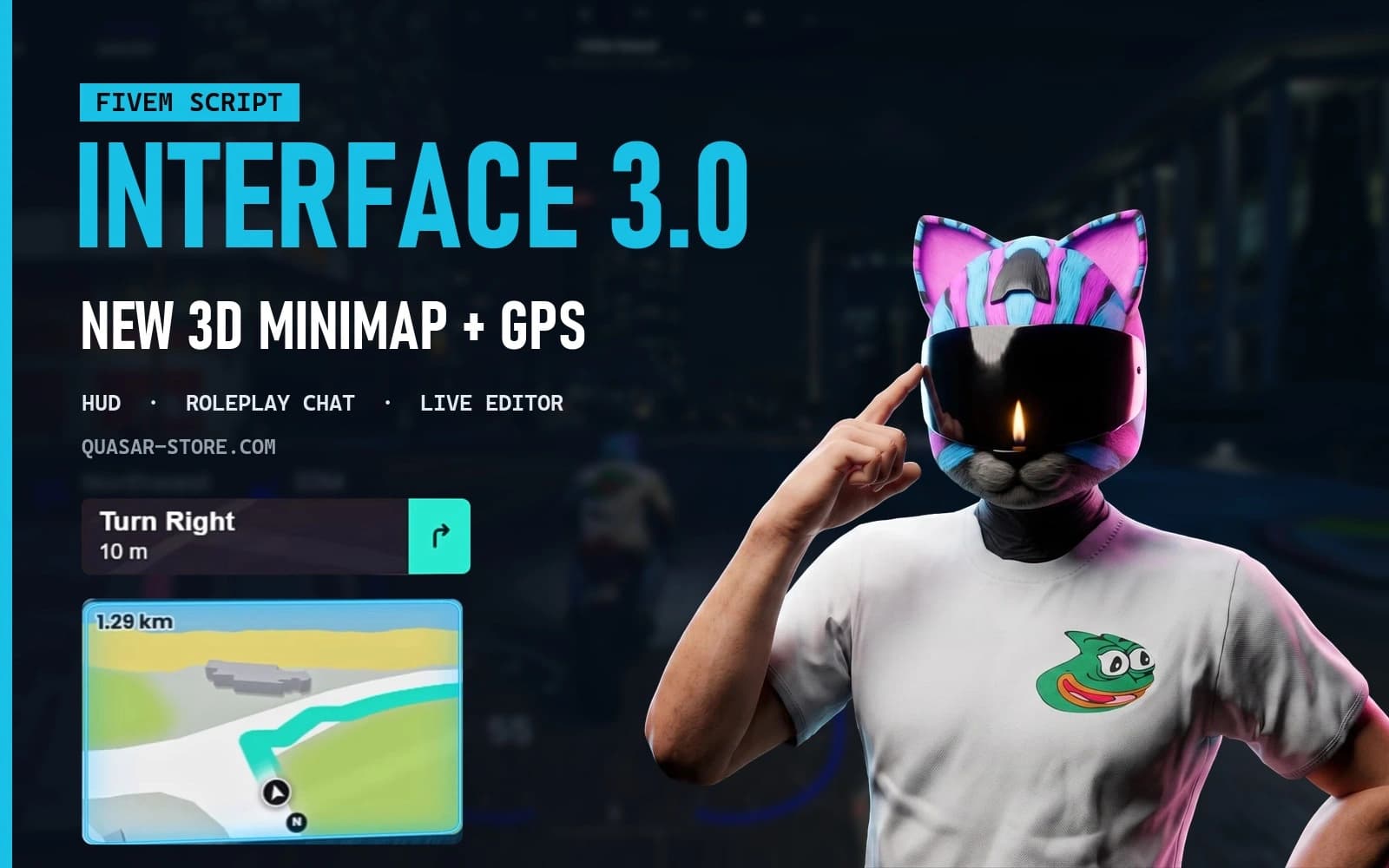
Ein anpassbares HUD, Roleplay-Chat, Benachrichtigungen und Fortschrittsbalken, alles im Spiel mit Live-Vorschau bearbeitbar. 10+ HUD-Stile, Auto-HUDs und ein Stresssystem. ESX, QBCore, Qbox.
- ESX
- QBCore
- Qbox
- QSCore
Ein anpassbares HUD, Roleplay-Chat, Benachrichtigungen und Fortschrittsbalken, alles im Spiel mit Live-Vorschau bearbeitbar. 10+ HUD-Stile, Auto-HUDs und ein Stresssystem. ESX, QBCore, Qbox.
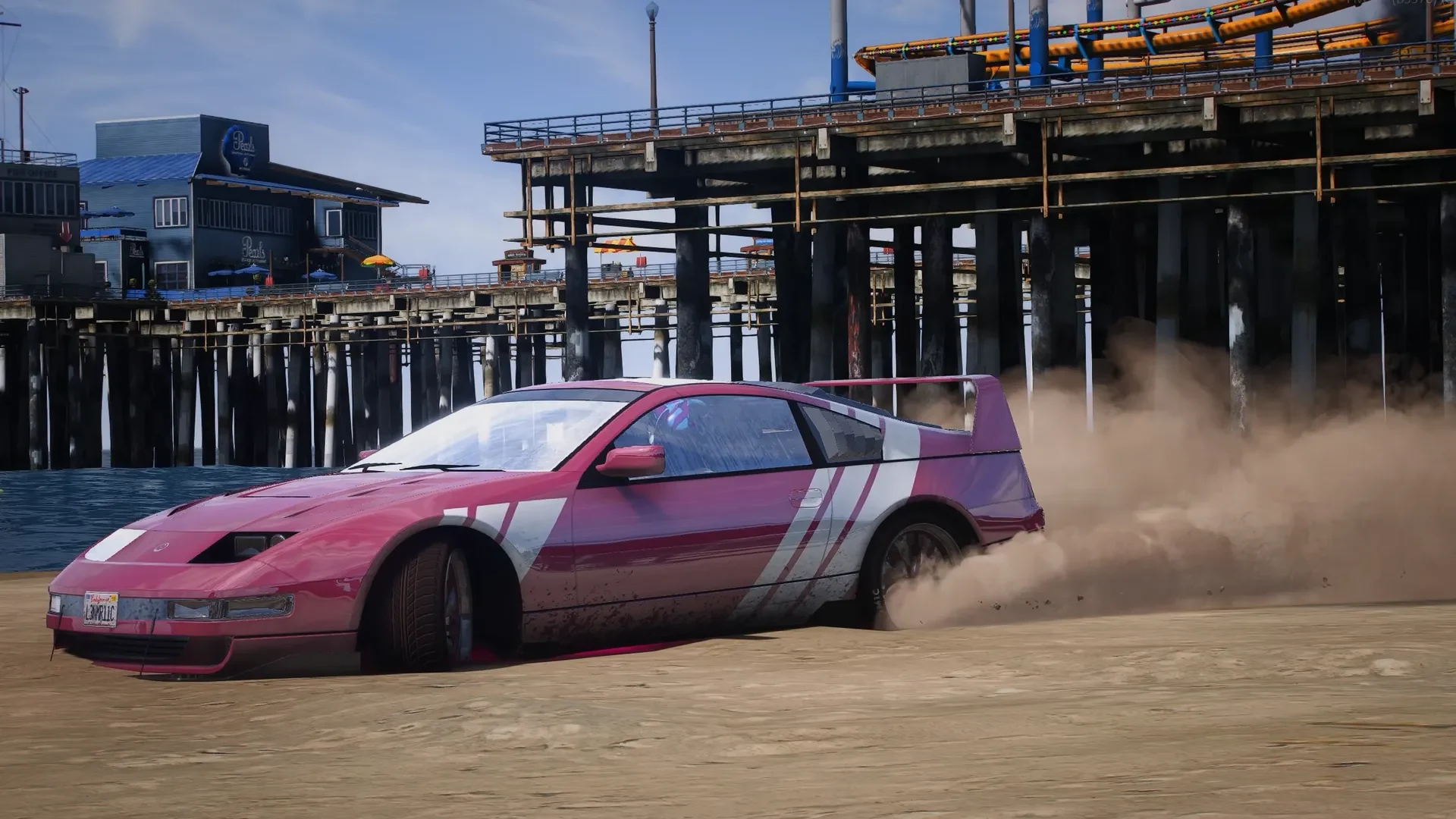
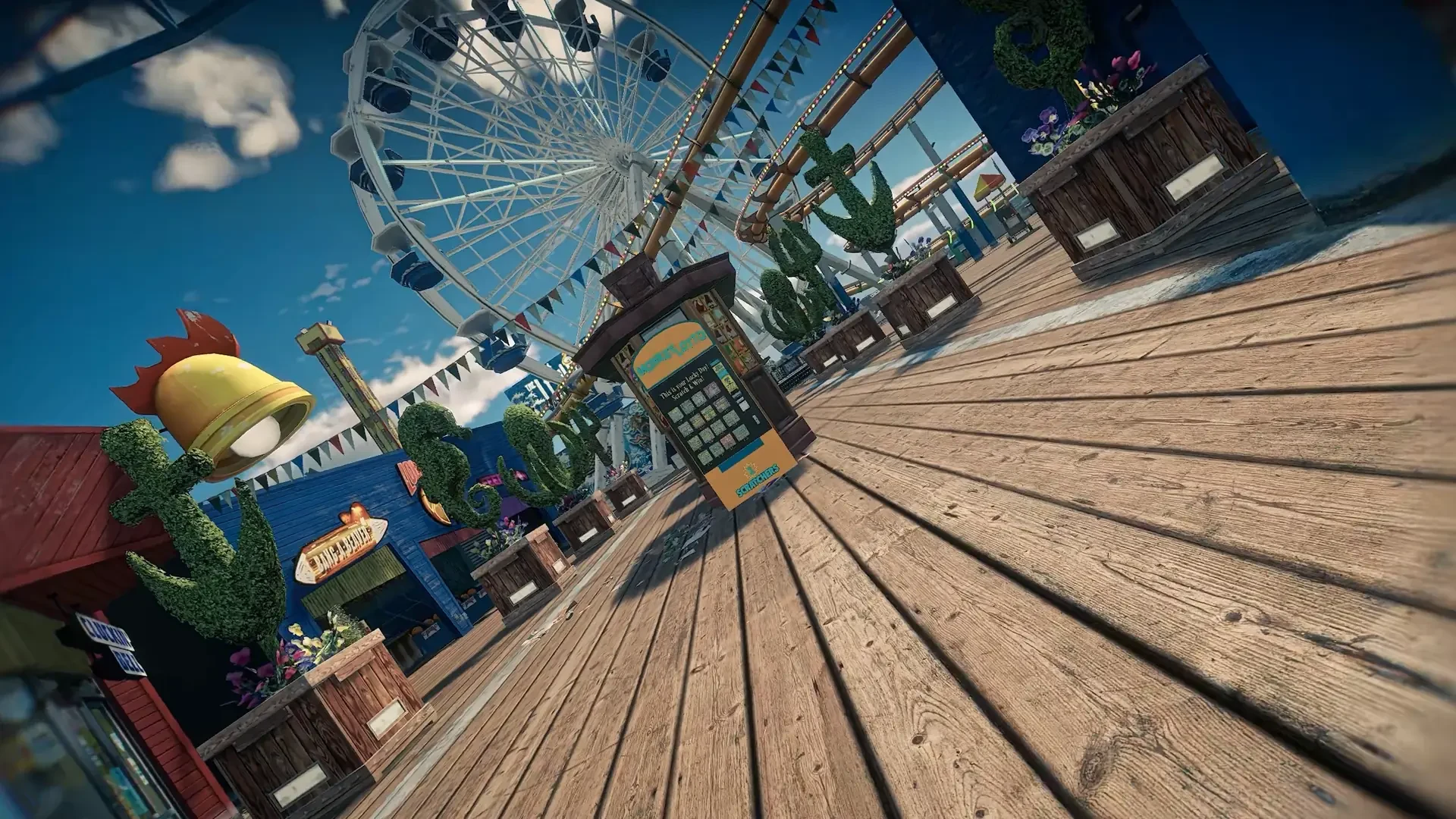
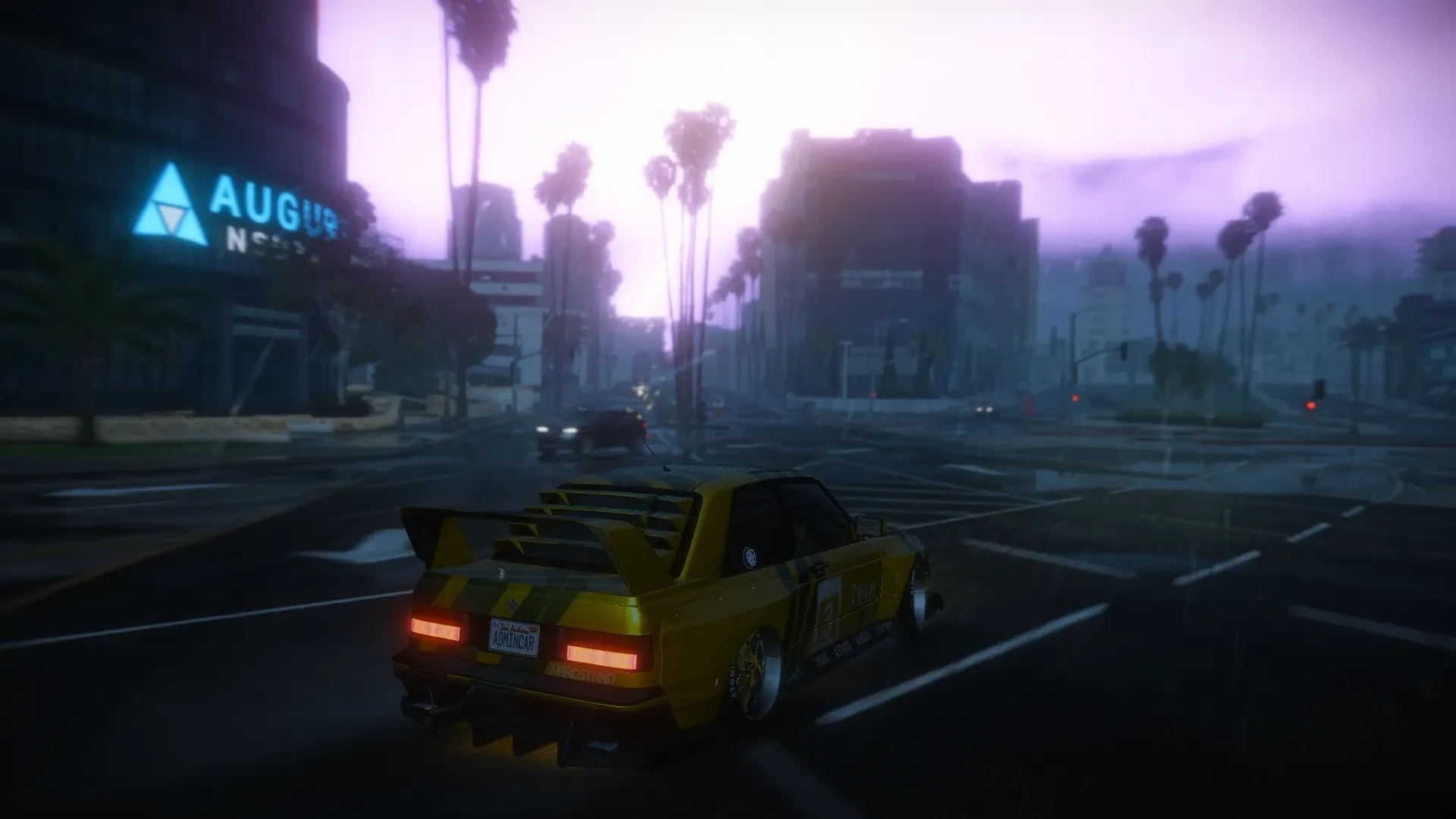
[02] Medien · 109 Screenshots · 01 Video
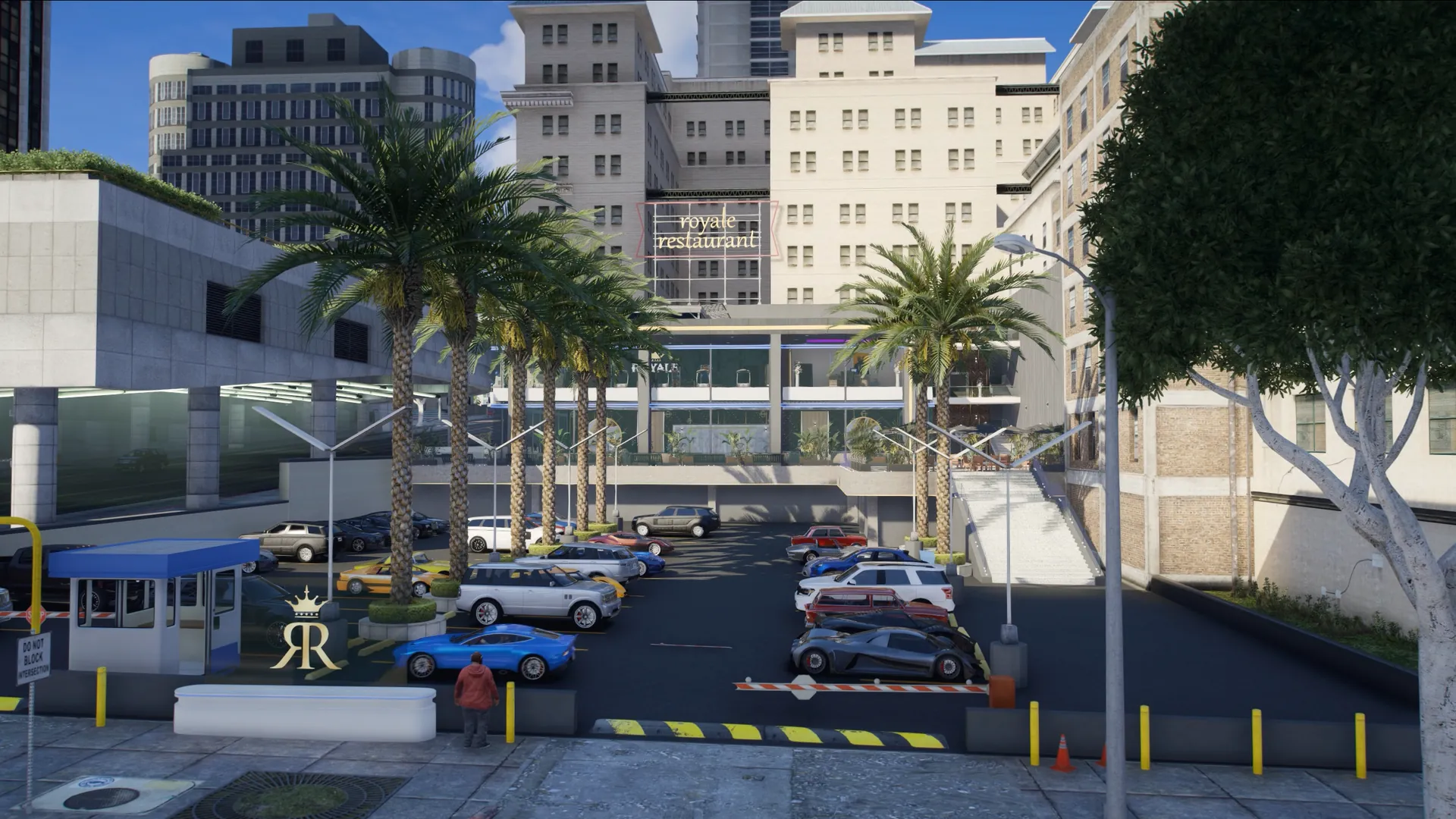
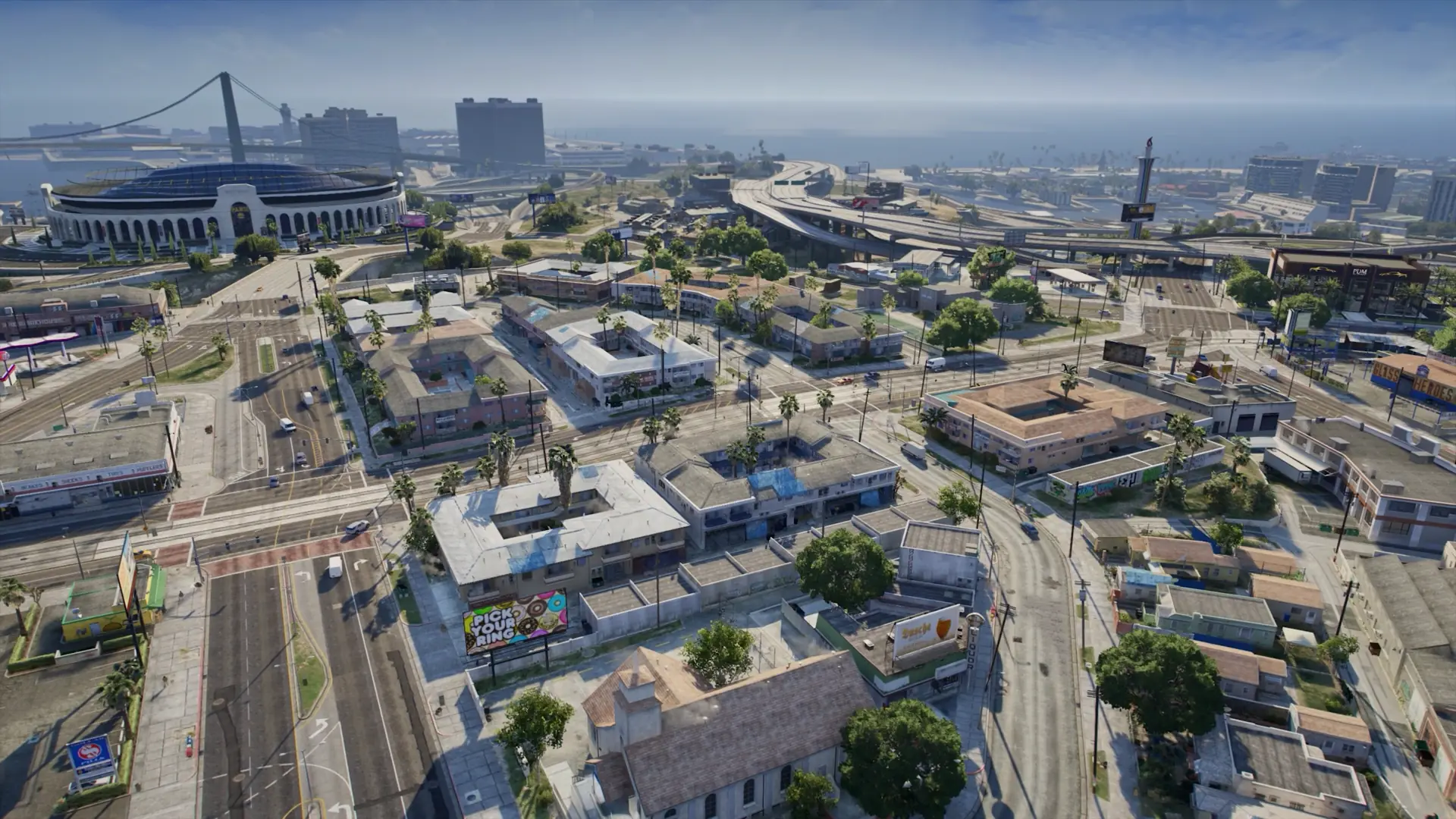
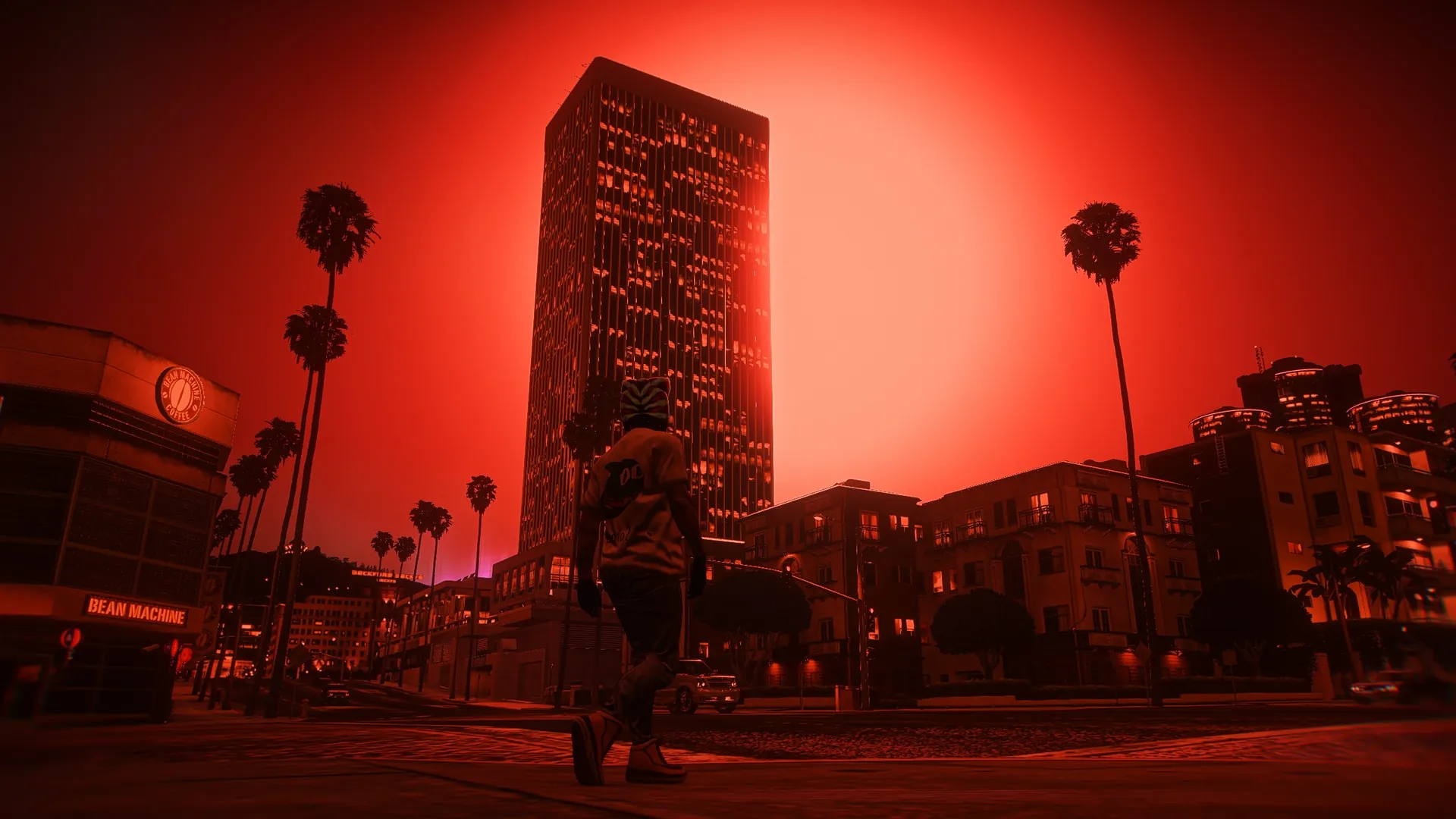
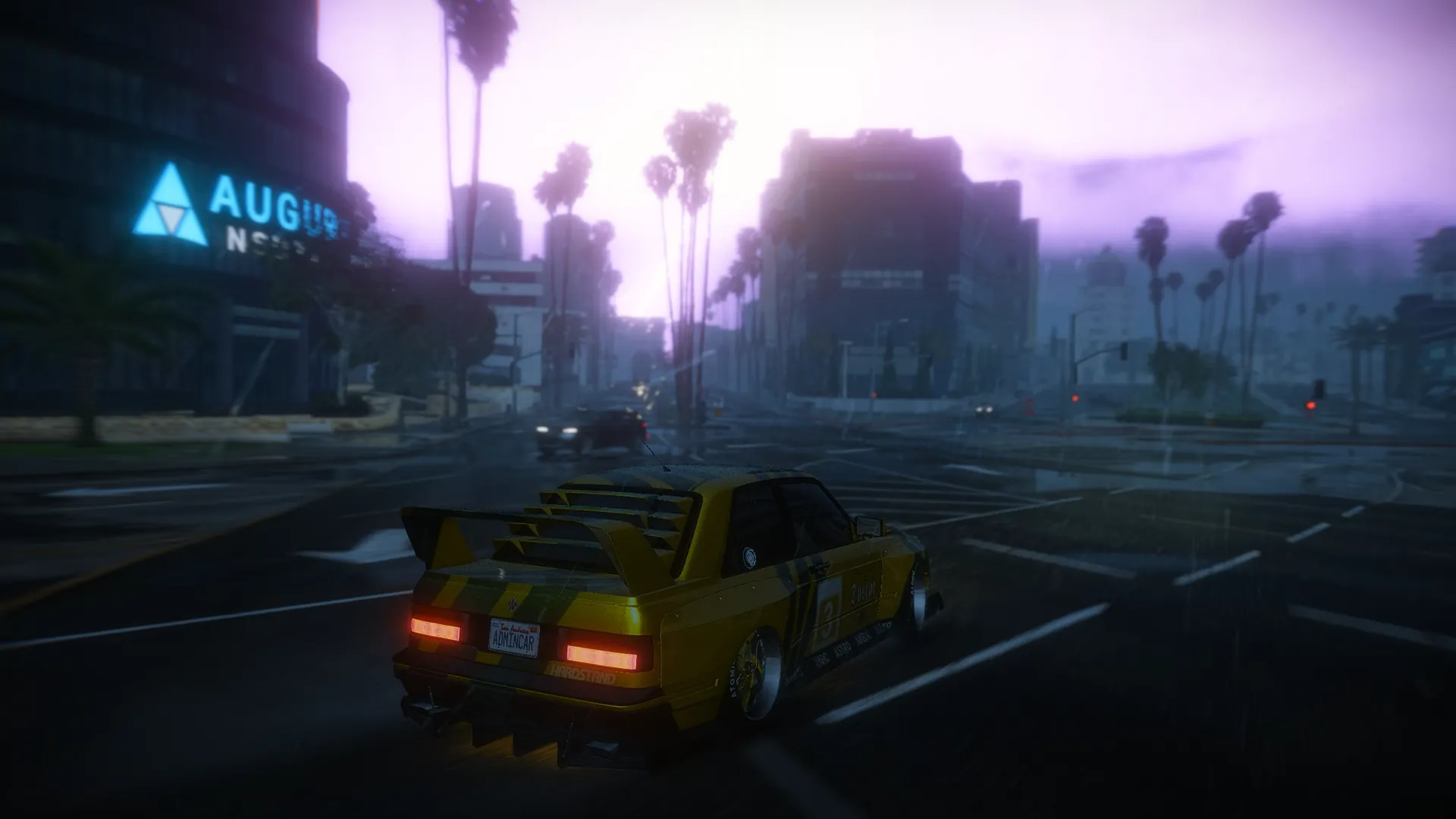
Real in-game captures of Interface + Chat. Click to zoom, use ← → or swipe to browse.
Kaufen[03] Die Details
Vier Schritte zu neuem HUD und Chat. Funktioniert mit ESX, QBCore und Qbox.
[05] Interface 2.0
HUD, Chat, Benachrichtigungen und Fortschrittsbalken, die zum Look deines Servers passen.
Wähle ein HUD und lege fest, was es anzeigt, etwa Spieler-ID und Job.
Eigene Befehle, /me- und /do-Sprechblasen, VIP-Badges und Moderationstools.
Ändere Benachrichtigungen, Fortschrittsbalken, Fahrzeug-HUDs, Farben und Positionen, ohne Dateien zu bearbeiten.
Stress, Ausdauer und Unterwasseratmung direkt im HUD angezeigt.
A 3D minimap that shows the real buildings around you, with several styles plus shape, compass and border options to match your server.

Your route is drawn over the minimap with the next turn and the distance to your destination, day or night, by car or bike.
On their first join, players pick their colors, HUD, notifications, speedometer and chat style, and can share their design with a code.
Customize HUD, notifications, chat, progress bars and UI components to give your server its own look.
Choose from 10+ HUD styles showing player ID, job and other key info.
5+ notification styles to match your server branding.
9+ progress bar styles for crafting, interactions and every other action.

5+ car HUD styles showing speed, fuel and driving info.

A customizable roleplay chat: configure commands, add /me and /do bubbles and style every message.

Moderate chat with forbidden words, job-based commands and custom rules, and show exclusive badges next to VIP members' names.
A stress system that reacts to player actions, stamina that drains as you run, and an underwater breath indicator, all shown in the HUD.
With qs-multicharacter, each character loads its own interface settings automatically.

Built-in rock-paper-scissors and dice for quick social moments.
[19] Ingame · 12 Bilder
Der Editor, das HUD und der Chat, so wie Spieler und Admins sie sehen.
[20] Vorschau · 01 Videos
A walkthrough of the 3D minimap, HUD, chat and in-game editor.
01/01
[21] FAQ
Anpassung, Chat, Kompatibilität und Integrationen.
ESX, QBCore und Qbox.
Das HUD, Benachrichtigungen, Chat, Fortschrittsbalken, Fahrzeug-HUDs und weitere UI-Komponenten.
Ja. Positionen, Layouts und Visuals werden im Spiel mit Sofortvorschau geändert.
Mehr als 10, dazu 5+ Benachrichtigungsstile, 9+ Fortschrittsbalken-Stile und 5+ Auto-HUDs.
Eigene Befehle, /me- und /do-Sprechblasen, Nachrichten-Styling, VIP-Abzeichen, verbotene Wörter und jobbasierte Befehle.
Ja. Jeder Charakter lädt beim Spawnen seine eigenen Oberflächeneinstellungen.
[22] Bewertungen · Rated 5.0 / 5
I've tried many HUD and chat scripts, but this one is by far the best. The best feature is the in-game editor, you can change colors, positions, and layouts instantly without editing any files or restarting the server. It has over 10 HUD styles and the car HUDs look amazing. The chat is also fully packed with features like /me and /do bubbles, and the built-in dice game is a fun touch for roleplay. Performance is perfect, no lag at all. Highly recommended!
Antwort von Quasar Store
Thank you! The in-game editor was a big focus for us, so it's great to see it called out.
[23] Mehr Scripts
Mehr aus dem scripts-Katalog.
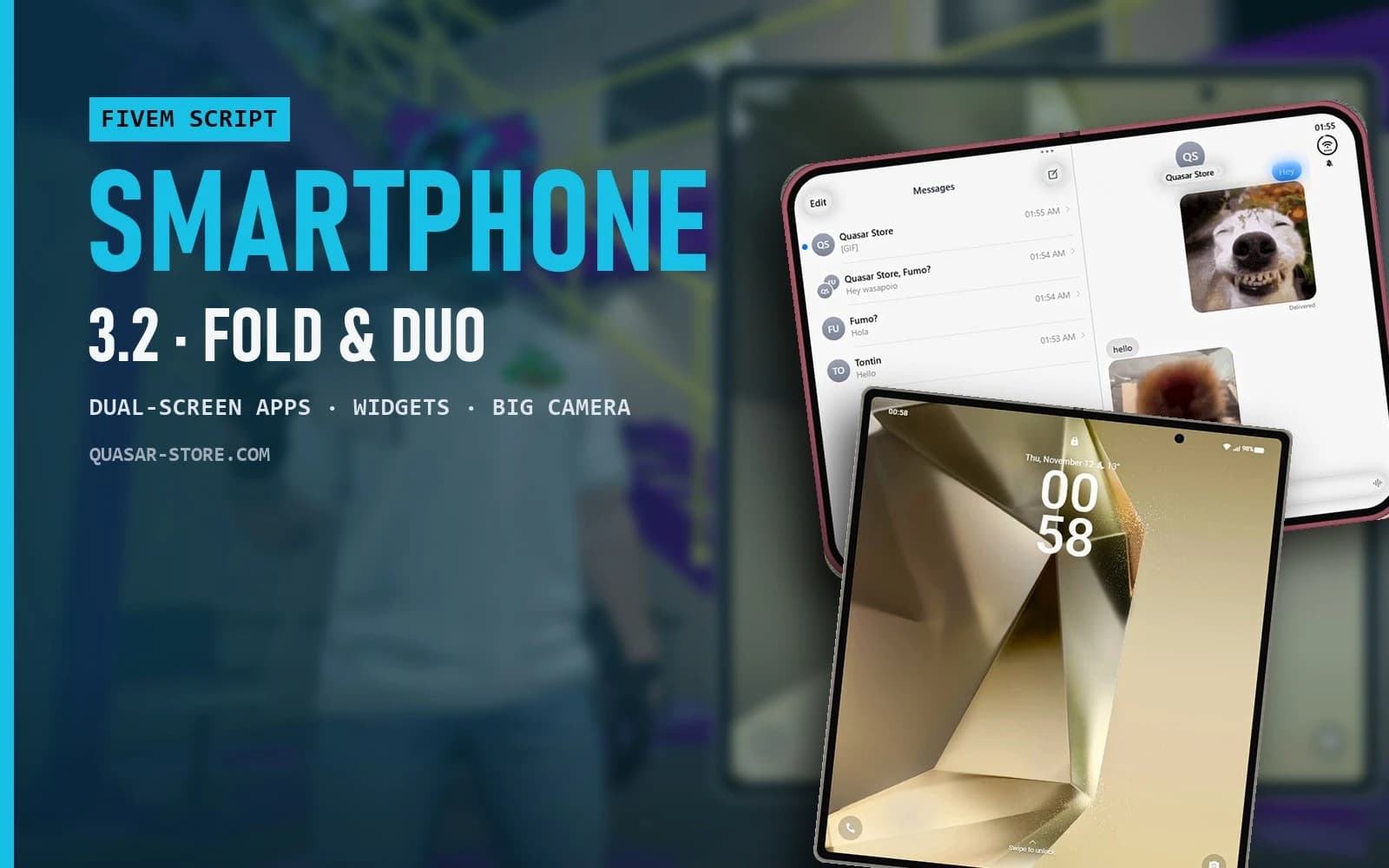 01 Empfohlen
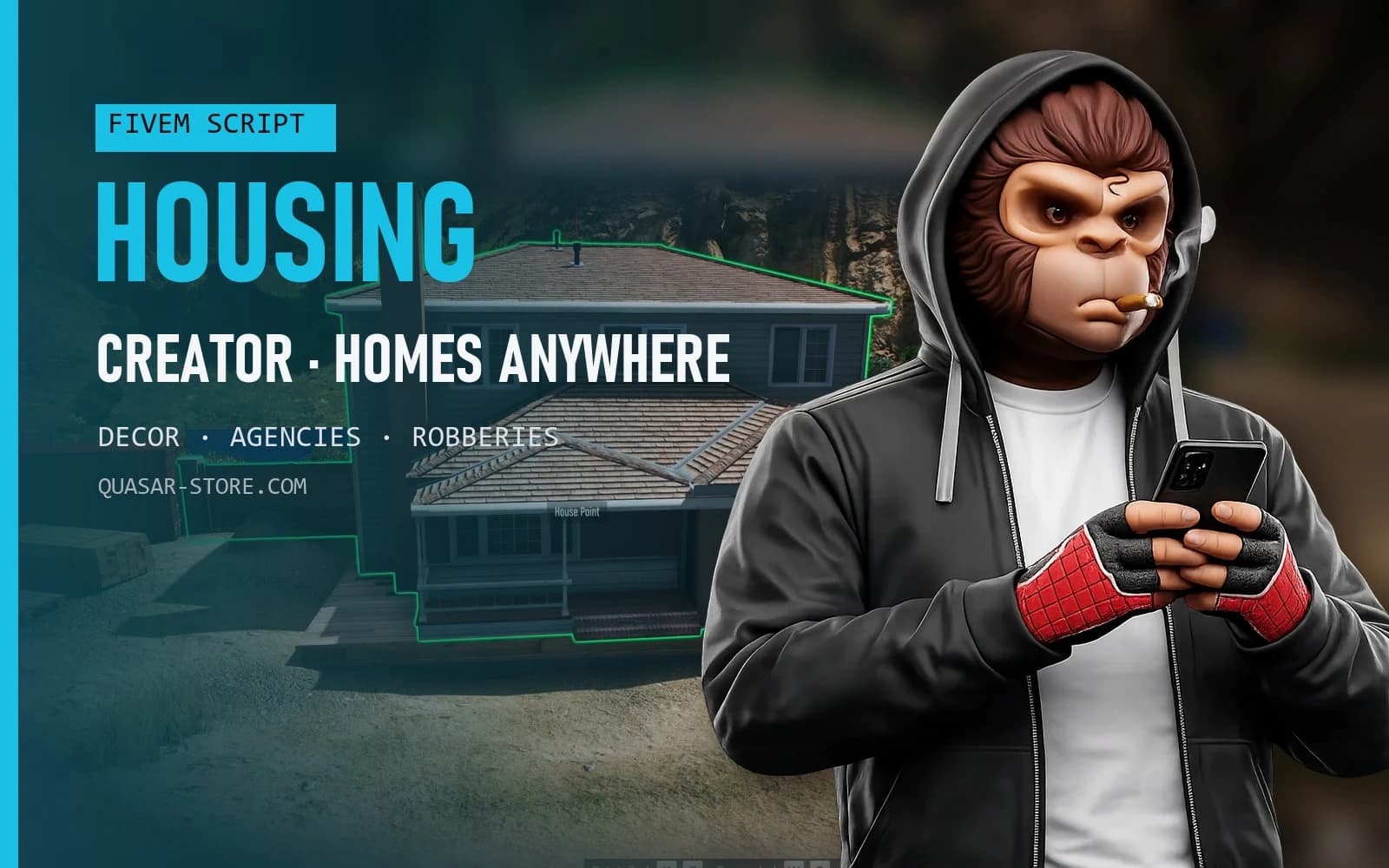 02 Empfohlen
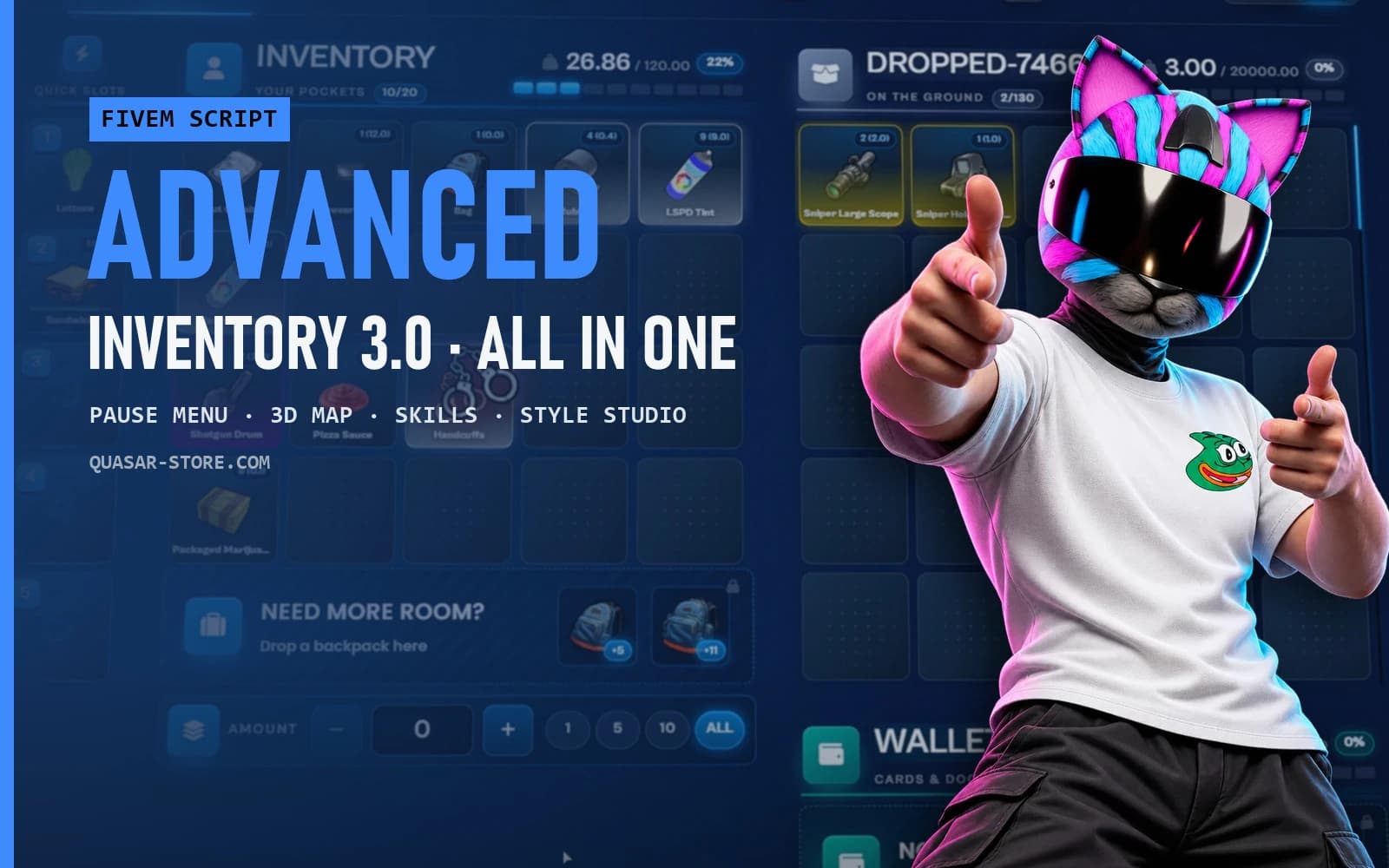 03 Empfohlen
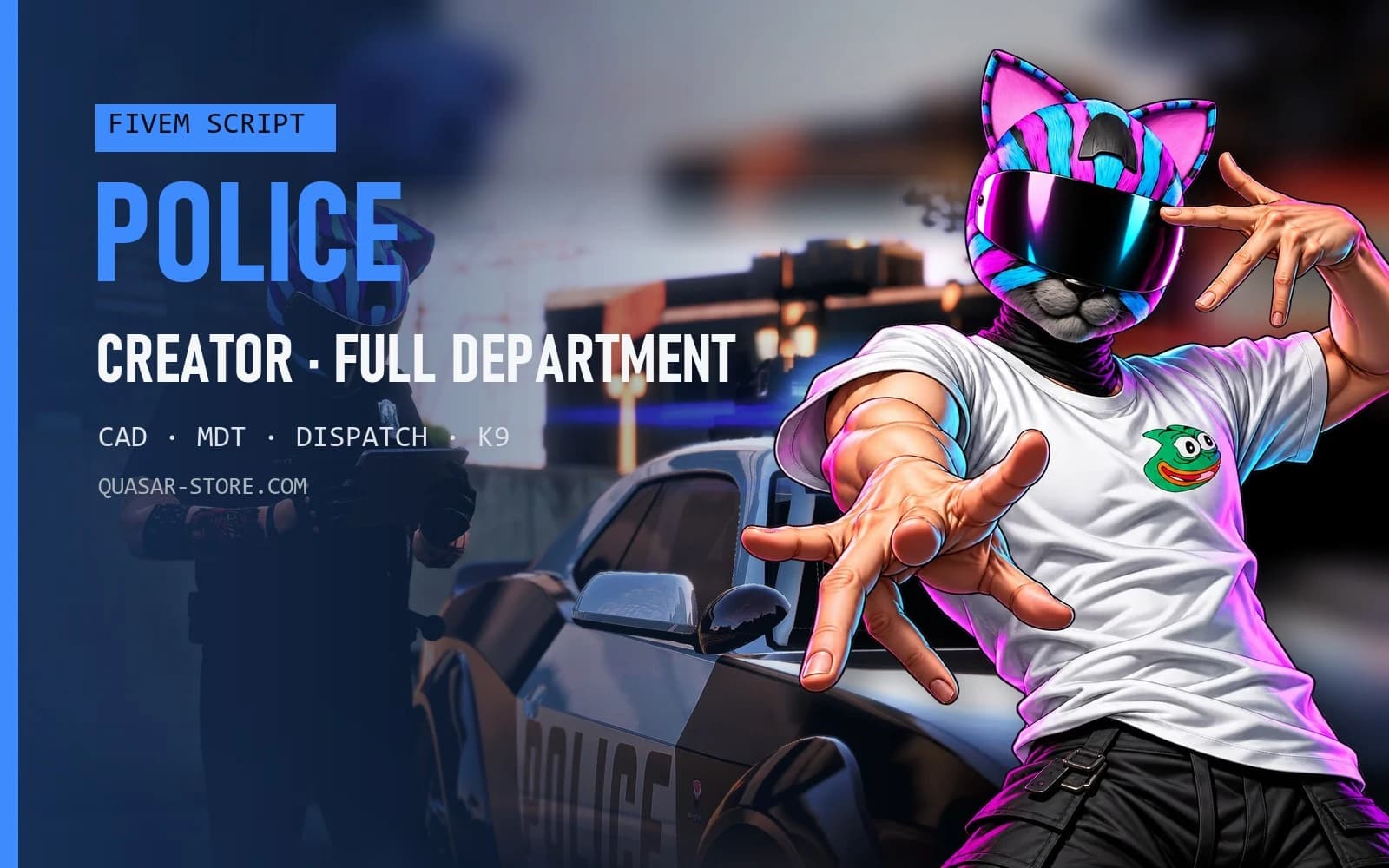 05
 06
 07
 08
 09
01/01
[24] Brauchst du Hilfe
Unser Team beantwortet Fragen zu Setup, Framework-Kompatibilität und Integration vor und nach dem Kauf.






 04