Quasar Store Website Update: Everything New for You#
The Quasar Store website has had its biggest update yet. We rebuilt it around the things you told us matter most when you run a FiveM server: knowing what changed in every script, getting help fast, finding content other servers already made, and having every script you own in one place.
This post walks you through everything new: a public changelog for every script, Quasar Matrix, live chat with our team on every page, a smarter My products library that also finds what you bought with your Cfx.re account, and a fresh look across the whole store.
[04]Newsletter
Never miss a release
One short email when something ships: what changed, what breaks, and how to roll it out on a live server. No spam, ever.
New scripts
Breaking changes
Server guides
1,000+server owners subscribed
Double opt-in · free
Get the next drop
We only use your email for this newsletter. One click to unsubscribe, any time.
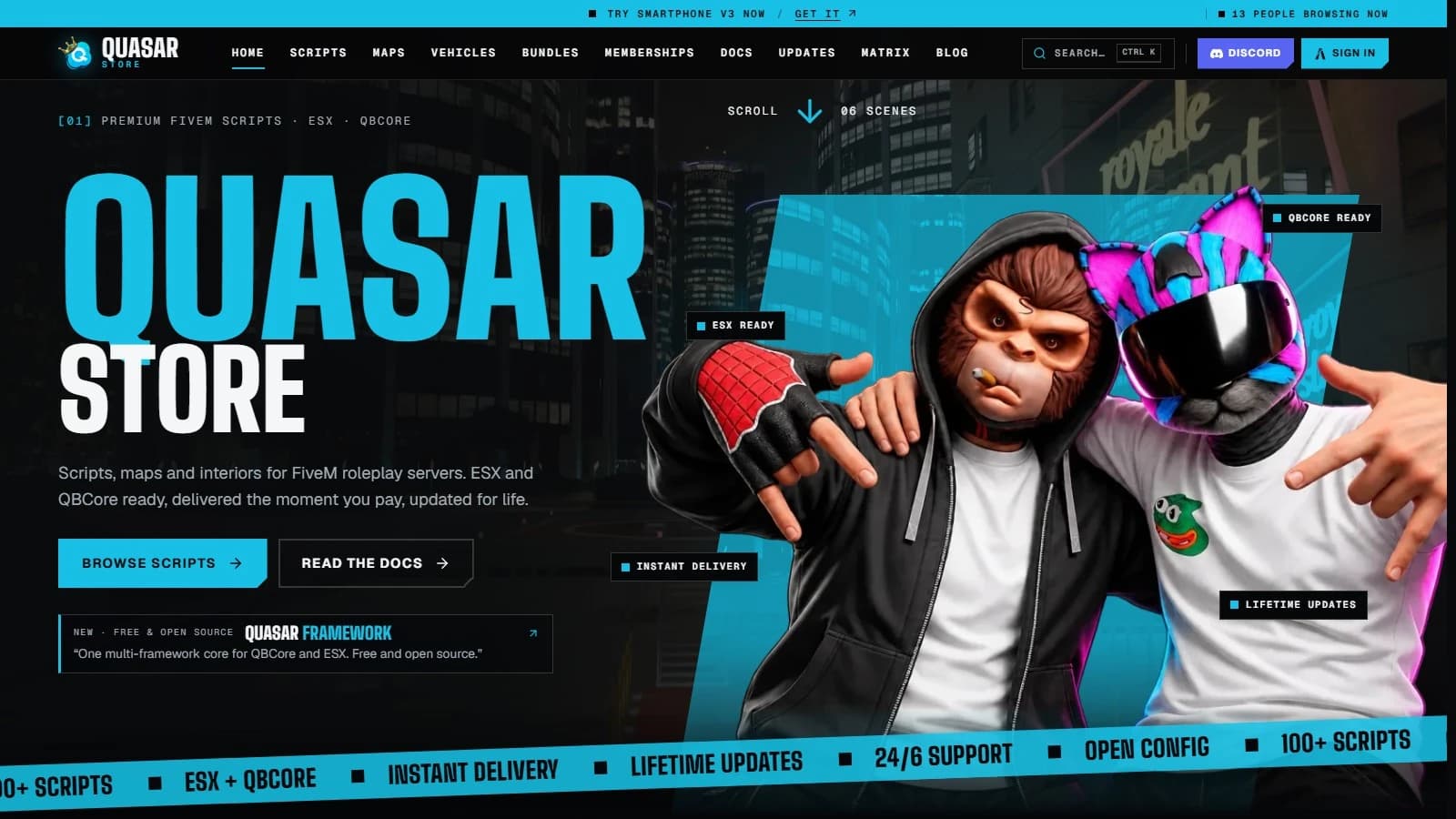
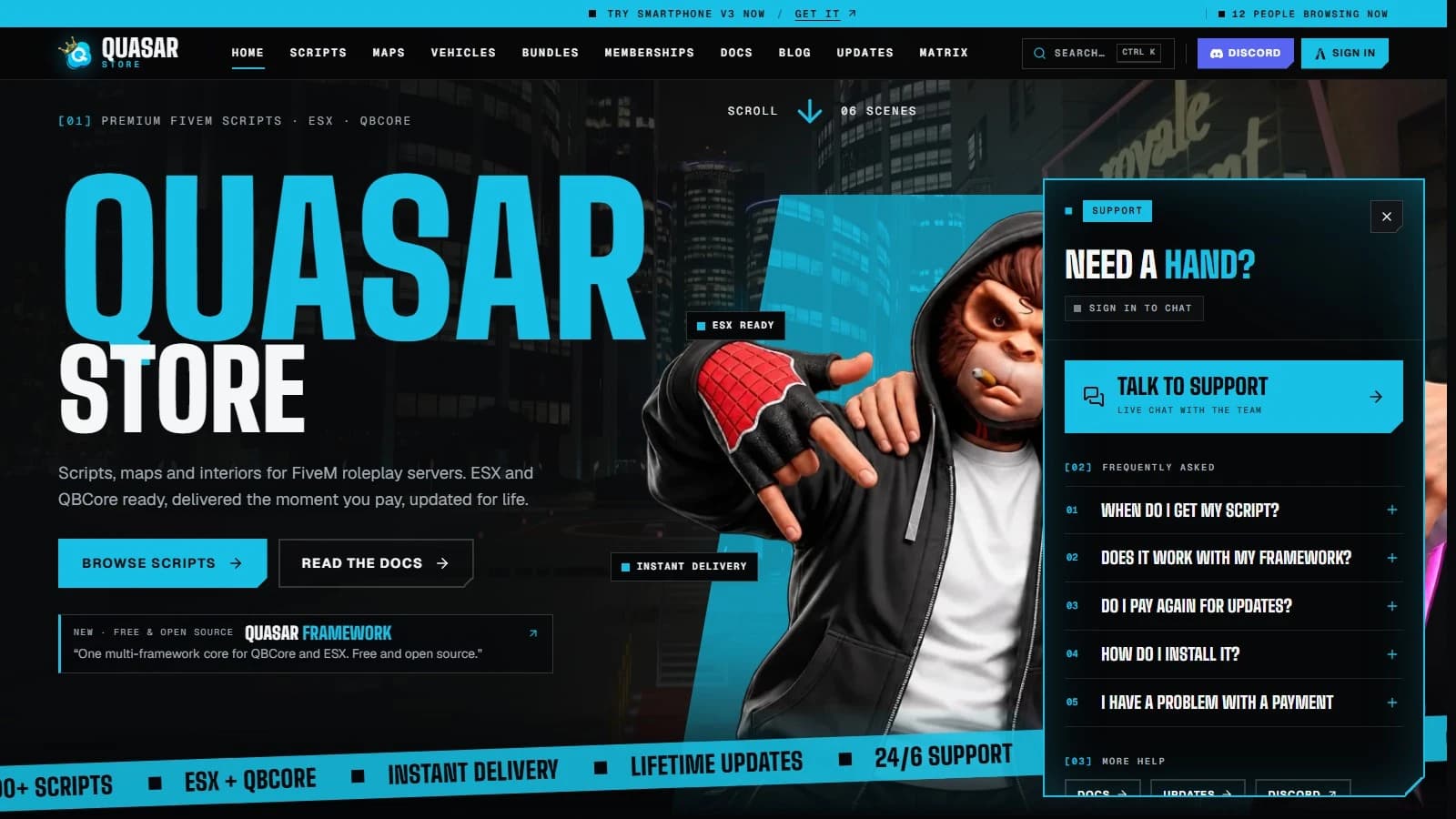
Every page has been redrawn, from the home page to your account. Our characters now guide you through the store, each section has its own colour, and the pages are easier to read on both desktop and phone.
The new Quasar Store home page with the Quasar cat and monkey characters and premium FiveM scripts for ESX and QBCore
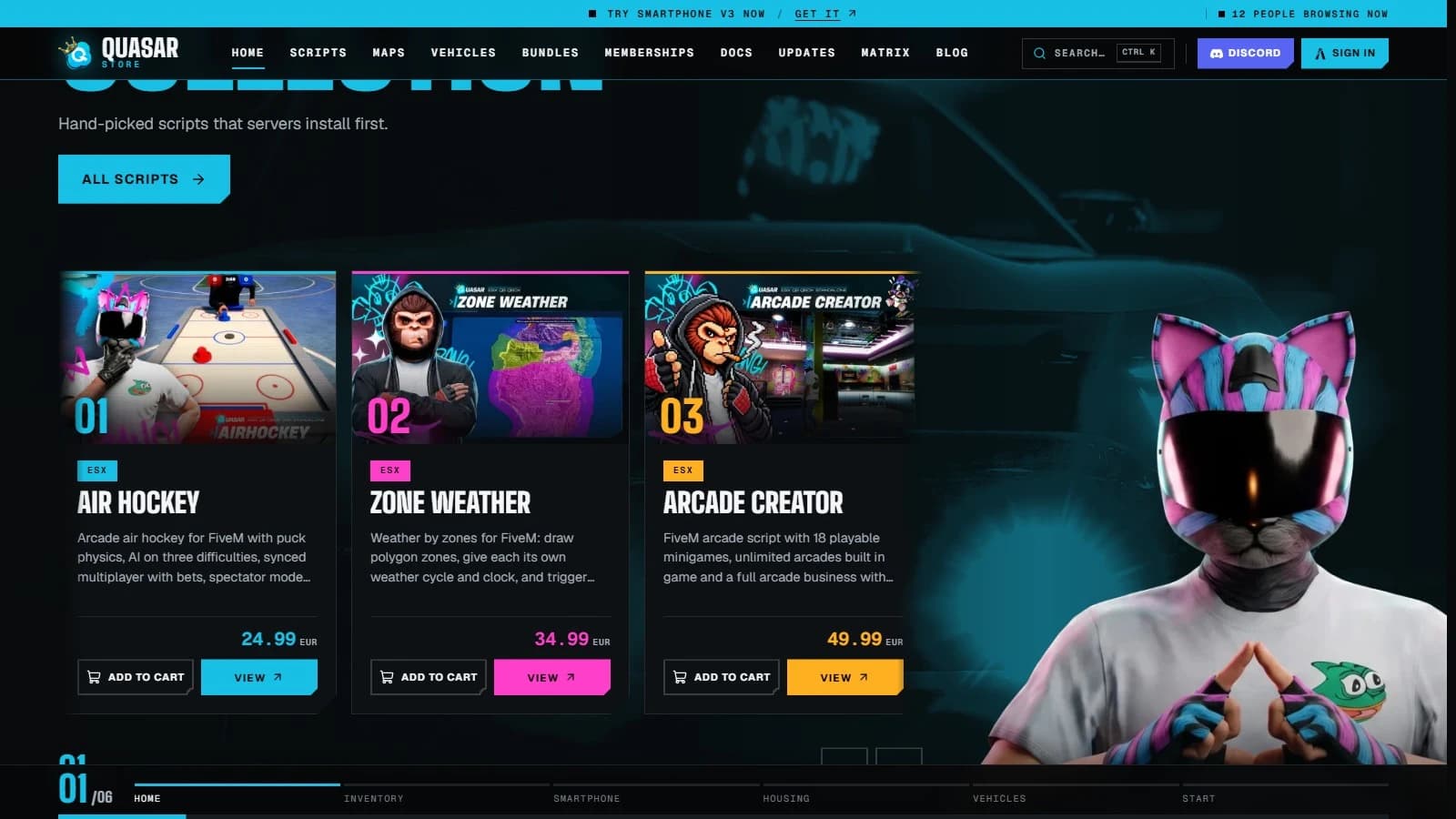
The script cards on the home page and under each product now have an Add to cart button next to View, so you can fill your cart while you browse without opening every product first.
Best of the collection on the Quasar Store home page: FiveM script cards with Add to cart and View buttons
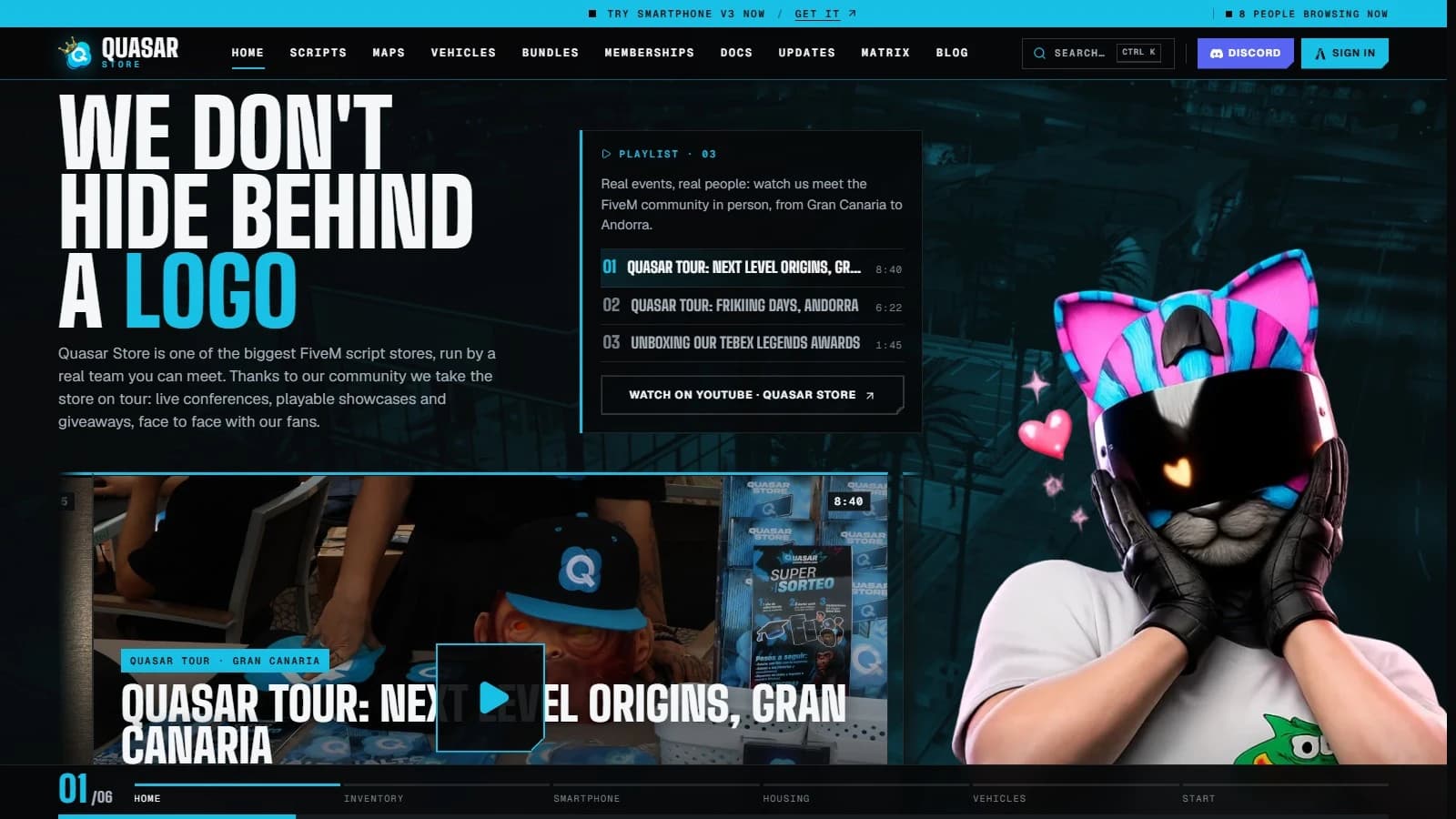
Quasar Store is run by a real team you can meet, and the new We don't hide behind a logo section proves it: videos from the Quasar Tour, our live events with the FiveM community in places like Gran Canaria and Andorra.
We don't hide behind a logo: Quasar Tour videos from real Quasar Store community events
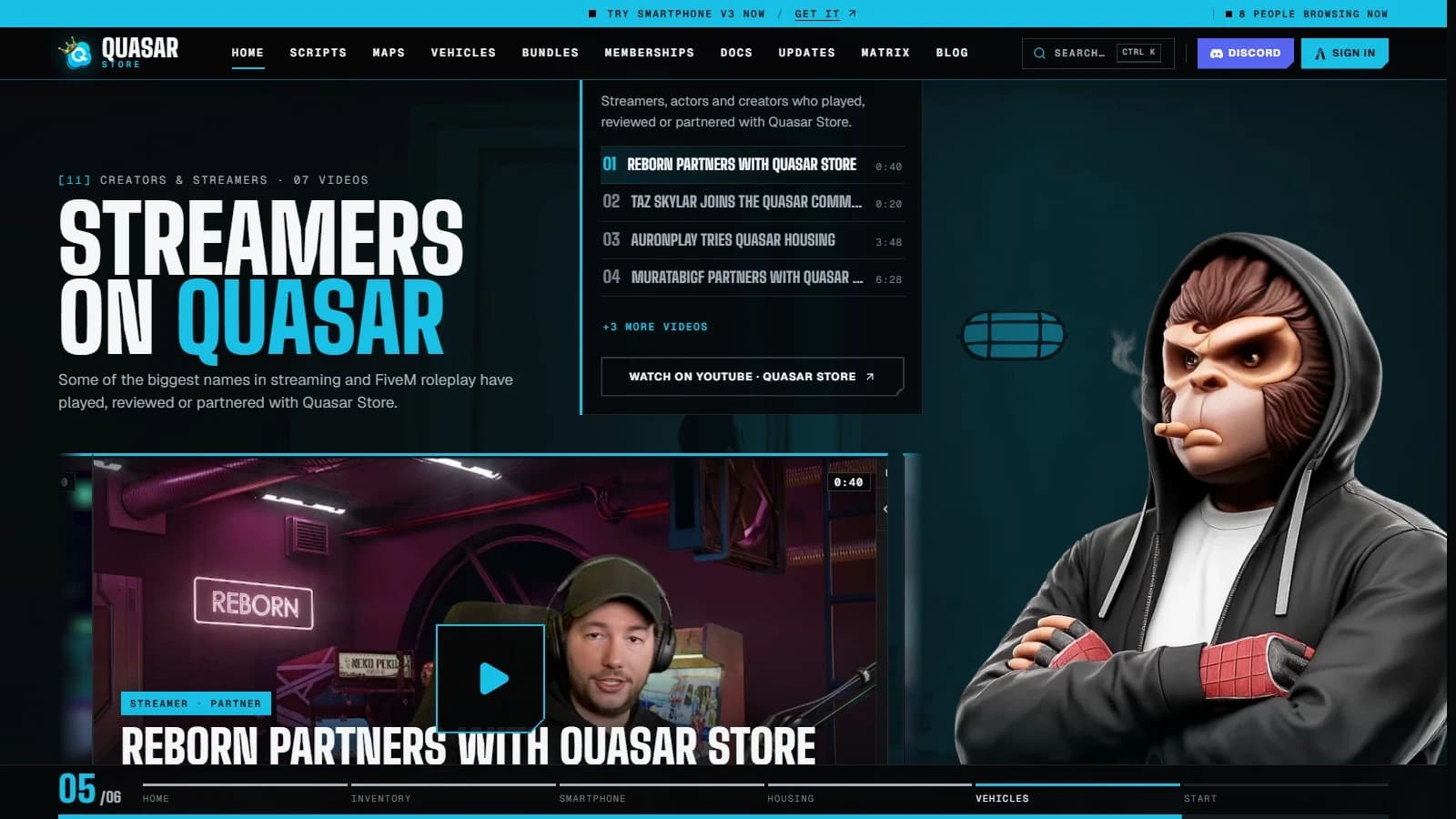
Some of the biggest names in streaming and FiveM roleplay have played, reviewed or partnered with Quasar Store. The new Streamers on Quasar section collects their videos in one playlist, with a short note on who each creator is. You can find all our videos in the video library.
Streamers on Quasar: a playlist of videos from streamers and FiveM creators who played or partnered with Quasar Store
Two smaller touches you will notice as you browse: moving between pages now shows a quick transition with the name of the page you are going to, and every page has its own preview image, so a link you share on Discord or social media looks right.
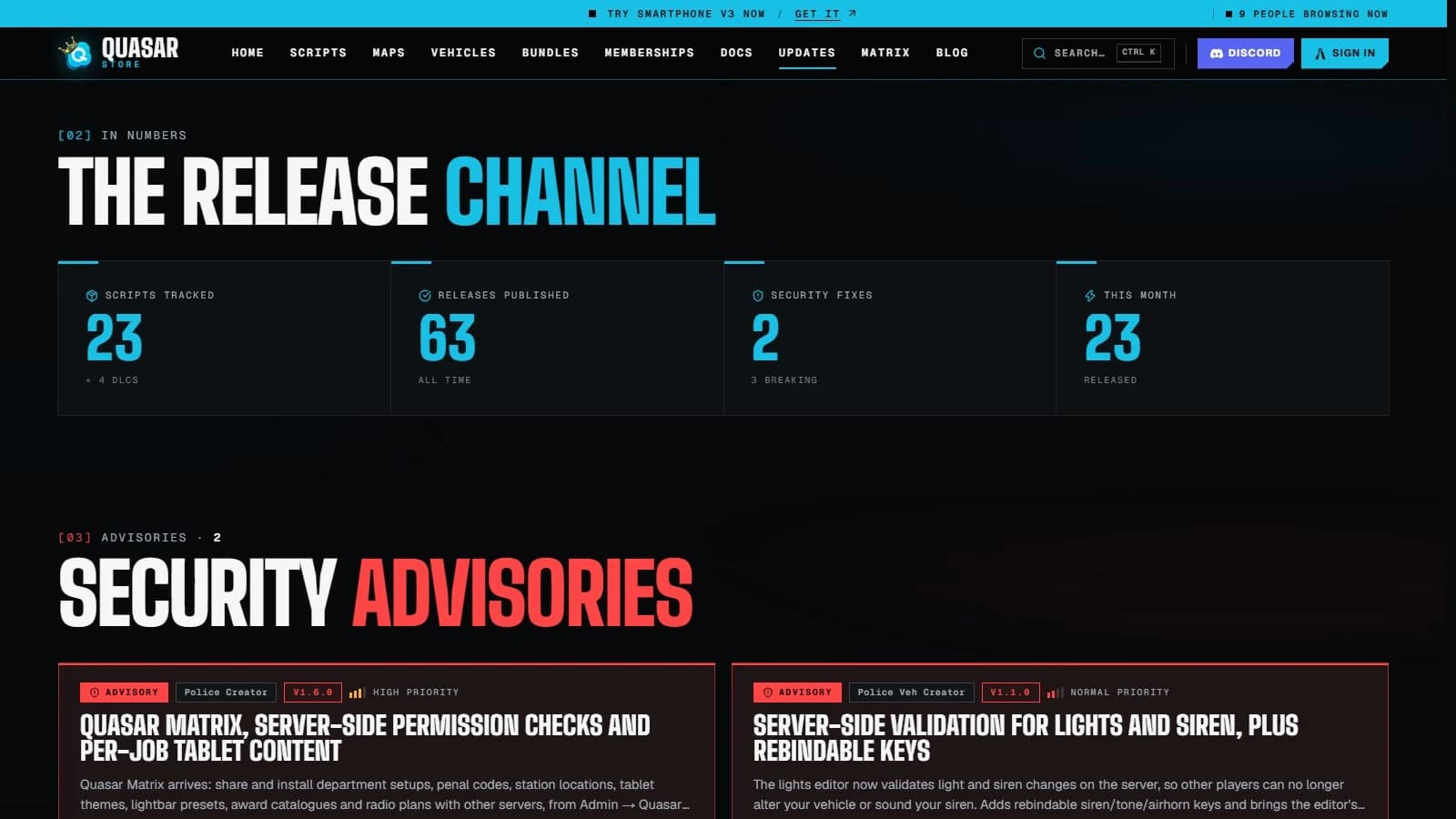
The new Updates page is the release channel of the whole catalogue. Every release, security fix and important change of every Quasar script is published there, newest first, so you never have to ask what changed.
Quasar Store Updates and changelog page with the latest FiveM script release
Search the catalogue by name, filter supported and deprecated scripts, and follow the timeline of every release across the store. Security advisories get their own section, so an important fix never gets lost among regular updates.
Release numbers and security advisories on the Quasar Store updates page
Every script has its own update feed, like the Smartphone updates page: its latest version, when it was last updated, every release in order and its add-ons, each with its own changelog.
Quasar Smartphone update feed with its latest version and release notes
Open a release to see its version, its type (major, minor, patch, hotfix or feature), how important it is, the release notes and a list of everything that changed. When an update needs your attention before you install it, the release says so.
A Quasar Smartphone patch release page with its type, priority and what changed
Quasar Matrix: Content Shared by the Servers That Built It#
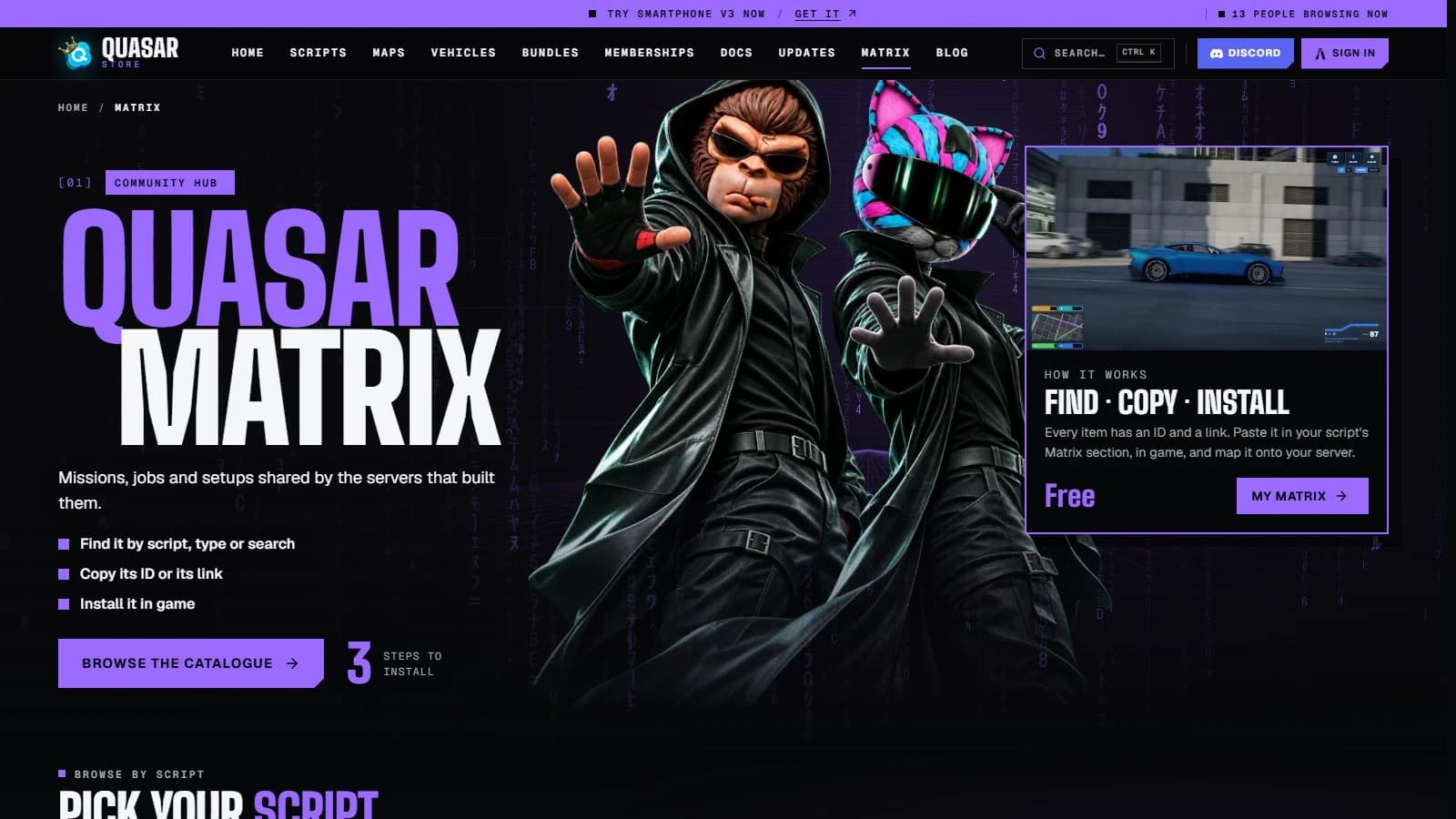
Quasar Matrix is our new free community hub. Server owners share what they built with Quasar scripts, such as police departments, penal codes, houses, interiors, dealerships and robberies, and anyone can install it on their own server in three steps: find, copy, install.
Quasar Matrix community hub: find, copy and install content shared by FiveM servers
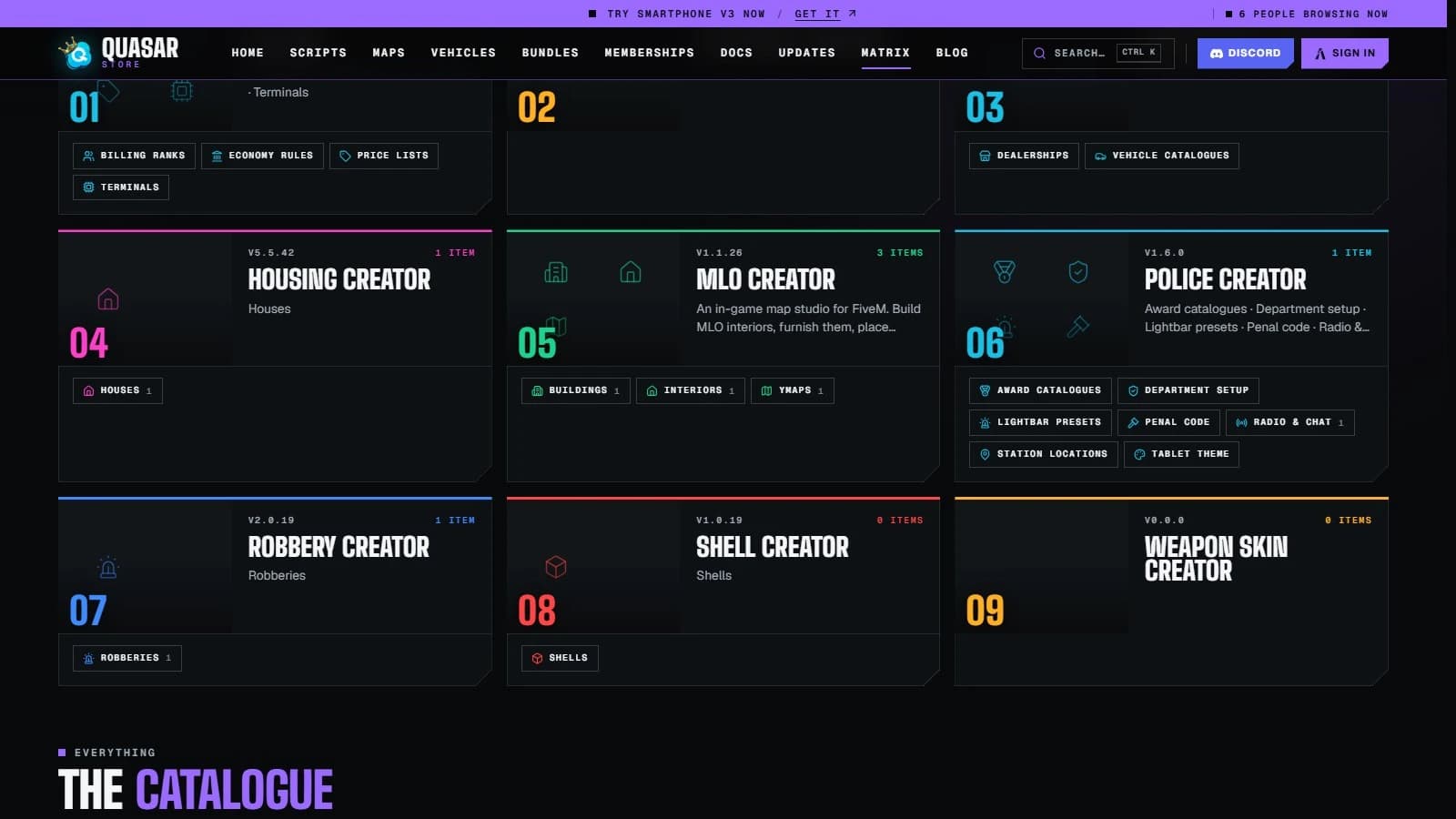
Browse by script, by type of content or by search, sort by what is popular, new, top rated or recently updated, and check what is featured this week. Scripts like Police Creator, Housing Creator, MLO Creator, Billing, Robbery Creator and Shell Creator already have content waiting.
Quasar Matrix catalogue by script: Housing Creator, MLO Creator, Police Creator, Robbery Creator and more
Each script has its own Matrix page, like Police Creator on Quasar Matrix, with everything shared for it and a reminder of where to install it in game.
Police Creator on Quasar Matrix: free community content to install in game
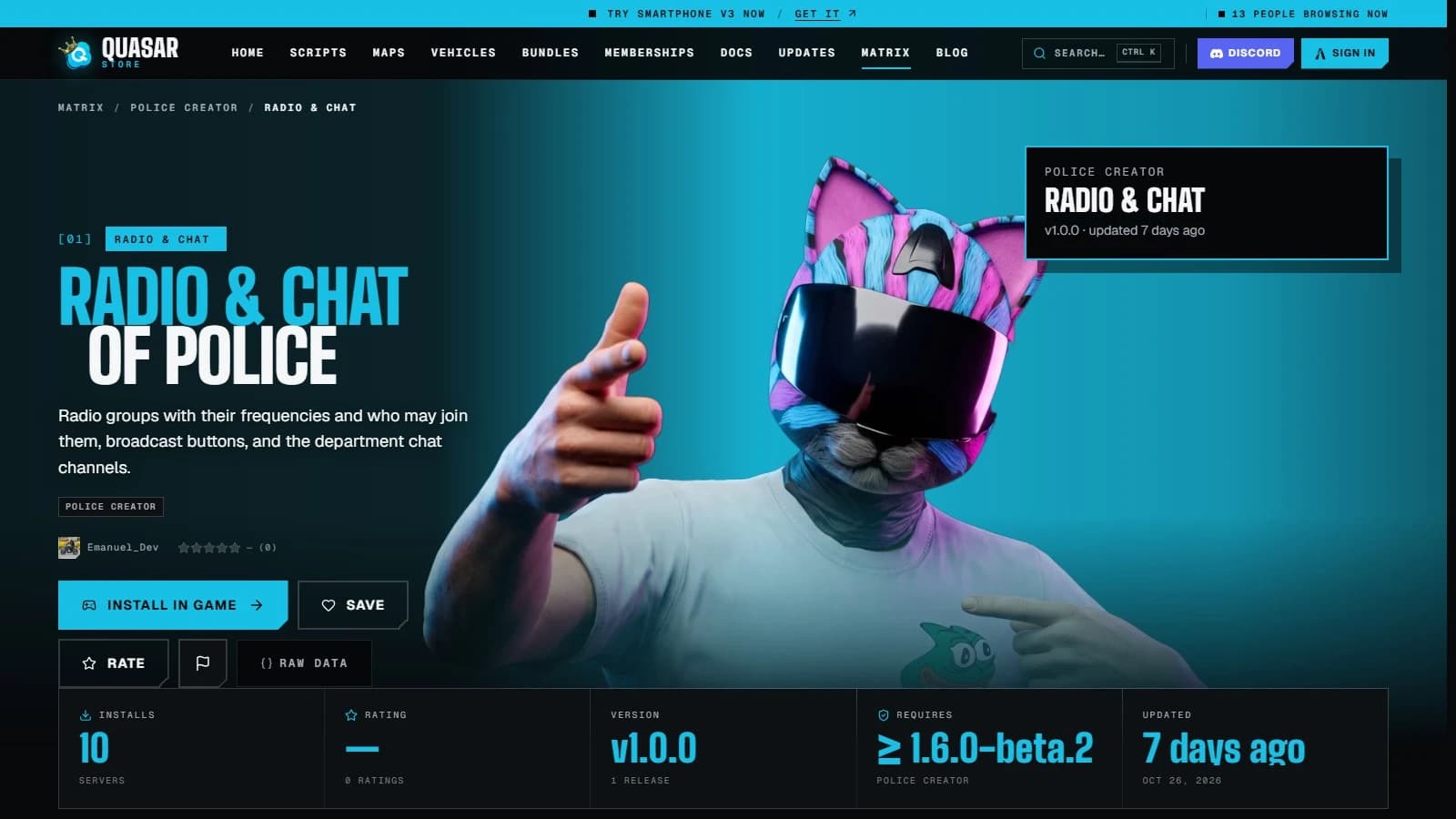
Every item has its own page with its description, how many servers installed it, its version and its rating. Copy its ID or its link, paste it in your script's Matrix section in game, and it is ready. Items arrive switched off, so you can check them before your players see them.
A Quasar Matrix item page with Install in game, Save and Rate buttons, installs and version
Save the items you like to your favourites and rate them for other server owners.
Share your own content from the script's Matrix section in game; our team reviews your first versions before they are listed.
Keep track of your items, favourites and servers in My Matrix.
Need a hand? The Support button in the corner of every page now opens a live chat with the Quasar Store team: real people, not a bot. It also shows whether support is online before you write, and gives you instant answers to the most frequent questions plus quick links to the documentation and the update channel.
Quasar Store live support chat open on the home page, with Talk to support and frequently asked questions
Sign in with Discord and talk to us without leaving the page you are on.
Attach screenshots or files to your messages, up to six at a time.
See when your message has been seen and when someone from the team is typing.
Get a Discord message when we reply, so you can close the tab and come back later.
Rate the conversation when it is closed and read its transcript.
Find all your conversations in My tickets and continue any open one.
My Products: Your Whole Library, Including Cfx.re Purchases#
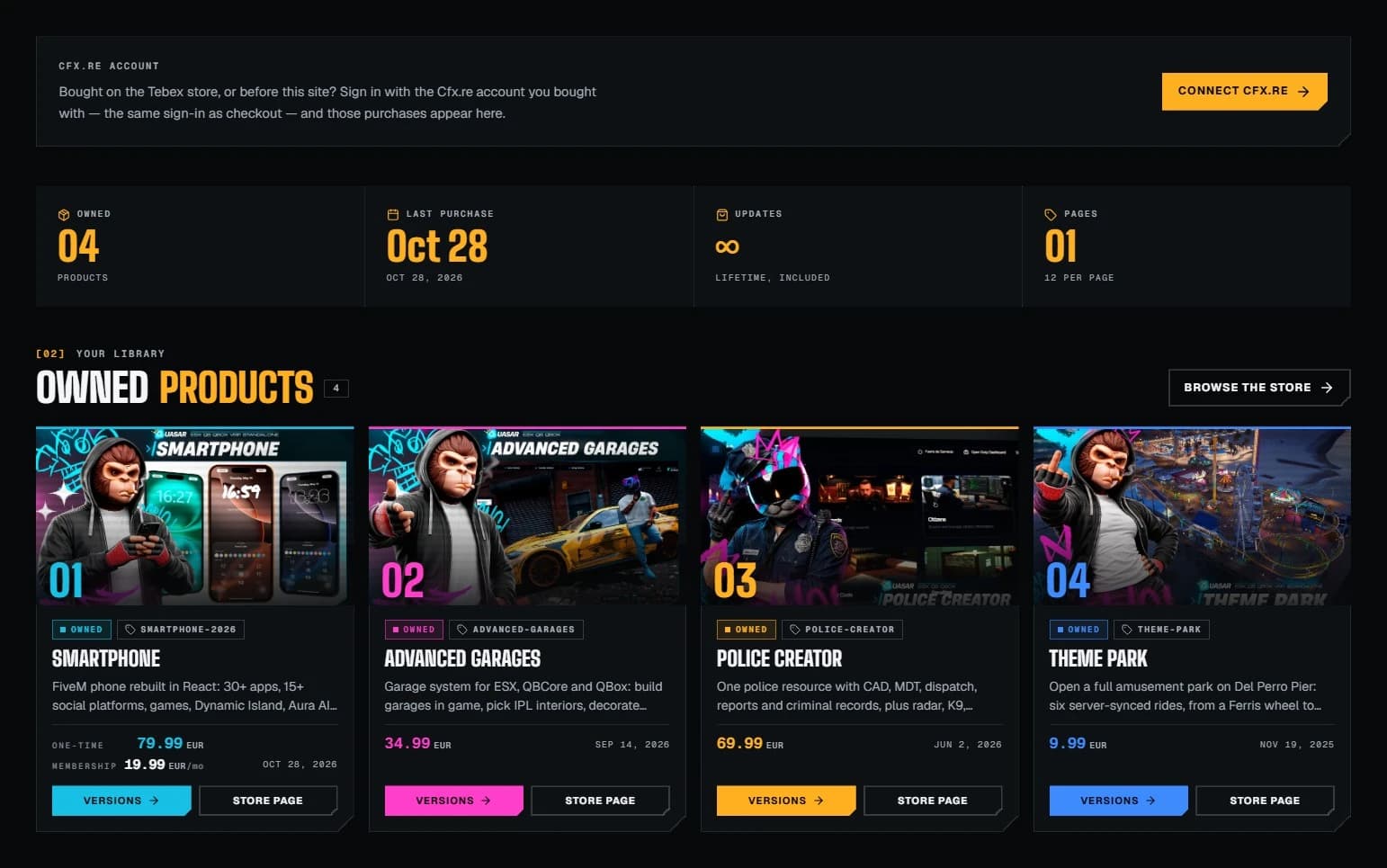
My products is where every script you own lives. Each card shows when you bought it and takes you to its store page, and you can leave a review right from your library.
My products on Quasar Store: owned FiveM scripts with Versions and Store page buttons and Cfx.re account linking
Versions opens the script's own update feed, so the full changelog is one click away.
Bought with your Cfx.re account? Sign in with the same Cfx.re account you use at checkout and your purchases appear here, including the ones made on the Tebex store or before this website.
Signed in with Discord? A Cfx.re button now sits right next to your profile picture, so linking it takes one click.
Sync from Tebex brings in any purchase that is missing.
A script that is no longer sold stays in your library, clearly marked.
Notifications inbox: the bell in the header collects your orders, script updates and replies, and you choose what reaches you in your settings.
Reviews: rate a script with stars and tell other server owners your framework and server size. Buyers get a verified purchase badge and our team can reply.
Account security: protect your account with two-factor authentication or a passkey.
On the Updates page. Every script has its own update feed with every release and its changelog, and the Versions button in My products takes you straight there.
Is Quasar Matrix free?
Yes. Browsing Quasar Matrix and installing its content on your server is free. You install items in game, from the Matrix section of the script they were made for.
How do I contact Quasar Store support?
Click the Support button in the bottom corner of any page and choose Talk to support. Sign in with Discord and you are chatting with our team, and we message you on Discord when we reply.
Why don't I see my purchases in My products?
Sign in with the Cfx.re account you used to buy, the same one you use at checkout. Your purchases, including those made on the Tebex store, will appear in your library. If one is still missing, press Sync from Tebex or open a chat with us.
Will I know when a script I own gets an update?
Yes. You get a notification on the site for every new version of a script you own, with a link to its release notes. You can switch these notifications off under Script updates in your settings.
All of this is live now. Take a look at the Updates page, discover Quasar Matrix, check your library in My products, or browse our FiveM scripts. And if anything is unclear, the support chat is one click away on every page. Thank you for building your servers with us.
Was this useful?
2 reactions
Save & share
[01]Comments
The thread
0 comments · moderated
Join the thread
Sign in with Discord to comment, reply and react. Comments are reviewed before they appear.
Play and Win: Free 8-Bit Games and Prizes for Black Friday & Christmas
Play and Win is live at Quasar Store: four free 8-bit arcade games, one try per game a day and a mystery prize for every win this Black Friday and Christmas.














[01]Comments
The thread