Quasar Admin Menu V2: The Best FiveM Admin Menu for ESX, QBCore & Qbox
Discover Quasar Admin Menu V2, one of the best FiveM admin menus for ESX, QBCore and Qbox. Explore advanced moderation tools, player management, logs, permissions, dashboards and high-performance features designed for professional FiveM server administration.
Managing a FiveM server has never been more demanding. As communities continue to grow, administrators require powerful tools that allow them to moderate players, detect issues instantly, monitor server activity, and react to incidents without interrupting gameplay.
Quasar Admin Menu V2 has been developed to become the most complete, modern, and optimized administration system available for FiveM, supporting ESX, QBCore, and Qbox servers. Instead of offering a basic collection of commands, it provides an advanced administration platform with an intuitive interface, real-time monitoring, extensive logging, powerful moderation tools, and developer-focused utilities.
Whether you operate a serious roleplay community, a freeroam server, or a large public project with hundreds of players, Quasar Admin Menu V2 delivers everything administrators need inside a single optimized resource.
Unlike outdated admin menus that rely on complex commands or cluttered interfaces, Quasar Admin Menu V2 focuses on speed, usability, security, and professional management. Every action is designed to reduce administration time while improving the overall experience for both staff members and players.
◈ Newsletter
Never miss a release
New scripts, breaking changes and server-building guides, straight to your inbox. No spam, ever.
Today's FiveM servers require much more than simple teleport commands.
Administrators need to monitor player behavior, review logs, inspect inventories, manage vehicles, control permissions, respond to reports, and solve problems instantly. Quasar Admin Menu V2 centralizes all these operations into one clean interface designed for maximum efficiency.
From small private servers to massive public roleplay communities, the system scales perfectly without sacrificing performance.
It has been optimized to minimize resource usage while maintaining instant responsiveness even on heavily populated servers.
Why Quasar Admin Menu V2 Stands Above Every Other Admin Menu#
Most admin systems available today were created years ago and simply expanded over time.
The result is usually:
Confusing interfaces
Poor performance
Limited player management
Weak logging
Outdated permissions
Difficult navigation
Quasar Admin Menu V2 was designed from scratch with a completely modern architecture.
Every menu, panel, action and workflow has been redesigned to reduce the number of clicks administrators need to perform daily tasks.
Instead of forcing staff to memorize dozens of commands, everything is accessible through a professional graphical interface.
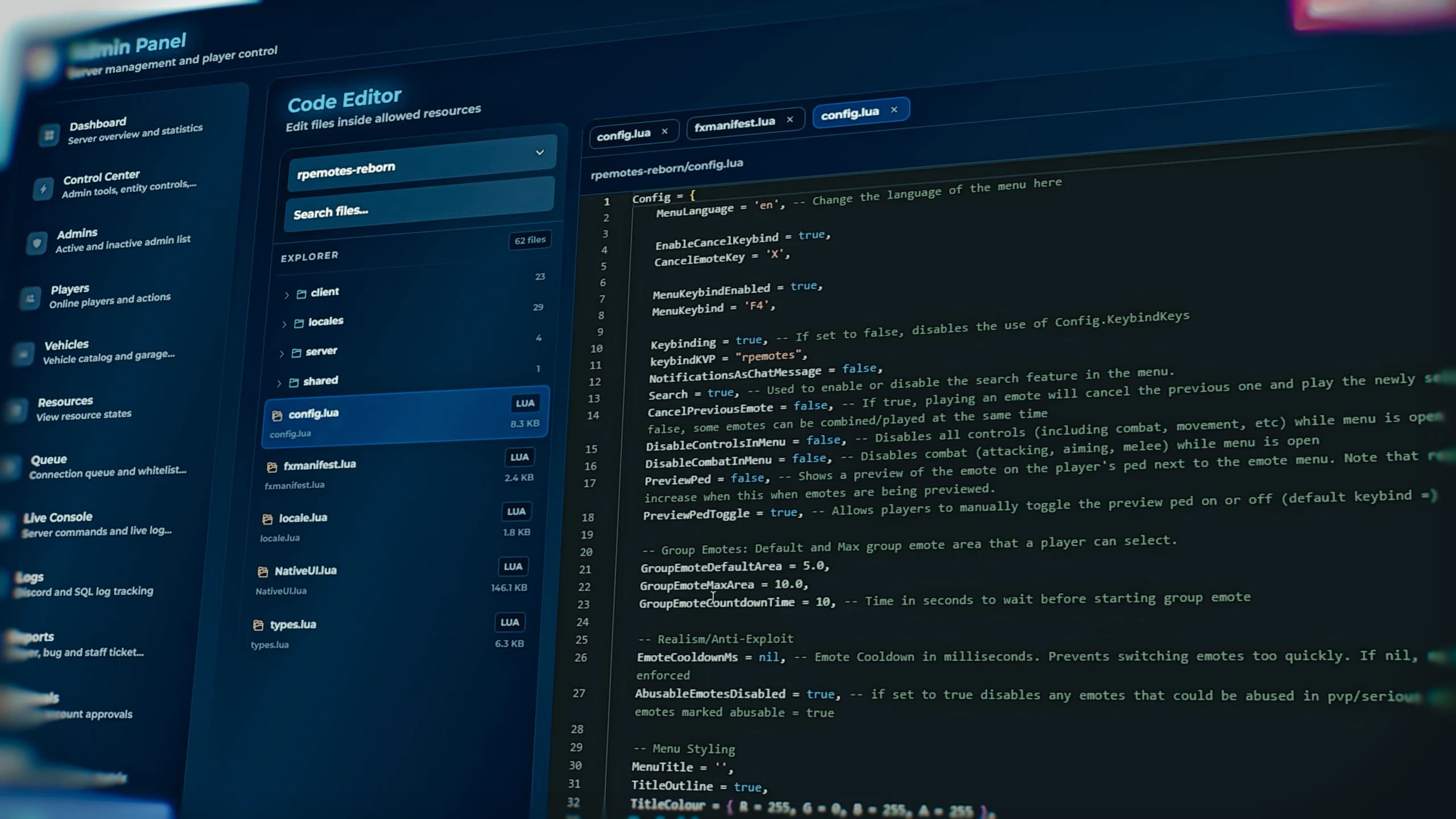
One of the biggest advantages of Quasar Admin Menu V2 is that almost every administrative task can be completed directly inside FiveM.
Administrators no longer need to constantly switch between Discord, server console, txAdmin, or external tools for common moderation tasks.
The system allows staff members to quickly inspect players, manage punishments, monitor activity, view statistics, and react immediately without interrupting the roleplay experience.
This dramatically improves response times while reducing mistakes.
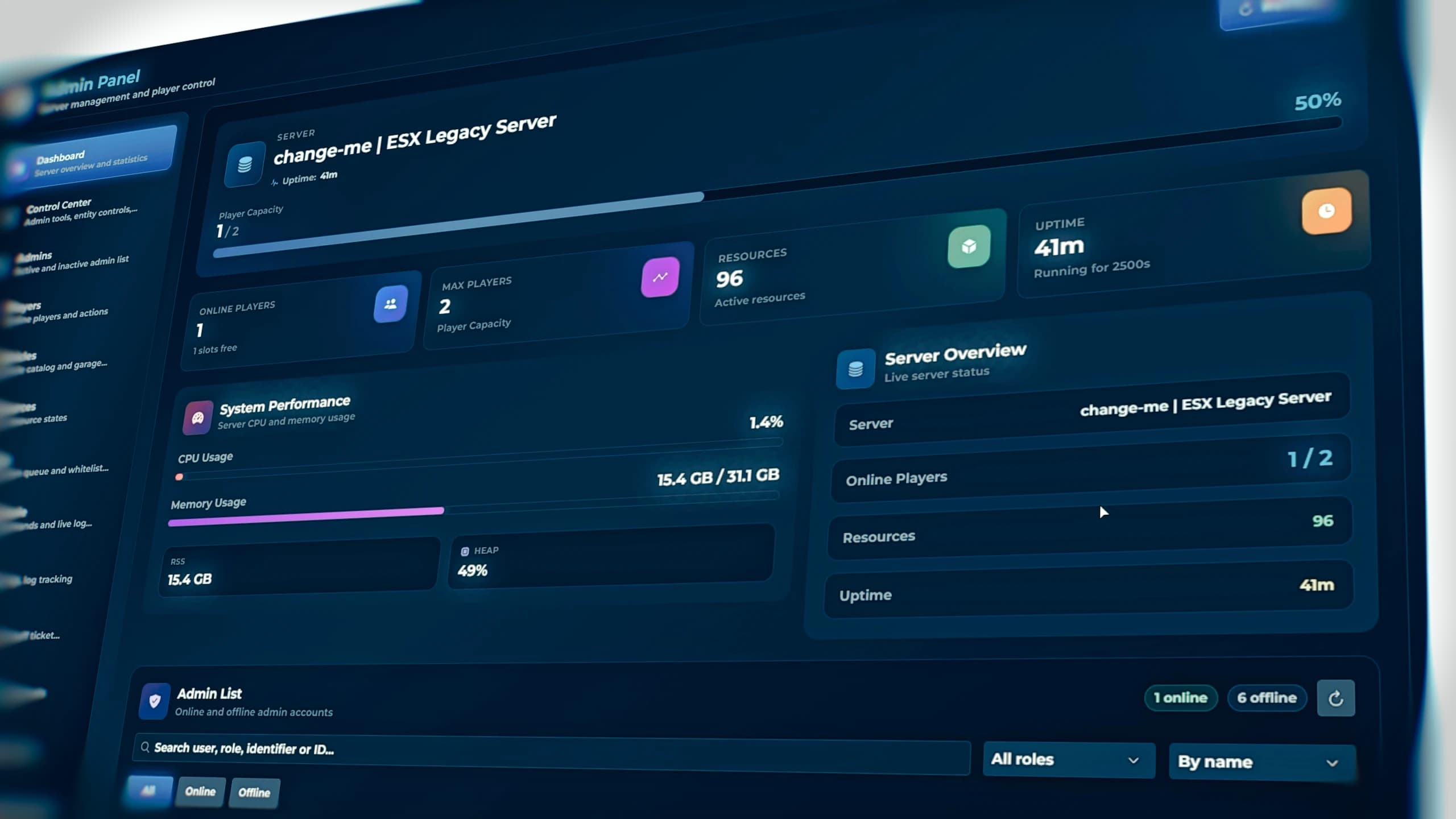
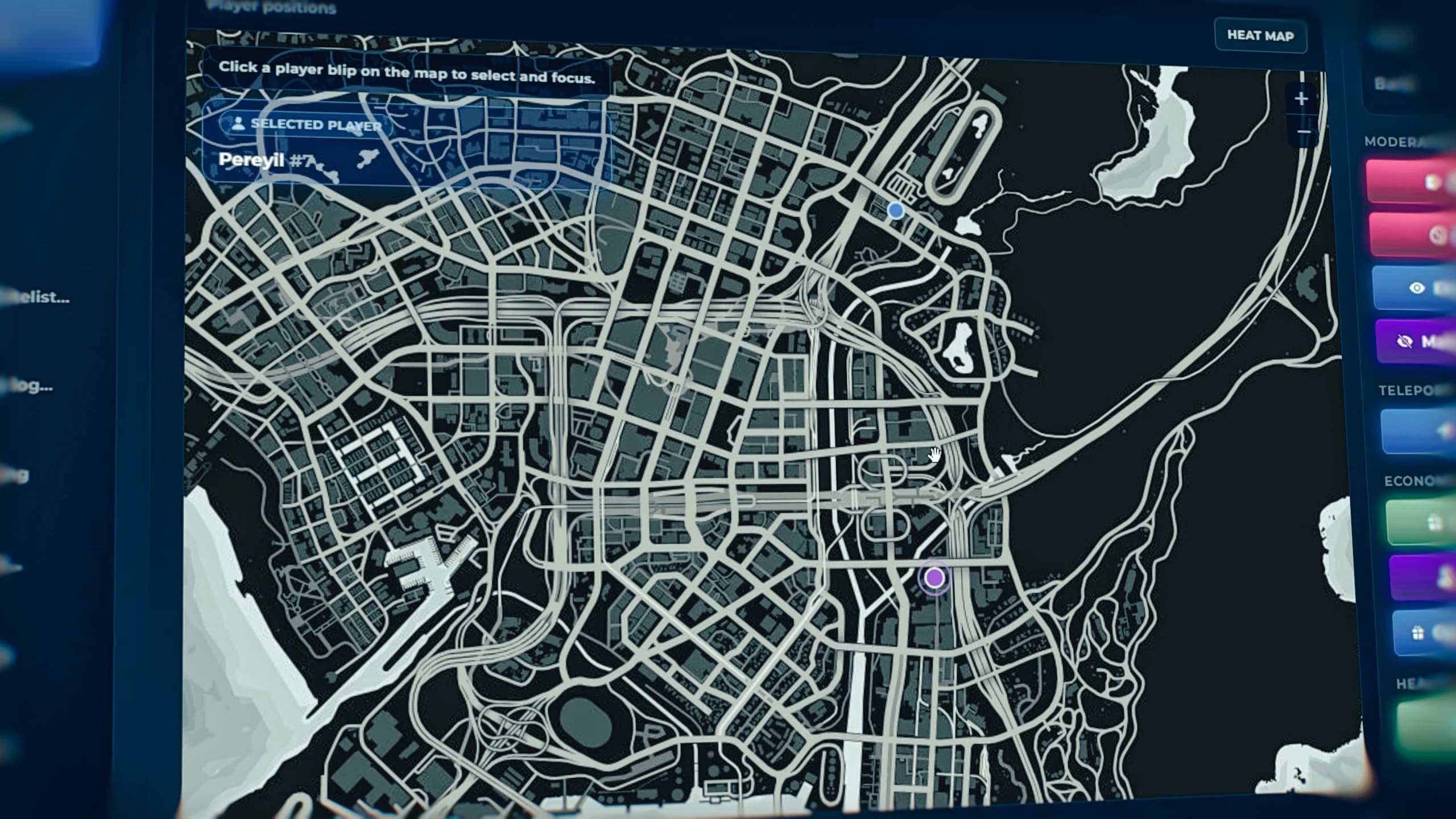
Quasar Admin Menu V2 dashboard interface for FiveM server administration with ESX, QBCore and Qbox support showing the best FiveM admin menu in 2026
The dashboard becomes the central hub for server administration.
Instead of opening multiple menus or typing commands, administrators immediately gain access to server information, online players, active staff members, moderation tools, reports, statistics, and important management shortcuts.
Everything has been carefully organized to reduce visual clutter while exposing the information administrators actually use every day.
This modern workflow significantly improves staff productivity, especially during high player counts.
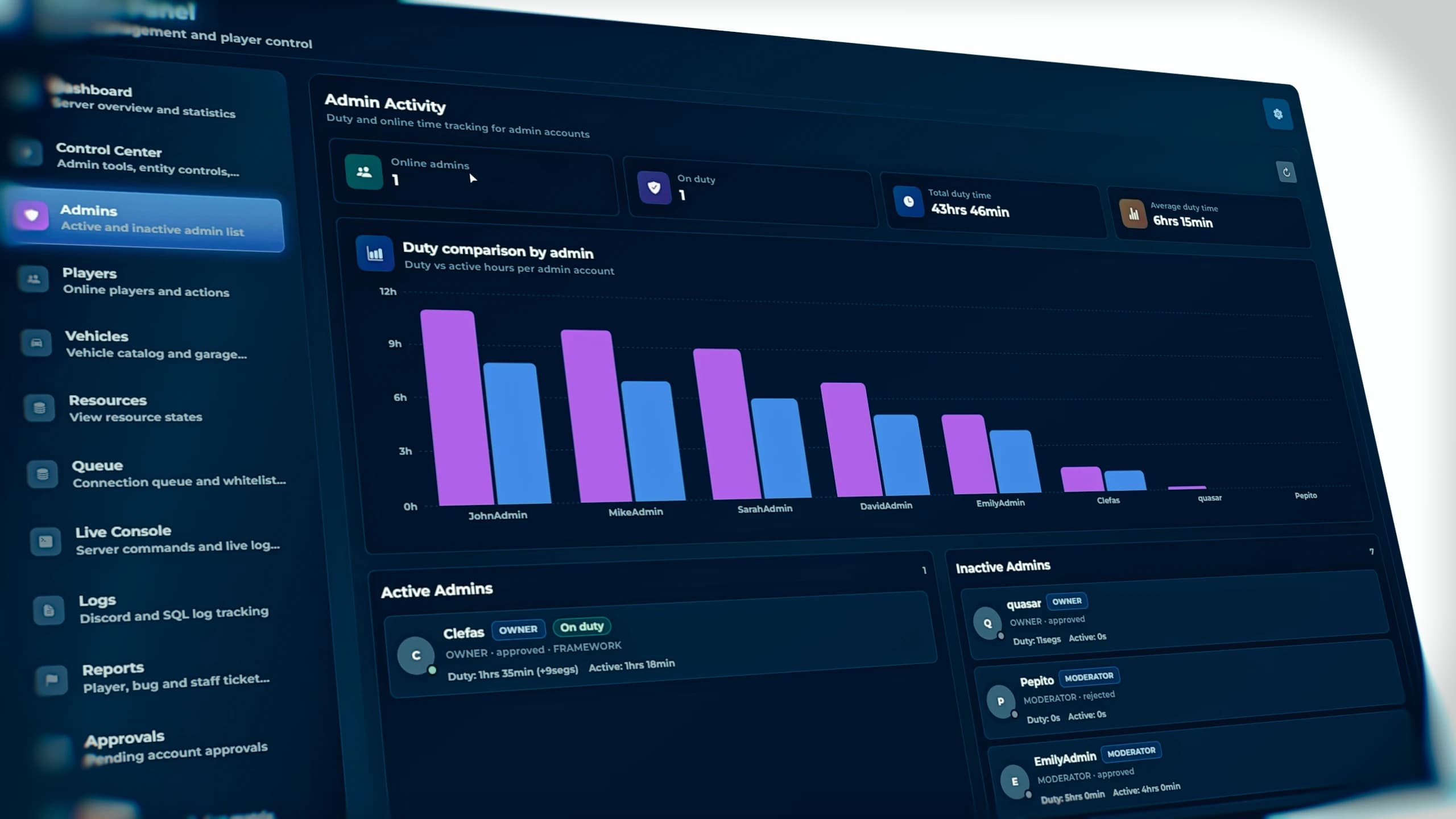
FiveM Admin Dashboard inside Quasar Admin Menu V2 displaying real-time server management interface for ESX and QBCore servers
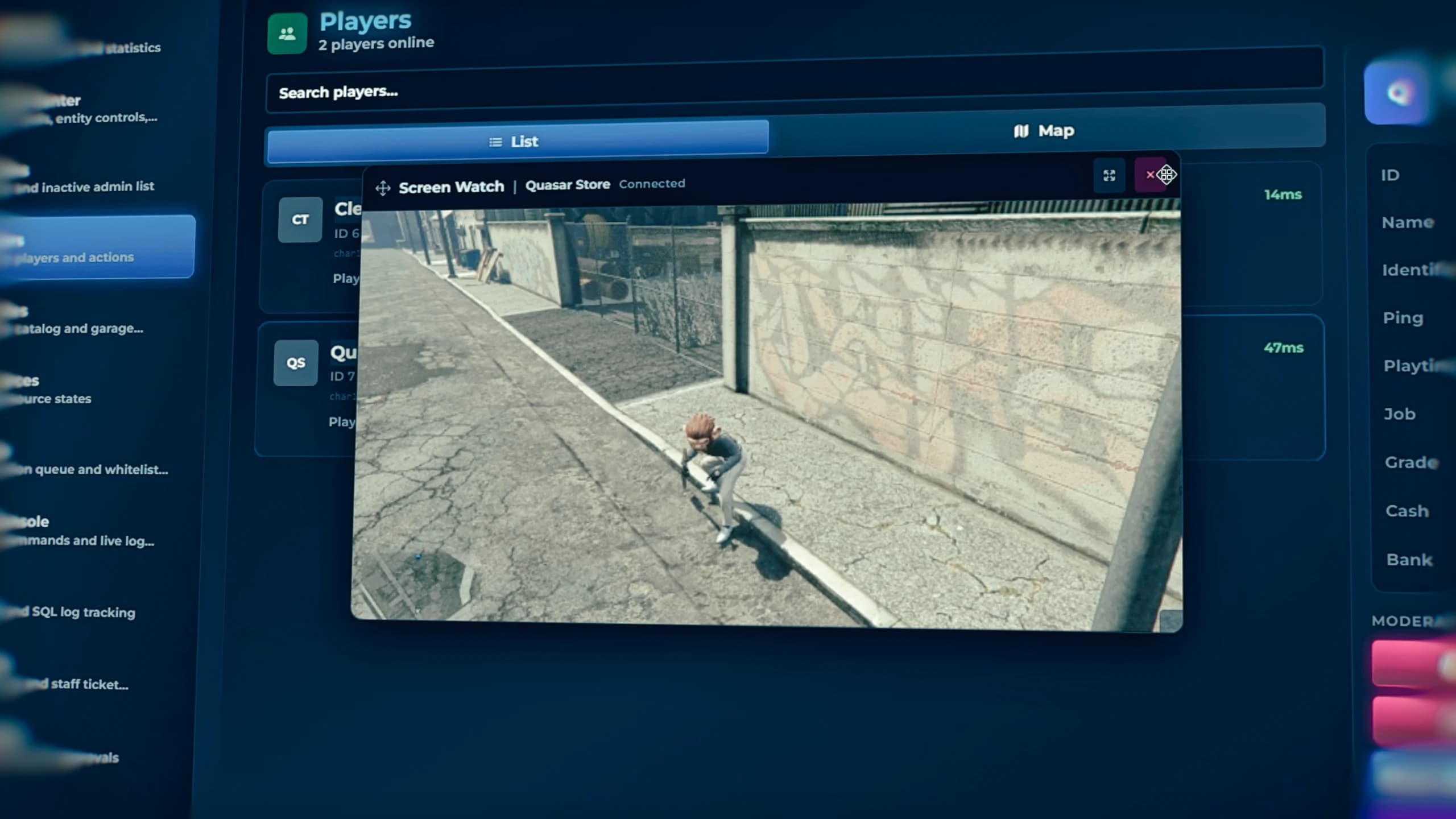
Managing players is one of the most important responsibilities for every server administrator.
Quasar Admin Menu V2 provides a complete player inspection interface where administrators can quickly review player information, teleport, spectate, heal, revive, freeze, manage permissions, inspect inventories, control vehicles, and perform dozens of moderation actions within seconds.
Everything is accessible through a clean interface specifically designed to reduce administration time.
Whether investigating reports or assisting players, administrators always have the necessary information available immediately.
FiveM player management panel inside Quasar Admin Menu V2 showing moderation tools, player actions and administration interface
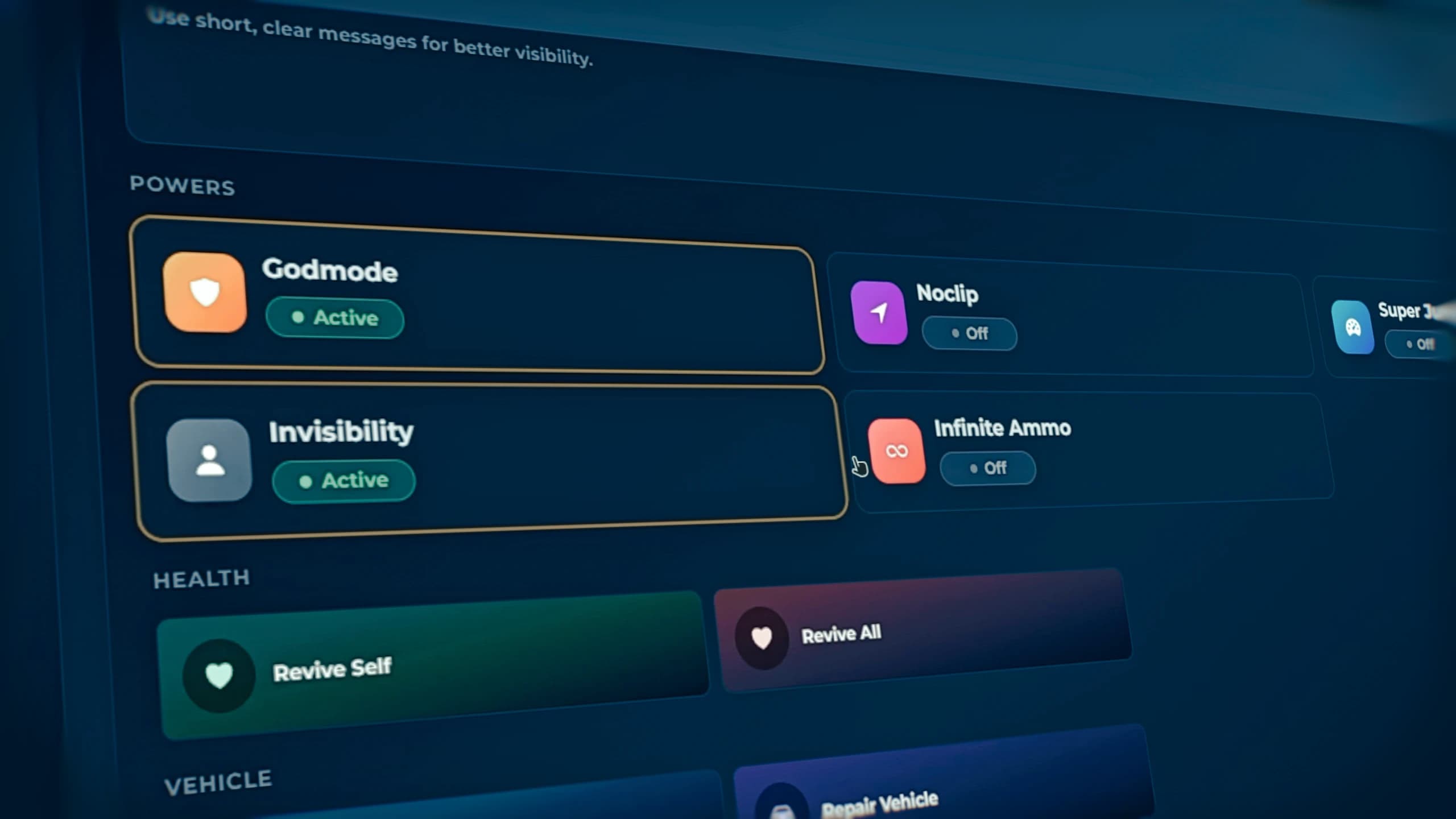
Keeping a server healthy requires fast and reliable moderation.
Quasar Admin Menu V2 includes professional moderation utilities that help staff members react immediately to rule violations.
Warnings, kicks, bans, freezes, teleports, spectating, noclip, invisibility, god mode, player assistance, and numerous other administrative tools are integrated into a unified workflow.
Instead of opening multiple resources or relying on external scripts, administrators can perform every action from one centralized location.
This reduces response time while improving consistency across the staff team.
Advanced Administration Features That Save Hundreds of Staff Hours#
Server administration is much more than punishing rule breakers.
Professional staff teams constantly answer player reports, resolve technical issues, recover vehicles, investigate suspicious behavior, assist new players, organize events, and ensure every player enjoys a smooth experience.
Quasar Admin Menu V2 was designed to dramatically reduce the amount of time required for every administrative action.
Instead of navigating through several resources, administrators can access everything from one centralized interface built specifically for efficiency.
The result is faster moderation, happier players, and a more productive staff team.
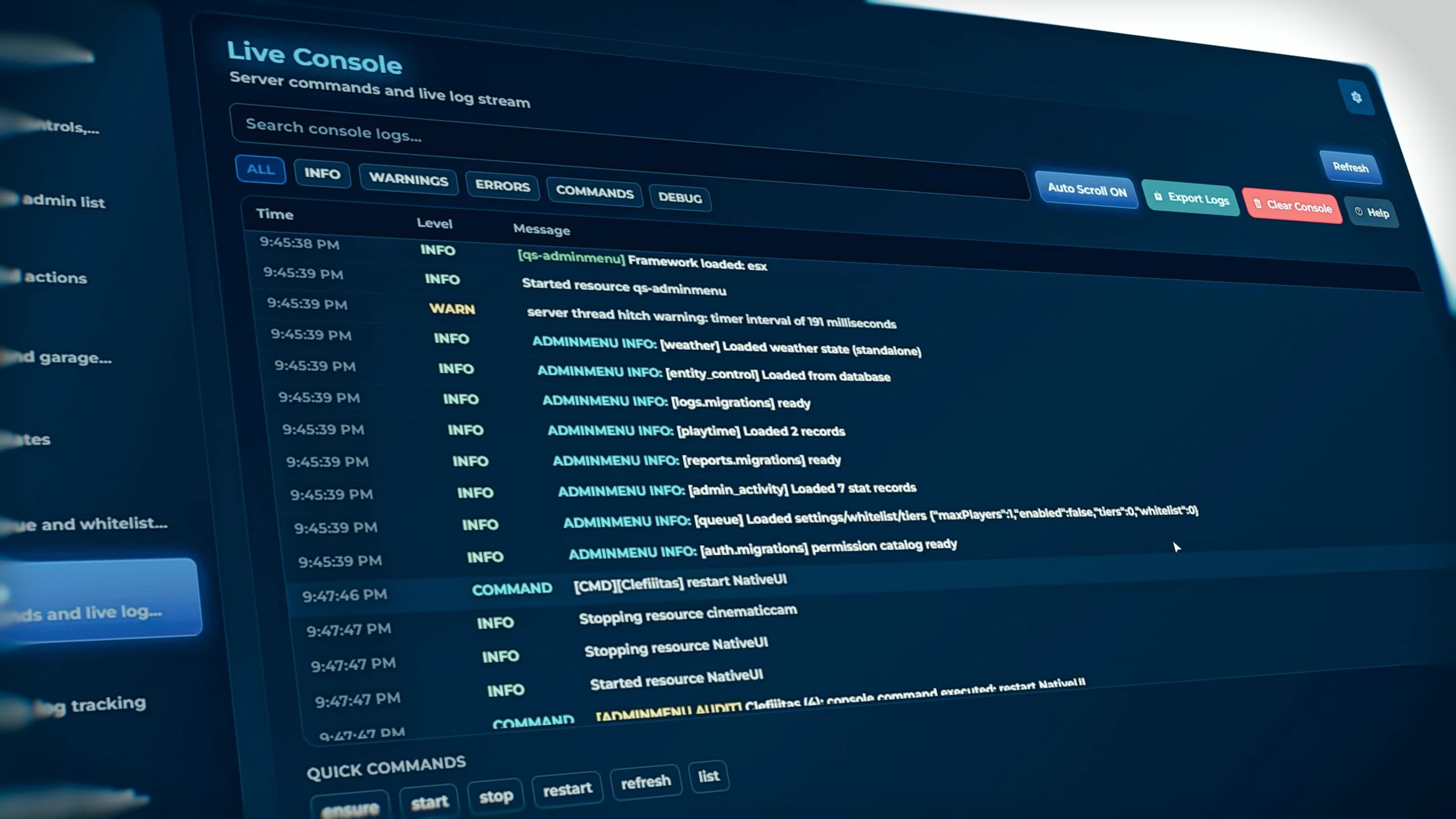
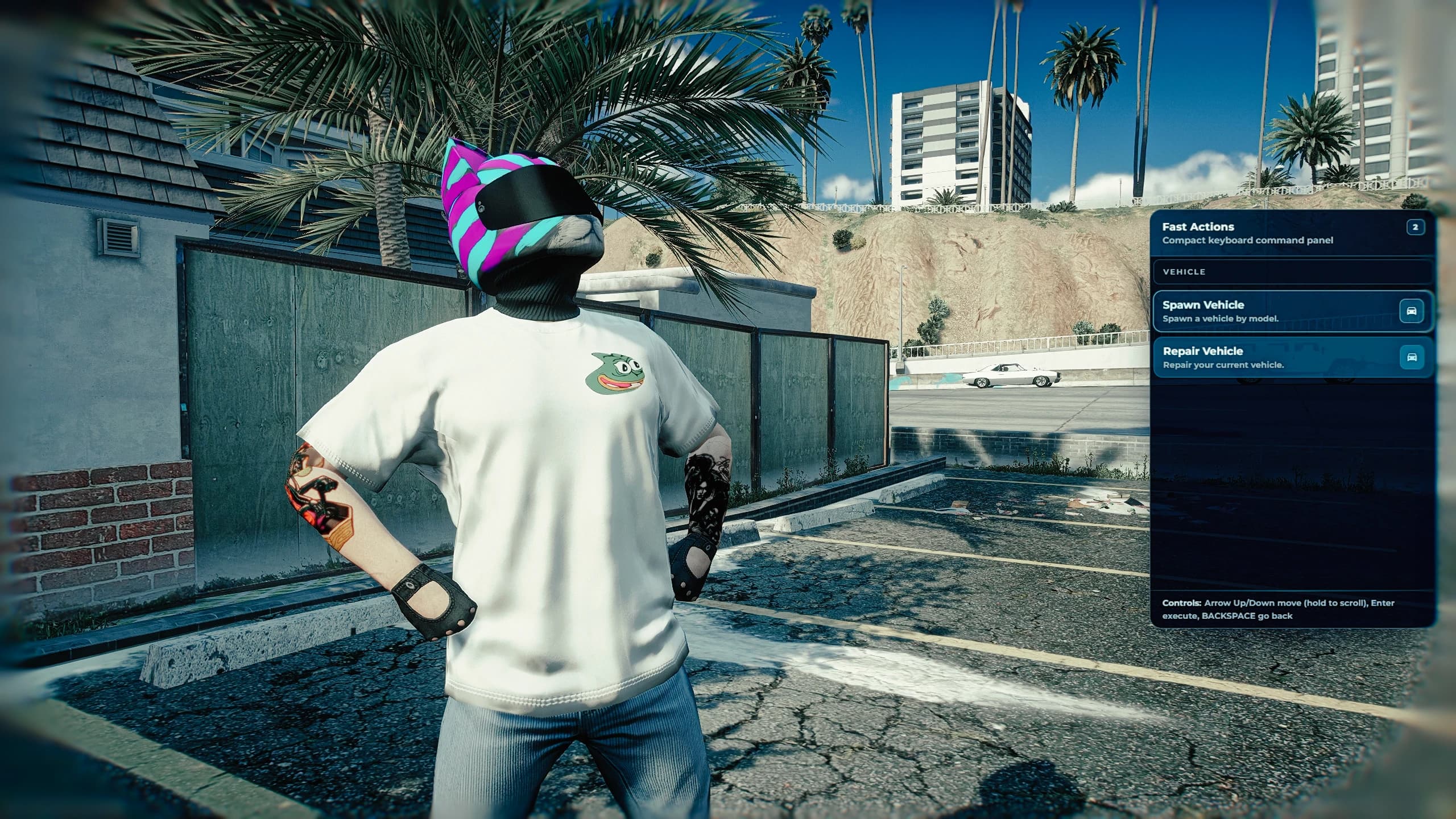
The Control Center is one of the most important sections inside Quasar Admin Menu V2.
It acts as the command center for your entire server, providing administrators with quick access to the tools they use most frequently.
From server-wide announcements to utility functions, staff members can execute critical actions without opening multiple menus or relying on console commands.
Everything has been carefully categorized to keep navigation simple while exposing an incredible amount of functionality.
Whether managing a roleplay event or responding to an emergency, the Control Center gives administrators immediate control over the server.
FiveM Control Center interface inside Quasar Admin Menu V2 showing advanced administration tools for ESX QBCore and Qbox servers
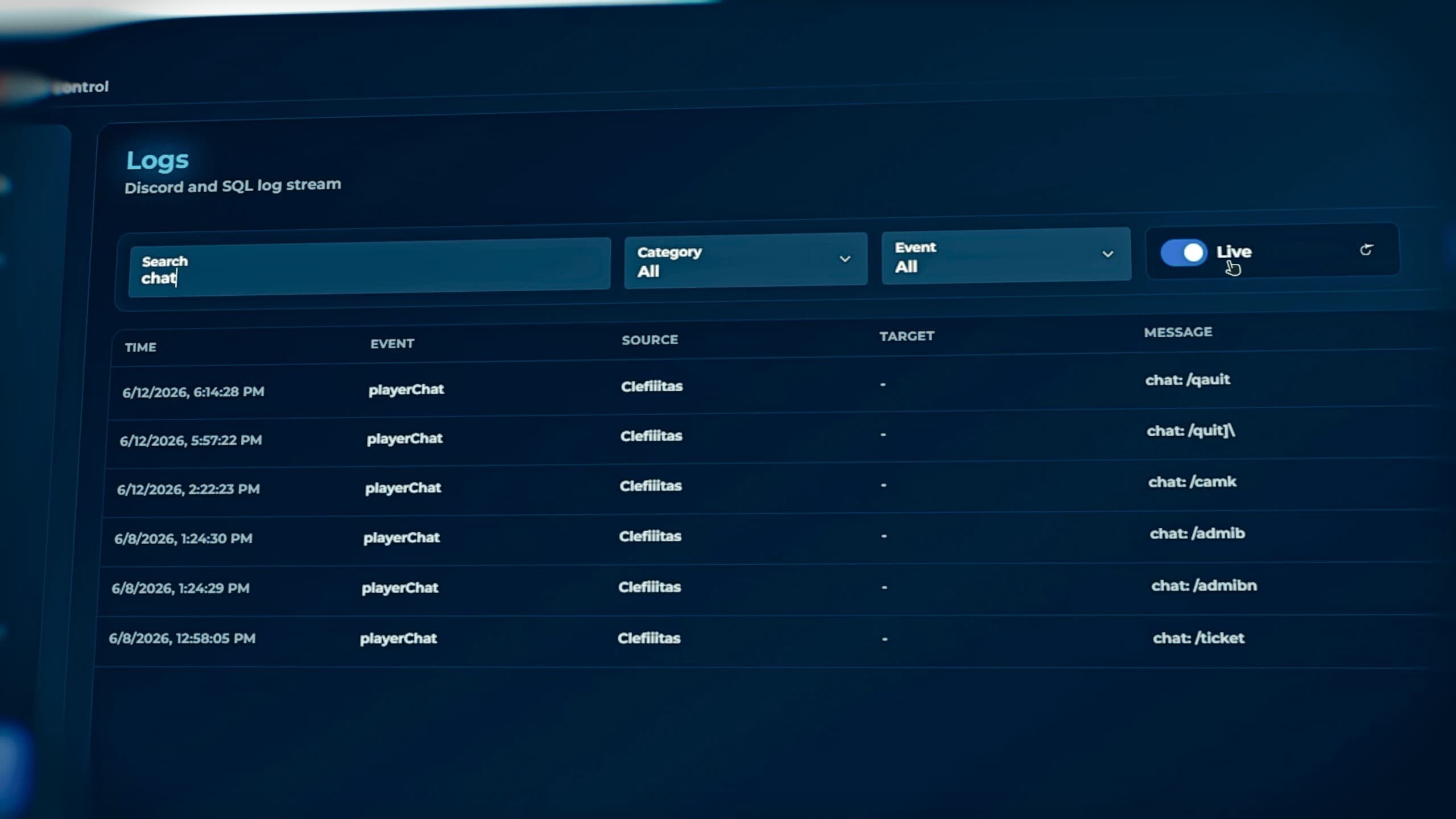
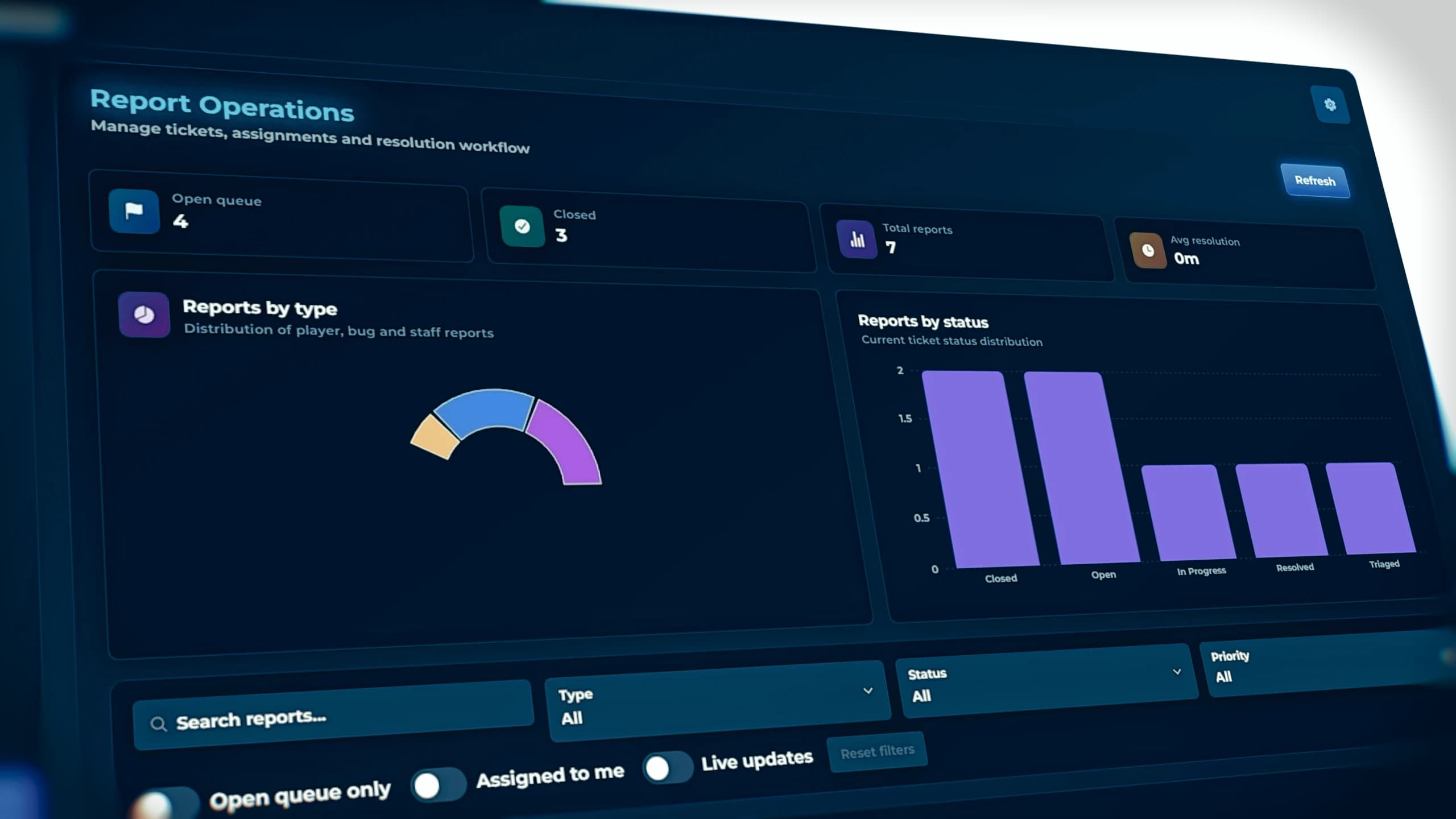
One of the biggest challenges for large FiveM communities is tracking administrator activity.
Without proper logs, mistakes become difficult to investigate and staff accountability decreases.
Quasar Admin Menu V2 includes a complete logging system that records administrative actions, allowing server owners to review exactly what happened whenever necessary.
Every important moderation action can be documented, creating complete transparency between administrators and management.
This makes staff management significantly easier while improving trust across the community.
For large roleplay servers with dozens of moderators, detailed logging quickly becomes one of the most valuable features available.
FiveM admin logs interface displaying moderation history and administrative activity inside Quasar Admin Menu V2
Quasar Admin Menu V2 adapts to almost every server category.
Roleplay communities benefit from extensive moderation tools.
Freeroam servers gain fast administration utilities.
PvP servers receive immediate player control.
Development servers gain debugging and testing functionality.
Private communities enjoy simplified management.
Large public networks receive the scalability necessary for handling hundreds of daily users.
Instead of being specialized for only one community type, the system has been built as a complete administrative platform for the entire FiveM ecosystem.
Quasar Admin Menu V2 compatible with ESX QBCore and Qbox frameworks for FiveM servers
Choosing an administration system is one of the most important decisions for any FiveM server owner.
The admin menu becomes the primary tool used by every moderator, administrator and server manager every single day.
A slow or outdated solution negatively affects the entire staff workflow.
Quasar Admin Menu V2 focuses on speed, organization, modern design, stability and productivity.
Instead of simply adding commands, it creates a professional administration environment that allows staff members to solve problems faster, assist players more efficiently, and maintain healthier communities.
For serious FiveM projects, this translates directly into better moderation, improved player retention, and a significantly higher quality experience.
Small servers eventually become medium-sized communities.
Medium communities eventually become large public networks.
Your administration tools should be capable of growing alongside your server.
Quasar Admin Menu V2 has been designed with scalability in mind.
Whether your community has twenty online players or several hundred, administrators continue working inside the same responsive and highly optimized environment.
This makes the resource an excellent long-term investment rather than something you'll eventually replace as your community expands.
A good administration system doesn't simply give moderators more commands.
It helps them complete tasks faster.
When moderators spend less time navigating menus, they spend more time helping players.
When investigations become easier, reports are solved faster.
When server information is easier to access, administrators make better decisions.
Quasar Admin Menu V2 improves the daily workflow of every staff member by centralizing administration into one professional environment.
Instead of constantly switching between Discord, txAdmin, console commands and multiple resources, staff members remain focused entirely inside the game.
Modern FiveM servers require administration systems that integrate naturally into today's ecosystem.
Quasar Admin Menu V2 has been developed with compatibility, flexibility and future expansion in mind.
Server owners can confidently build their communities knowing their administration system has been designed for long-term reliability rather than temporary functionality.
The architecture allows continuous updates while maintaining excellent performance and an intuitive user experience.
Professional FiveM staff management interface inside Quasar Admin Menu V2 showing administrator tools and moderation panels
Yes. The menu was specifically designed for communities that require powerful moderation tools, detailed administration utilities, and professional staff workflows.
Finding the right administration system is one of the most important decisions any FiveM server owner will make.
An admin menu is used every day, often for hundreds of actions performed by moderators, administrators and server managers. It directly impacts response times, staff productivity, player satisfaction and the overall quality of your community.
Quasar Admin Menu V2 has been created to eliminate the limitations found in traditional administration resources. Its modern interface, powerful moderation tools, professional dashboard, advanced logging, optimized performance and compatibility with ESX, QBCore and Qbox make it one of the most complete administration platforms available for FiveM.
Whether you're launching your very first server or managing one of the largest roleplay communities, Quasar Admin Menu V2 provides the speed, reliability and professional workflow required by today's FiveM ecosystem.
If you're searching for the best FiveM Admin Menu, the best ESX admin menu, the best QBCore admin menu, or a complete FiveM administration system that combines performance, usability and modern design, Quasar Admin Menu V2 is built to exceed those expectations.
Quasar Admin Menu V2 complete FiveM administration system featuring dashboard, player management, moderation tools, logs and server management for ESX, QBCore and Qbox
Building a successful FiveM server goes beyond having a powerful administration system. The best communities combine high-quality resources that work seamlessly together to provide players with an immersive, stable and feature-rich experience. If you're looking to expand your server, these premium FiveM scripts are the perfect next step.
Best FiveM Inventory → Discover one of the most advanced inventory systems for FiveM, featuring drag & drop, weapon attachments, crafting integration, metadata support, hotbar, shops, stashes, evidence systems and much more.
Best FiveM Smartphone → Bring your server to life with a modern smartphone including social media, banking, GPS, marketplace, dynamic widgets, camera, games and dozens of realistic applications.
Best FiveM Housing System → Create realistic homes with furniture placement, property upgrades, rental systems, garages, key management, utilities, real estate jobs and fully interactive interiors.
Best FiveM Appearance Script → Allow players to customize every aspect of their character with clothing shops, tattoos, barber, plastic surgery, masks, outfits and complete character management.
Best FiveM Vehicle Keys Script → A complete vehicle ownership solution featuring realistic key sharing, temporary access, lockpicking compatibility and advanced vehicle permissions.
Best FiveM Diamond Casino Script →Transform your casino into a fully interactive experience with slot machines, roulette, blackjack, horse racing, lucky wheel, VIP systems and realistic gambling mechanics.
Best FiveM Apartments Script → Give new players a polished start with modern apartment systems, customizable interiors, property selection and seamless integration with your roleplay framework.
Best FiveM Crafting System → Create advanced crafting stations with professions, progression, recipes, experience systems and full customization directly from an intuitive interface.
Browse All Premium FiveM Scripts → Explore one of the largest collections of premium FiveM resources, compatible with ESX, QBCore and Qbox, developed with performance, realism and long-term support in mind.
Quasar Direct October 2026: Every New FiveM Script, Recap and Release
Full recap of Quasar Direct October 2026: Arcade Creator, Clothing, Tattoo and Weapon Skin Creators with AI, Backrooms 2.0, Smartphone update, free FiveM tools and more.
The best FiveM arcade script for QBCore, ESX and QBox. Build your own arcade business with playable native GTA V arcade machines, multiplayer minigames, leaderboards, RGB upgrades and a basement garage.
How to Use Quasar MLO Creator: Complete FiveM In-Game Mapping Guide
A complete, step-by-step guide to Quasar MLO Creator: open the studio, learn the controls, build an interior from scratch, furnish it, place ymaps, cut Rockstar's sealed doors and push it all live with no server restart. Every tool, every key and every mistake to avoid, in a single guide.