Open the Visual Editor
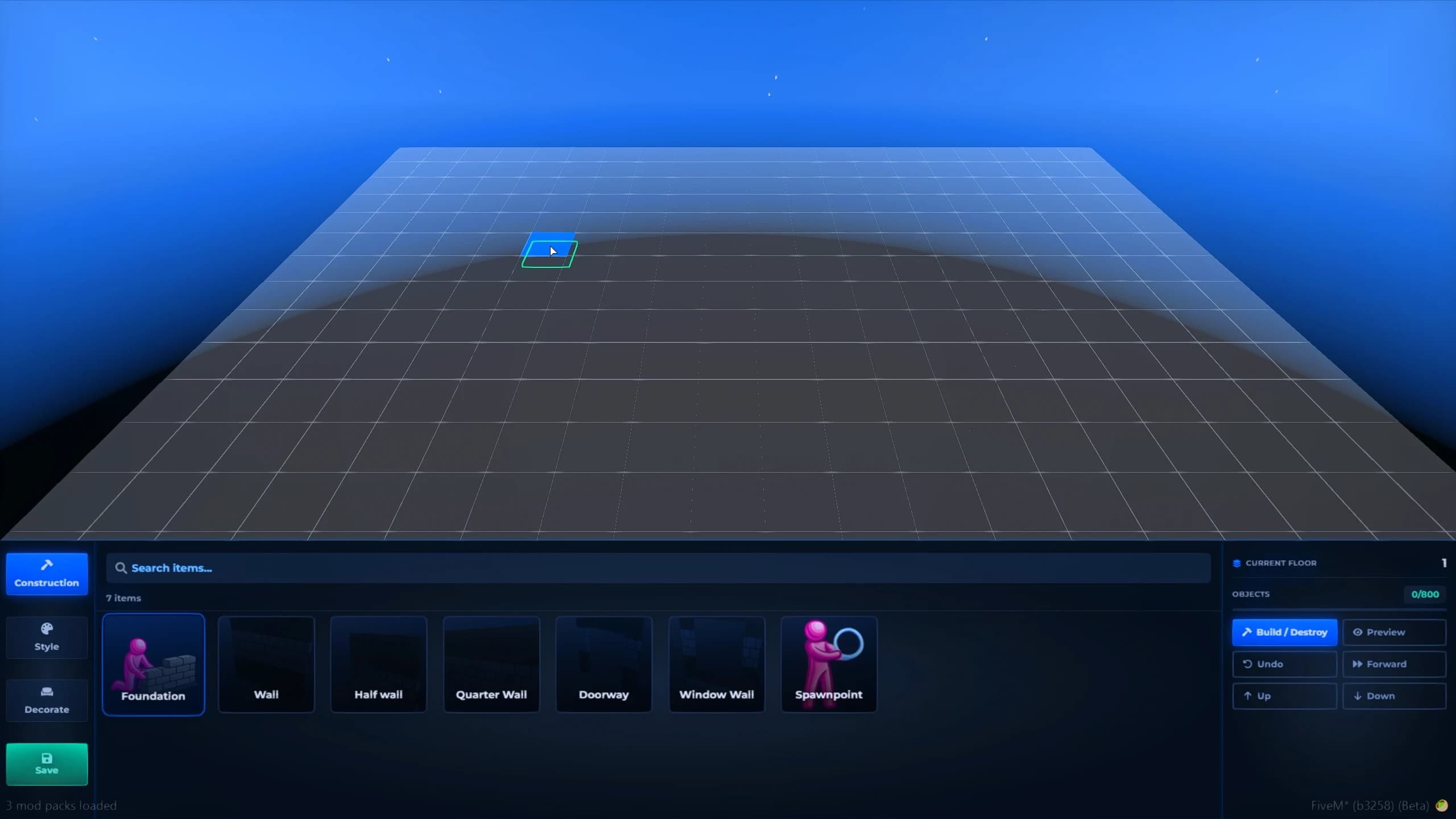
Launch the intuitive in-game editor and start building immediately with a clean interface designed for fast and effortless shell creation.

Shells
An advanced in-game system that lets you create custom interior shells visually, without any programming knowledge. Design unique interiors using hundreds of wall, ceiling, texture, and material combinations, preview them in real time, and save instantly. Perfect for expanding housing systems without buying external shells.
Overview
Quick Installation
Deploy Quasar Shells Creator in just a few simple steps with our detailed documentation and seamless compatibility for ESX, QBCore, QB, and Qbox servers.
Download the latest version of Quasar Shells Creator from your Quasar Store account and upload the resource to your server's resources folder.
Import the required SQL files (if needed), configure your framework, permissions, editor settings, and integration options to match your server.
Start the resource, verify all dependencies, and ensure the in-game shell editor, object library, and creation tools are working correctly.
Create fully custom interiors directly in-game, save them instantly, and integrate them seamlessly into Quasar Housing or any compatible housing system without touching a single line of code.
Build Without Limits
Design complete interior shells from scratch with an intuitive visual editor and use them in any FiveM housing system.
Launch the intuitive in-game editor and start building immediately with a clean interface designed for fast and effortless shell creation.
Create walls, floors, ceilings, stairs, and layouts exactly how you want, giving you complete freedom to design unique interiors from the ground up.
Customize every room with furniture, props, lighting, colors, textures, and decorative elements to create immersive interiors tailored to your server.
Place fully functional doors wherever you need them and export your shell to work with virtually any FiveM housing system, regardless of the framework or housing resource.
Interior Creation
Create custom FiveM interiors with a powerful visual shell editor, hundreds of building pieces, real-time previews, and no coding required.
From the Ground Up
Start with an empty space and build every detail yourself. Shape walls, floors, ceilings, doors, furniture, and decorations from the ground up to create completely original interiors that reflect your vision and make your server stand out.
Unlimited Creativity
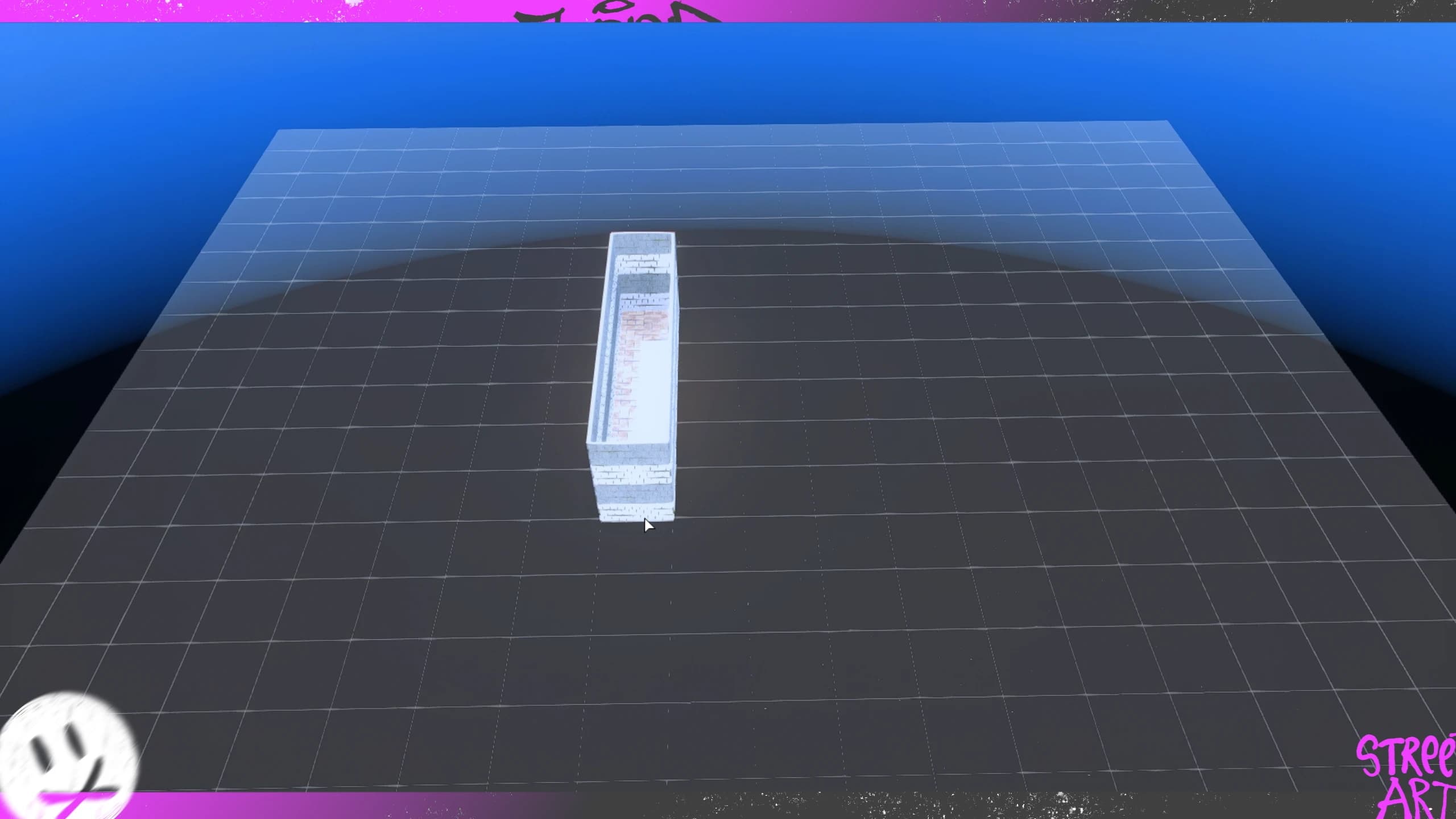
Design completely custom interiors directly in-game with an intuitive visual editor. Build unique shells from scratch without coding or external software, giving your team complete creative freedom to create apartments, houses, offices, warehouses, hotels, and any interior imaginable for your FiveM server.
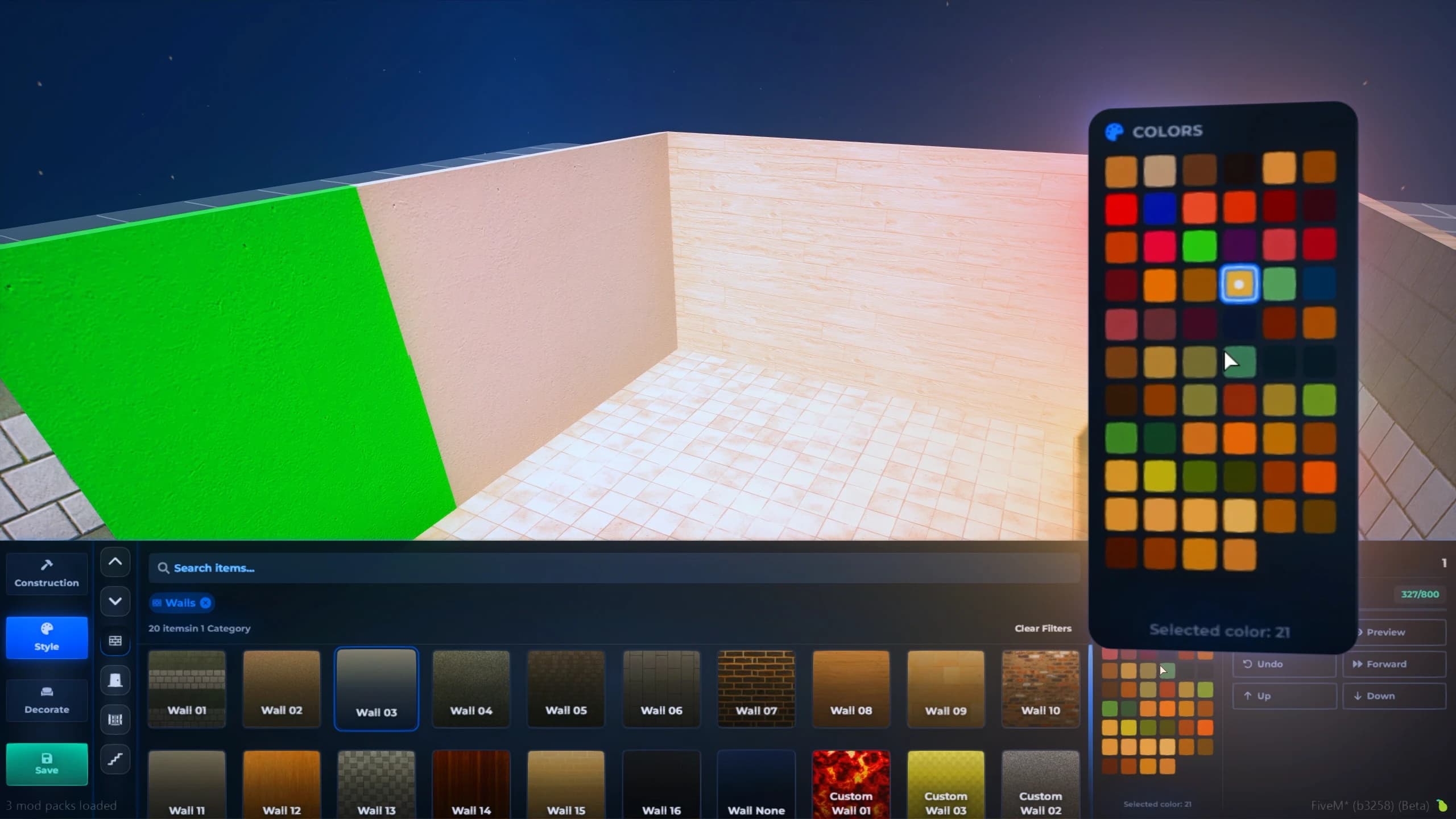
Unlimited Customization
Personalize every piece of furniture and decoration with an unlimited color palette. Change sofas, chairs, cabinets, tables, beds, lighting, and countless other props to perfectly match your interior style and create truly unique living spaces.
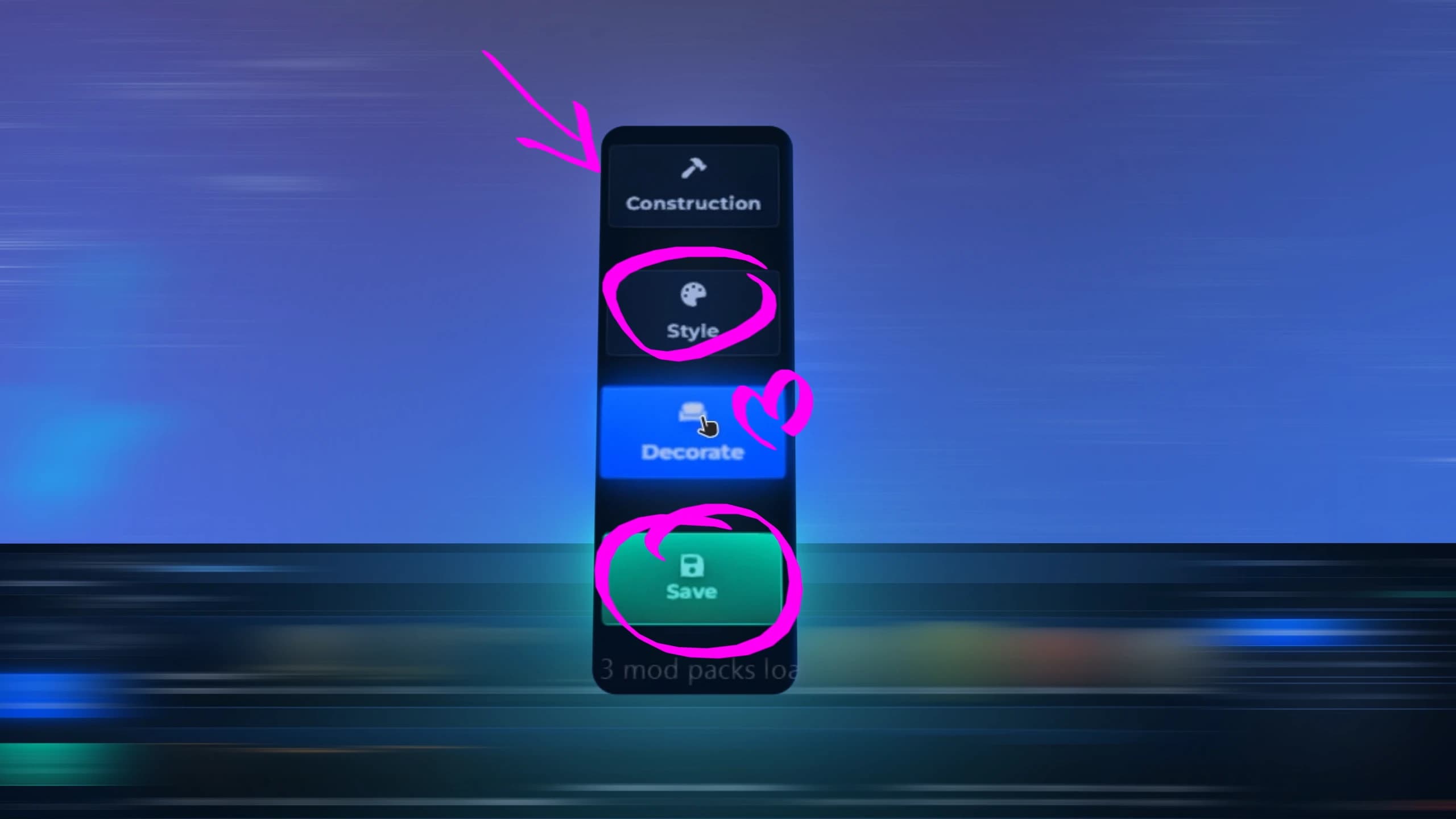
Guided Experience
Interactive help is available throughout the entire building process, guiding you step by step with intuitive tips and controls. Become a professional FiveM mapper without using external software, learning complex tools, or writing a single line of code.
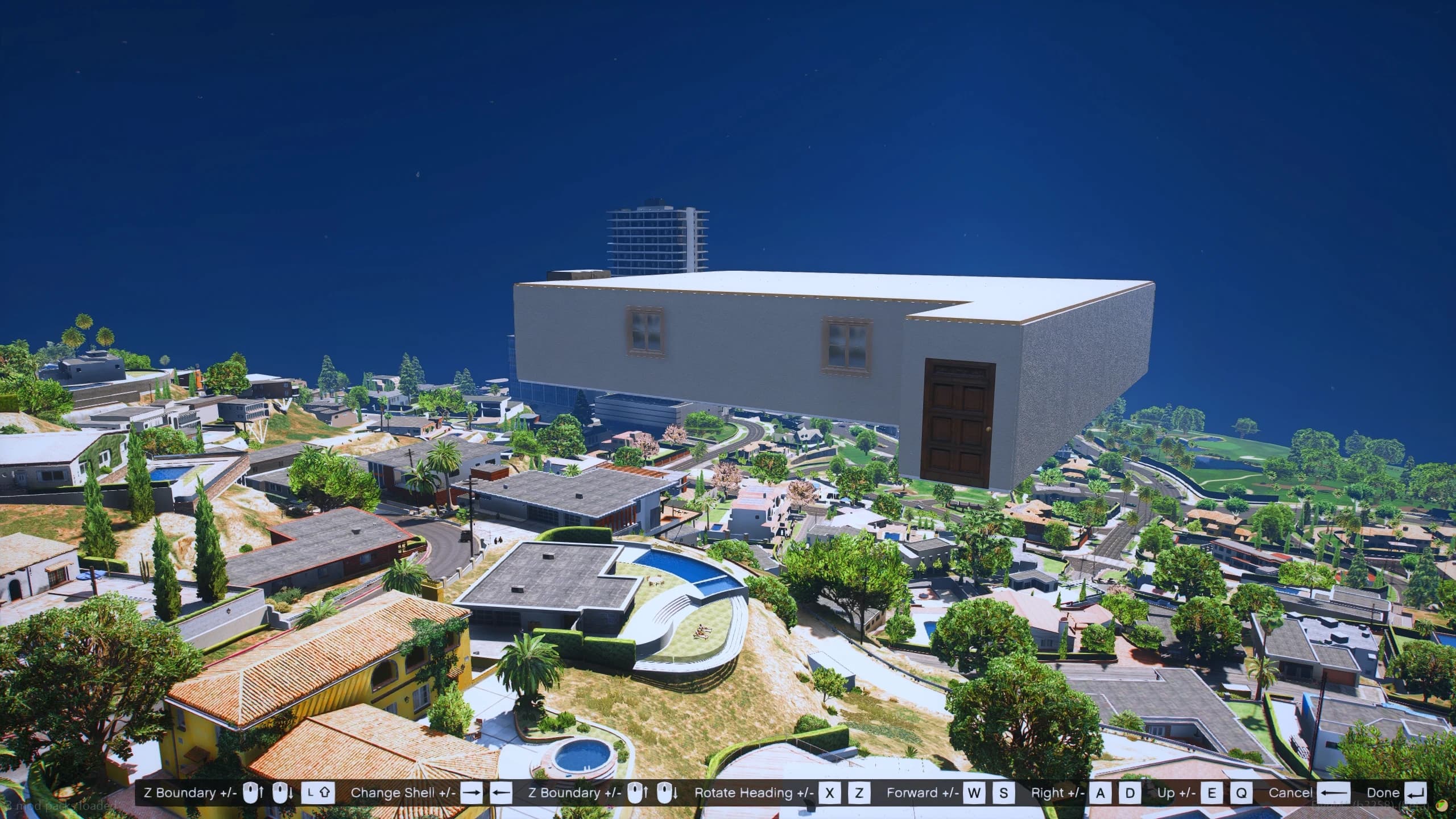
Unlimited Interiors
Eliminate the need for expensive third-party shells by creating unlimited custom interiors yourself. Build new layouts whenever you need them, reduce development costs, speed up content creation, and maintain complete creative freedom while expanding your server's housing ecosystem.
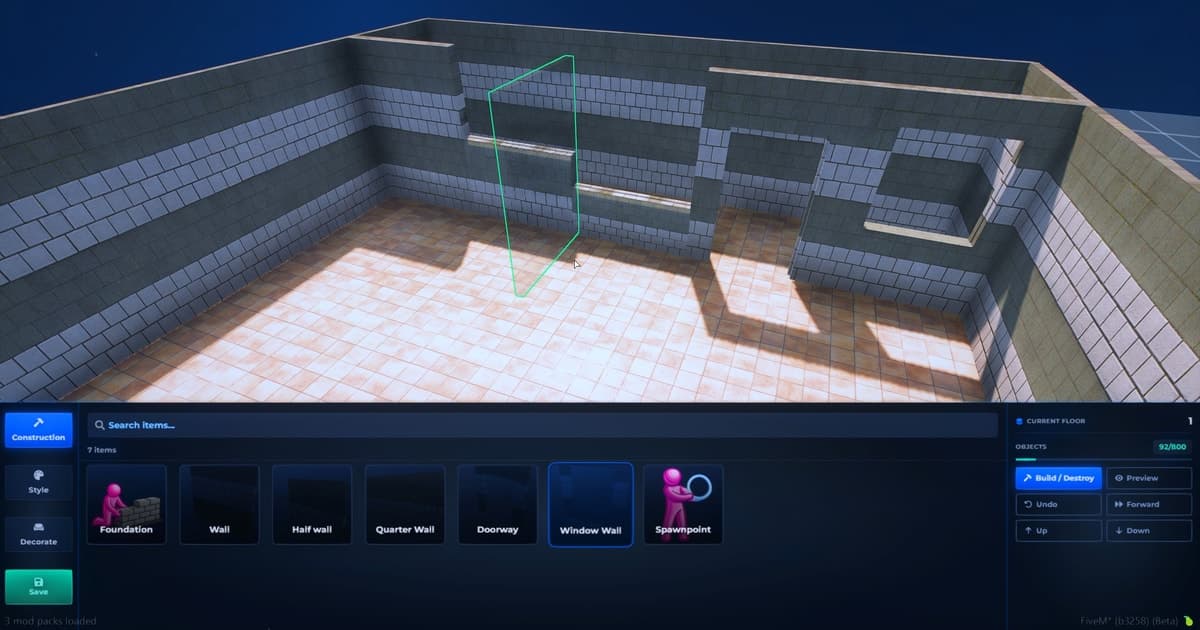
User-Friendly Editor
Create custom interiors with a clean and familiar interface inspired by Quasar Housing. Every tool is designed for speed and simplicity, allowing staff to build, edit, and preview shells effortlessly without a learning curve or complicated menus.
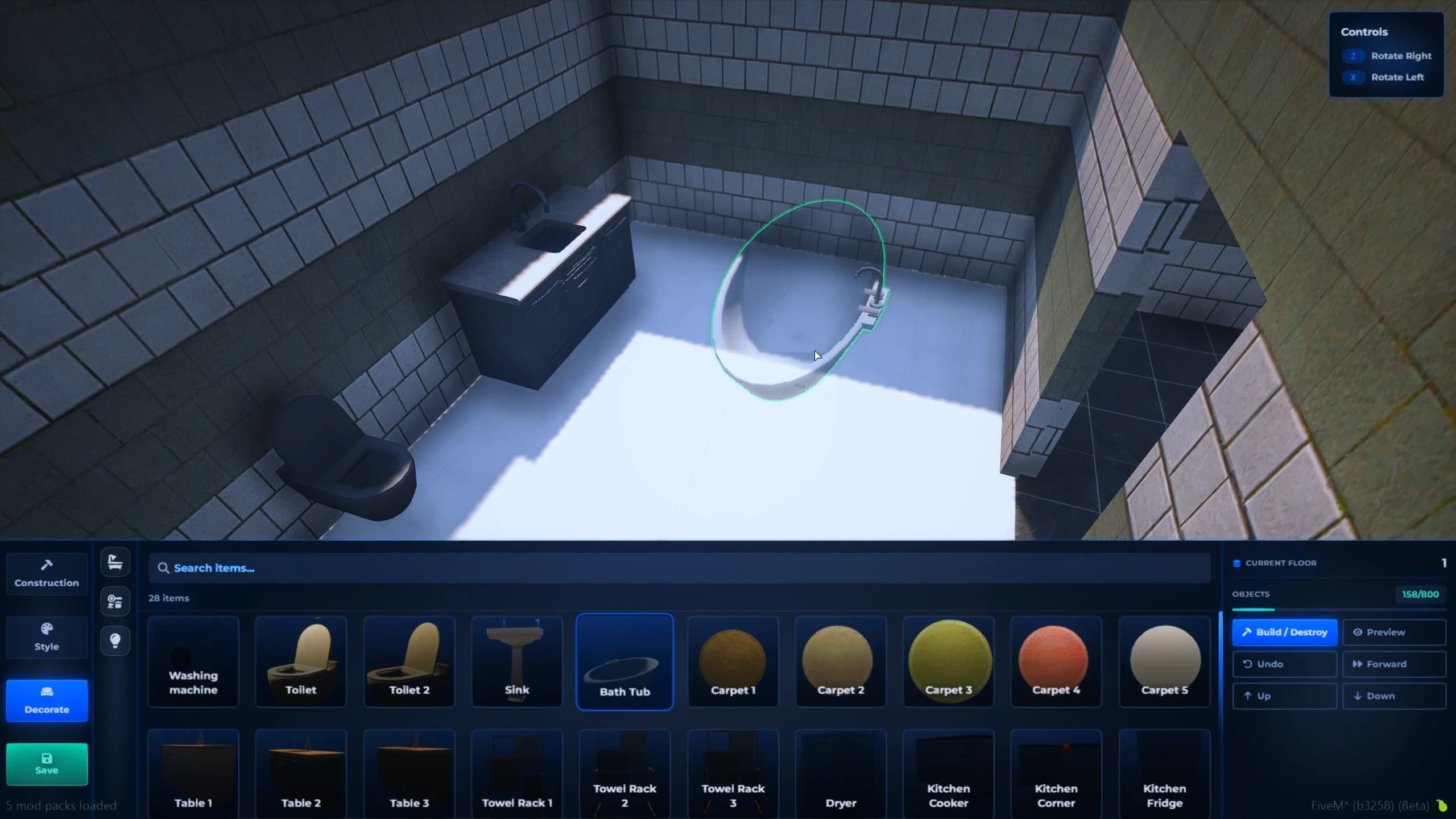
Interior Decoration
Bring every interior to life by placing essential furniture exactly where you want it. Add sofas, beds, tables, chairs, cabinets, kitchen units, lighting, and decorative props to create realistic, fully furnished environments ready for roleplay.
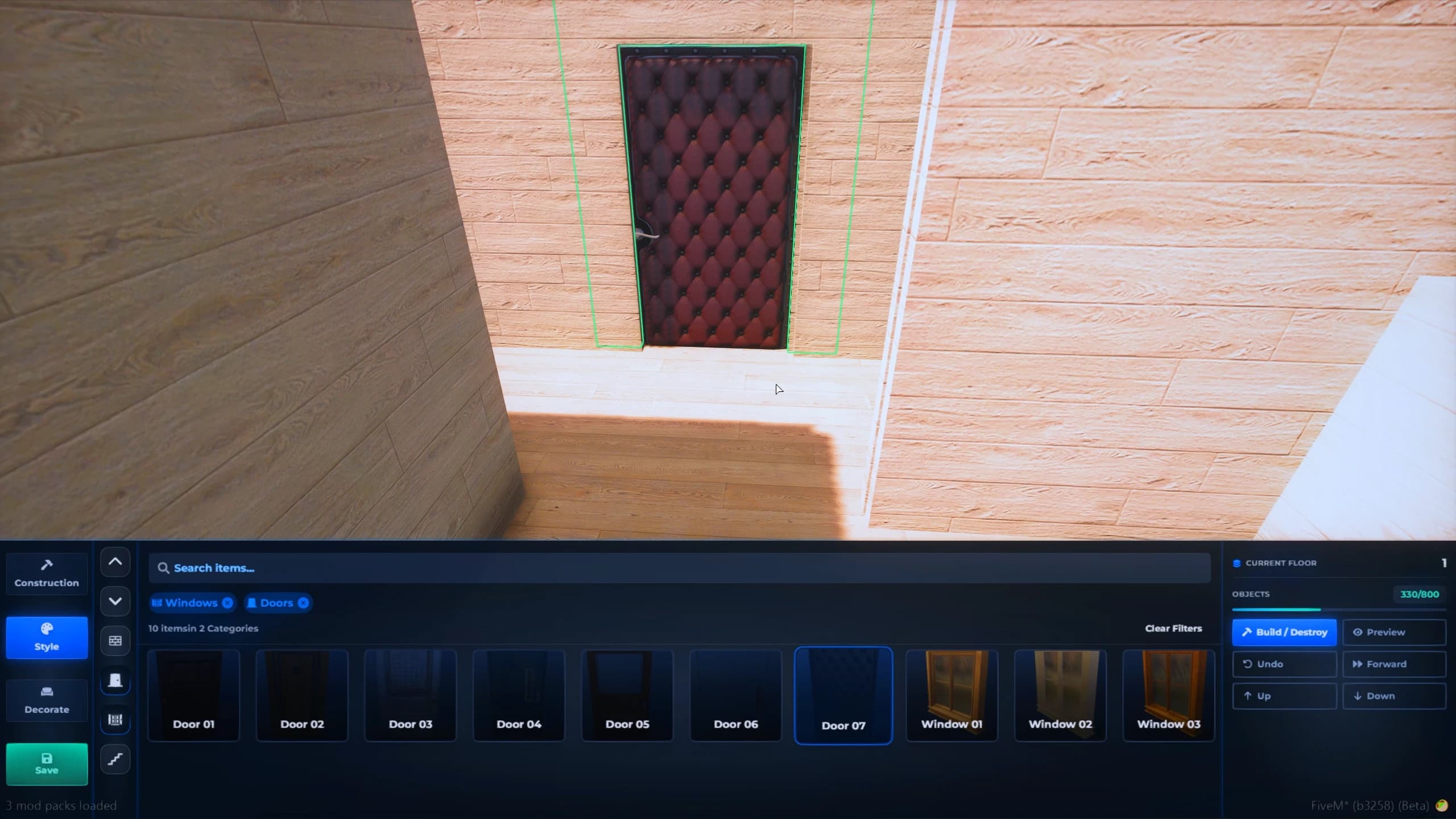
Interactive Doors
Add fully interactive doors to any interior and position them exactly where you need. Create bedrooms, offices, secure vaults, garages, or hidden rooms with realistic doors that open, close, and integrate naturally into your custom shell layouts.
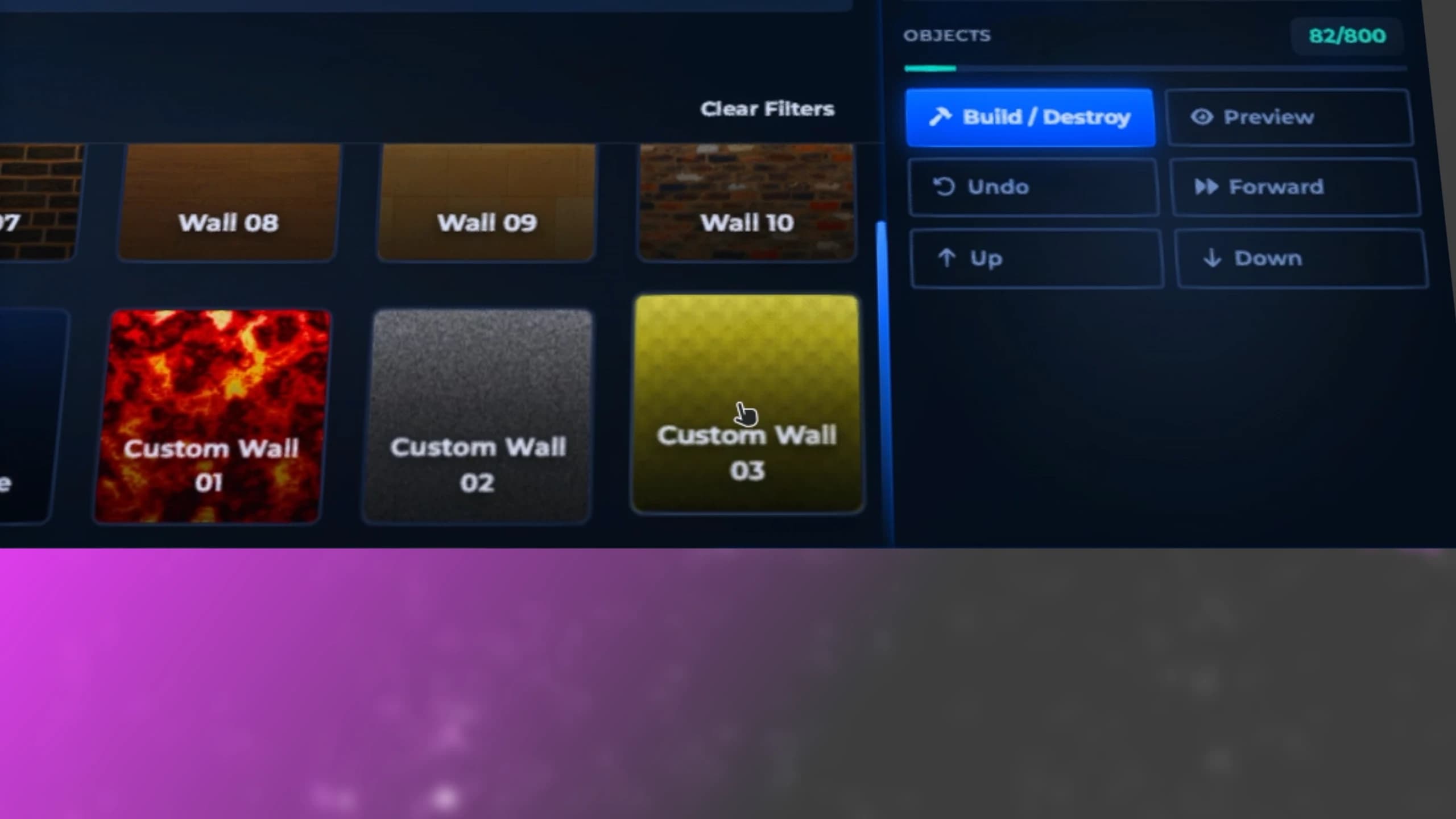
Unlimited Combinations
Unlock over 500 combinations of walls, floors, ceilings, textures, materials, colors, and structural elements to create truly unique interiors. Design luxury homes, apartments, offices, motels, commercial buildings, and countless custom layouts with virtually unlimited creative possibilities.
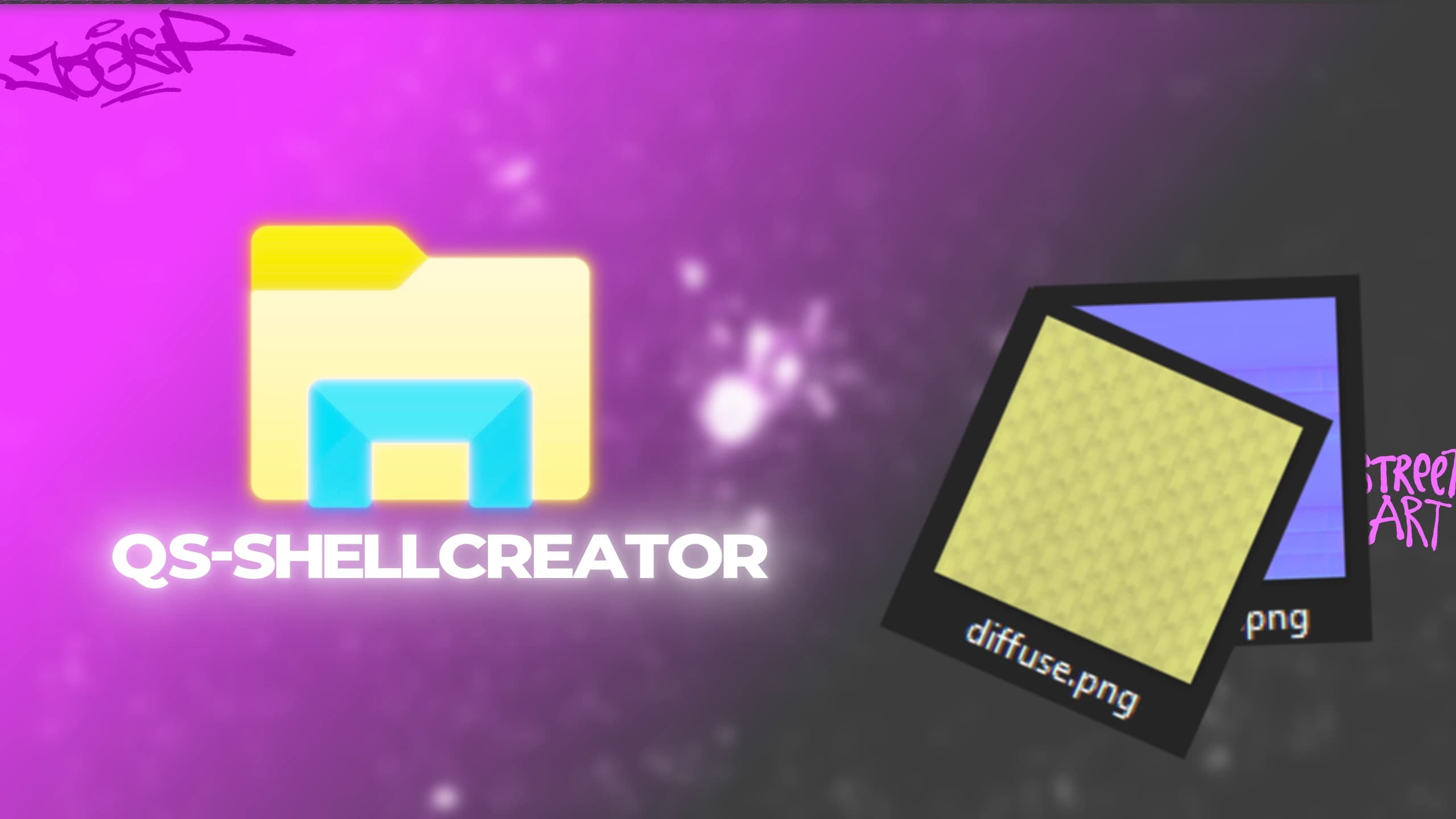
Custom Materials
Personalize every interior by importing your own images as custom textures. Design unique walls, floors, artwork, signs, murals, and decorative surfaces that perfectly match your server's style, giving every property a truly one-of-a-kind appearance.
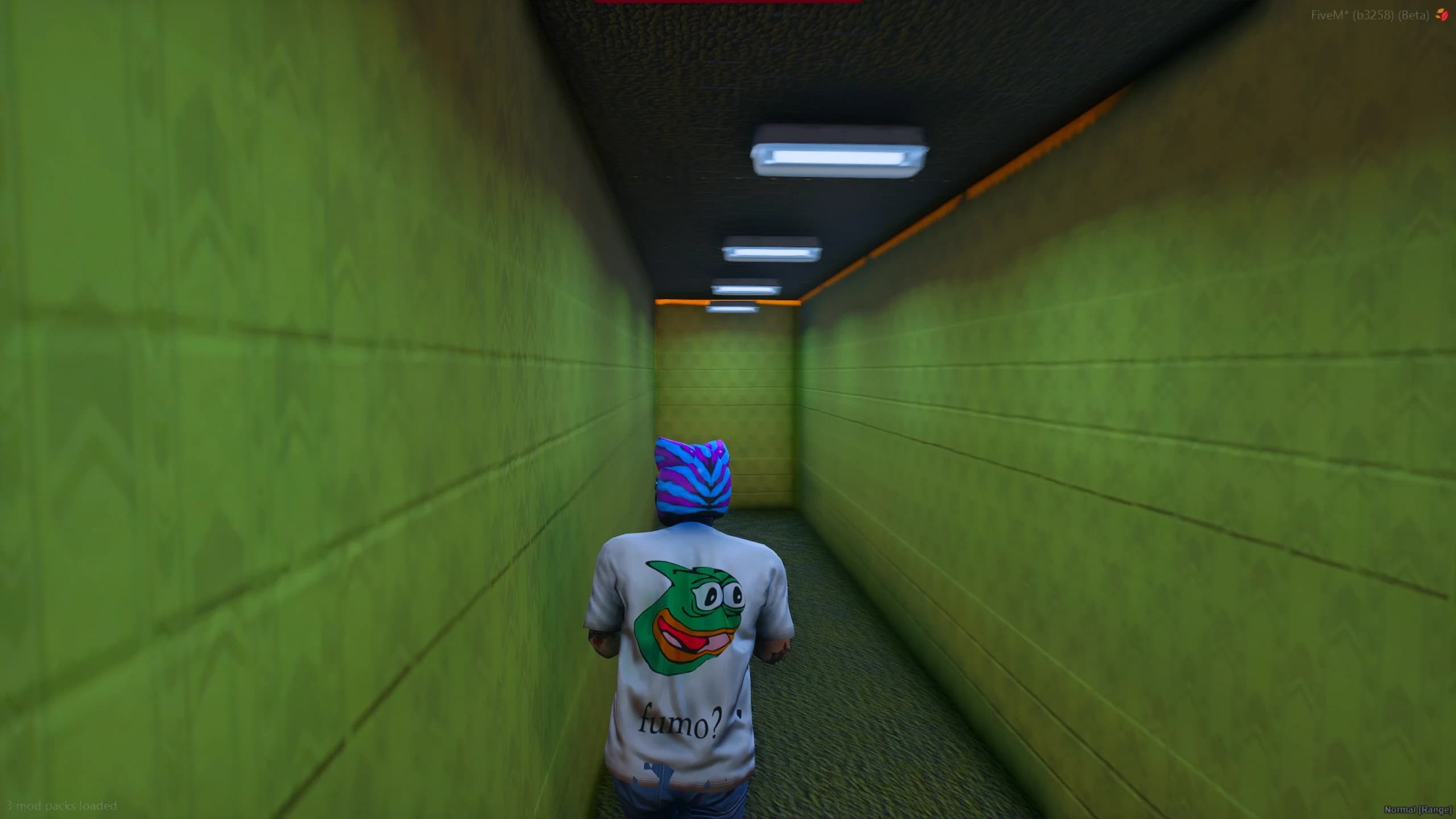
Unlimited Creativity
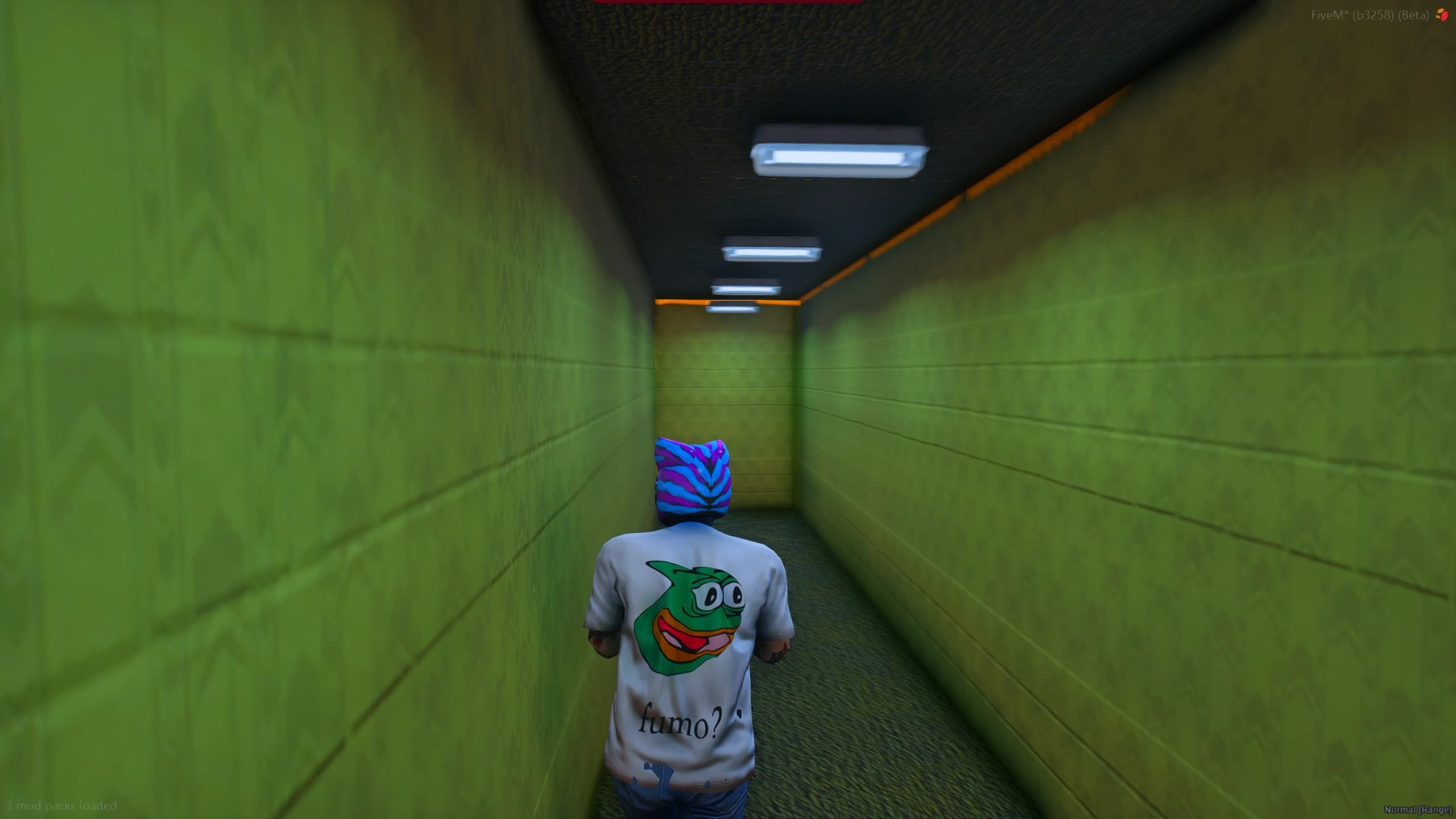
From luxury penthouses and modern offices to abandoned bunkers, underground laboratories, shopping malls, or even eerie Backrooms-inspired environments, Shell Creator gives you complete creative freedom to build any scene your roleplay server needs—without limits or external assets.
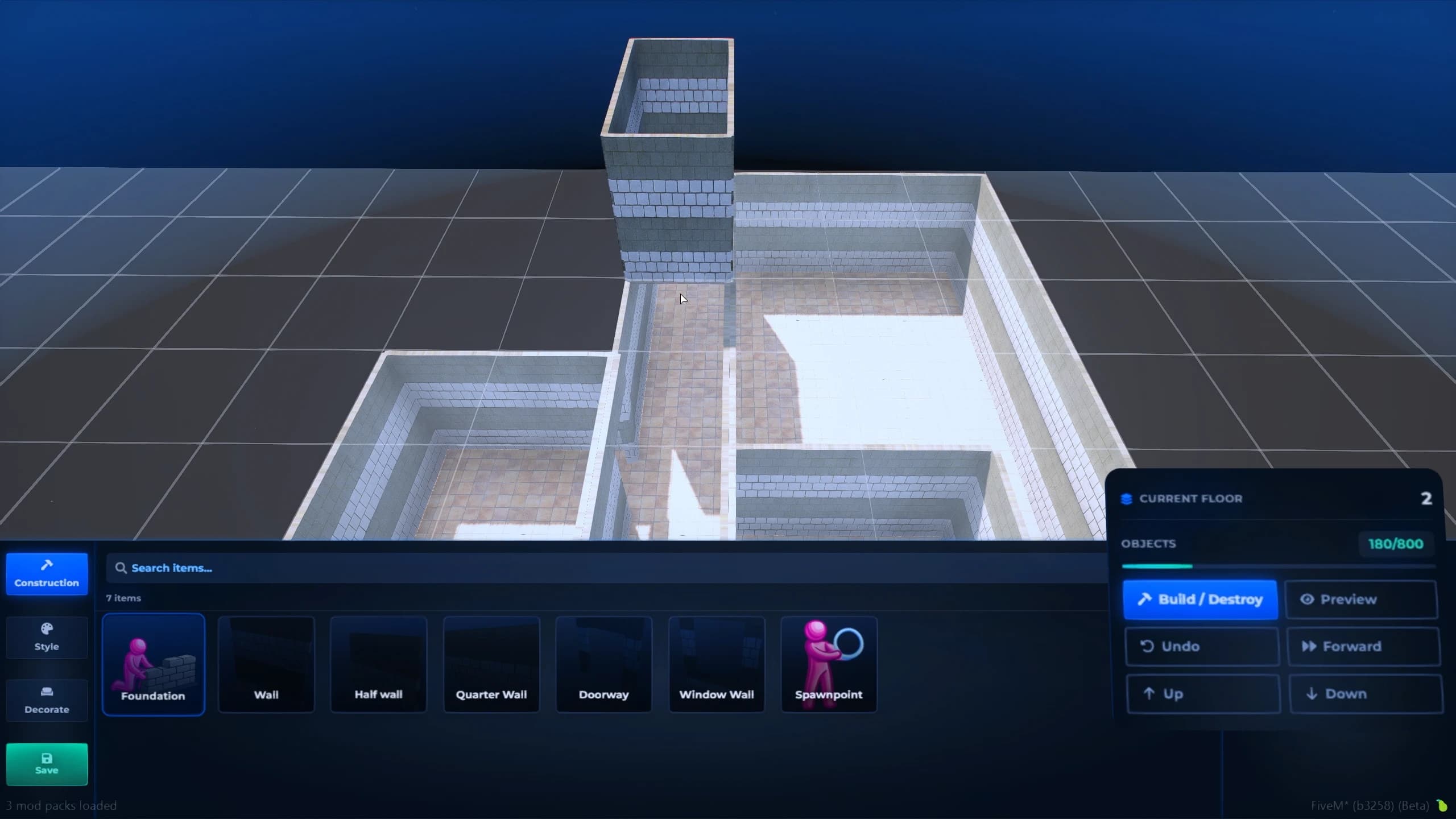
Multi-Level Design
Design multi-story interiors without restrictions. Build apartments, luxury penthouses, hotels, office buildings, shopping centers, and complex properties with as many floors as your imagination requires, creating truly unique vertical spaces for your server.
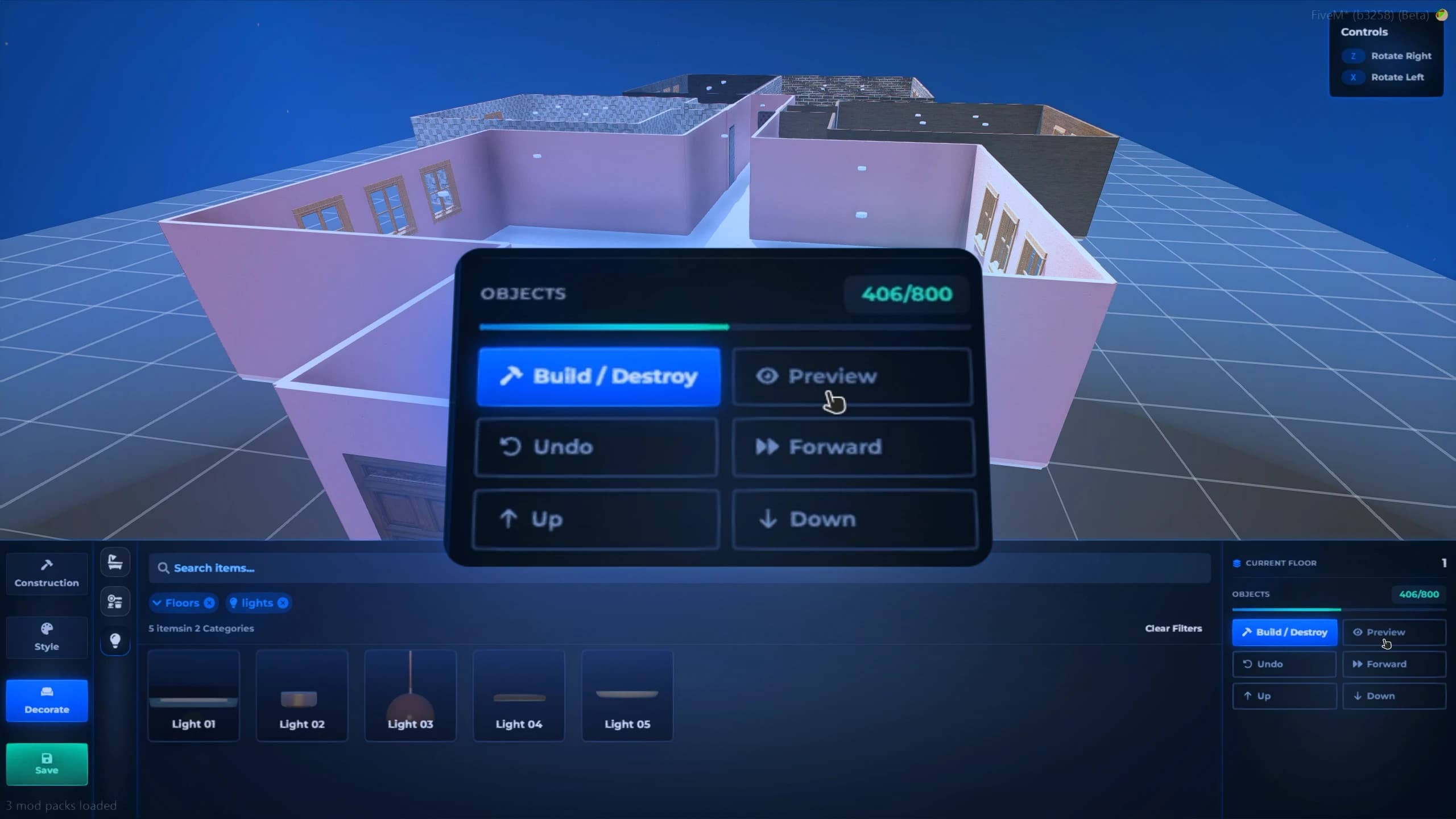
Live Preview
Preview your shell in real time before making it available to players. Walk through every room, inspect layouts, verify furniture placement, test doors, lighting, and decorations, then publish with confidence once everything looks exactly the way you envisioned.
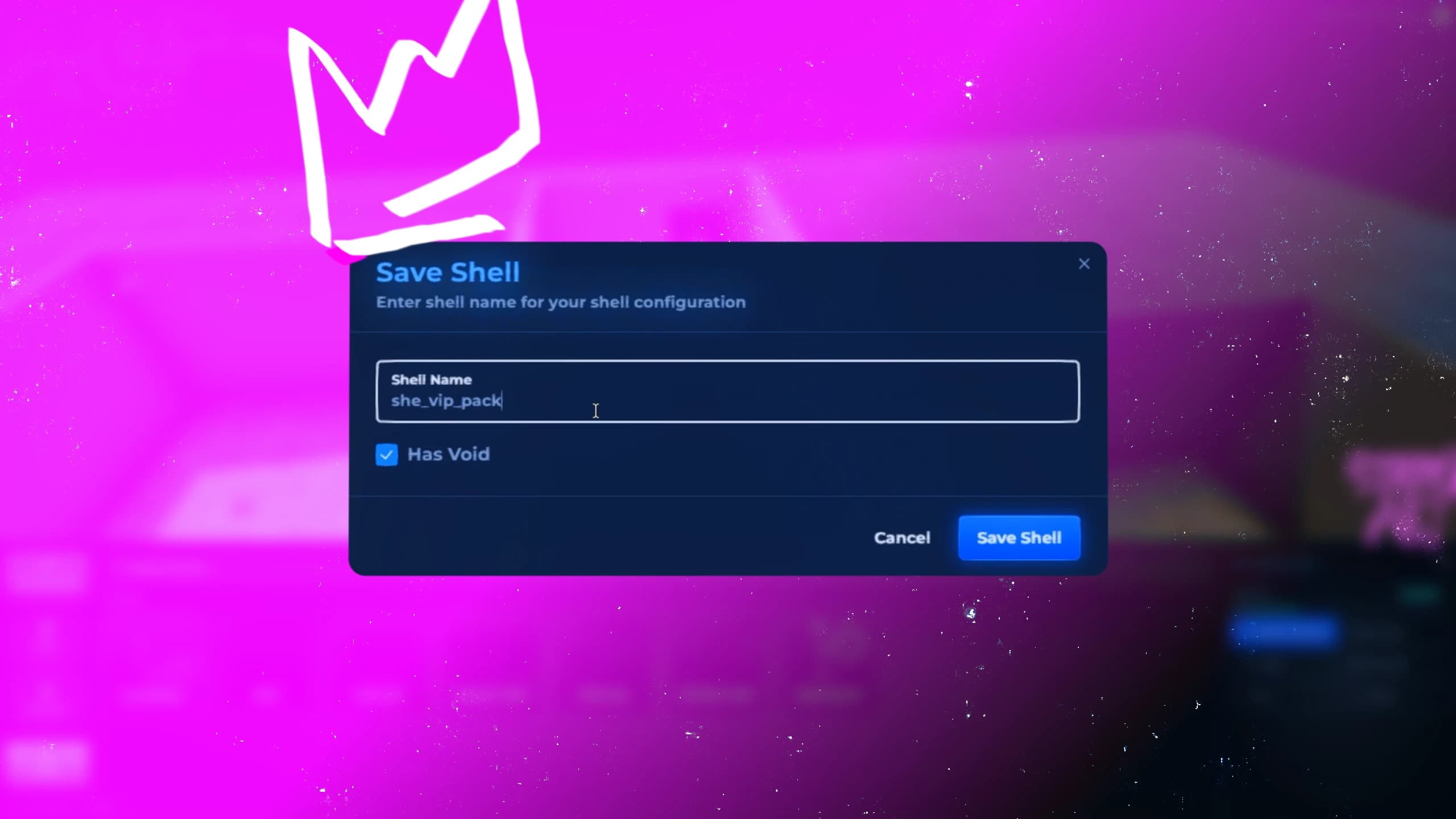
Universal Compatibility
Export your custom shells to virtually any FiveM housing system with ease. Copy, import, and reuse your interiors without compatibility layers or complex conversions, making it simple to integrate your creations into Quasar Housing or any other housing resource.
Frequently Asked Questions
Find answers to the most common questions about creating custom shells, exporting interiors, compatibility, and building without code.
Recommended
Combine Shell Creator with other Quasar resources to build the ultimate housing experience.
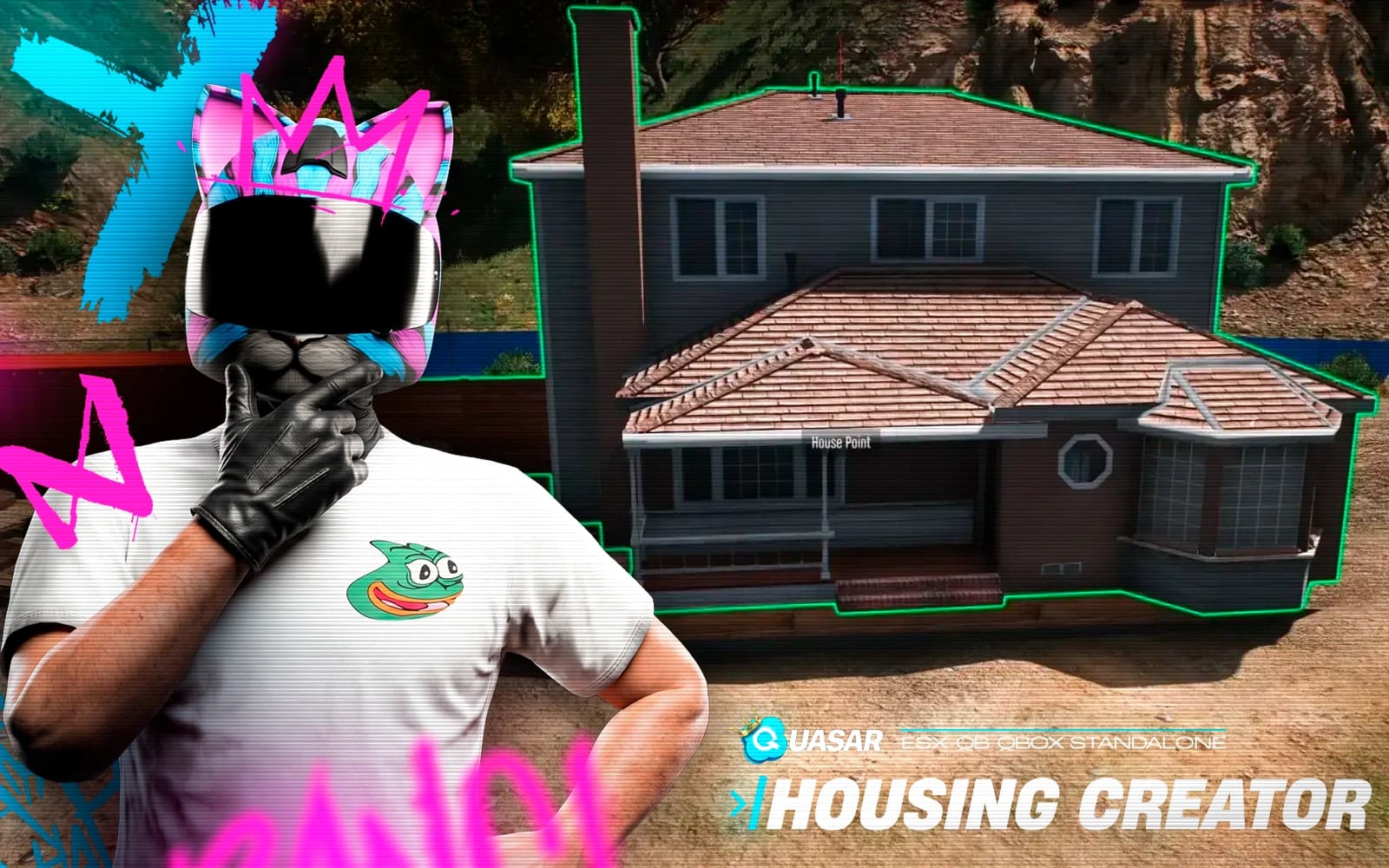
Quasar Housing is the most advanced FiveM Housing Script, delivering realistic home ownership, rentals, Real Estate Agencies, dynamic furniture placement, interior customization, Pets, Garbage System, usable beds, interactive telescopes, decorative carpets, premium property management, and immersive roleplay mechanics. Build apartments, luxury villas, motels, or neighborhoods with endless customization, optimized performance, and full compatibility with QBCore, ESX, QBox & Standalone.

A realistic biker clubhouse MLO with bar interior, dynamic terrace, and connected weed shop. Includes a configurable storage system with multiple modes, perfect for immersive criminal and social roleplay.
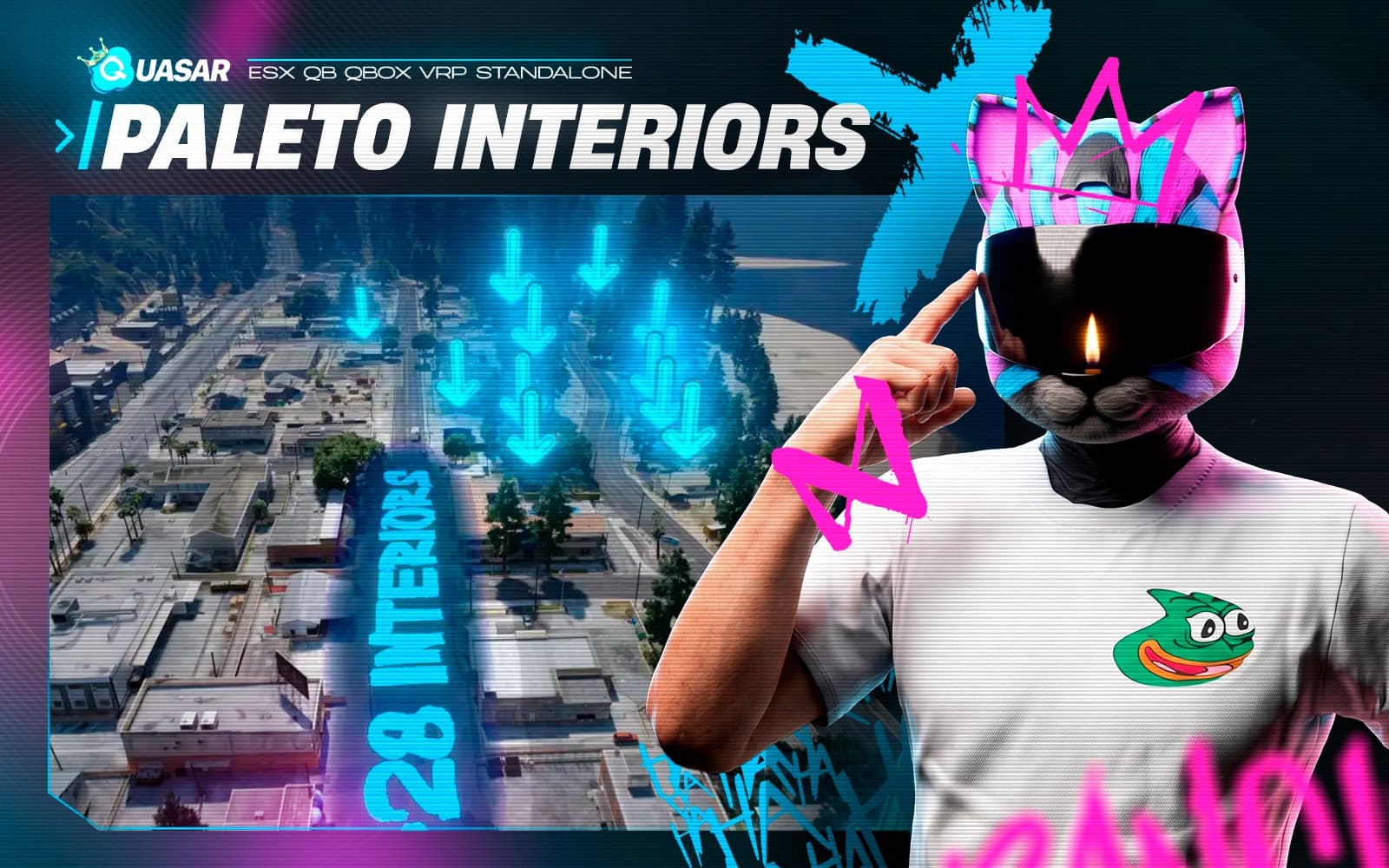
A massive housing MLO pack featuring 28 empty house interiors across Paleto Bay. Fully prepared for decoration systems, housing roleplay, rentals, and immersive residential gameplay.

Quasar Starter Pack lets you create fully customizable starter experiences for new players in FiveM. Build unique careers, starter kits, vehicles, currencies, and rewards through an intuitive in-game creator, improving onboarding, player retention, and long-term roleplay progression.
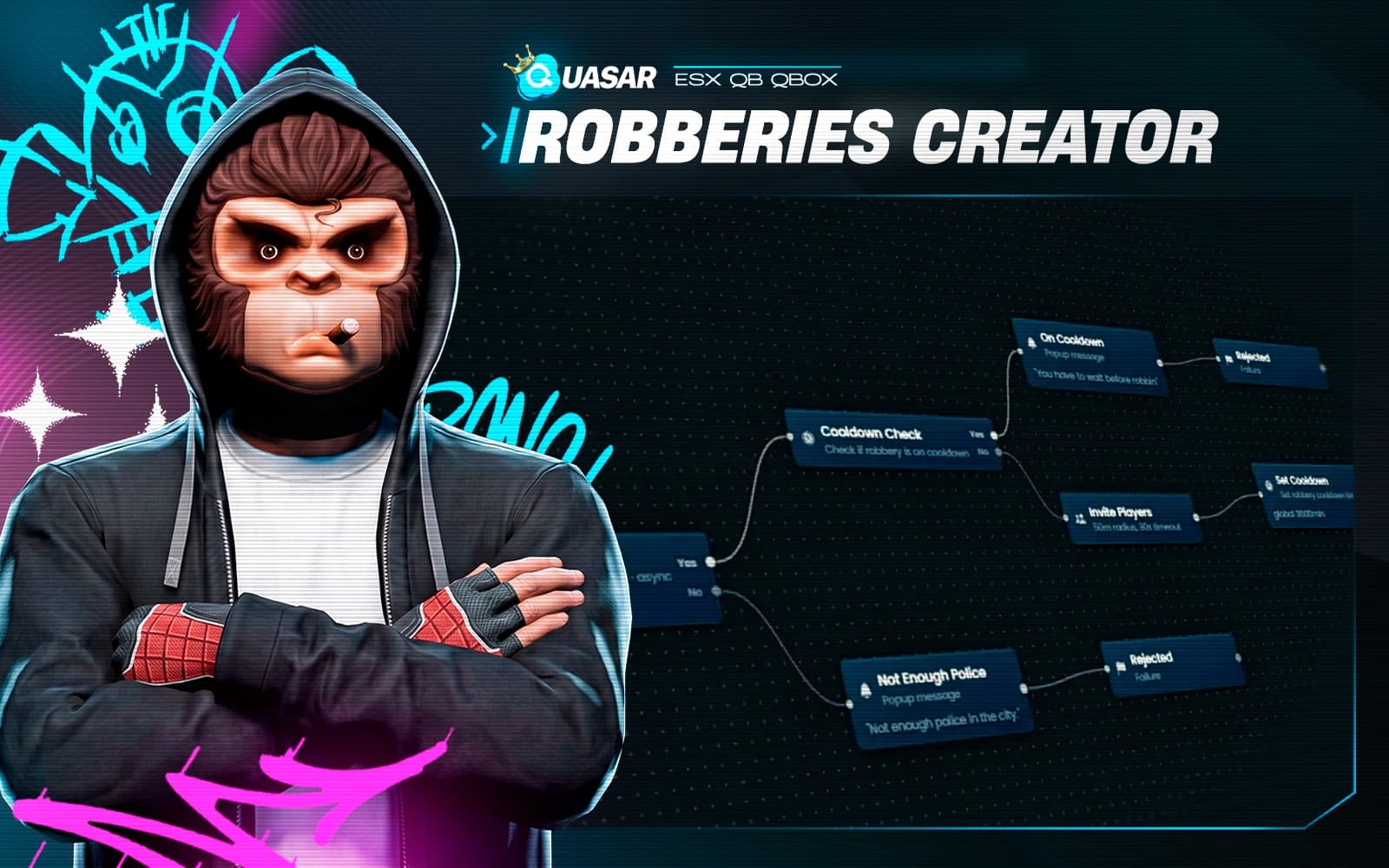
Quasar Robberies Creator is a powerful FiveM robbery framework that lets you create custom heists, missions, and criminal events with a visual editor—no coding required. Design objectives, NPCs, rewards, cutscenes, hacking, dynamic events, and gameplay flows for immersive roleplay. Fully compatible with ESX, QBCore, and Qbox.
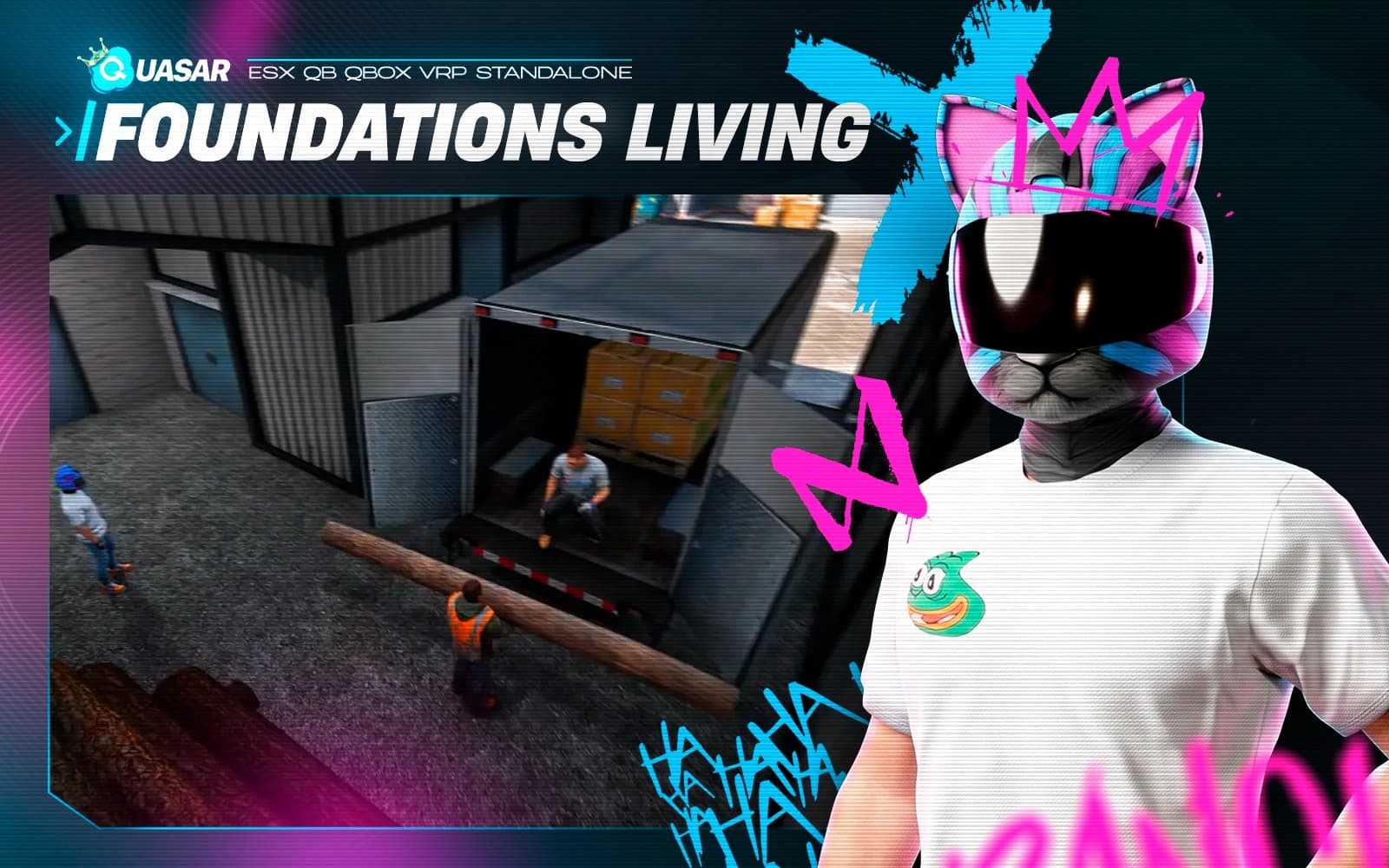
A premium MLO pack with 4 functional interiors designed for jobs and real roleplay scenarios. Includes a power station, park cabin, lumberjack interiors, and an electronics shop, delivering practical and immersive environments.
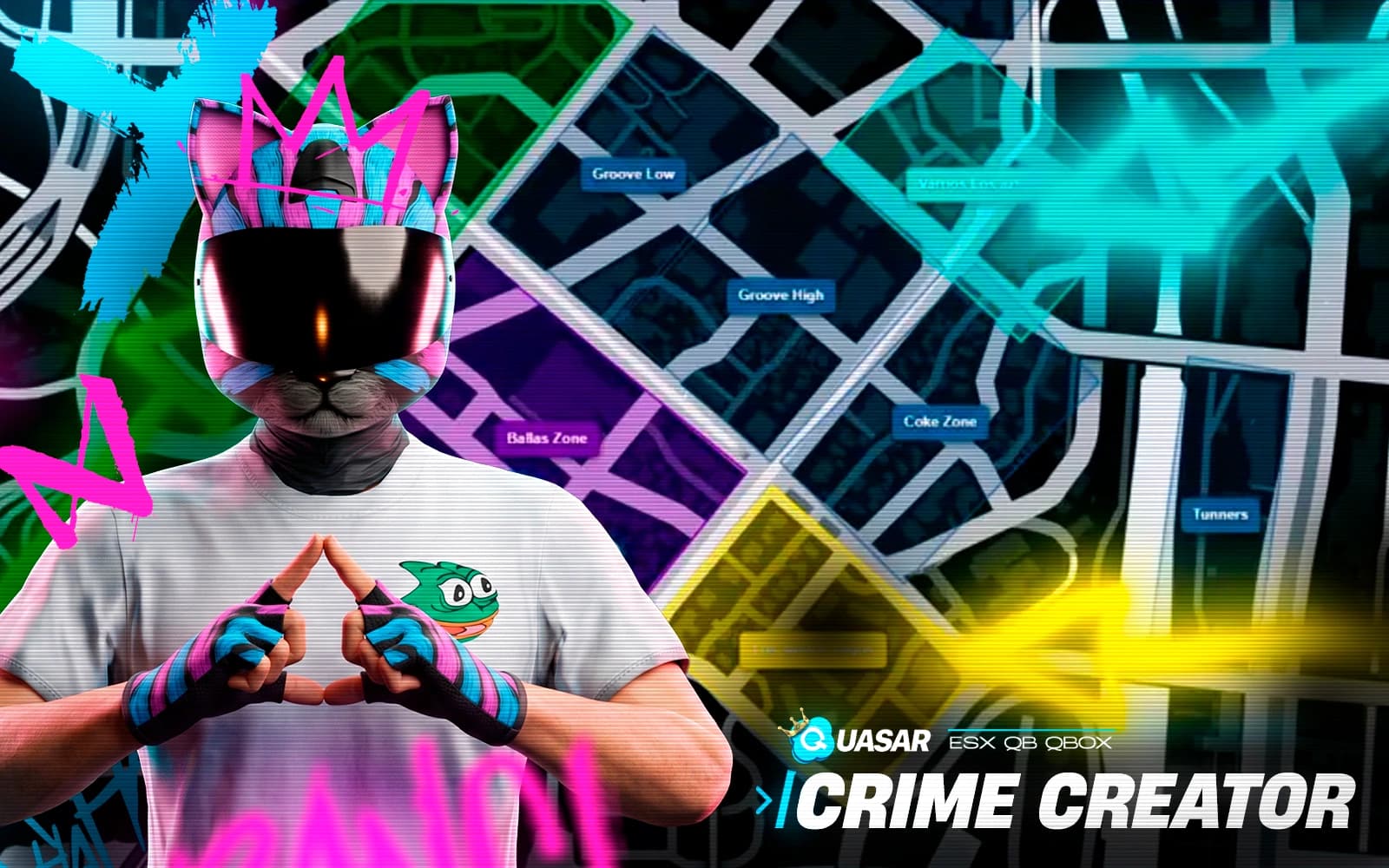
Build complete criminal ecosystems directly in-game with gangs, territories, missions, graffiti, and illegal activities. Includes gang housing, season pass progression, wars, and territory control systems designed for immersive FiveM crime roleplay.

Quasar Multicharacter 2.0 is a modern FiveM multicharacter system with immersive character selection, identity creation, and an advanced spawn selector. Designed for ESX, QB, QBCore, and Qbox, it delivers a fast, customizable, and seamless roleplay experience.

A powerful HUD and interface system designed to give servers full control over their user interface. Customize layout, colors, position, chat style, and visual elements directly in-game while adapting the interface to your server’s roleplay style and branding.

An advanced treasure hunting system built for cooperative gameplay. Players explore beaches, dive underwater, and uncover ancient ruins using metal detectors, scuba gear, and co-op mini-games, creating a deep and immersive experience focused on exploration, teamwork, risk, and rewards.

The ultimate luxury yacht system for FiveM. Fully interactive yachts with native GTA features upgraded, ownership, progression, decoration, music, and value-based unlocks for true high-end roleplay.
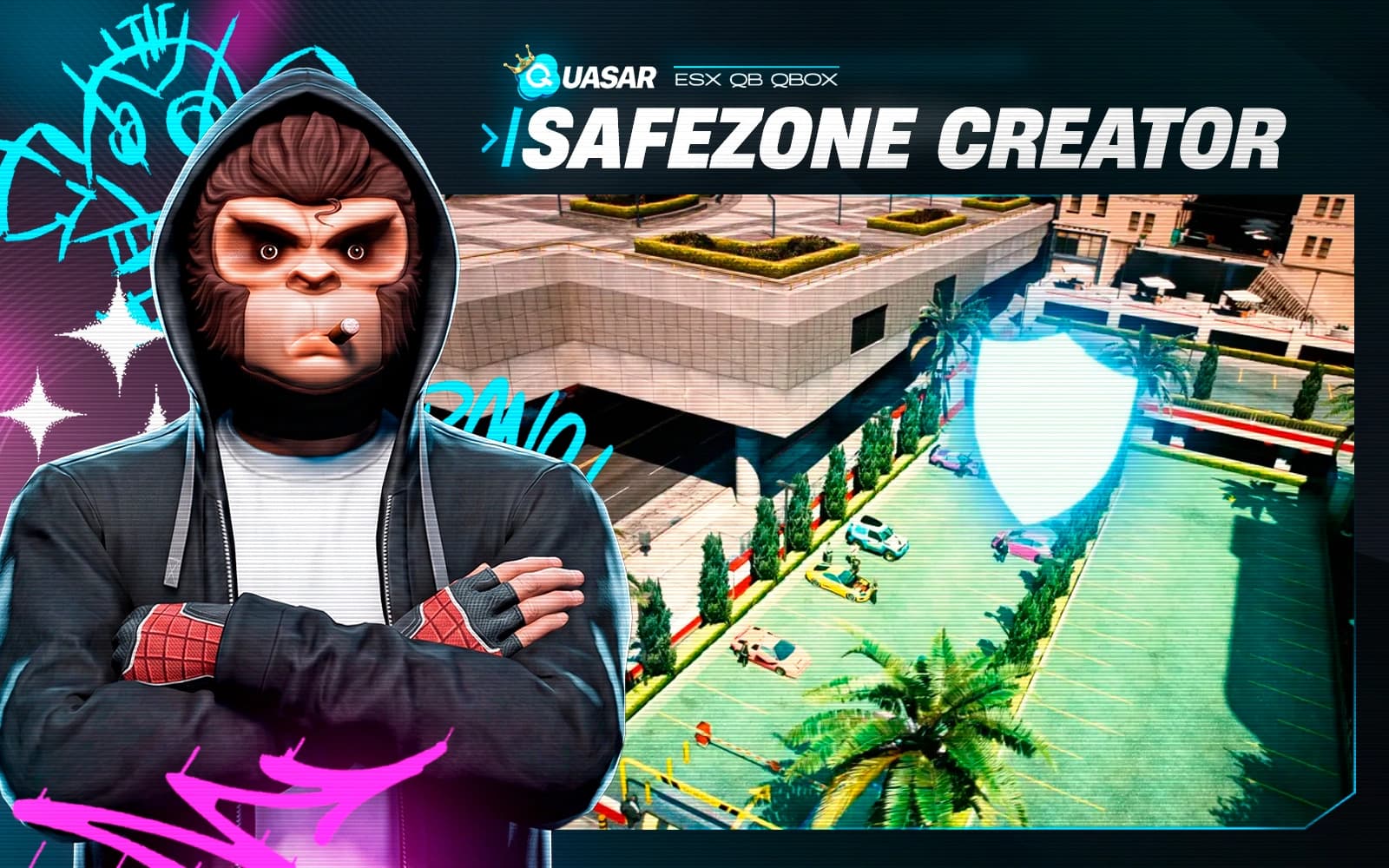
A powerful system that lets you create safe zones where players cannot shoot, die, or fight. Zones can optionally heal players on entry and display custom notifications. With a simple in-game creator, zones are easy to place, edit, and manage, making it perfect for hospitals, spawn areas, events, or social hubs.

A powerful system that lets players sit anywhere in the world with total freedom and precision. Before sitting, they can preview position and rotation, adjust placement in real time, and choose the perfect spot for natural animations. Ideal for immersive roleplay, cinematics, and social interactions.
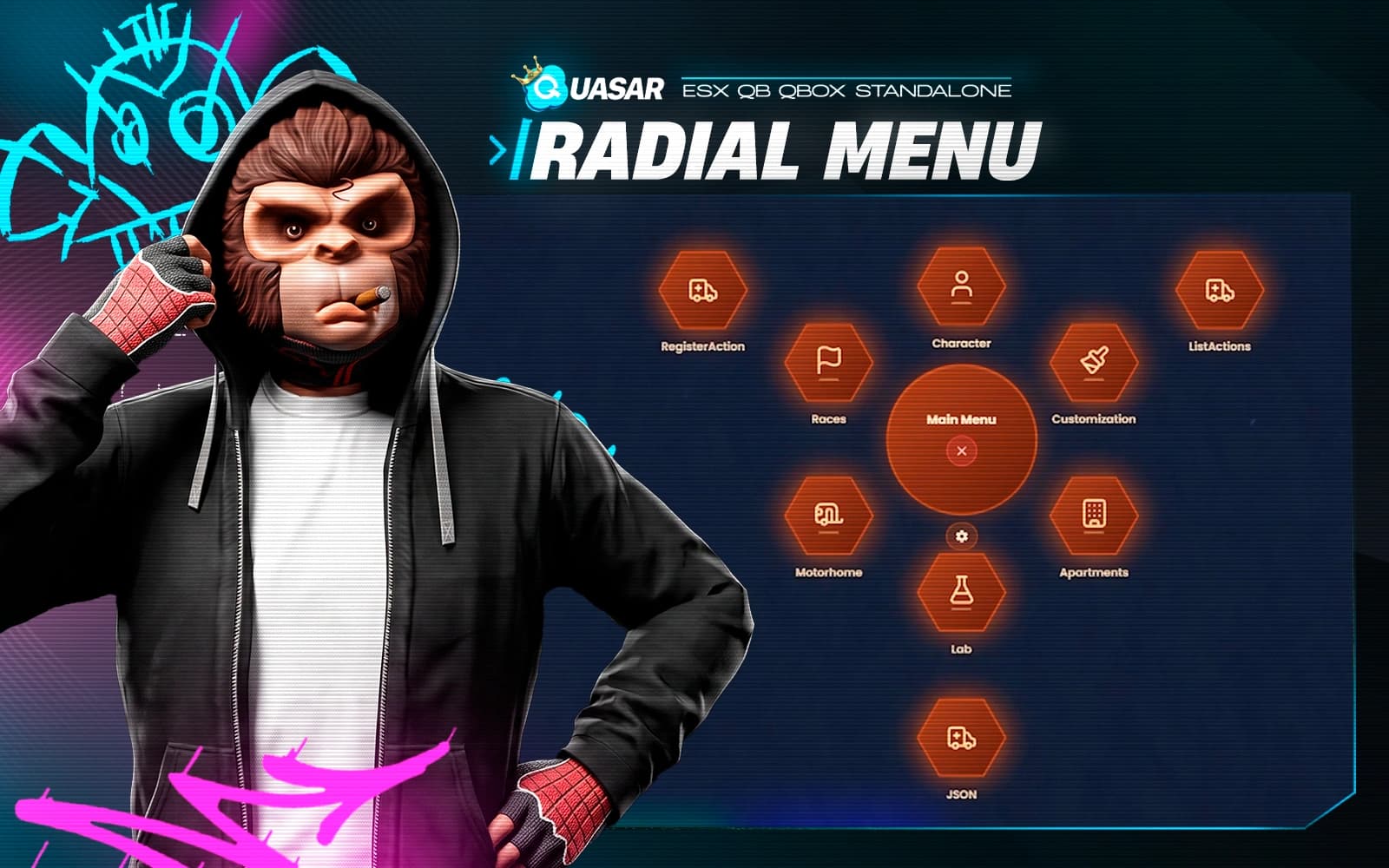
FiveM radial menu creator with a visual editor: build categories, submenus and custom keybinds in game, with live preview and no config files.
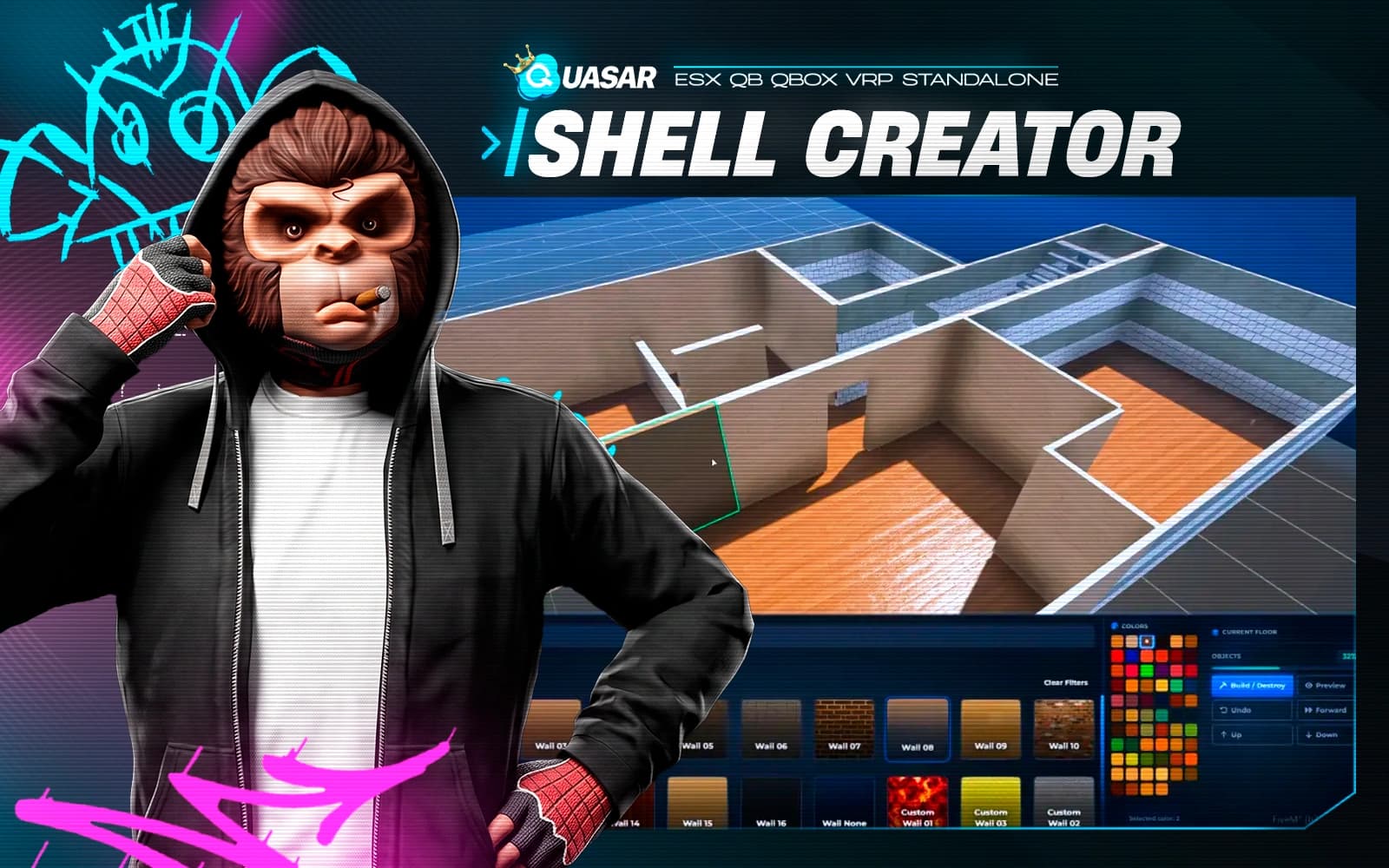
An advanced in-game system that lets you create custom interior shells visually, without any programming knowledge. Design unique interiors using hundreds of wall, ceiling, texture, and material combinations, preview them in real time, and save instantly. Perfect for expanding housing systems without buying external shells.
Need a hand
Our team answers setup, framework compatibility and integration questions before and after purchase.