
How to Create Furniture In-Game in FiveM with Quasar Housing (No Code Required)
Learn how to create custom furniture in-game with Quasar Housing for FiveM. No coding required: spawn props, position them, take in-game photos, customize colors and add stash or wardrobe functionality. Fully compatible with ESX, QBCore, QBox and Standalone servers.
ImNotQuasar

Creating custom furniture in FiveM has always meant editing config files, touching code, restarting servers… until now.
With Quasar Housing, you can create, customize and publish furniture directly in-game, without writing a single line of code. This system turns your FiveM server into a real interior design sandbox, fully compatible with ESX, QB, QBCore, QBox and Standalone.
If you run a roleplay server, this is one of the most powerful features ever added to a housing system.
🔗 Product page:https://www.quasar-store.com/product/housing-creator
What Is the In-Game Furniture Creator?

The Furniture Creator inside Quasar Housing allows you to:
This means admins, builders and designers can work directly inside FiveM.
Step 1 – Prepare Your Server (Important)
Before creating furniture, you must temporarily enable image uploads.
Add your FiveManage token
Quasar Housing uses fivemanage.com to upload furniture preview images.
In your config/fivemanage.com, temporarily add your token:
⚠️ Without this token, images will not upload correctly. Once furniture is created, you can keep or remove the token as needed.
Step 2 – Open the Furniture Creator In-Game

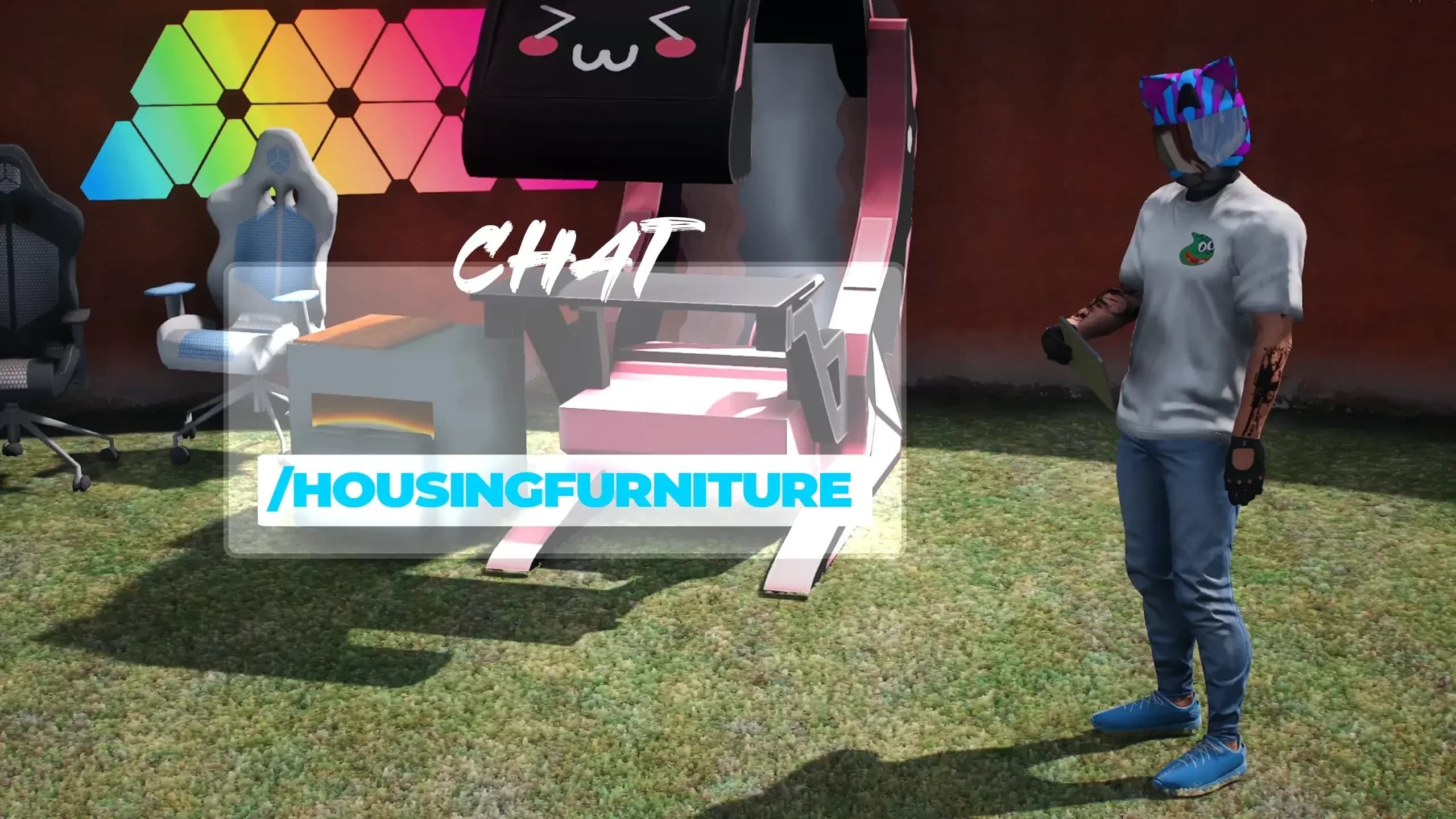
Go in-game and use the command:
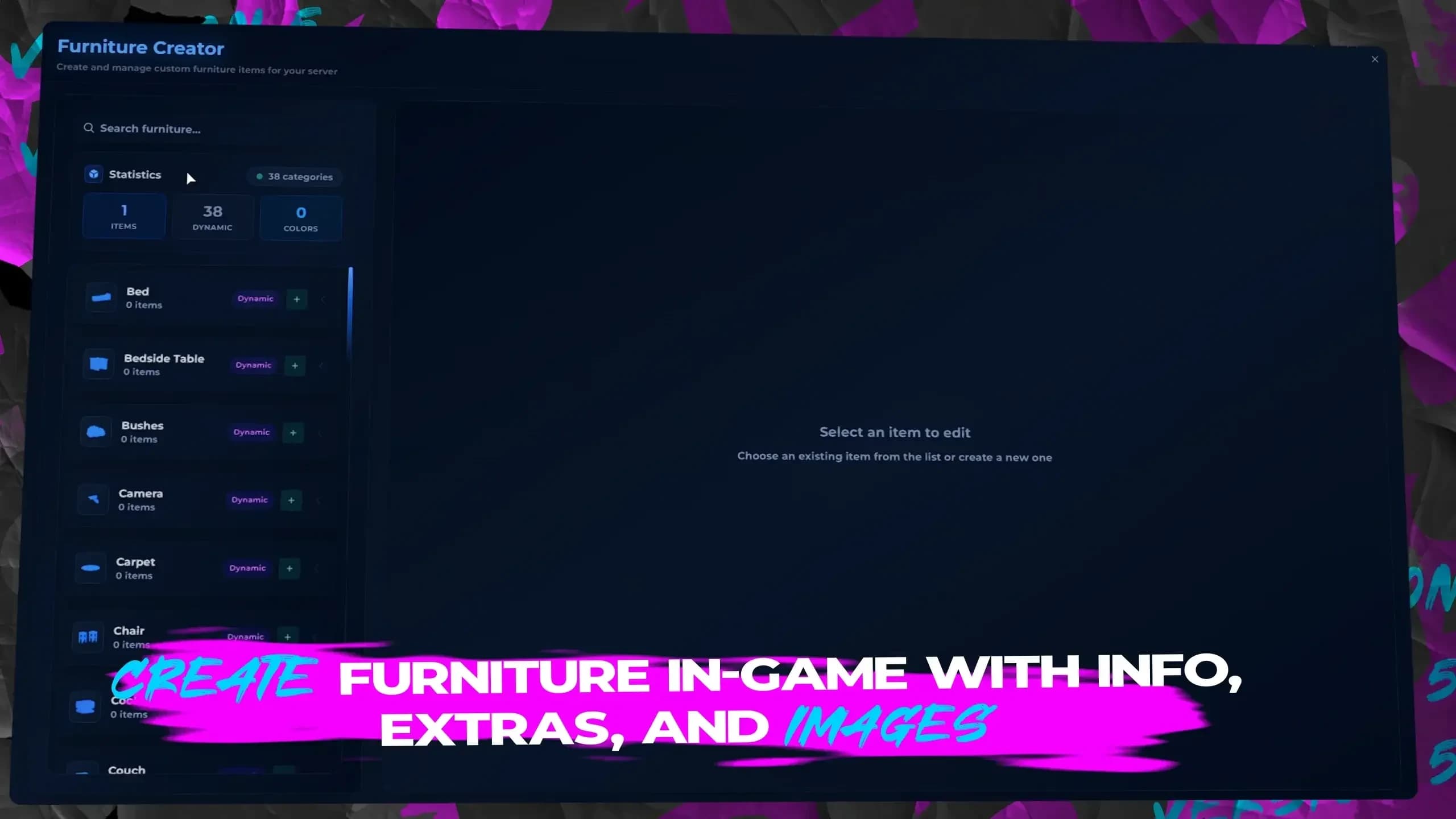
This opens the Furniture Creator menu, where everything happens visually.
No configs. No scripts. No restarts.
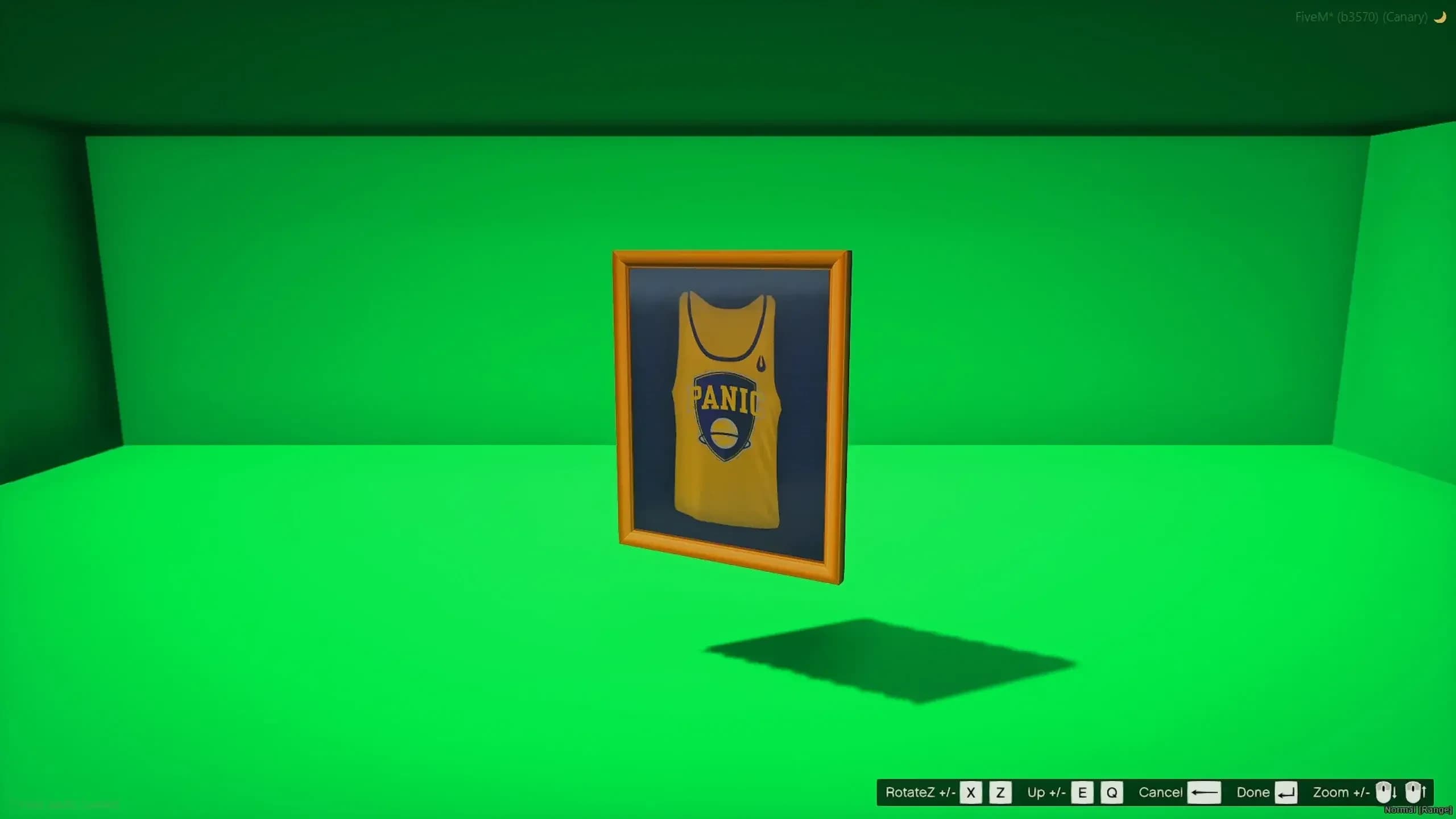
Step 3 – Spawn and Position the Prop

Inside the menu:
This same positioning is used later for the preview image, so take your time.
Step 4 – Take the In-Game Furniture Photo

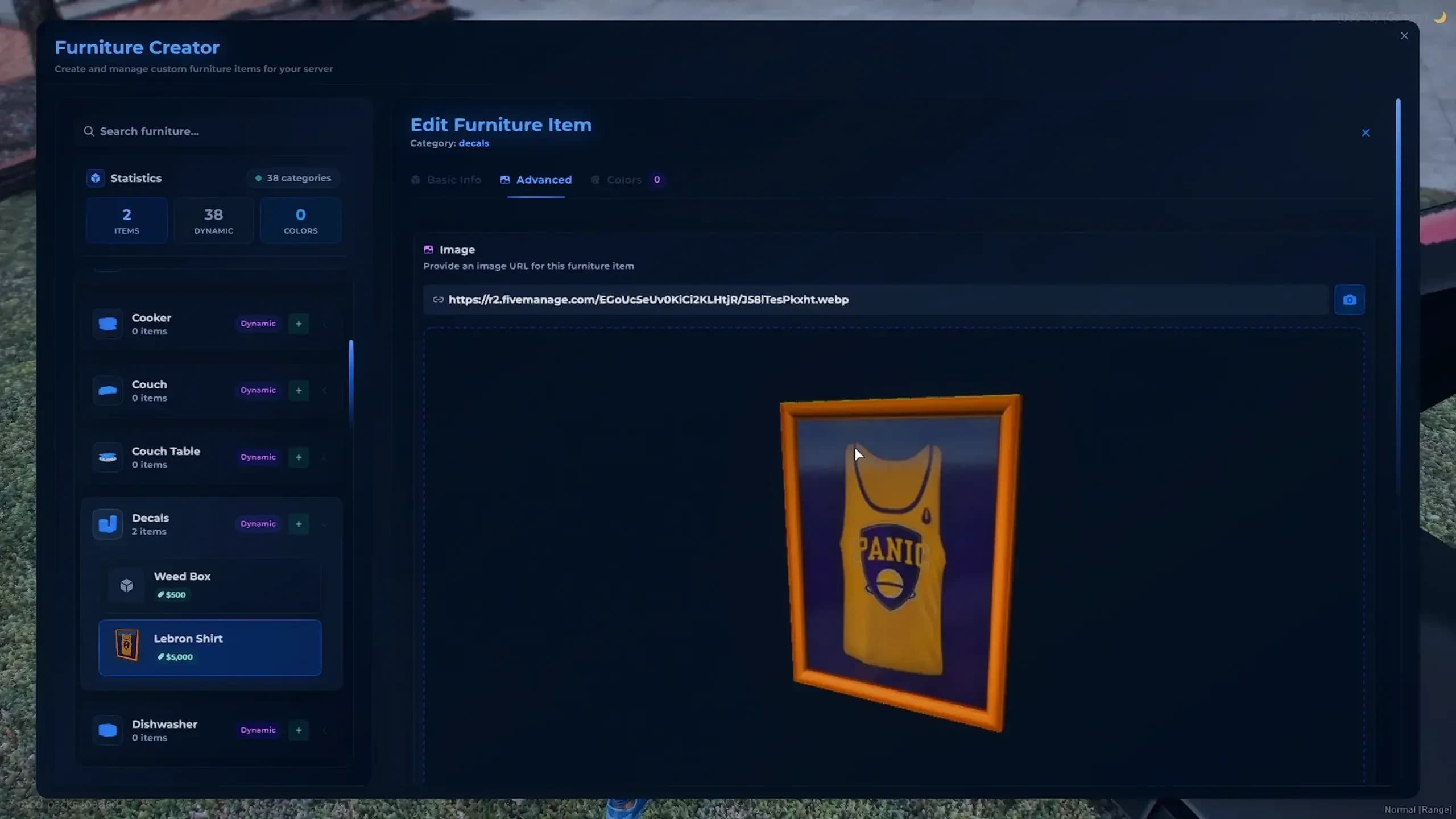
Once the prop looks exactly how you want it, you can take the in-game preview photo directly from the Furniture Creator menu.
At this moment, Quasar Housing automatically captures the image, uploads it to FiveManage, and assigns it to the furniture item. The generated image is then used across the entire system, including housing decoration menus, furniture lists, and UI previews.
The result is a clean, professional, AAA-level presentation, created in just a few seconds without touching any code.
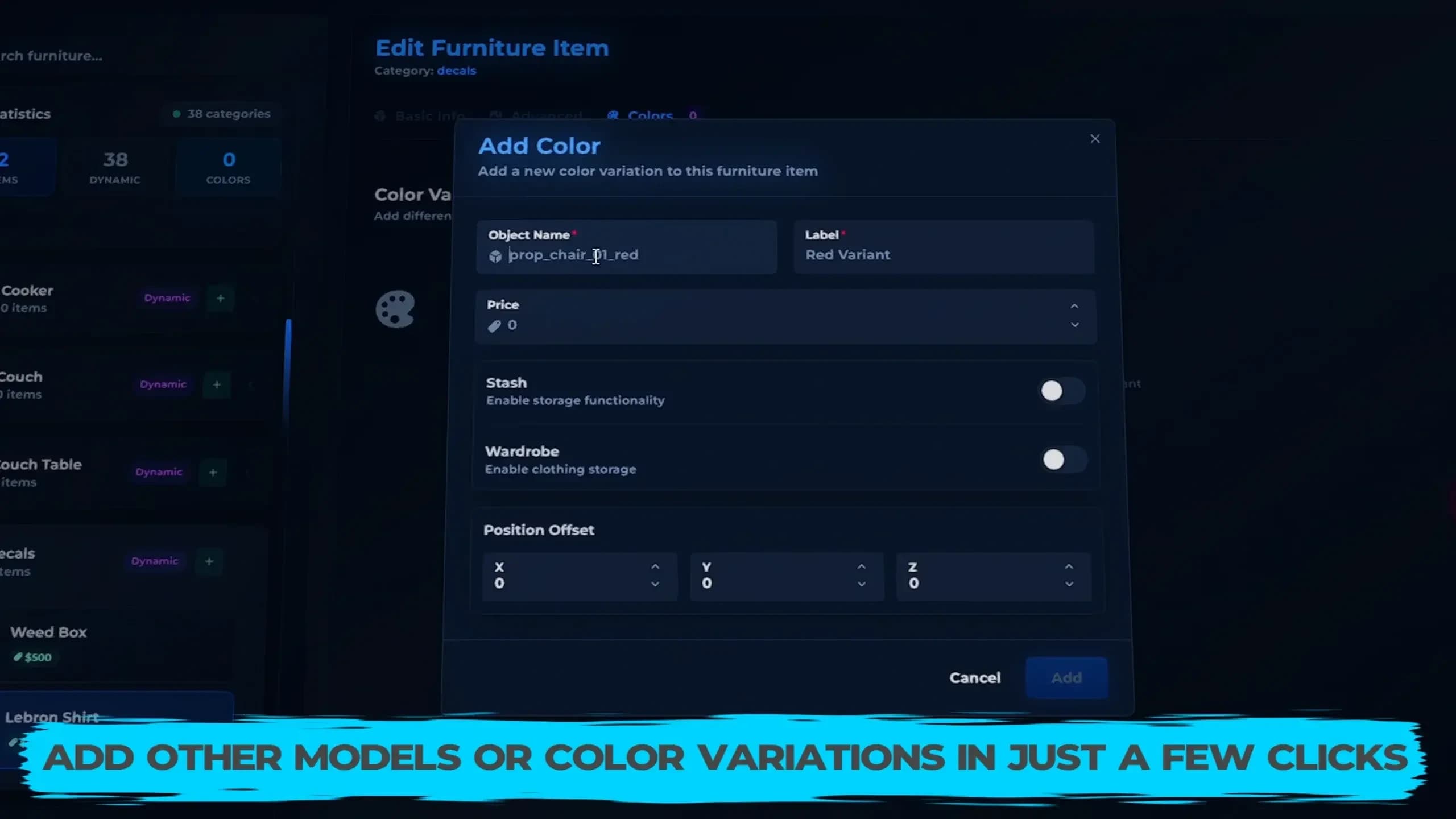
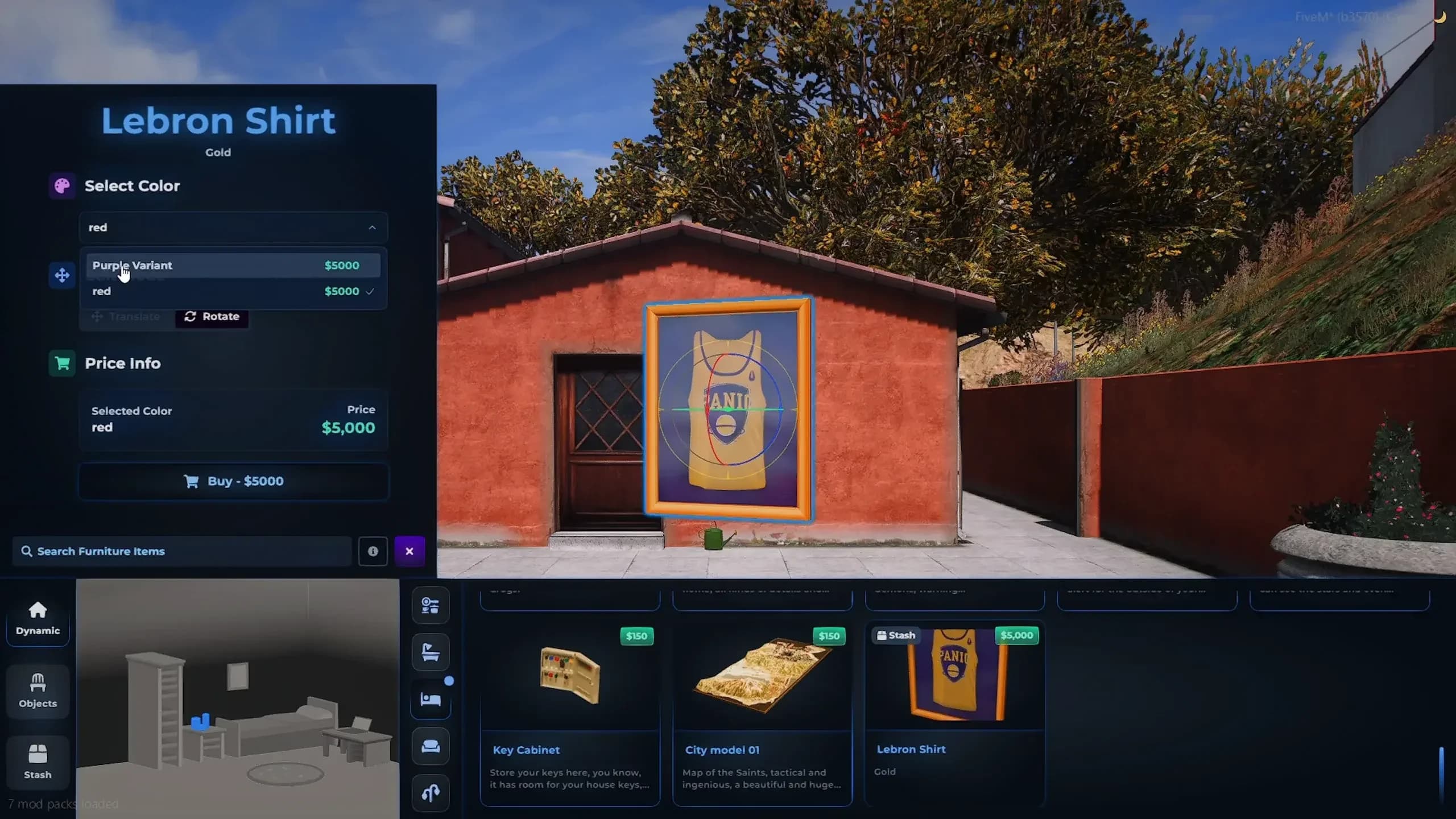
Step 5 – Customize Colors & Variants

You can now customize:
These act as furniture categories, allowing multiple visual styles for the same item — perfect for realism and variety.
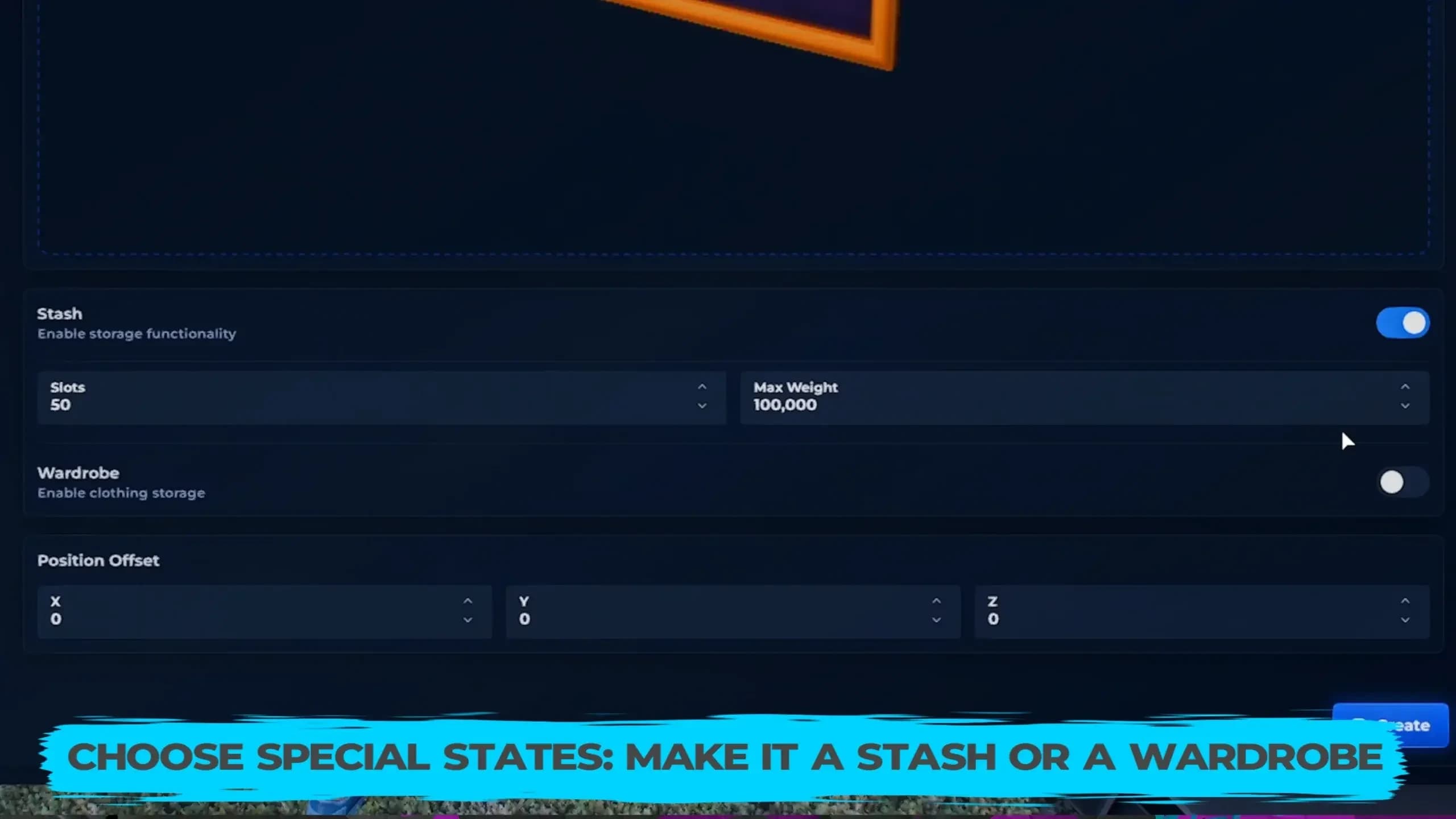
Step 6 – Add Functionality (Stash / Wardrobe)

This is where Quasar Housing goes beyond decoration.
You can assign:
A closet becomes a real wardrobe. A cabinet becomes usable storage. Furniture becomes gameplay.
Step 7 – Save & Use Instantly

Once saved:
Players can immediately place and use it inside their houses.
Why This System Changes FiveM Housing Forever
This is why Quasar Housing is considered one of the most advanced FiveM housing systems ever made.
Quasar Housing & Ecosystem
🏠 Quasar Housing Creator: https://www.quasar-store.com/product/housing-creator
📚 Documentation & Guides: https://docs.quasar-store.com
🛒 All Quasar FiveM Scripts: https://www.quasar-store.com
Official Trailer – Furniture Creator in Action
Watch the full trailer here:
This video shows the complete in-game furniture creation flow, from prop placement to final result.
Comments (0)
Loading...
Related Articles
Continue reading similar content

Quasar Item Converter: Convert Any FiveM Inventory Items to Quasar Format Instantly
Quasar Item Converter lets you instantly convert items from ox_inventory, qb-inventory or esx_inventory into qs-inventory format. Auto-detection, safe exports and clean copy-paste output make inventory migration fast and error-free for FiveM servers.

A Safehouse in the Hills Is Here: How to Enable the New GTA V DLC in FiveM
Learn how to enable the GTA V DLC A Safehouse in the Hills in FiveM. Step-by-step guide to update GTA V, FiveM artifacts, set gamebuild 3717, edit CitizenFX.ini, update bob74_ipl, and use the new mansions as MLOs on ESX, QBCore and QBox servers.

Quasar Housing Update: 6 New Island Properties Redefining FiveM Real Estate
Quasar Housing update adds 6 new island property models to FiveM, expanding luxury housing and real estate gameplay for ESX, QB/QBCore, QBox and Standalone servers. Create exclusive island homes, VIP properties and unique RP locations with next-gen Quasar Housing.
Subscribe to our newsletter
Get the latest posts and updates delivered directly to your inbox. No spam, ever.
Join 1,000+ subscribers • Unsubscribe at any time